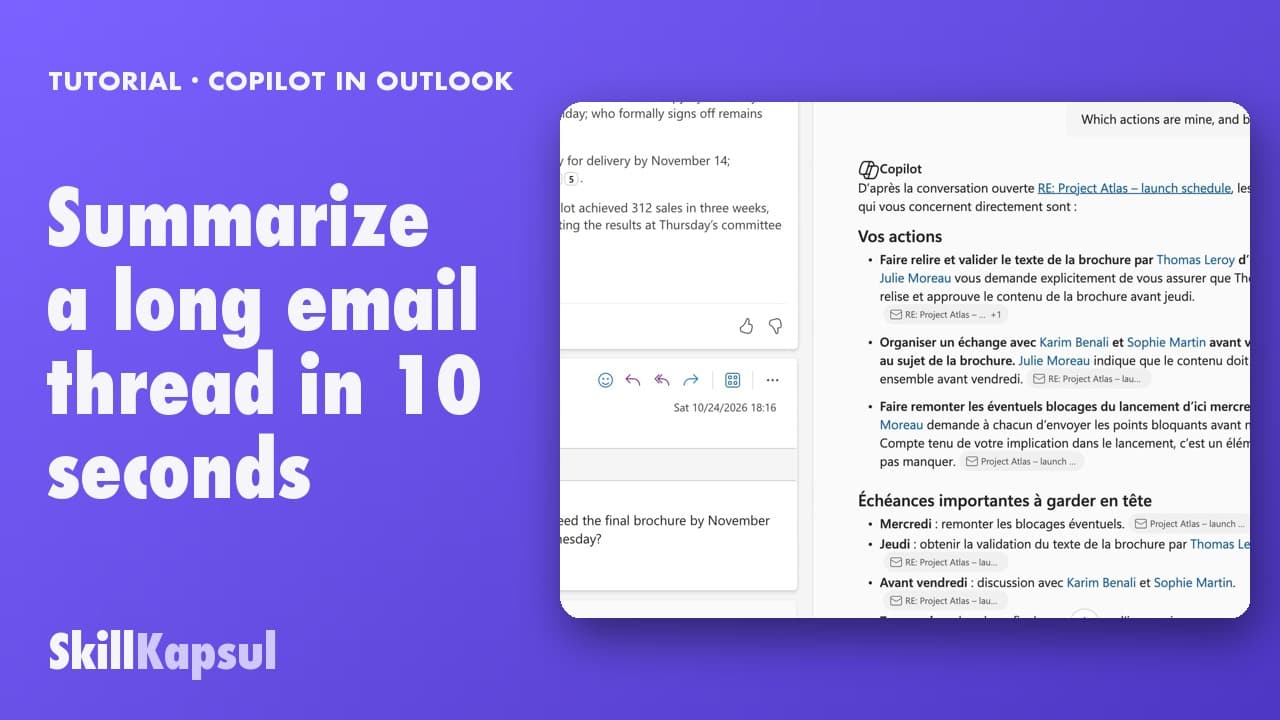
 010:35
OutlookBeginner
Copilot in Outlook: summarize a long email thread in 10 seconds
You walk away from a fifteen-message thread with the decisions, actions and deadlines written down, without reading every word.
Copilot in Outlook
Catalogue
One capsule = one skill, filmed on the real tool, in under a minute.
010:35You walk away from a fifteen-message thread with the decisions, actions and deadlines written down, without reading every word.
Copilot in Outlook
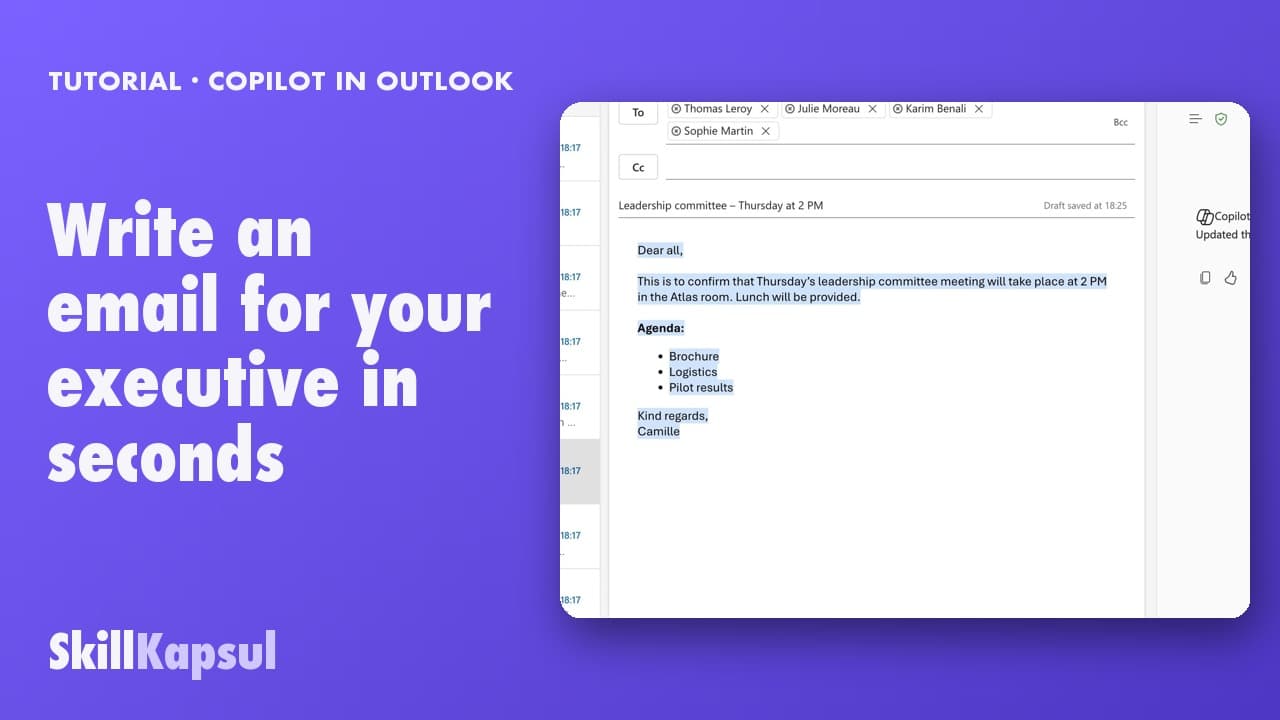 020:38
You get a first draft in one click, ready to correct, sign and send yourself.
Copilot in Outlook
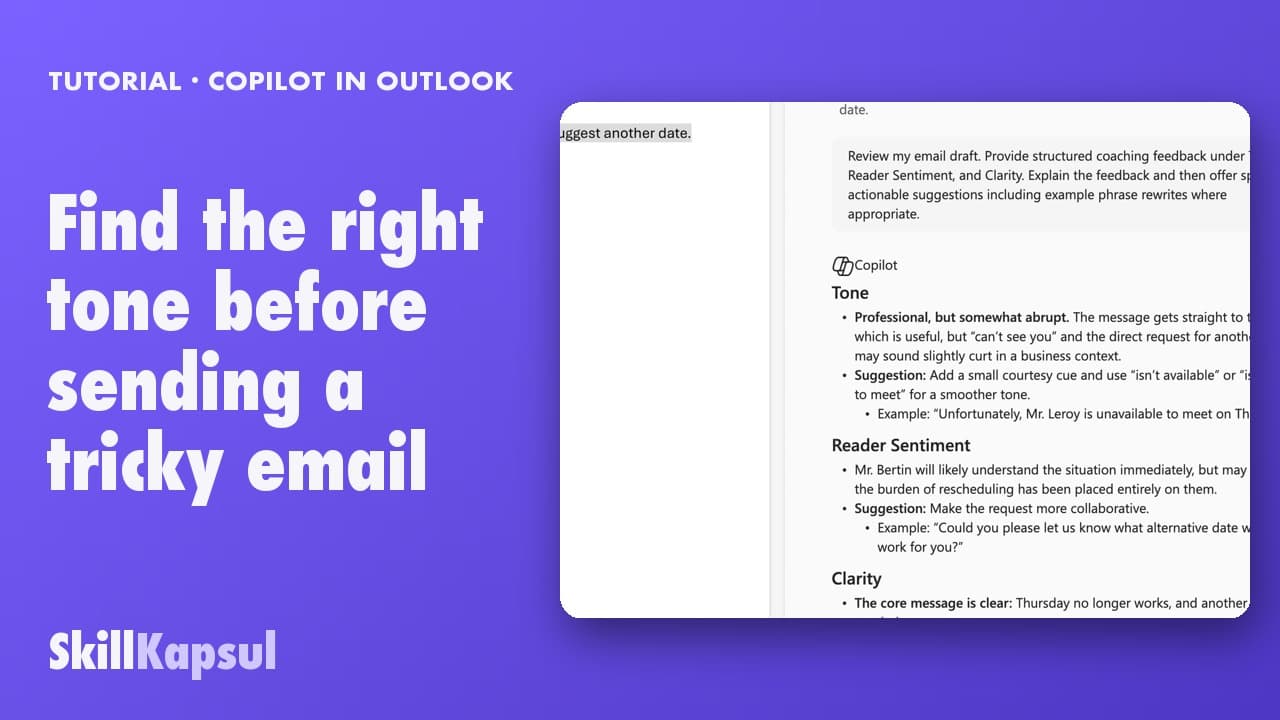 030:23
You have Copilot review your message before you send, spotting the tone, the reader’s reaction and the awkward phrasing.
Copilot in Outlook
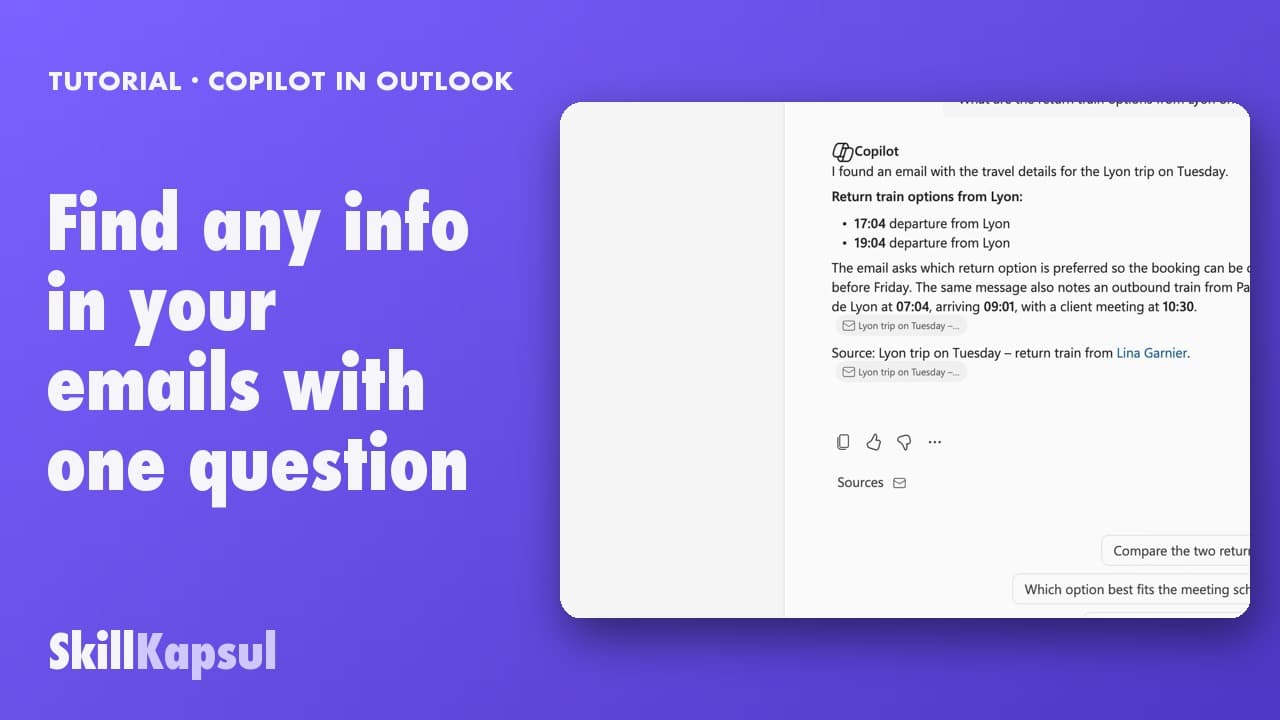 040:30
You get the answer to a question about your mailbox from a single question, with the source email cited.
Copilot in Outlook
 050:24
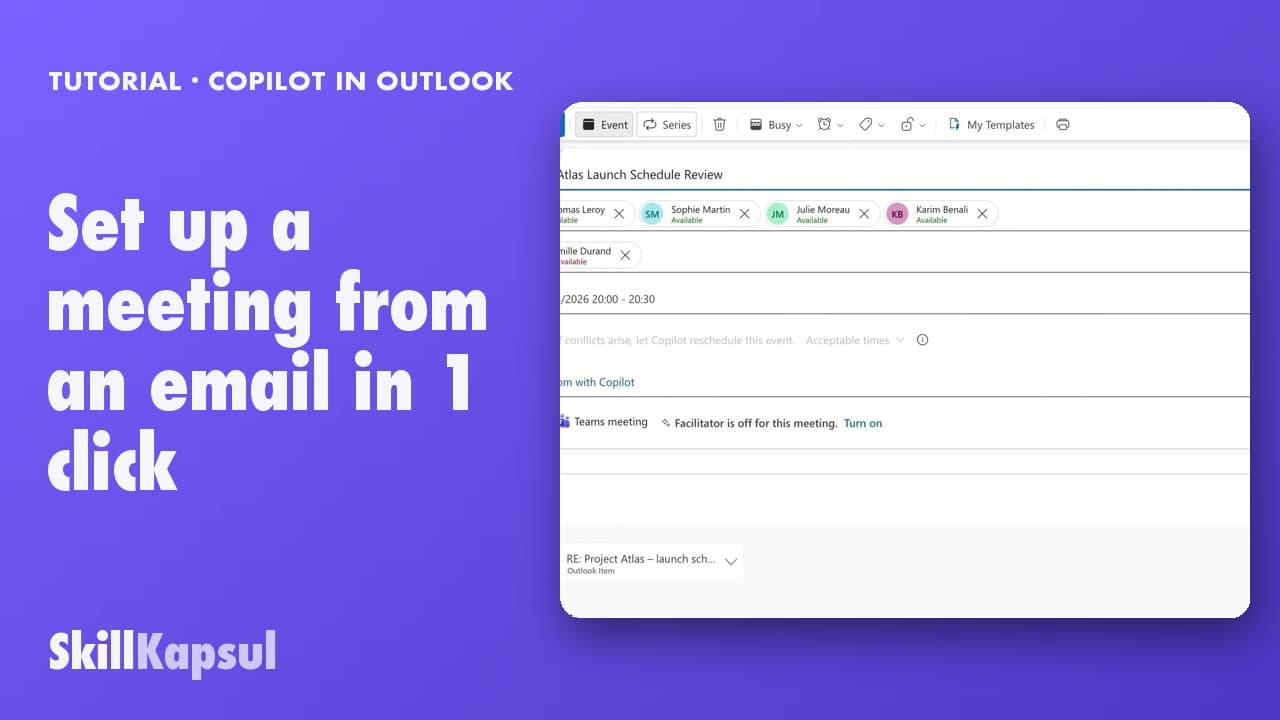
You start from an invitation with a title and an agenda already drafted from the conversation.
Copilot in Outlook
 060:24
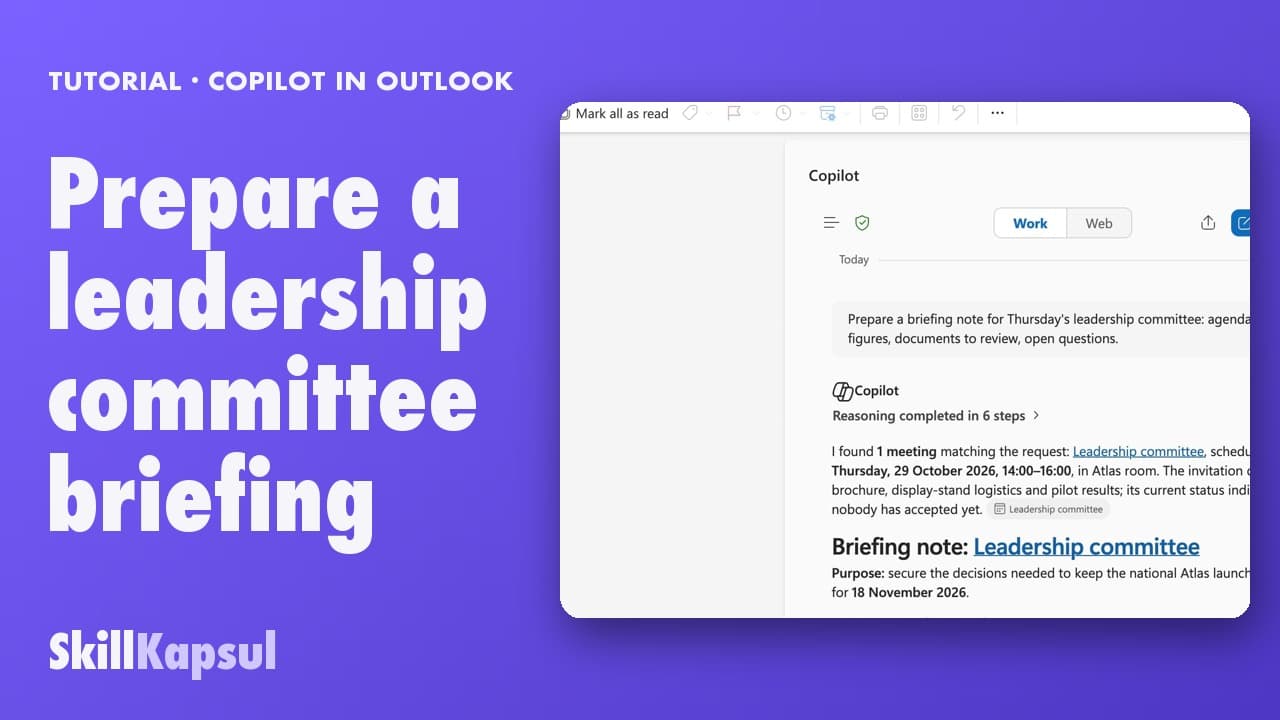
You arrive at the meeting with a structured note: agenda, key figures, documents to review, open questions.
Copilot in Outlook
 010:18
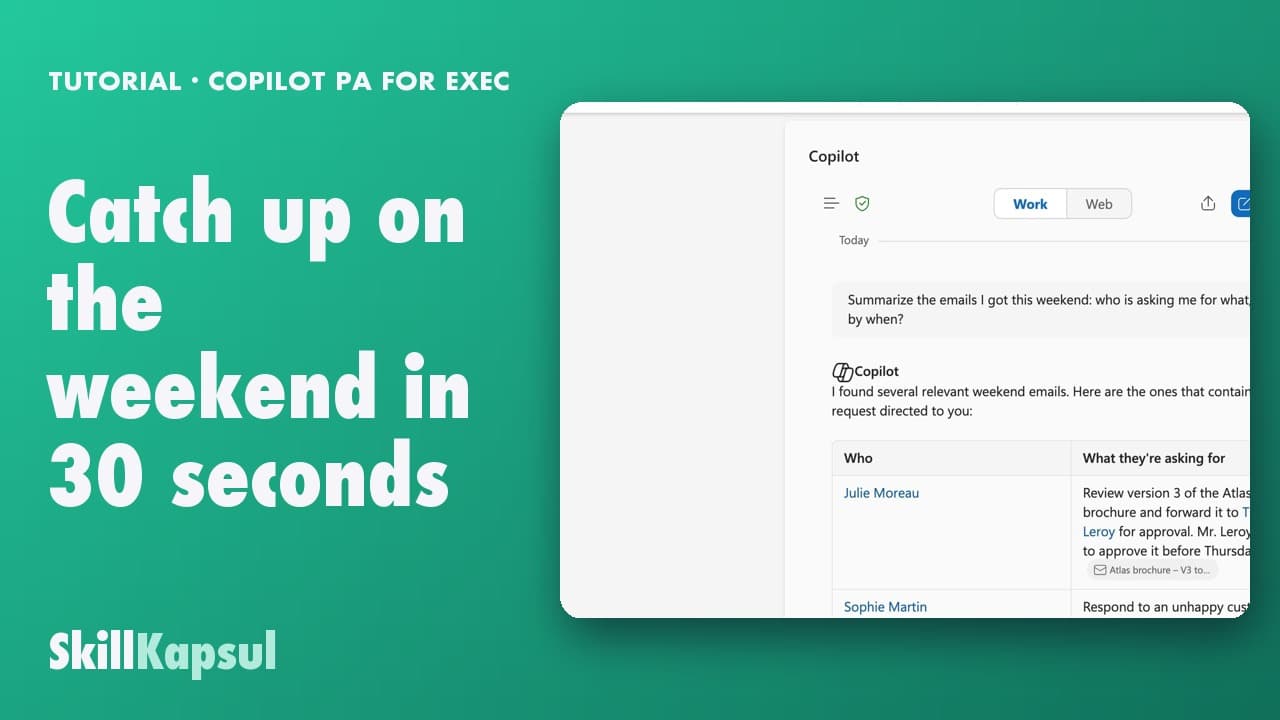
You start Monday with the list of weekend emails that need an answer, without opening them one by one.
PA for EXEC — a typical week for the executive assistant
 020:18
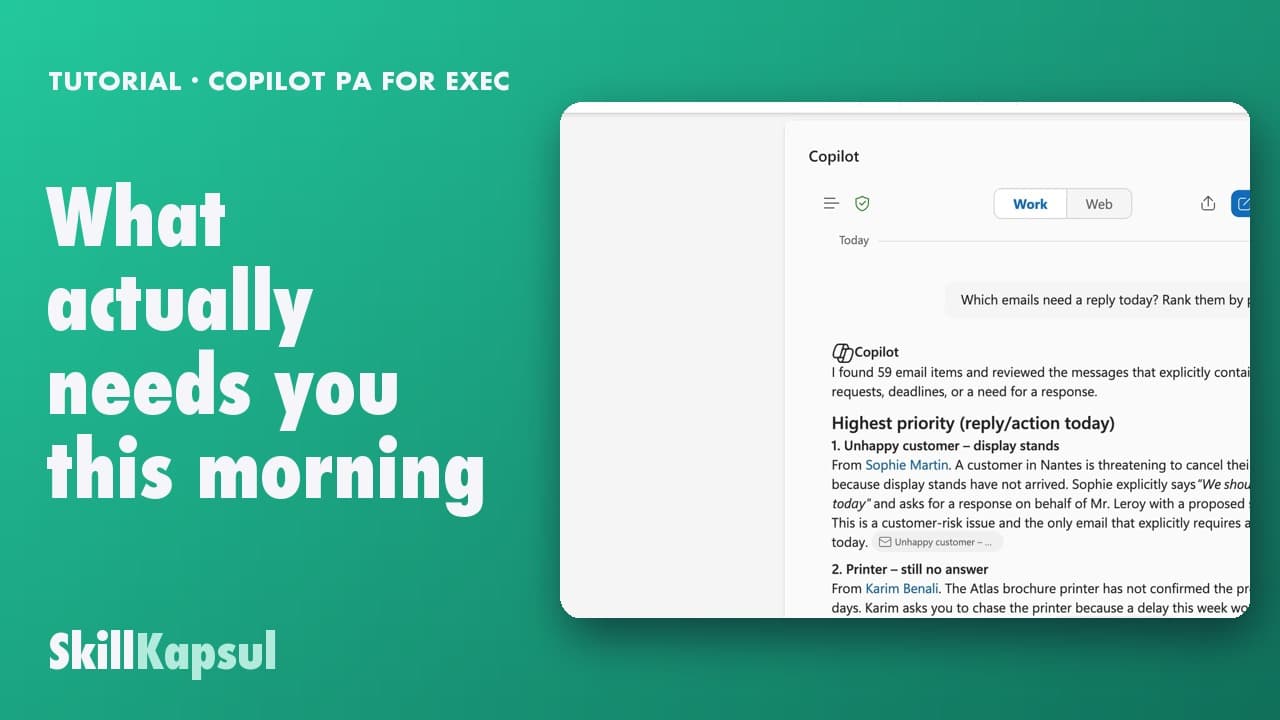
One question gives you the list of what matters today, sorted by deadline.
PA for EXEC — a typical week for the executive assistant
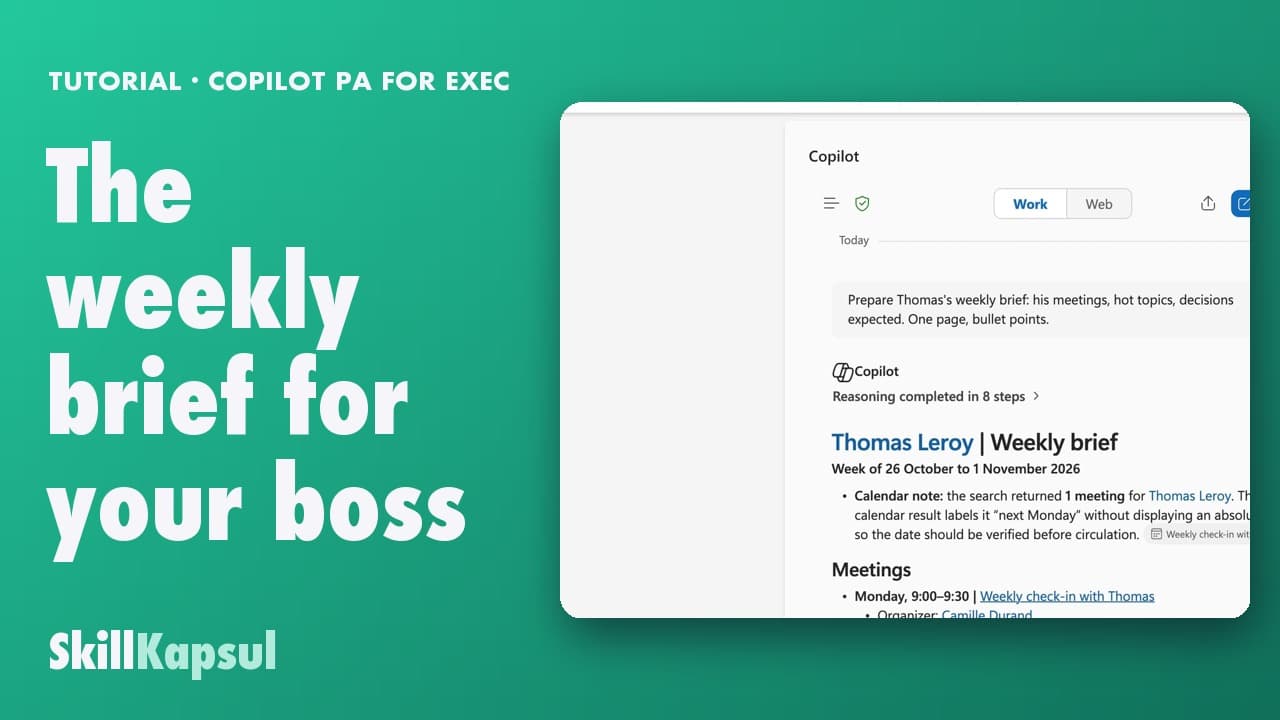 030:18
In one page, you prepare what your boss needs to know on arrival: meetings, pending decisions, watch-outs.
PA for EXEC — a typical week for the executive assistant
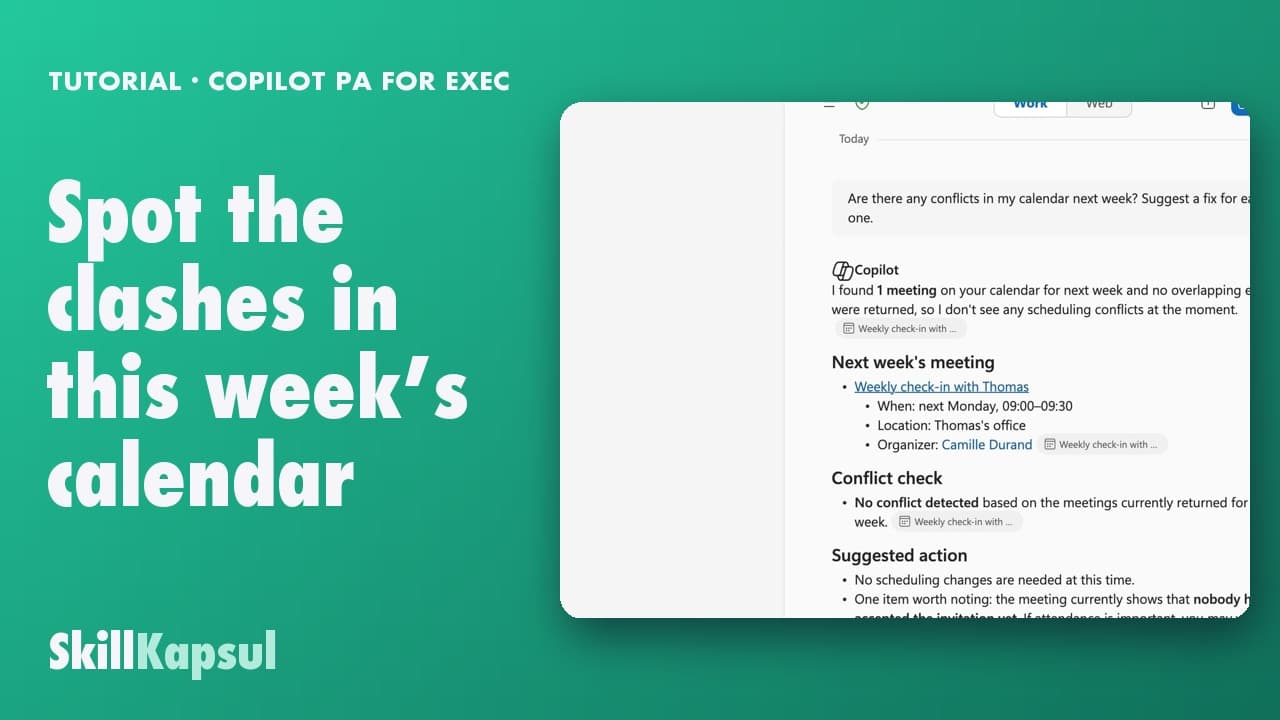 040:22
Before noon you know which meetings overlap and which need preparing, instead of finding out on the day.
PA for EXEC — a typical week for the executive assistant
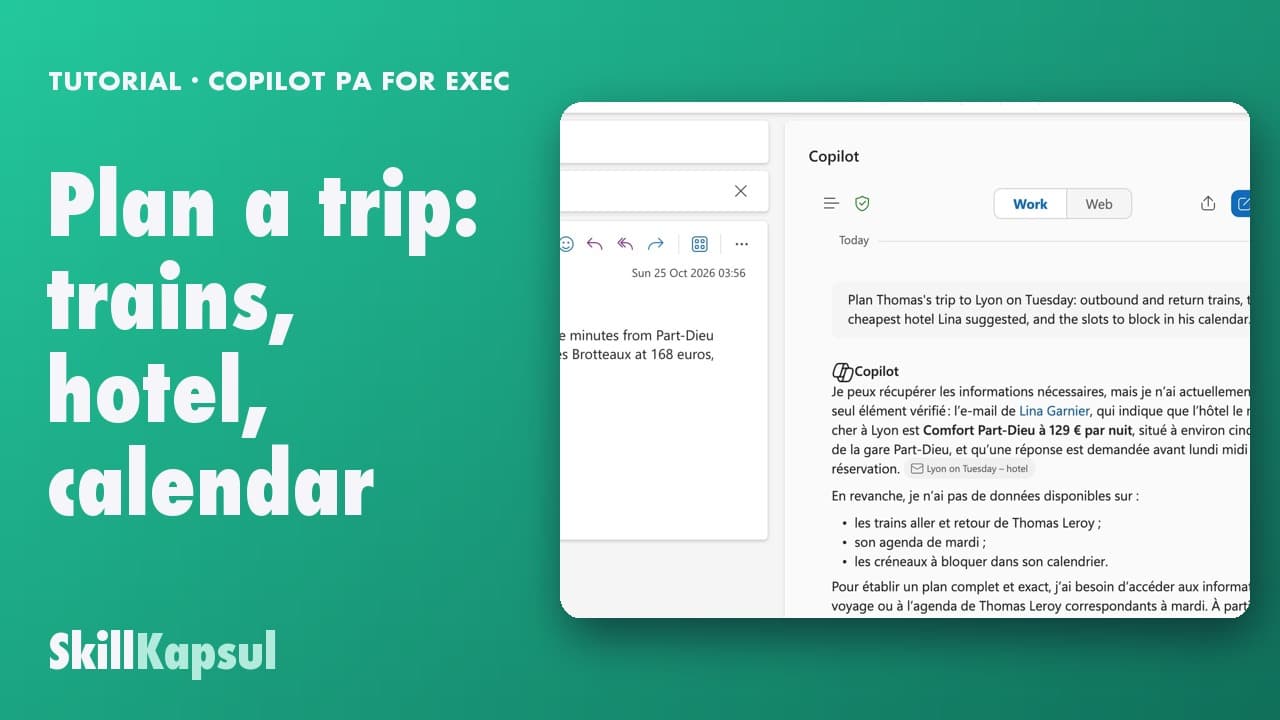 050:21
You compare routes and hotels, then put the departure, the arrival and the travel time in the calendar.
PA for EXEC — a typical week for the executive assistant
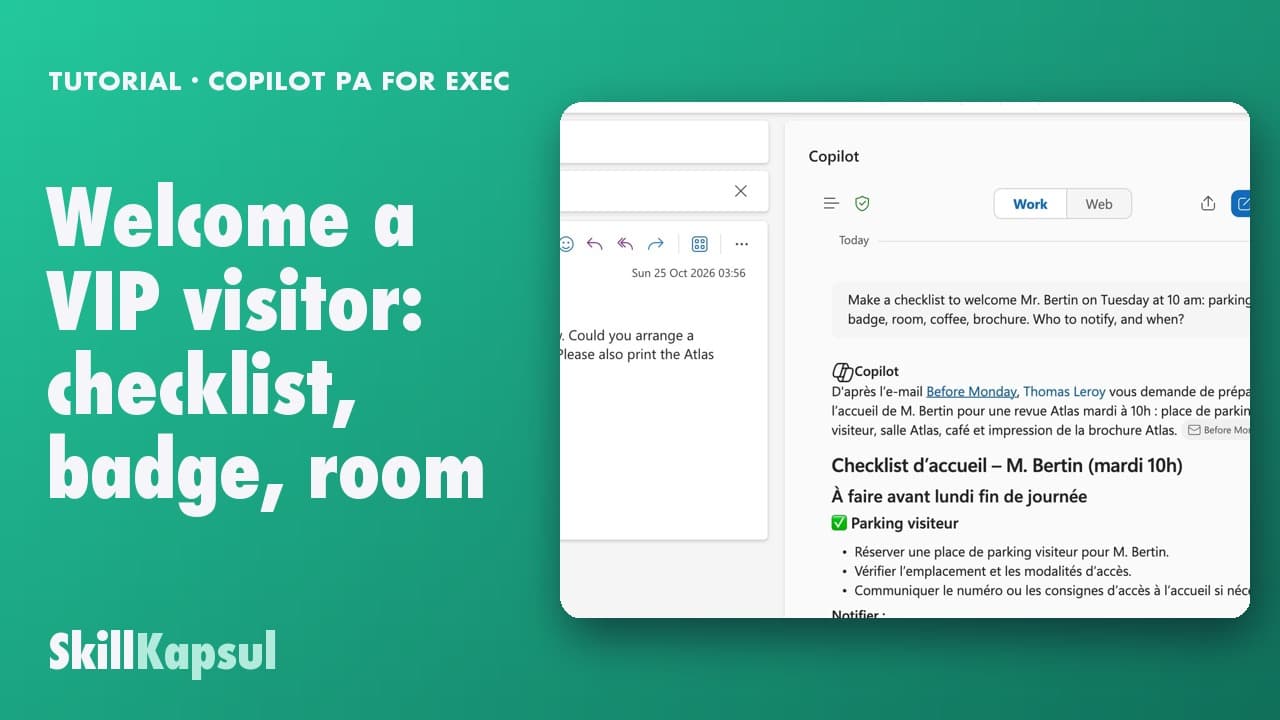 060:20
You turn the invitation email into a complete checklist: parking, badge, room, coffee, documents.
PA for EXEC — a typical week for the executive assistant
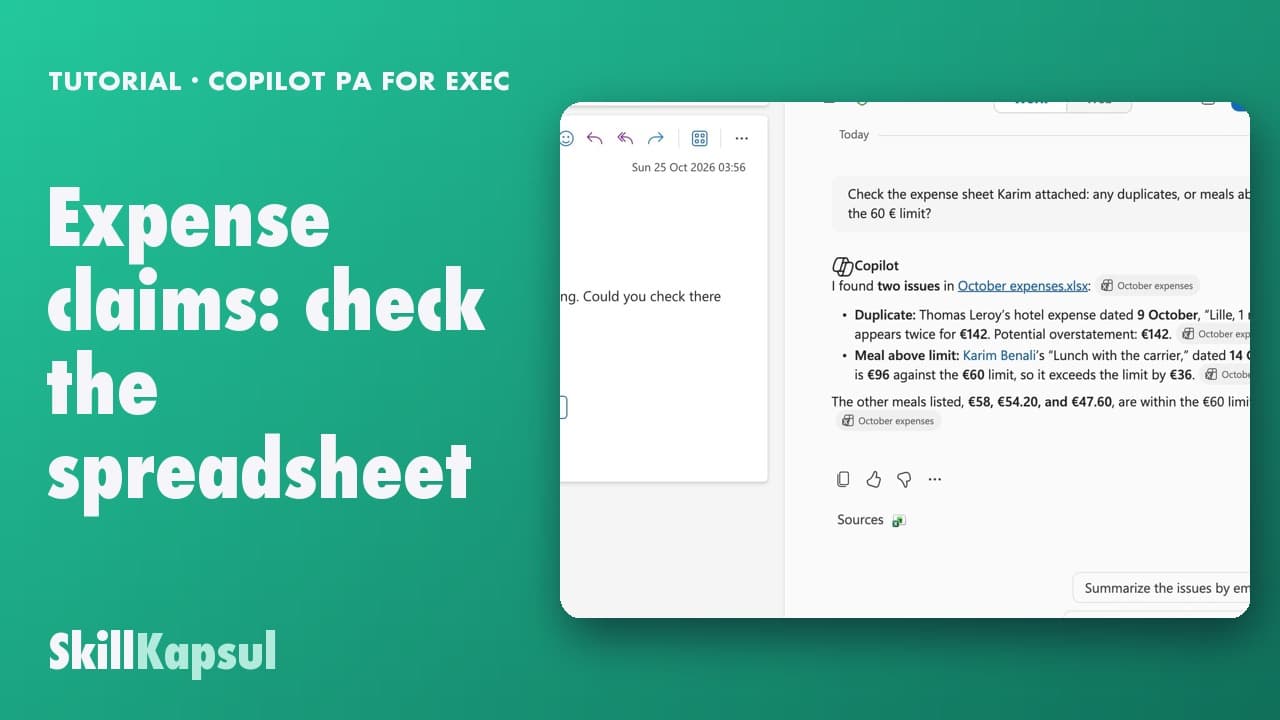 070:23
You have Copilot check the sheet and spot the duplicates, the over-limit amounts and the incomplete rows.
PA for EXEC — a typical week for the executive assistant
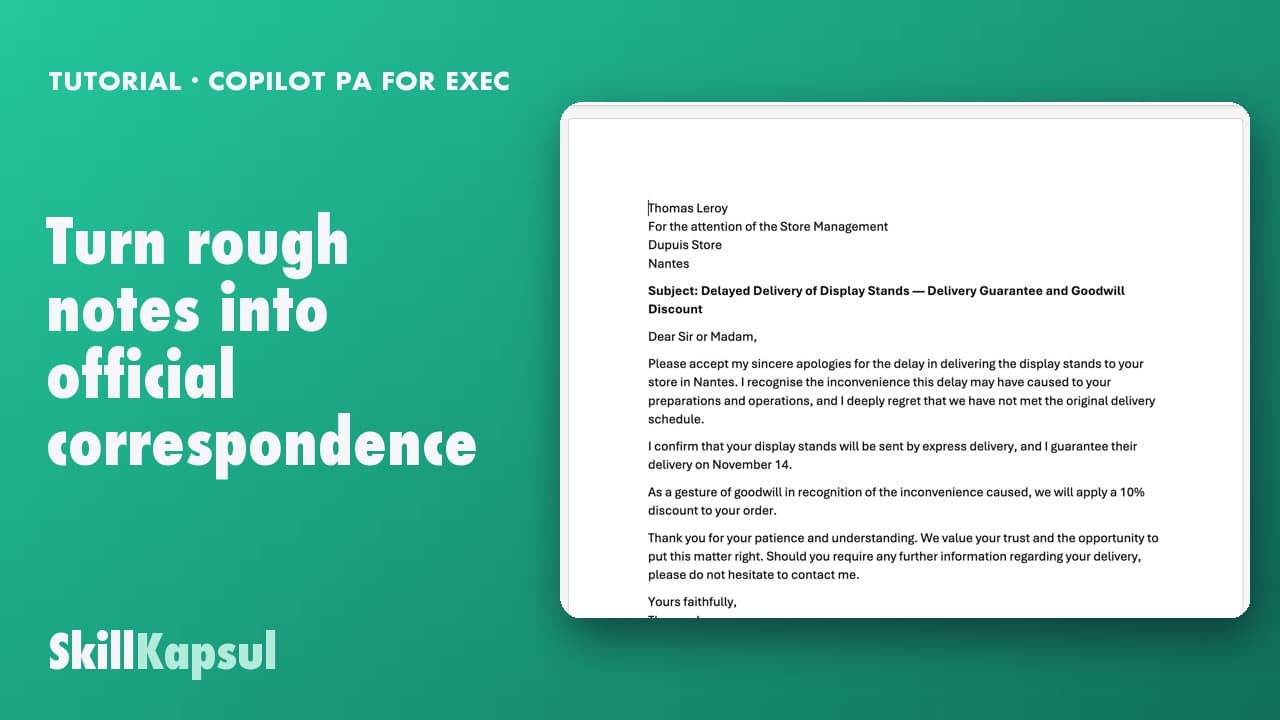 080:23
You start from rough notes and get a structured letter in your house style, ready to review.
PA for EXEC — a typical week for the executive assistant
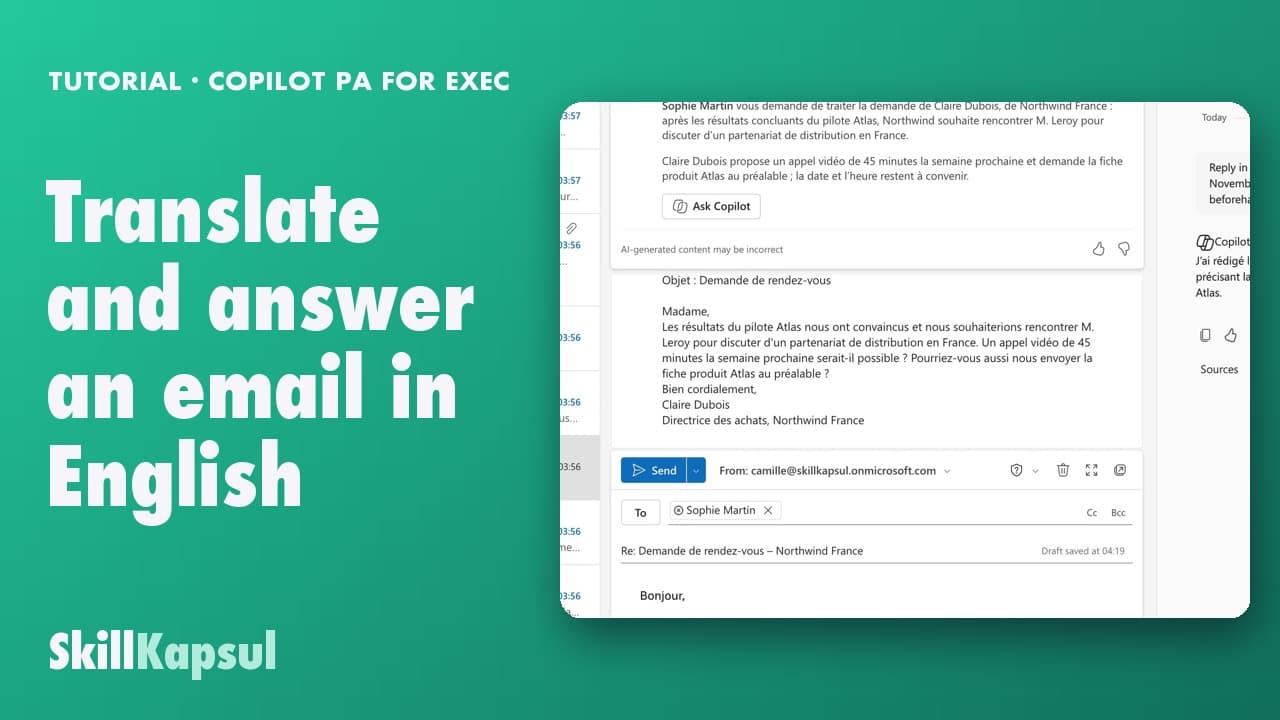 090:32
You understand the email that came in English and reply in the partner’s language, without translating from memory.
PA for EXEC — a typical week for the executive assistant
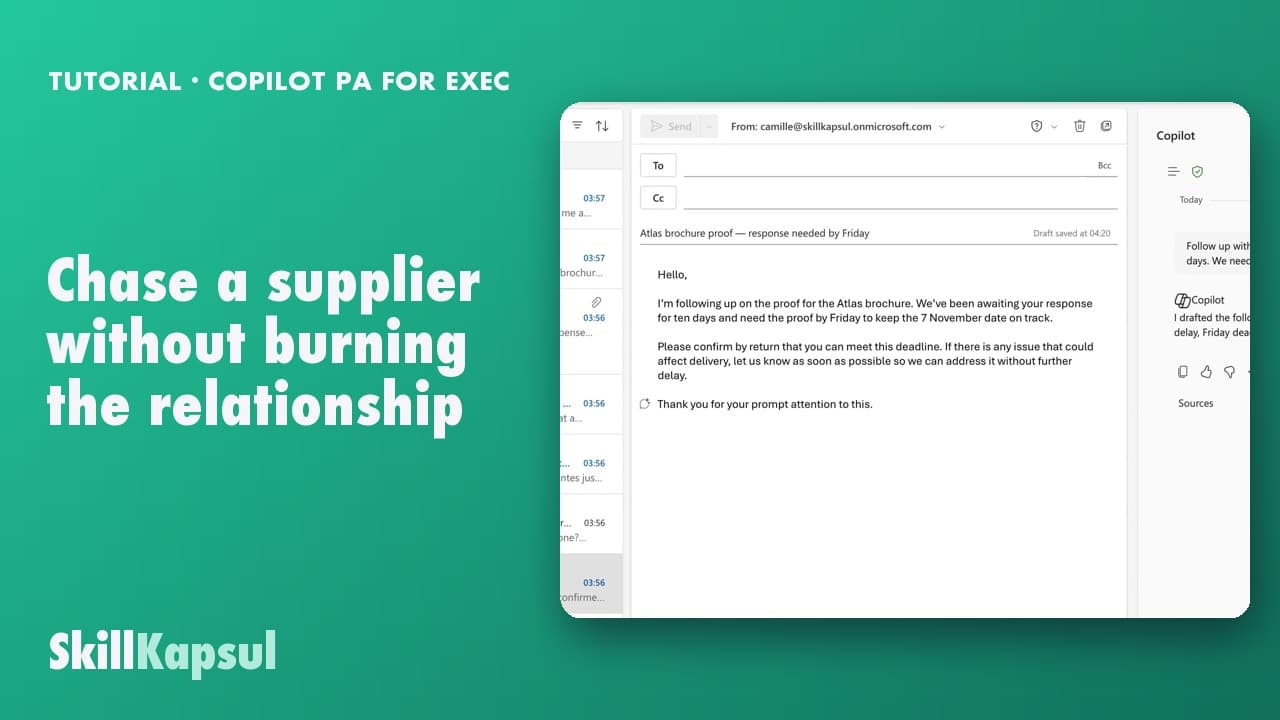 100:25
You chase a slow supplier and stay cordial, stating clearly what you expect and by when.
PA for EXEC — a typical week for the executive assistant
 110:22
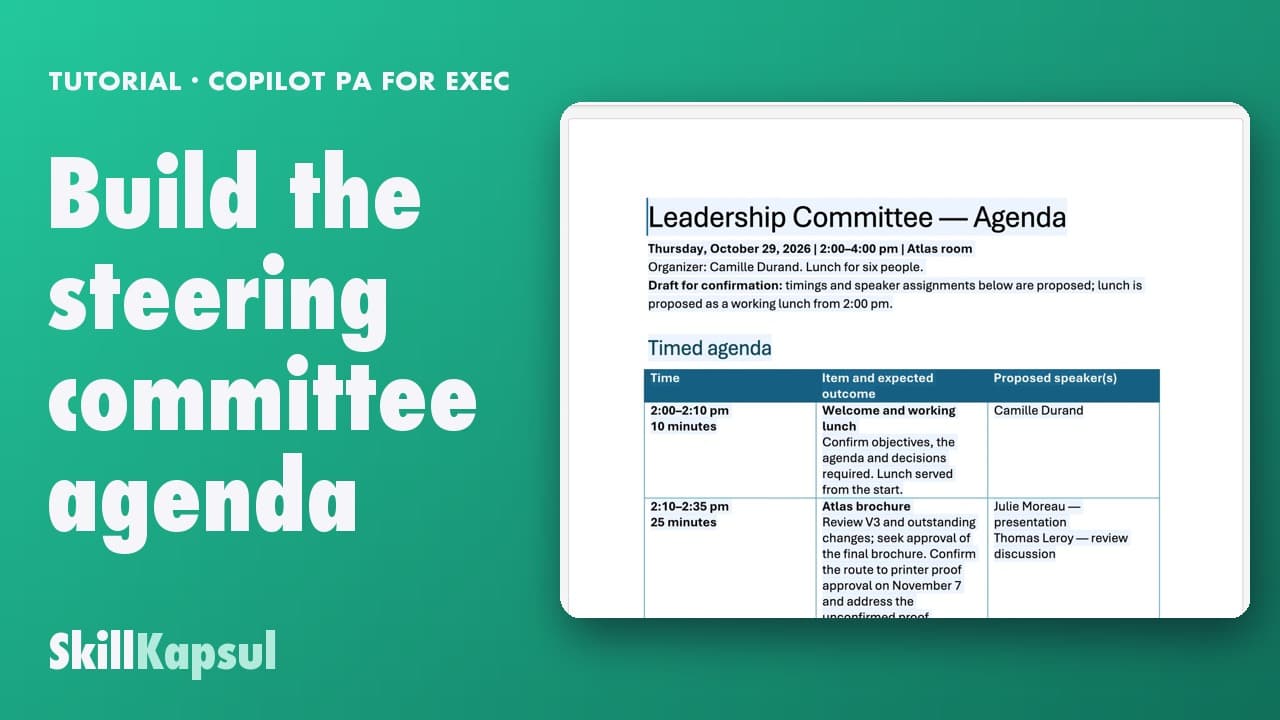
You produce an agenda with a time per point, built from the documents in the pack.
PA for EXEC — a typical week for the executive assistant
 120:33
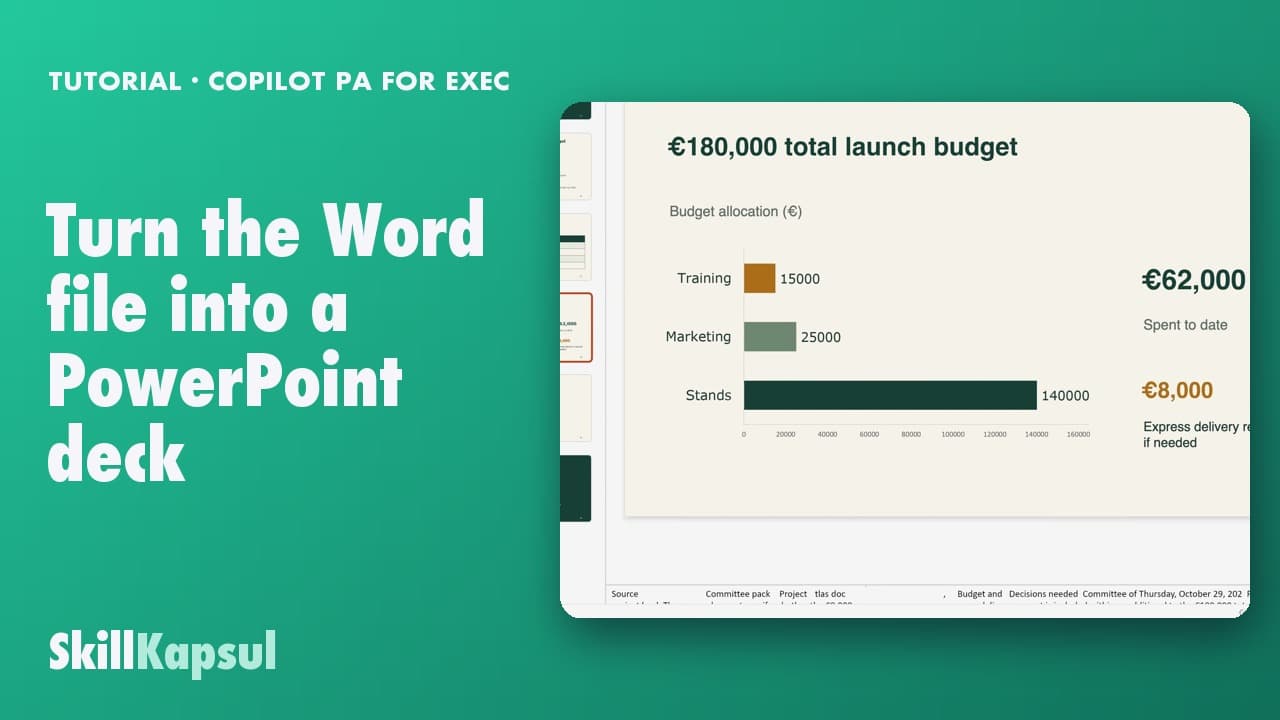
You get a structured deck out of the document, and you stay in control of what goes on each slide.
PA for EXEC — a typical week for the executive assistant
 130:23
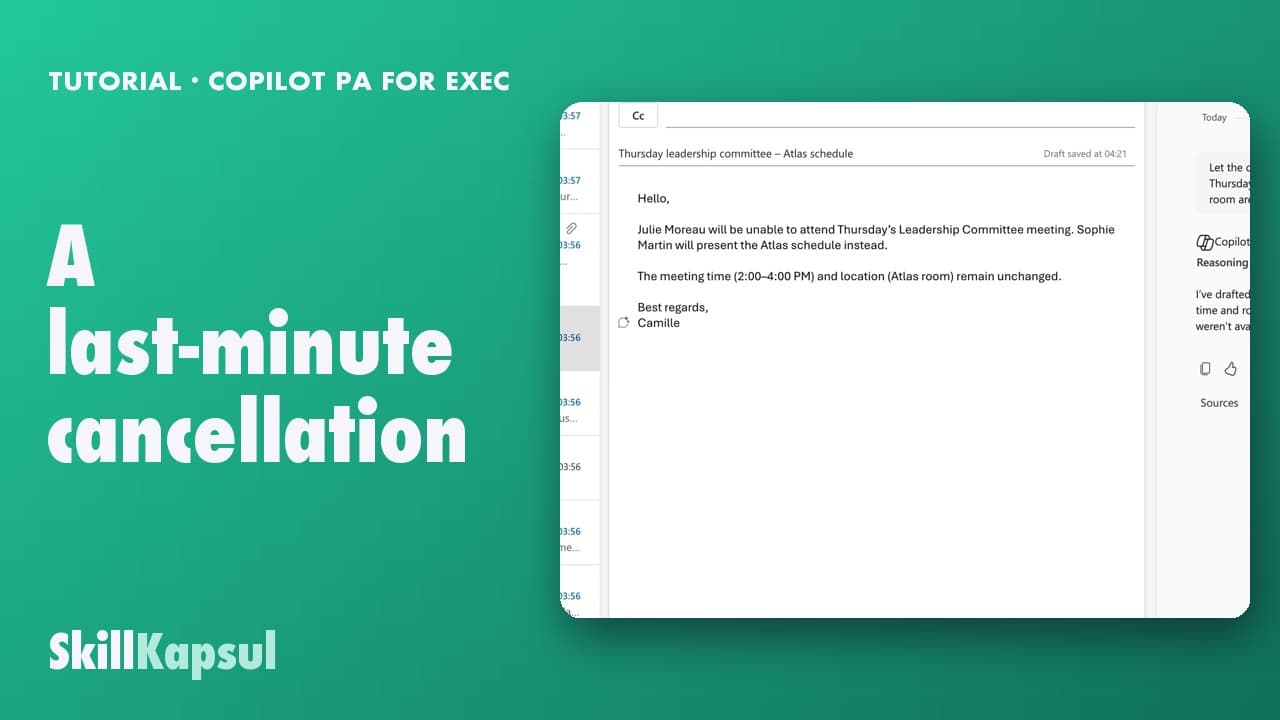
You cancel or replace a meeting, tell the right people in the right order, and don’t wake the whole team up.
PA for EXEC — a typical week for the executive assistant
 140:27
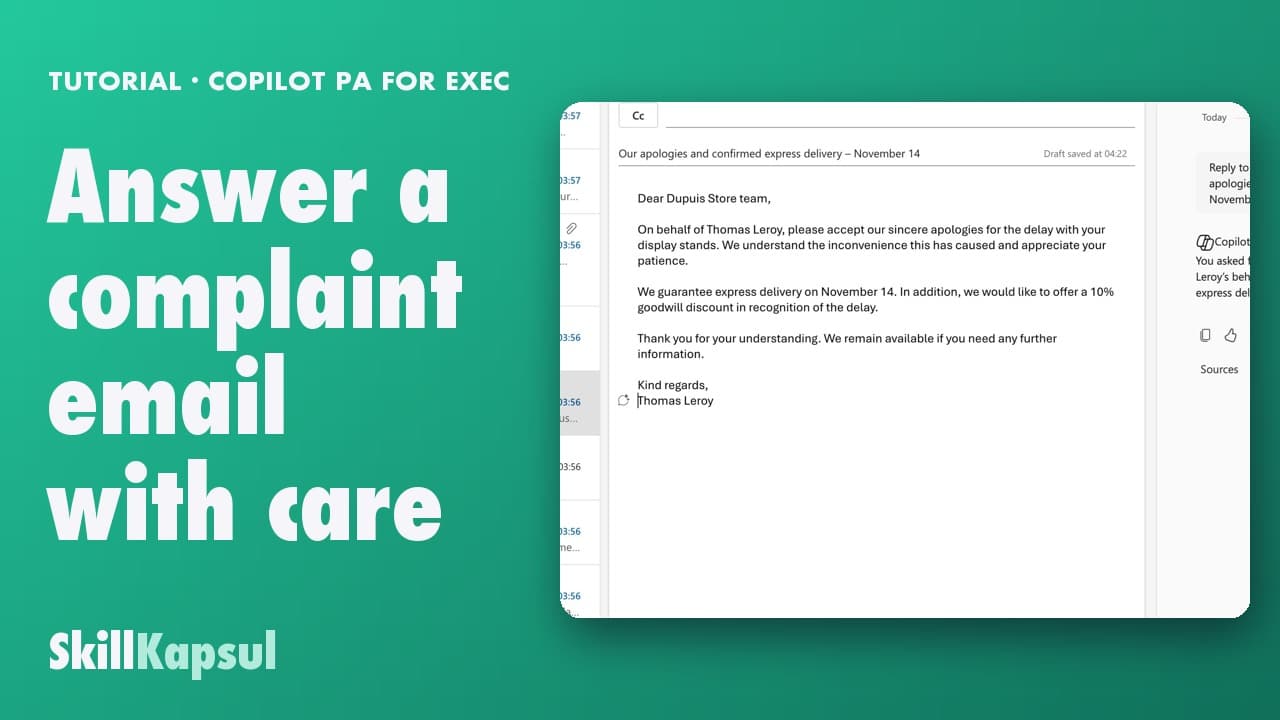
You answer a complaint by acknowledging the problem, giving one concrete step, and making no promise you cannot keep.
PA for EXEC — a typical week for the executive assistant
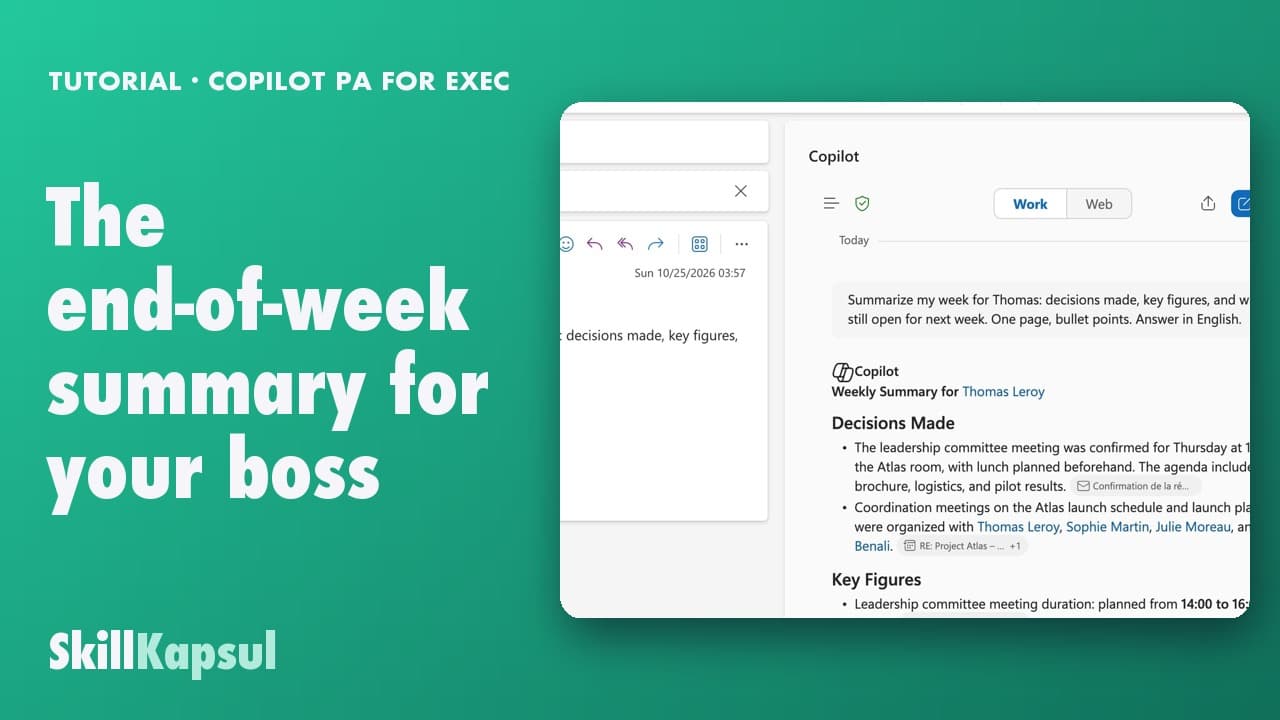 150:18
On Friday you hand over a one-page summary: decisions, figures, points still open.
PA for EXEC — a typical week for the executive assistant
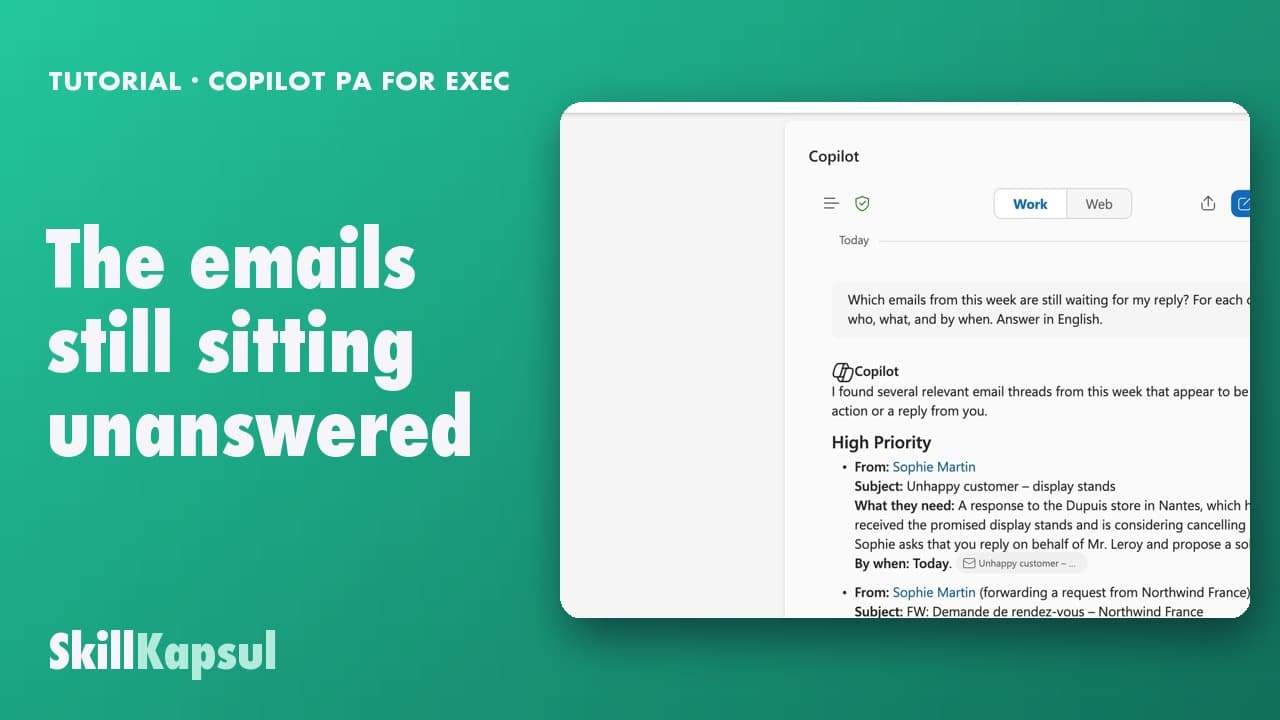 160:17
You leave Friday with the list of what got no reply, ranked by age and by urgency.
PA for EXEC — a typical week for the executive assistant
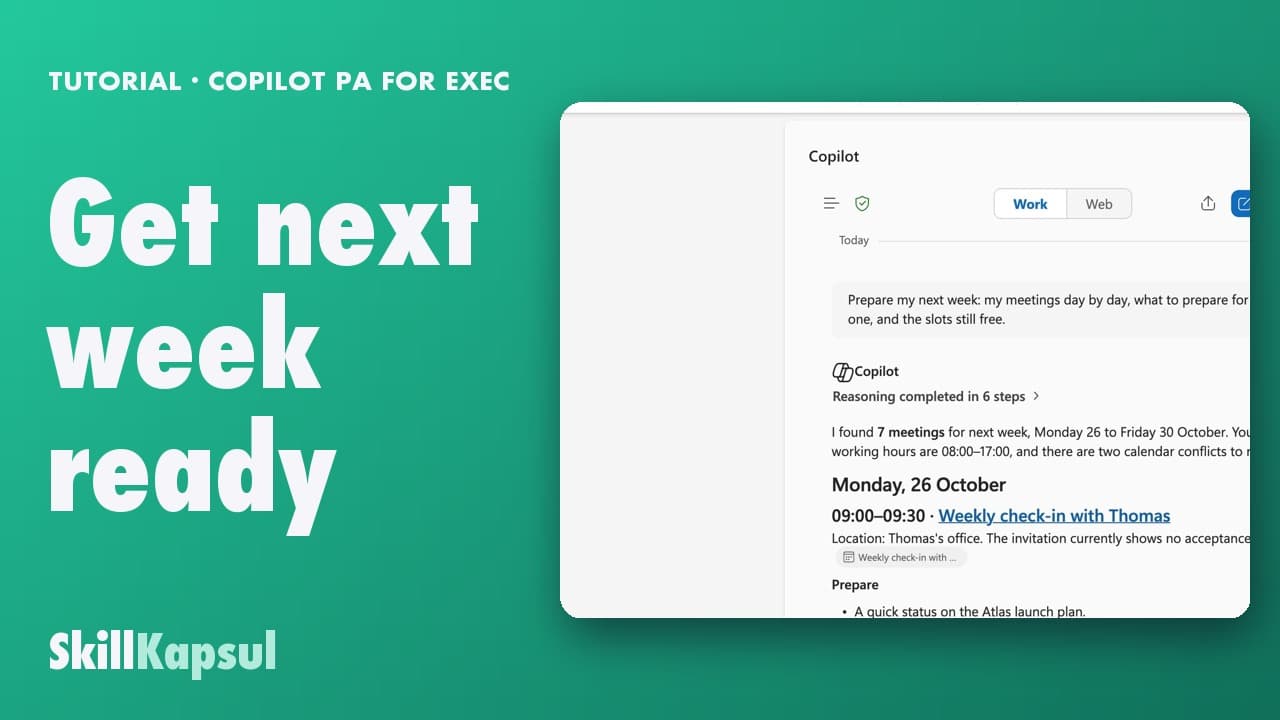 170:23
You get next week ready: the clashes spotted, the meetings to confirm, the files to read before Monday.
PA for EXEC — a typical week for the executive assistant
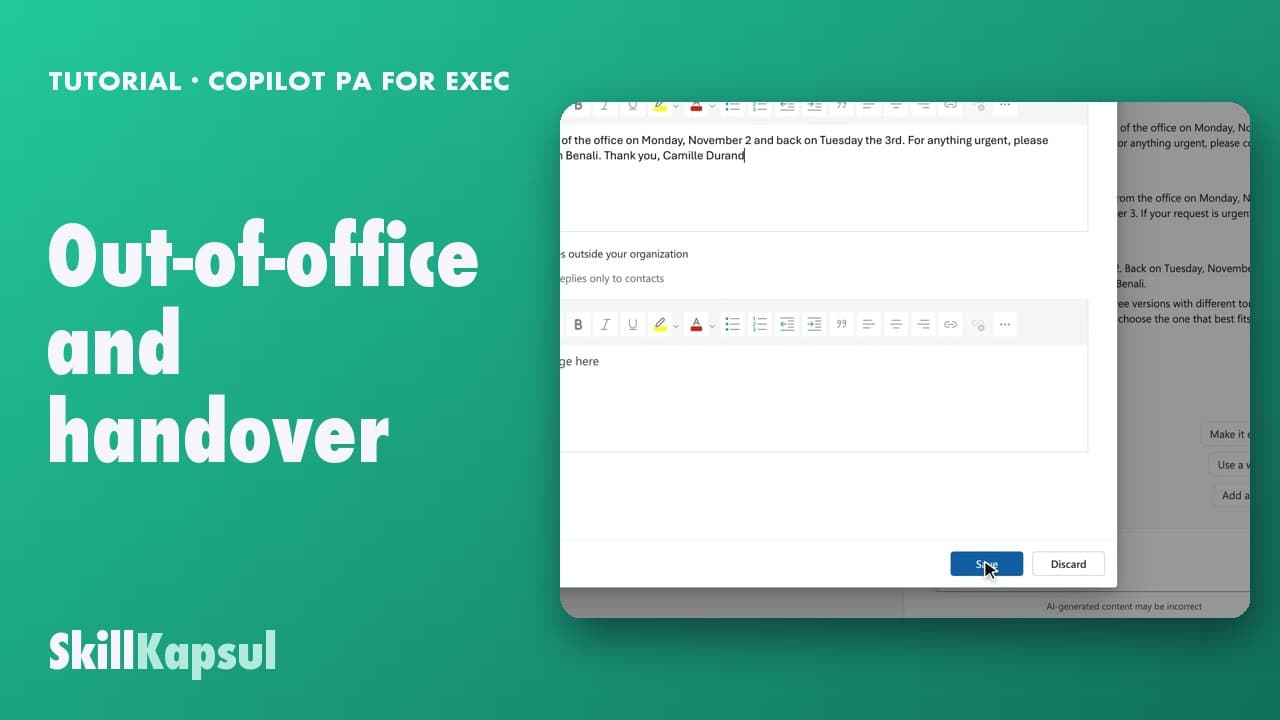 180:25
You leave at the end of the week without a vague message: a dated out-of-office and a handover your colleagues can follow.
PA for EXEC — a typical week for the executive assistant
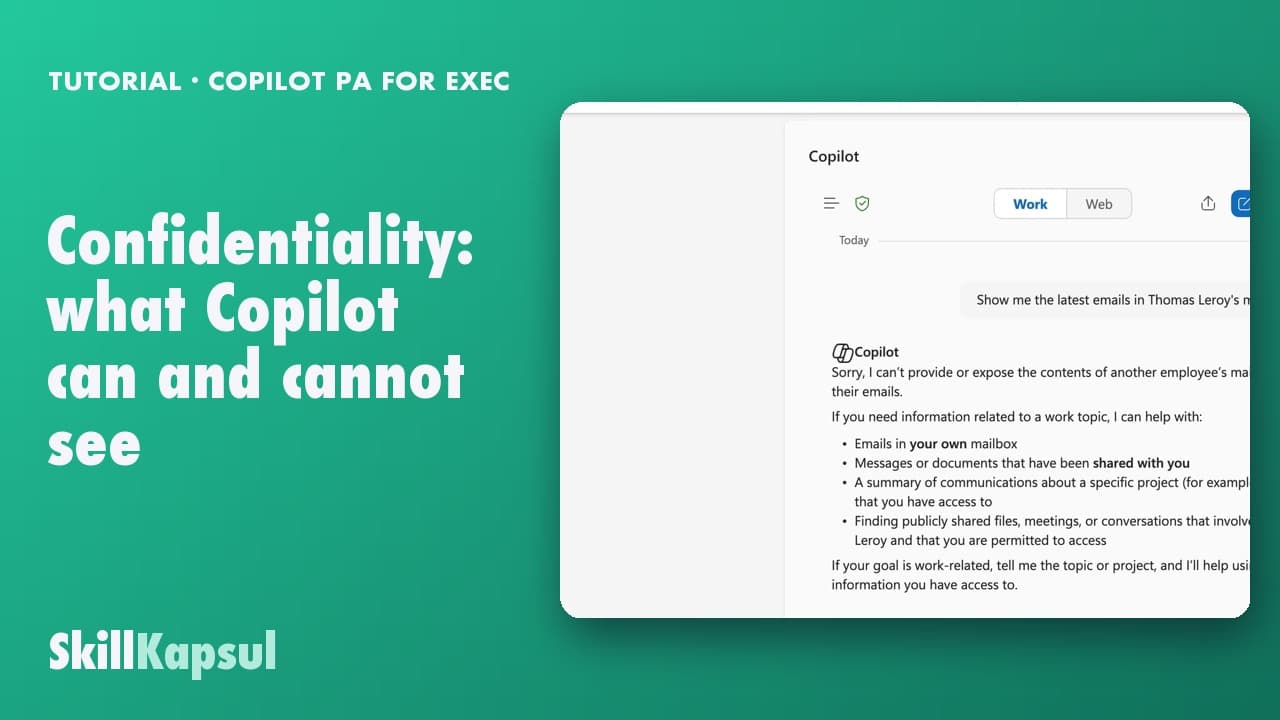 190:20
You know exactly what Copilot can read in your data, and what it refuses, before you paste anything sensitive.
PA for EXEC — a typical week for the executive assistant
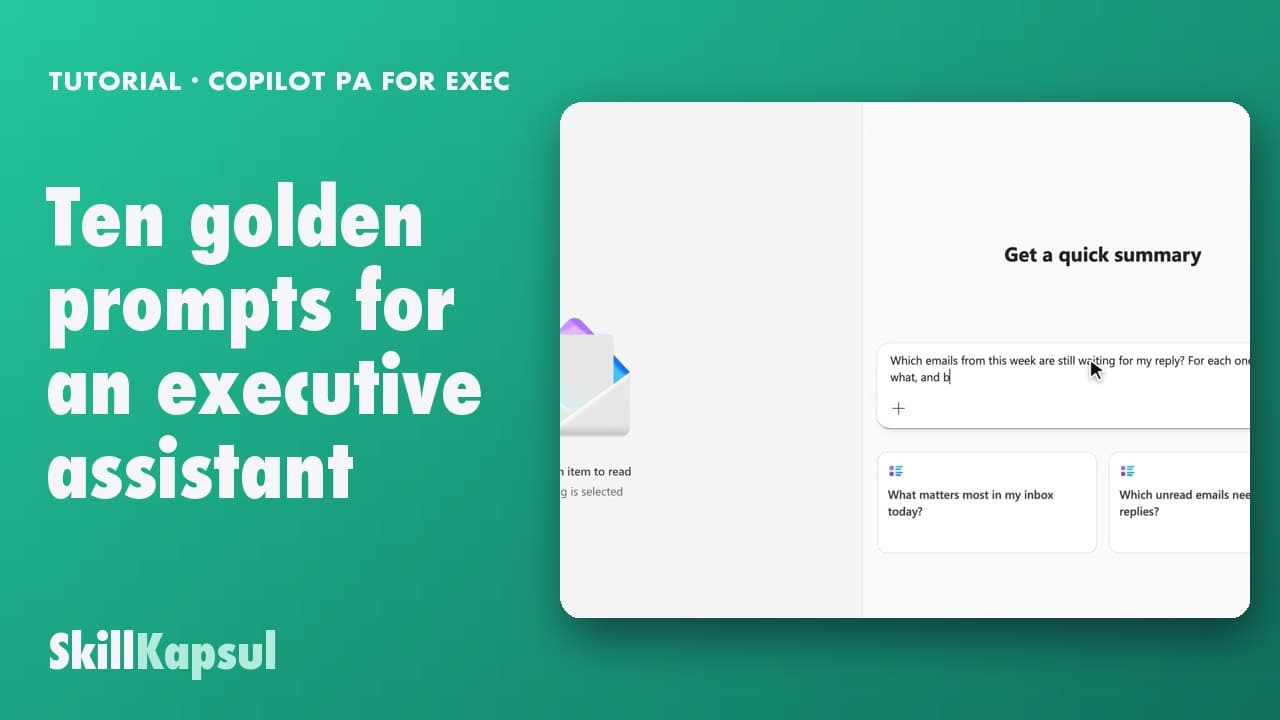 200:37
You leave with ten reusable prompts, sorted by moment of the week, that you paste into your own working file.
PA for EXEC — a typical week for the executive assistant
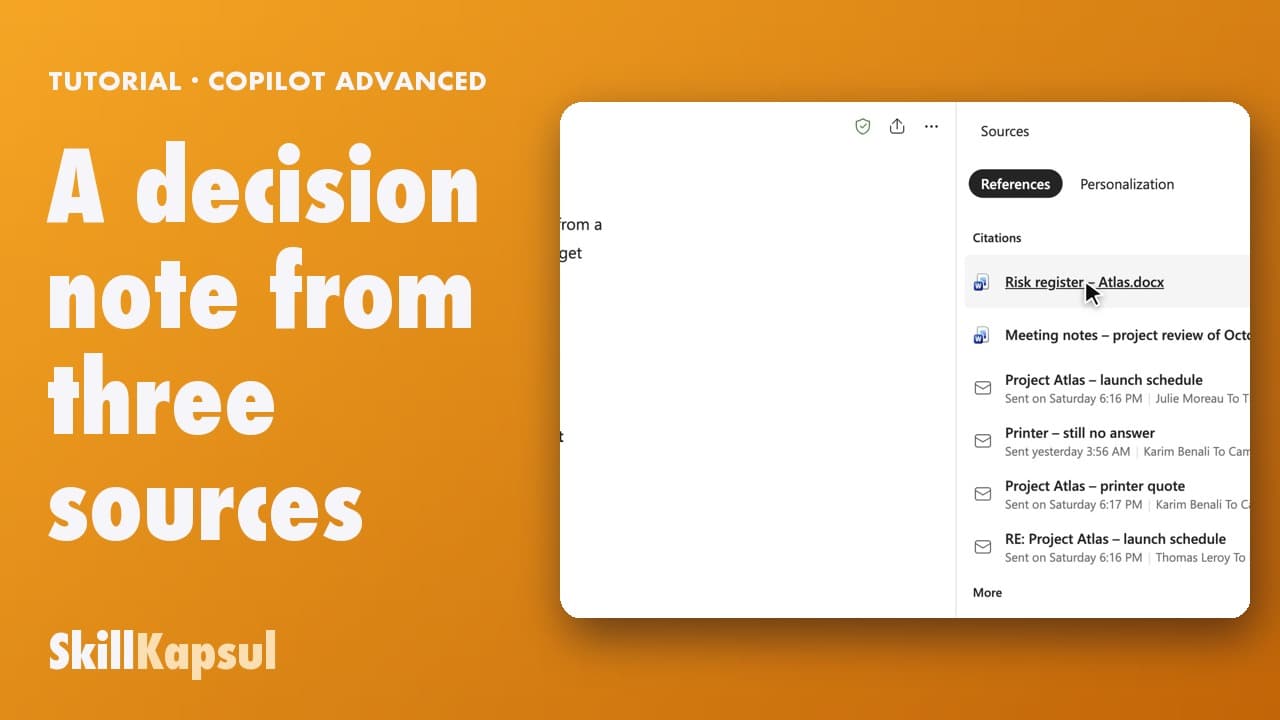 010:44
You get a note ready for the committee: the question to decide, two options, a recommendation, every figure linked to its document.
Advanced Copilot
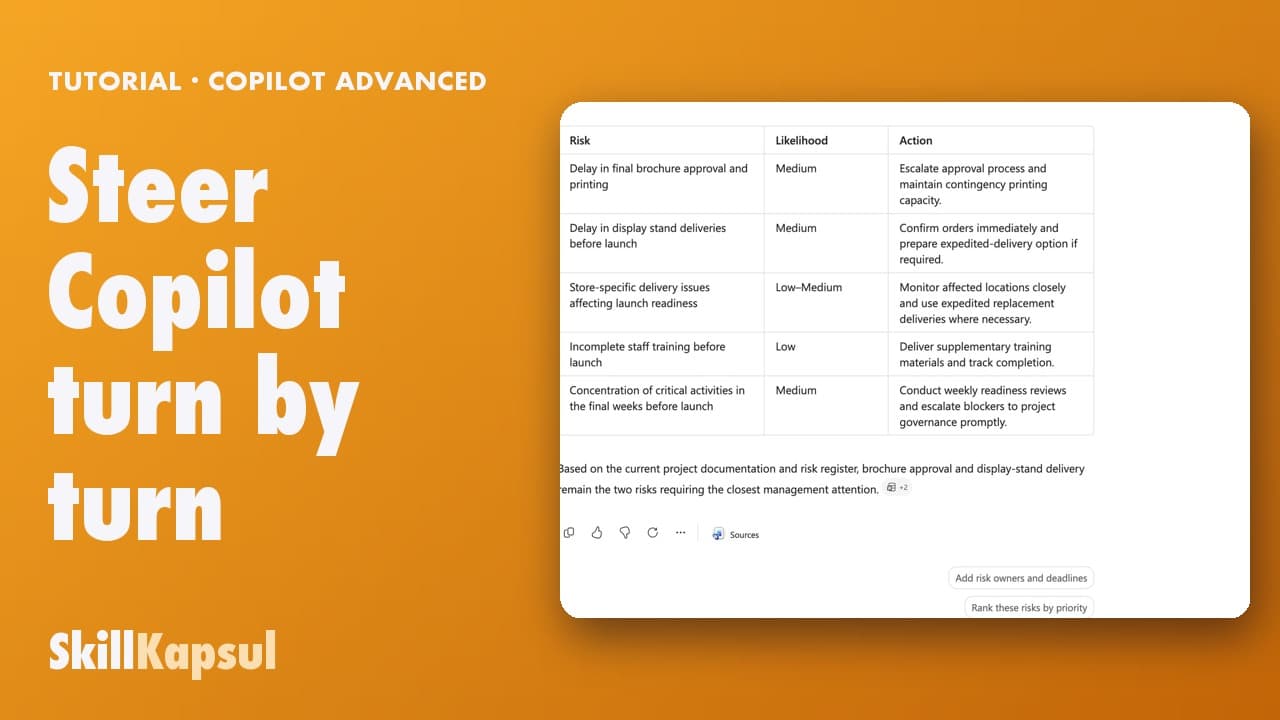 020:40
You get the right note in four short instructions, without ever rewriting everything.
Advanced Copilot
 030:41
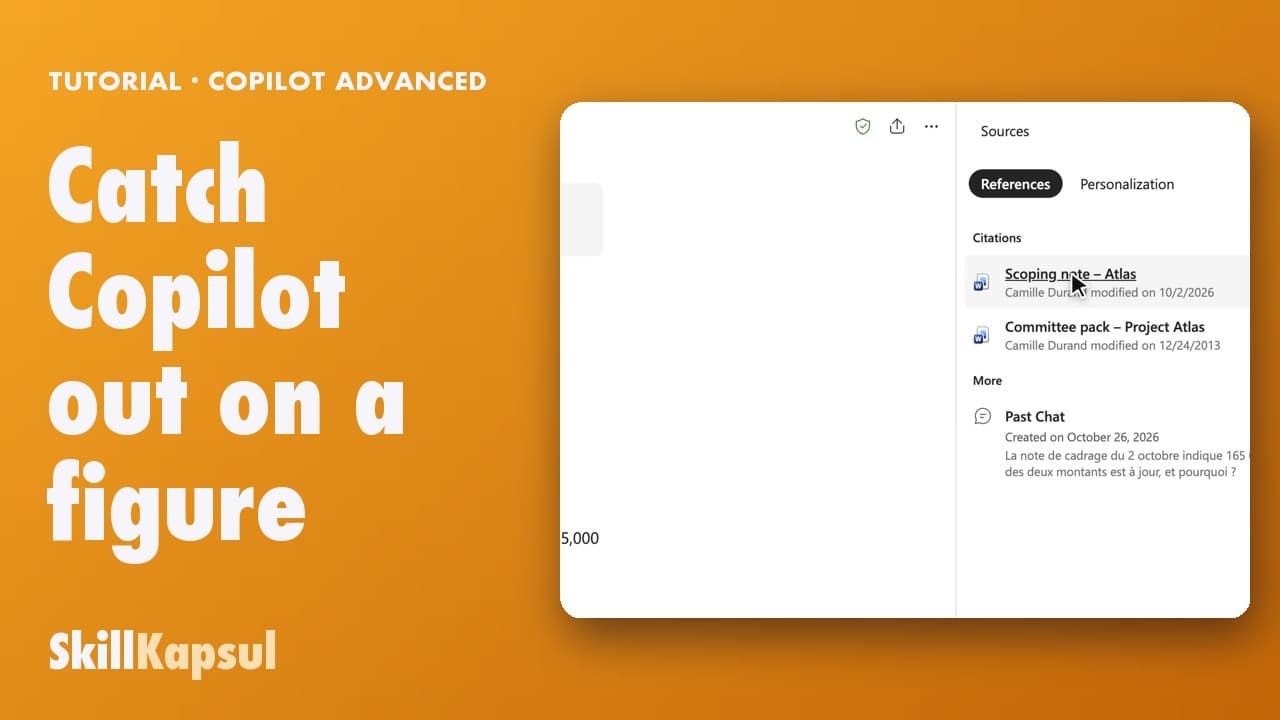
You find where an amount comes from, spot the outdated version and know which one is current.
Advanced Copilot
 040:49
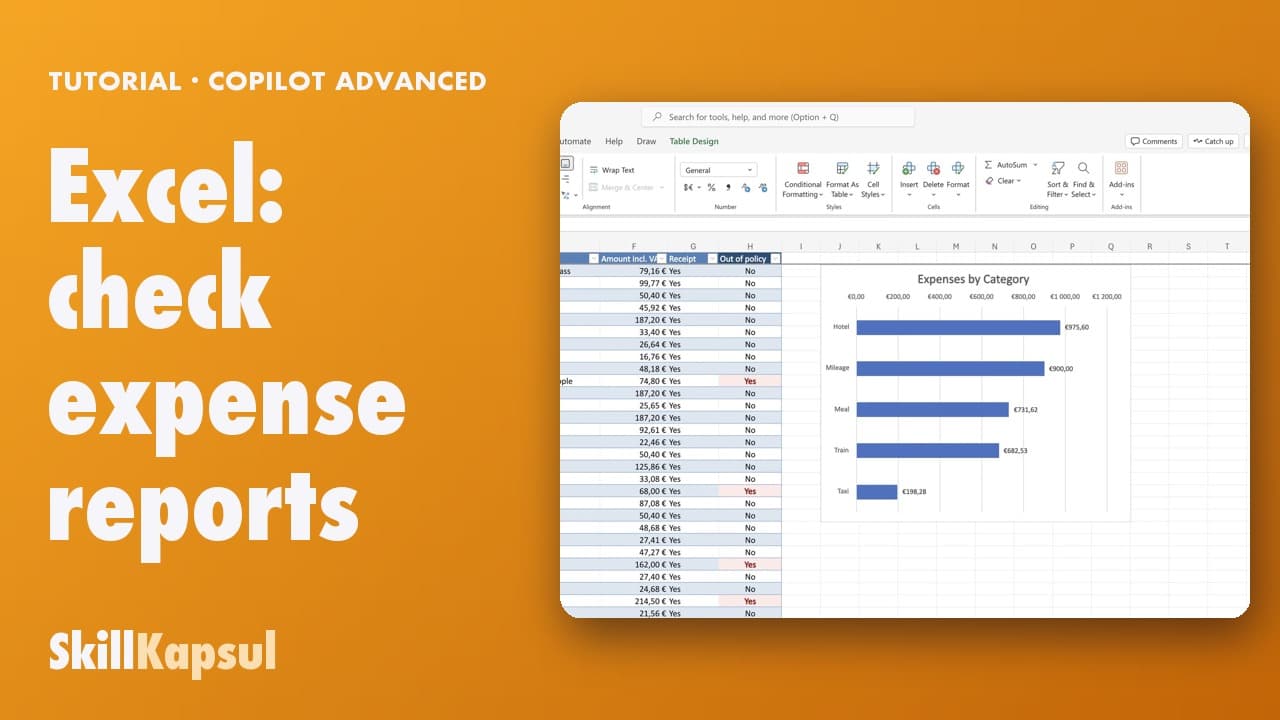
In three questions you spot the out-of-policy expenses and get the chart by category.
Advanced Copilot
 050:41
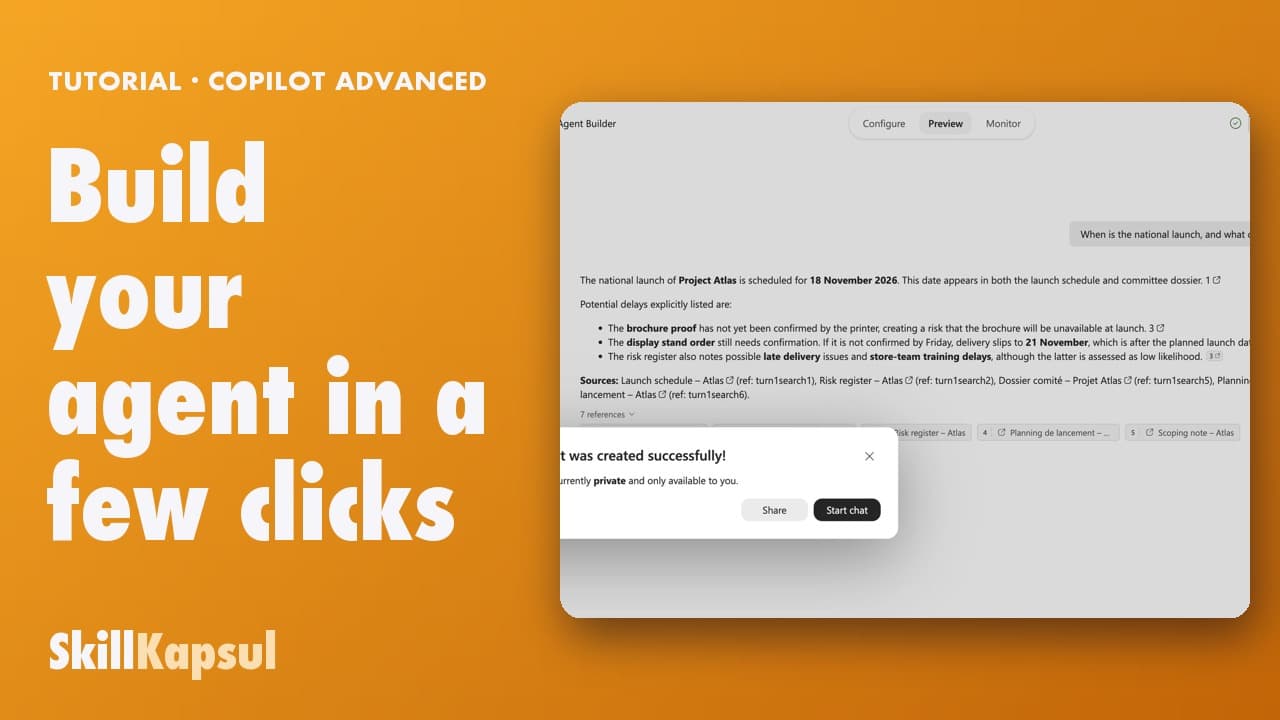
You build an assistant that answers the team’s questions about a project, from a single source, with the documents cited.
Advanced Copilot
 060:35
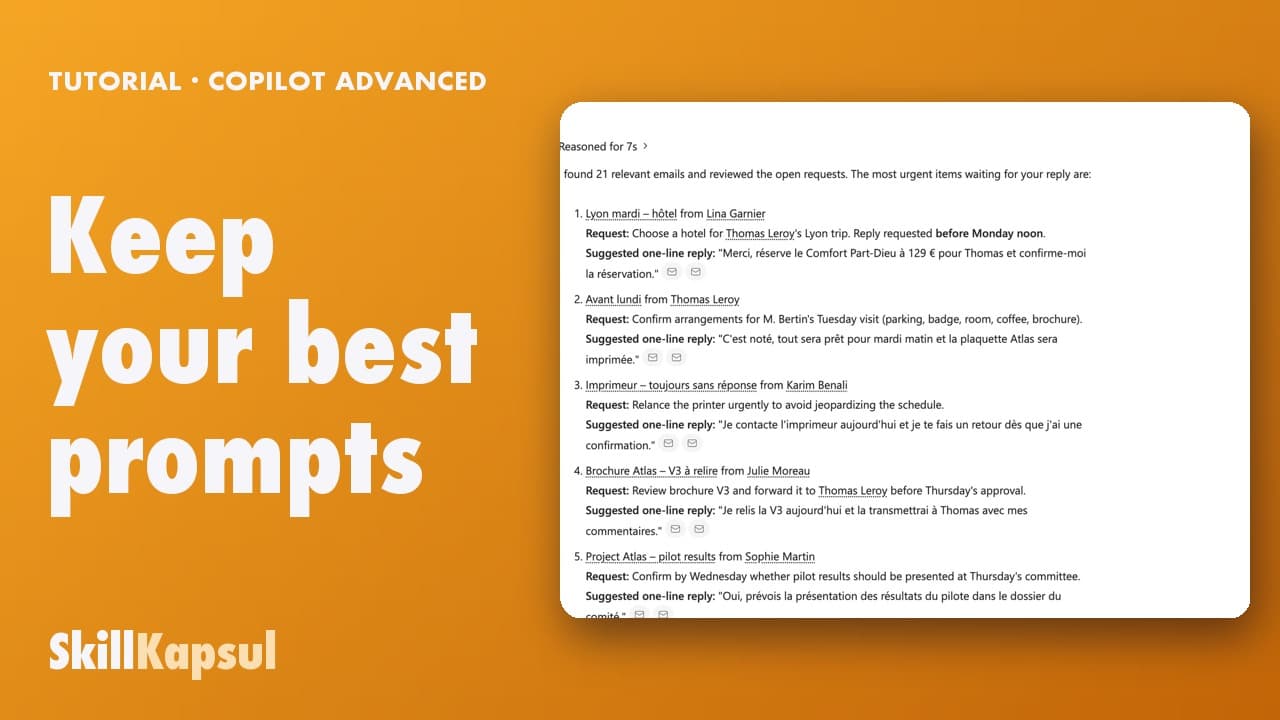
A prompt that works is saved in one click and reopened the next week, ready to go.
Advanced Copilot
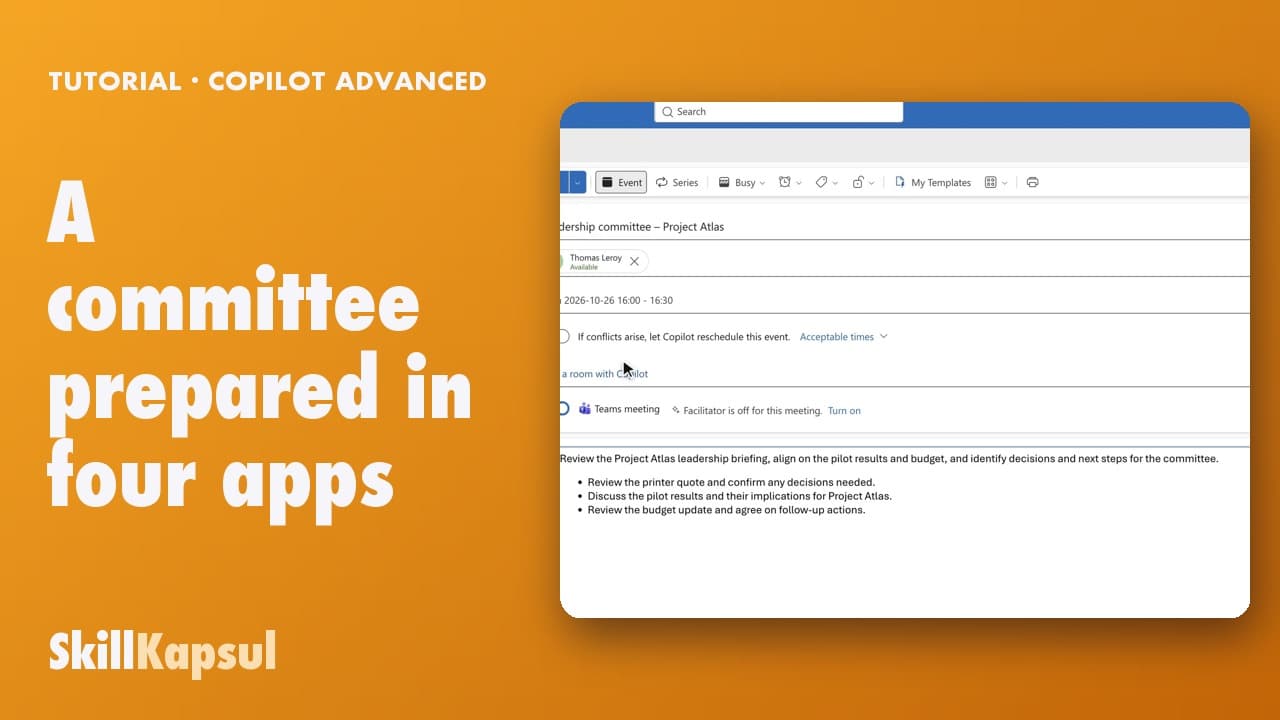 070:55
From the email thread to the invitation, you prepare the whole committee with Copilot in Outlook, Word and PowerPoint.
Advanced Copilot
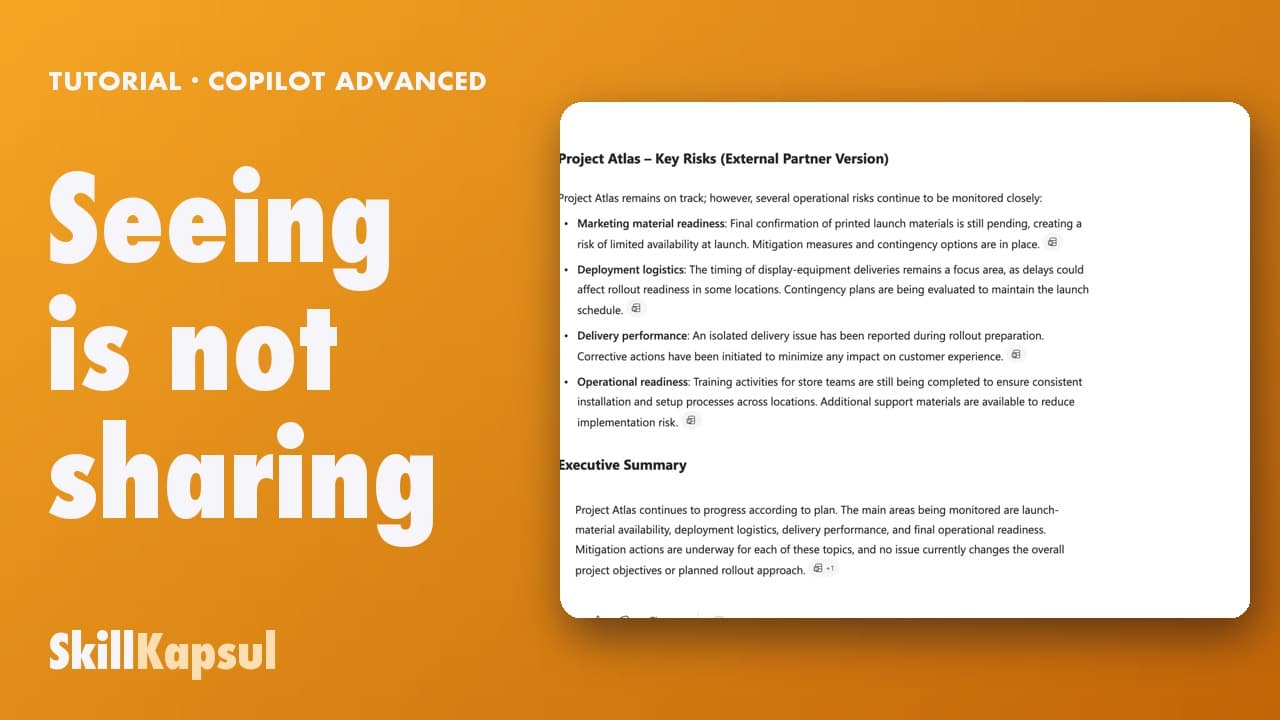 080:34
Before quoting a document outside the company, you check who has access and have a version written without internal information.
Advanced Copilot
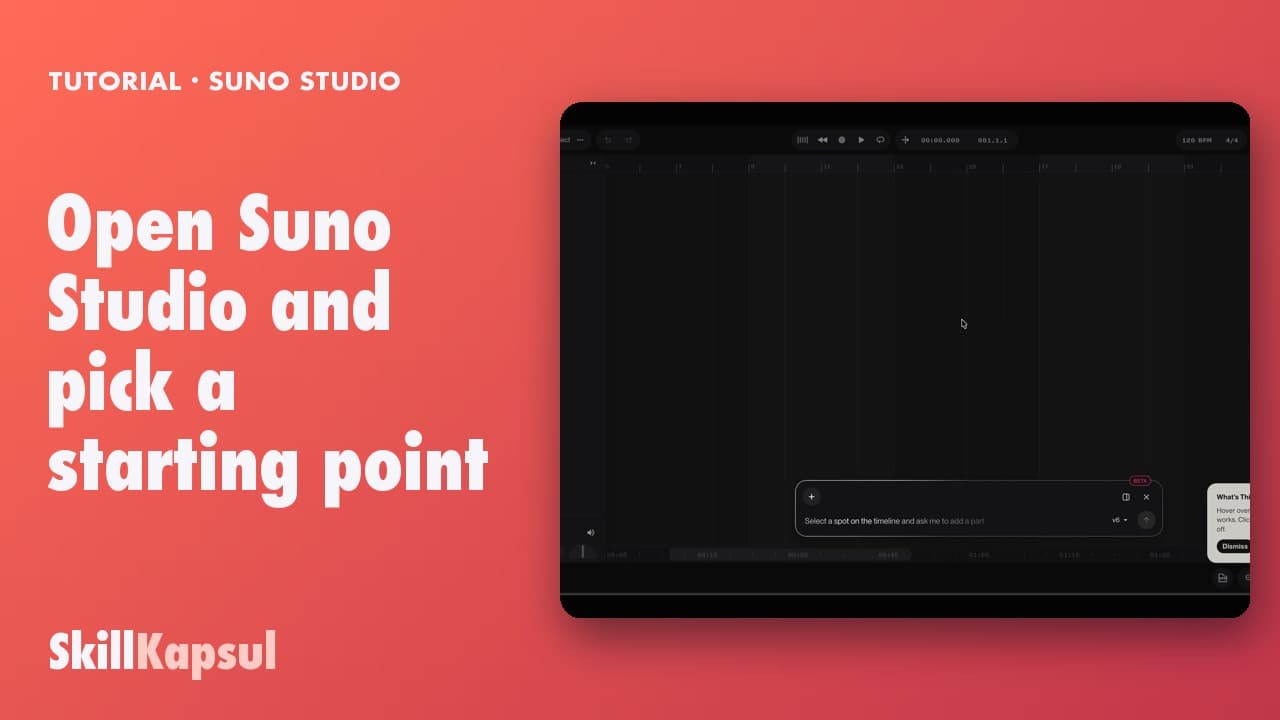 010:22
You open Studio and know where to start: one of your songs, a file, the demo or a blank page.
How to use Suno Studio
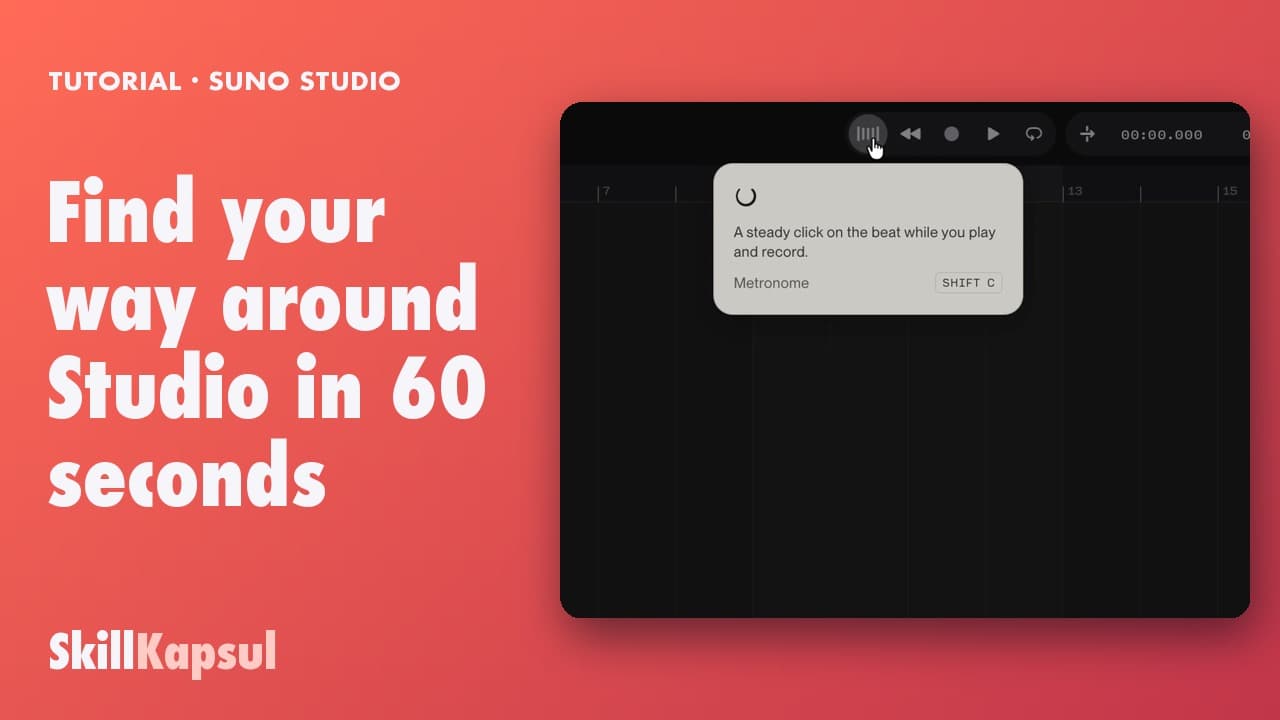 020:25
You know where the tracks, the timeline, the transport, the tempo and the Chat Bar are.
How to use Suno Studio
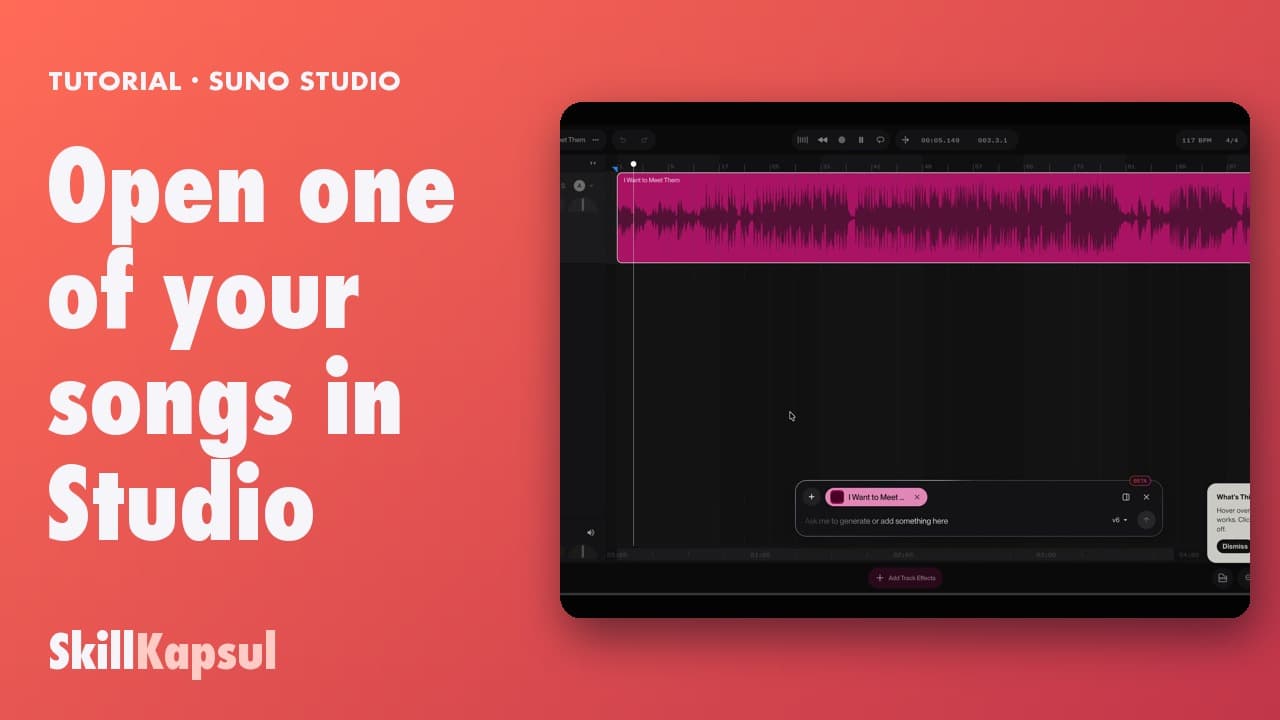 030:25
Your song lands on the timeline, ready to be reworked.
How to use Suno Studio
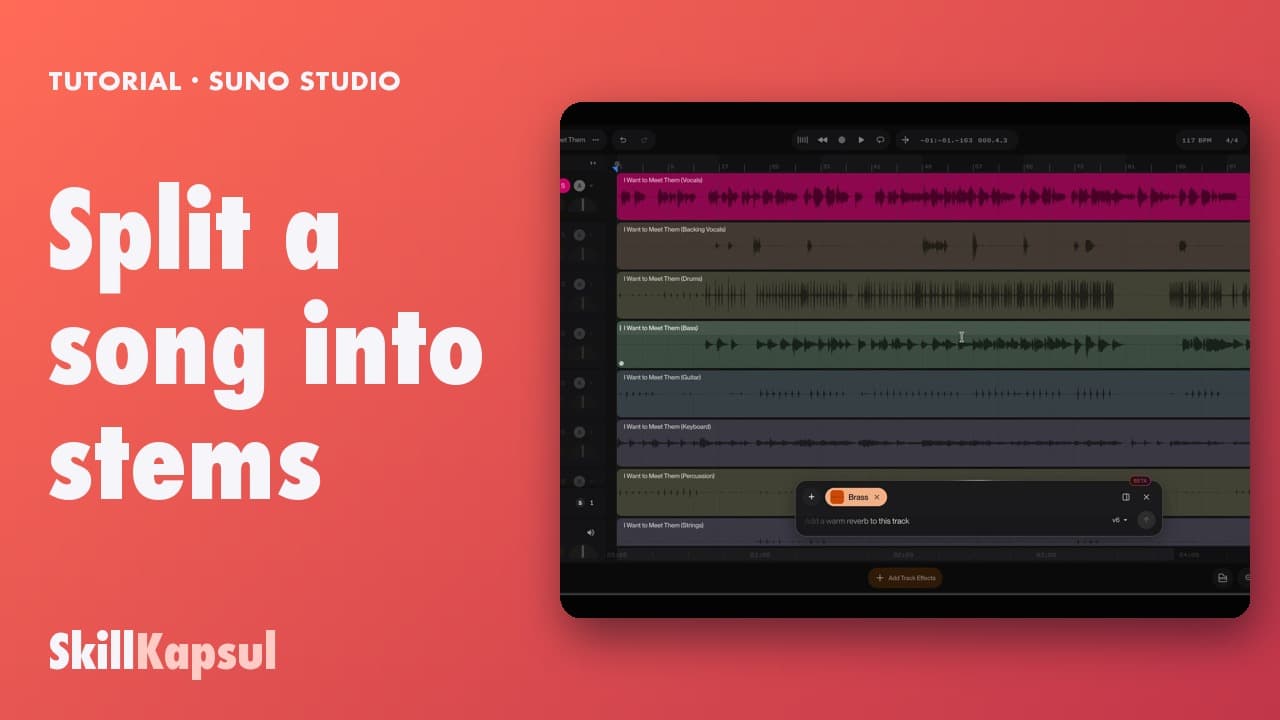 040:36
Vocals, drums, bass… each instrument lands on its own track, and you can listen to it alone.
How to use Suno Studio
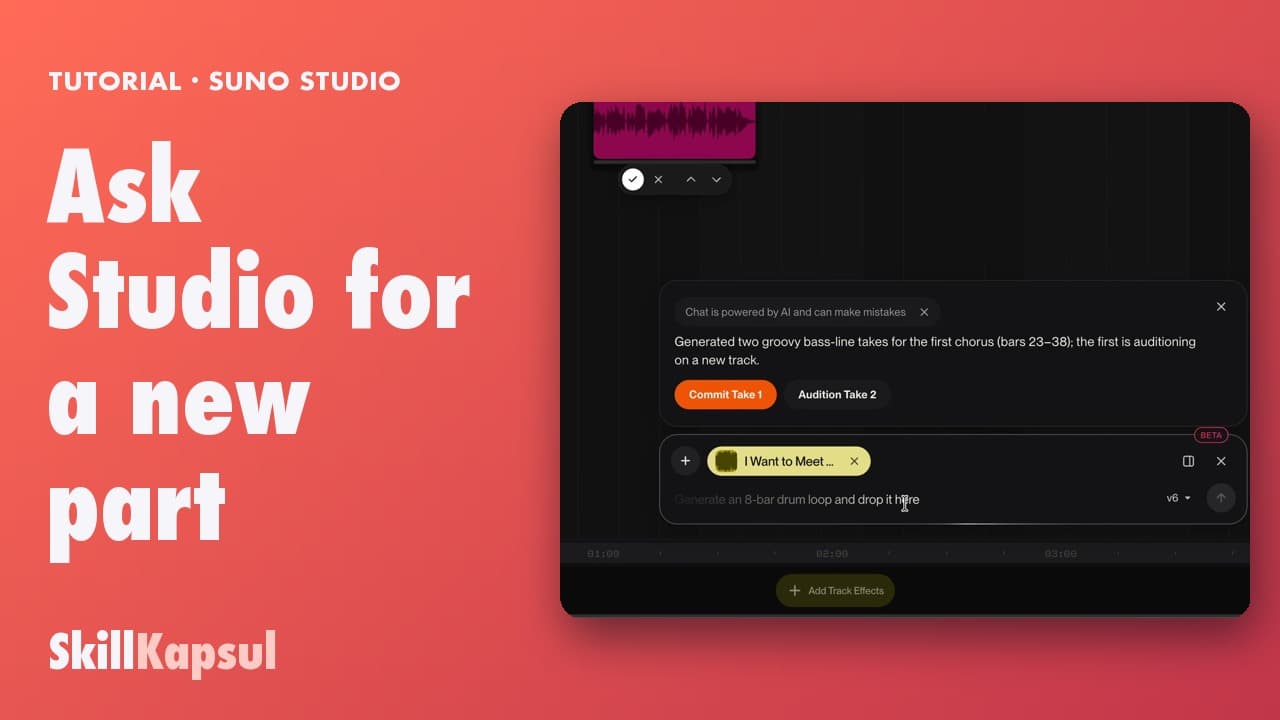 050:38
You describe a part in one sentence and Studio plays it on a new track, in time with the song.
How to use Suno Studio
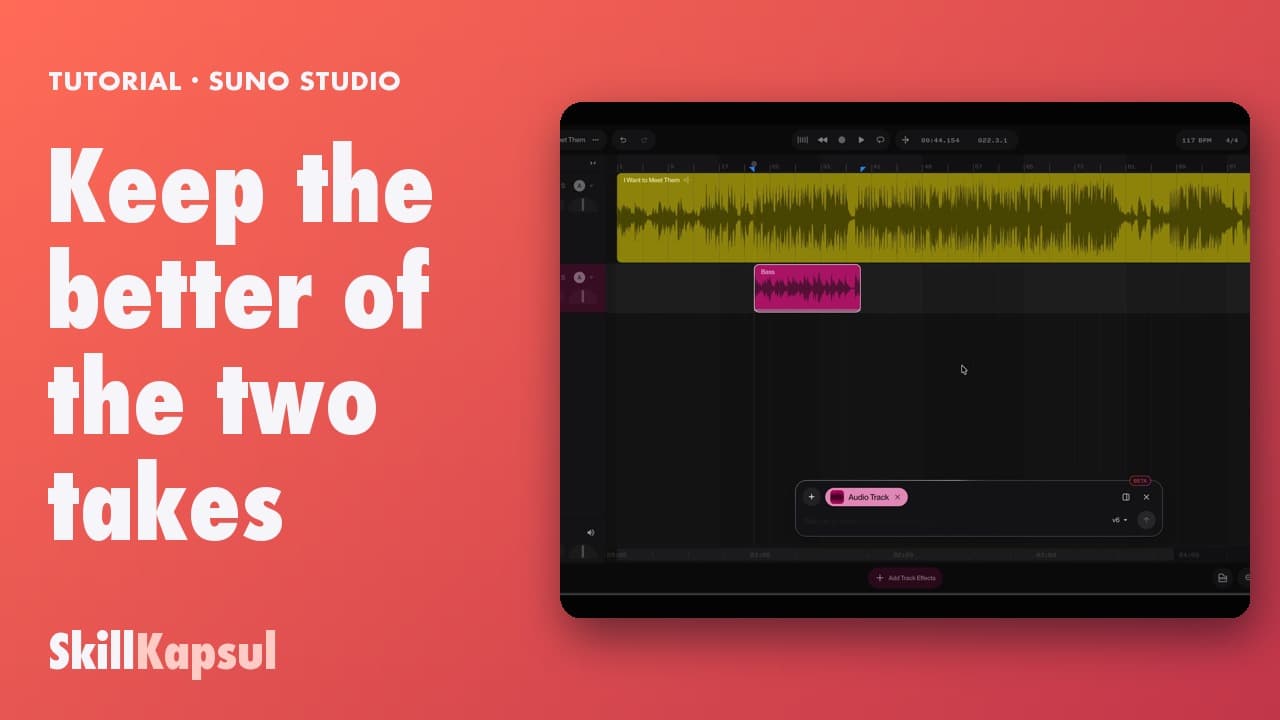 060:20
You compare the two versions Studio offers and keep only the better one on the timeline.
How to use Suno Studio
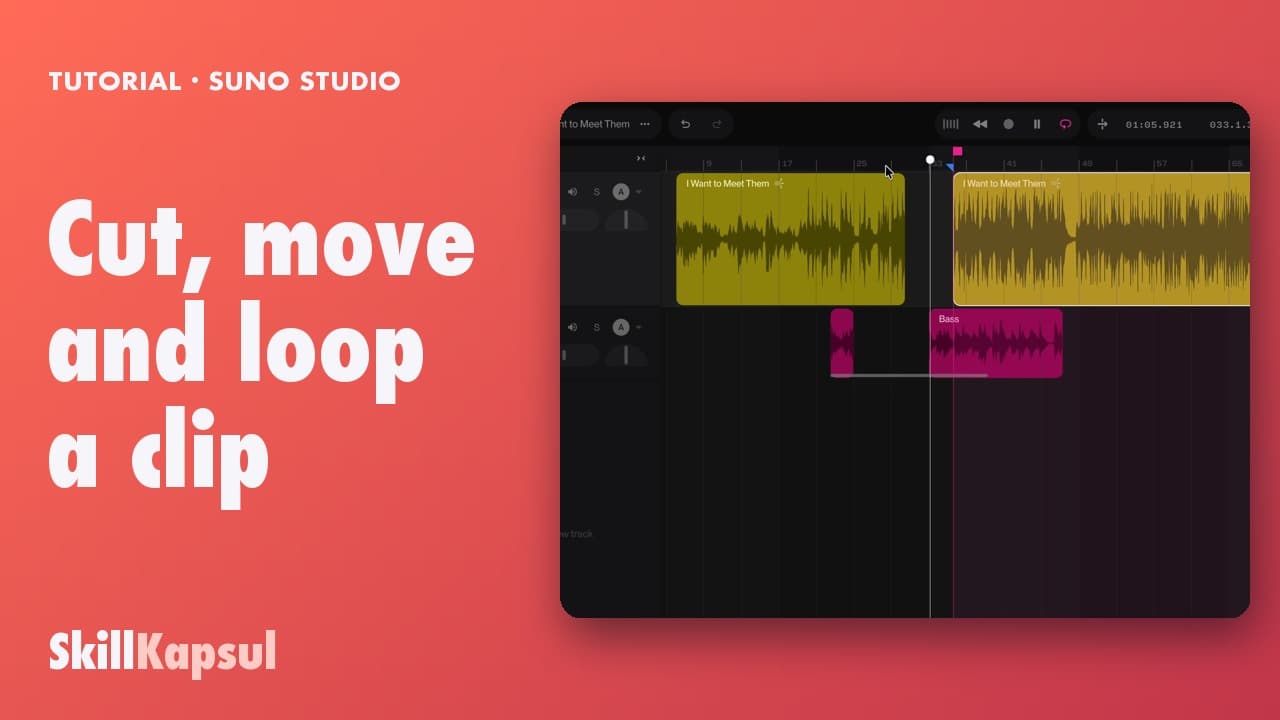 070:18
You cut a clip, move a piece along the timeline and loop a passage.
How to use Suno Studio
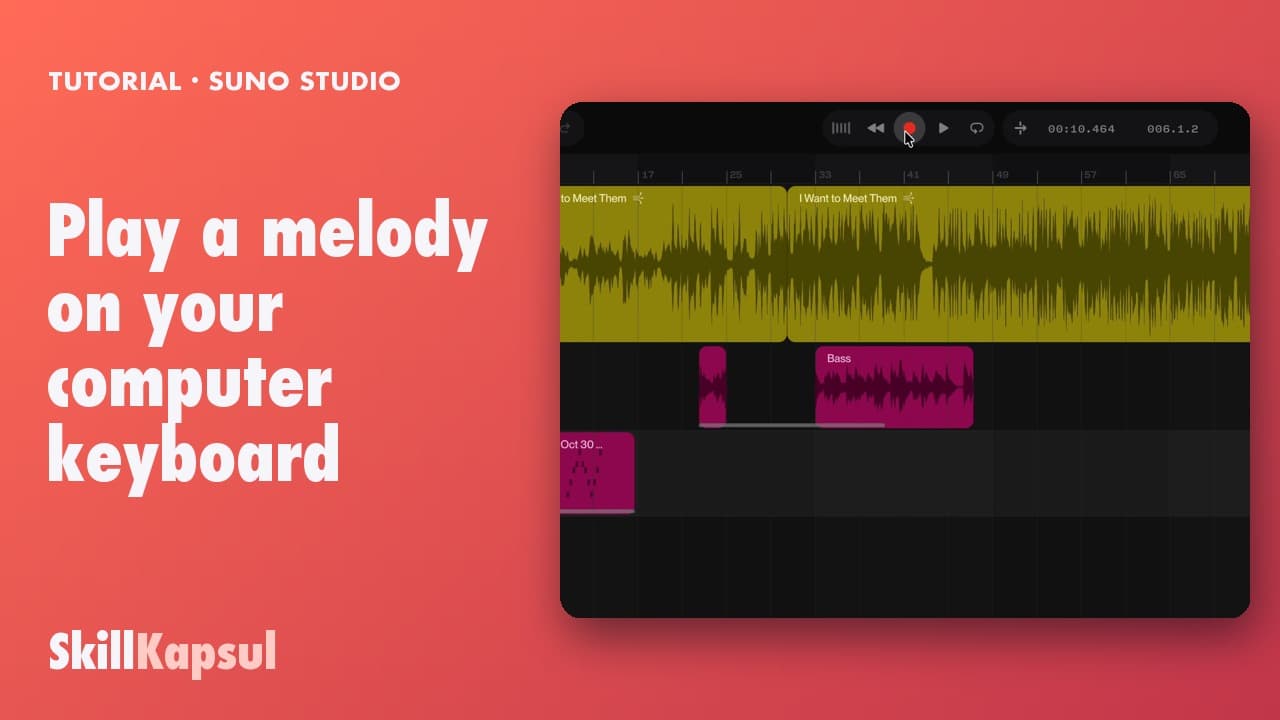 080:30
You play and record a melody without a MIDI keyboard: your computer keys become notes.
How to use Suno Studio
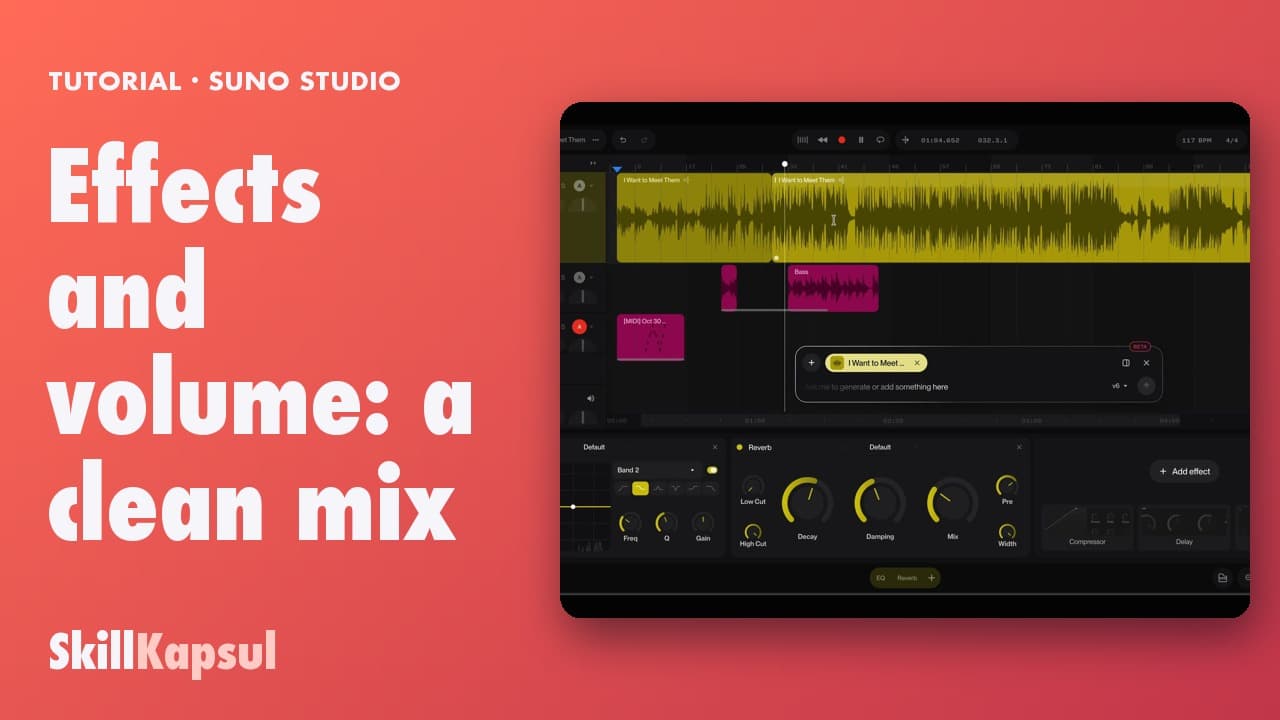 090:22
You add an EQ and a reverb to a track, then set its volume.
How to use Suno Studio
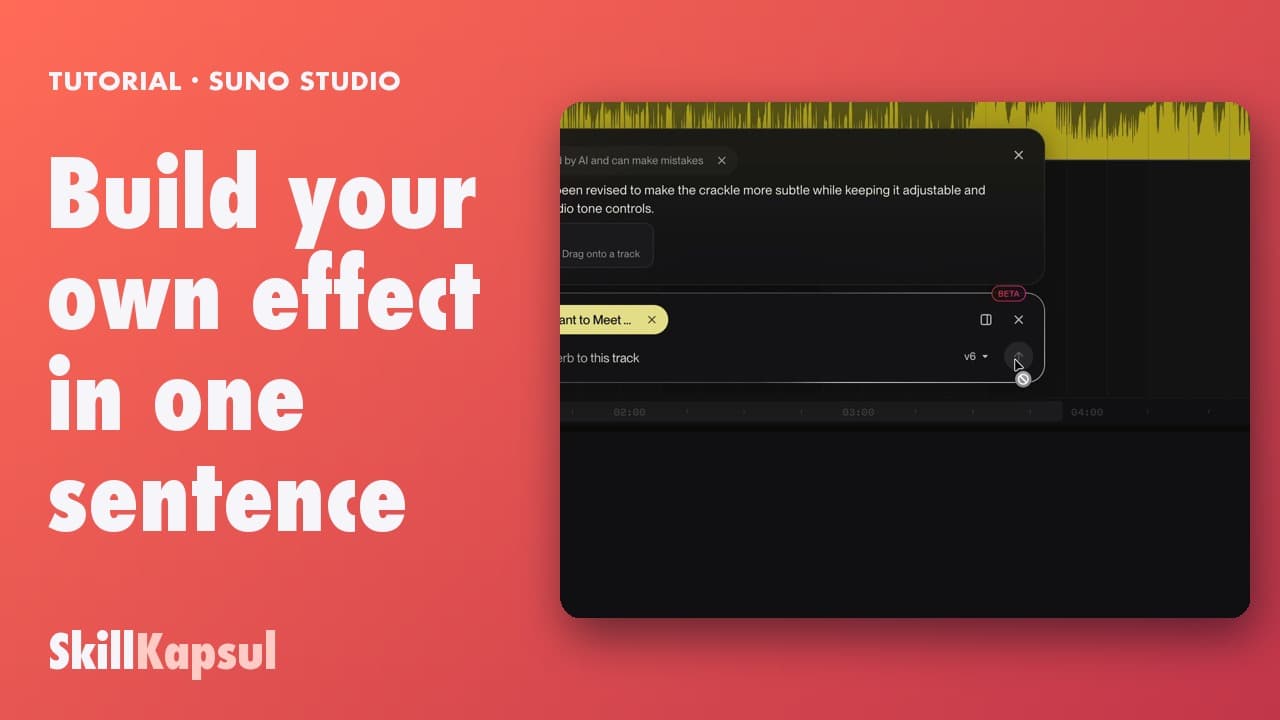 100:53
You describe an effect that doesn't exist and Studio builds it, with its own knobs.
How to use Suno Studio
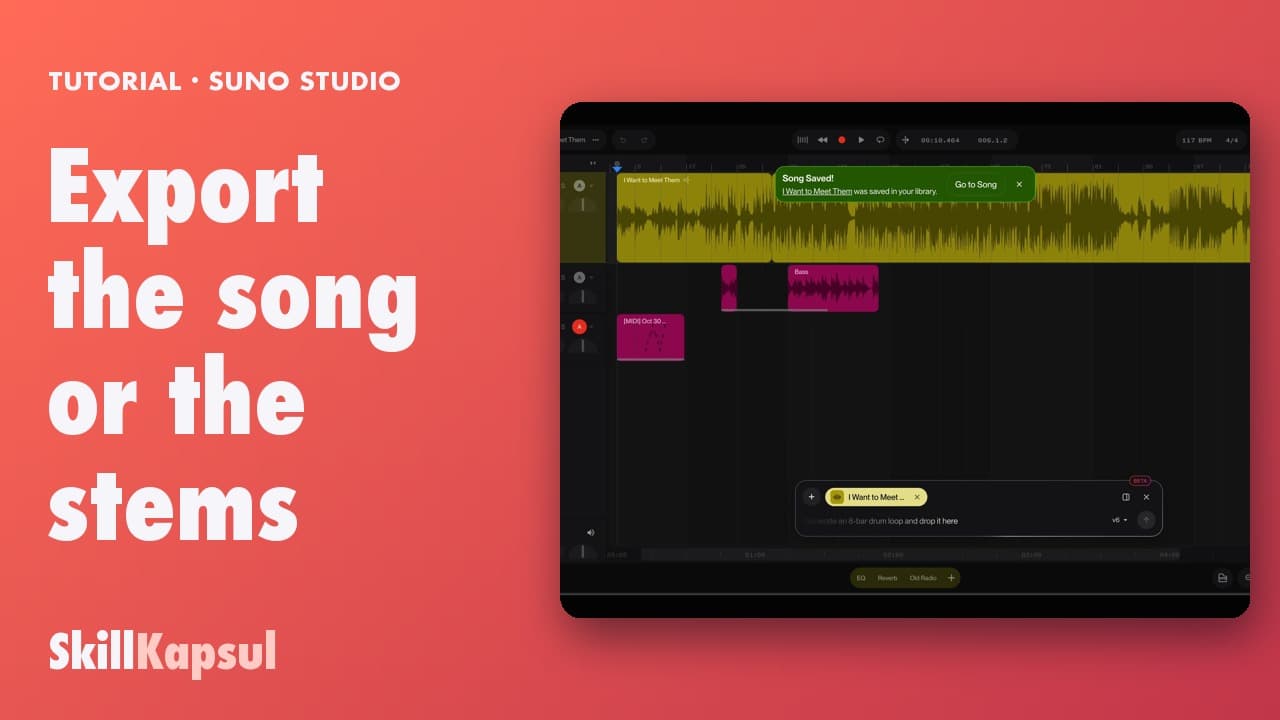 110:20
You save your mix as a new song, or export a passage or each track on its own.
How to use Suno Studio
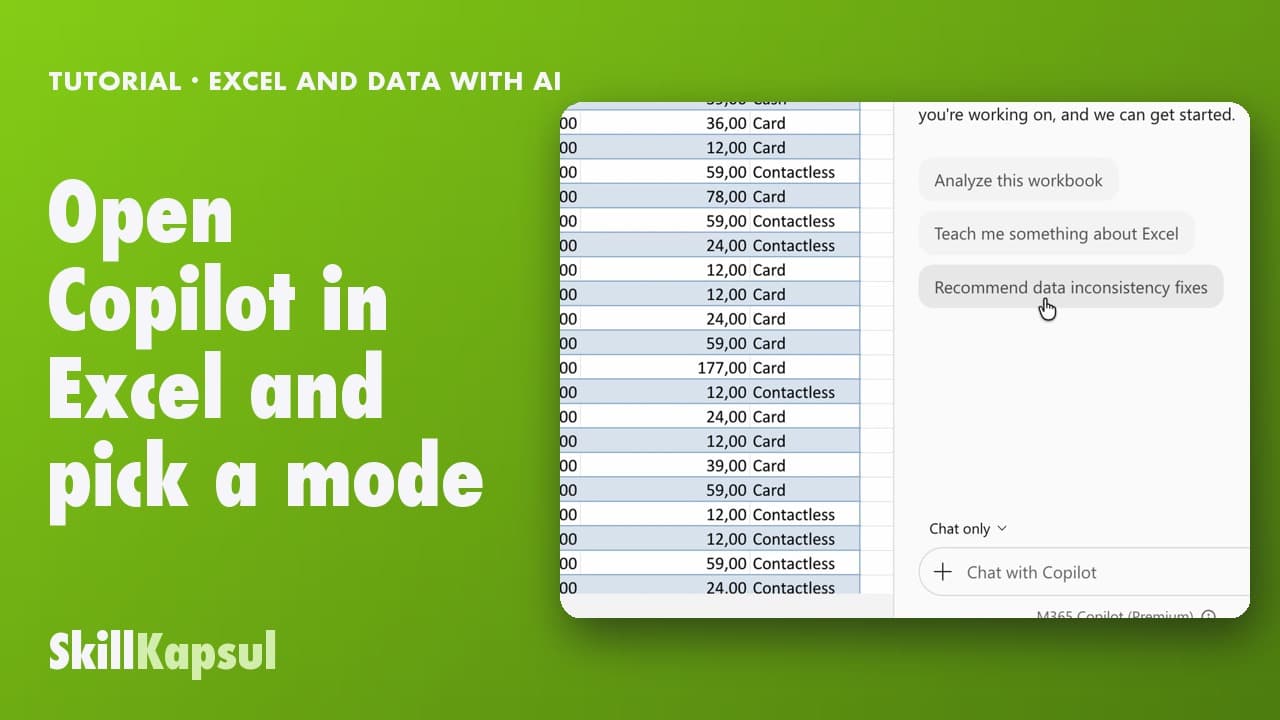 010:31
You open Copilot in Excel and pick the right mode: edit, plan or just answer.
Excel and data with AI
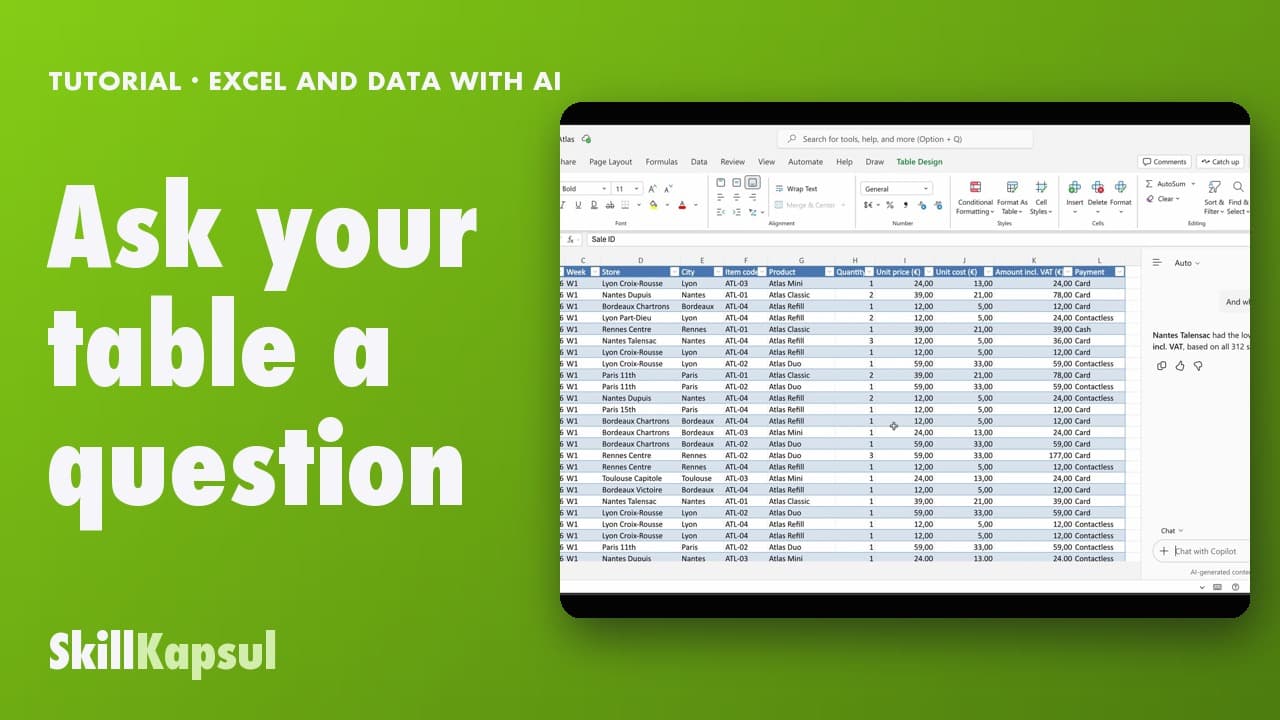 020:40
You ask your table a question in your own words and get the answer, without changing anything.
Excel and data with AI
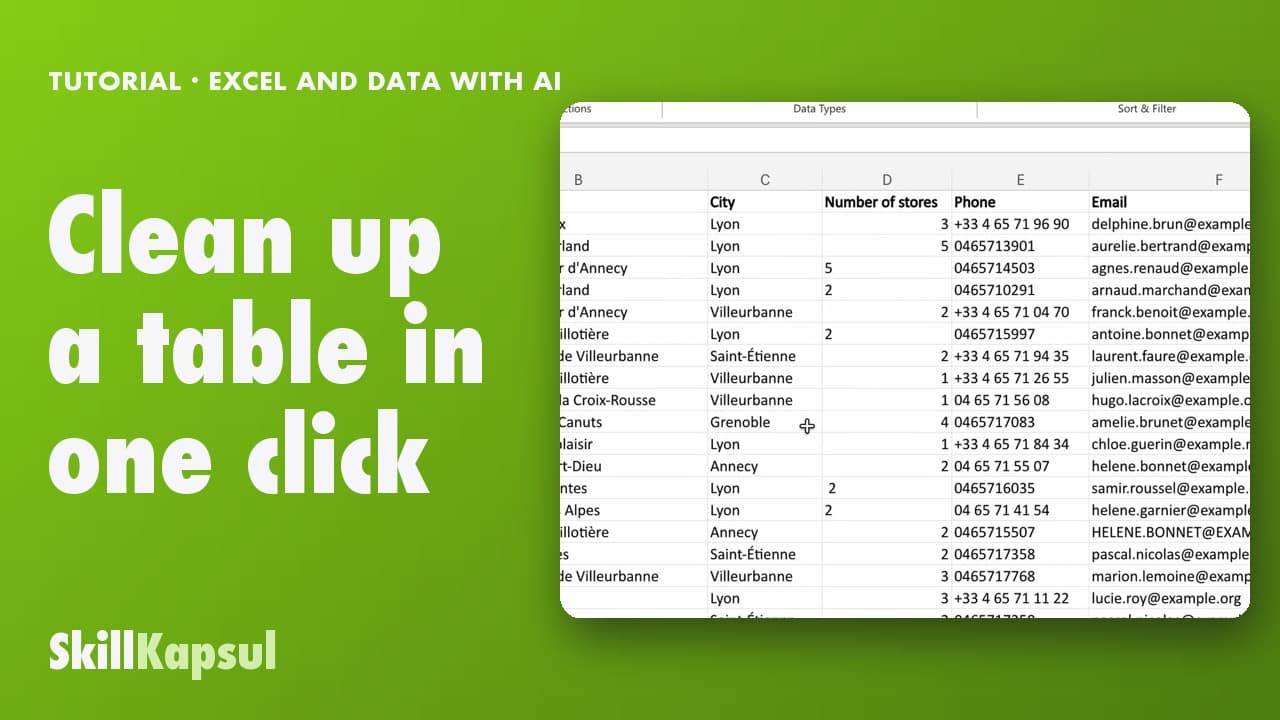 030:46
You fix inconsistent text and extra spaces in a list typed by hand.
Excel and data with AI
 040:48
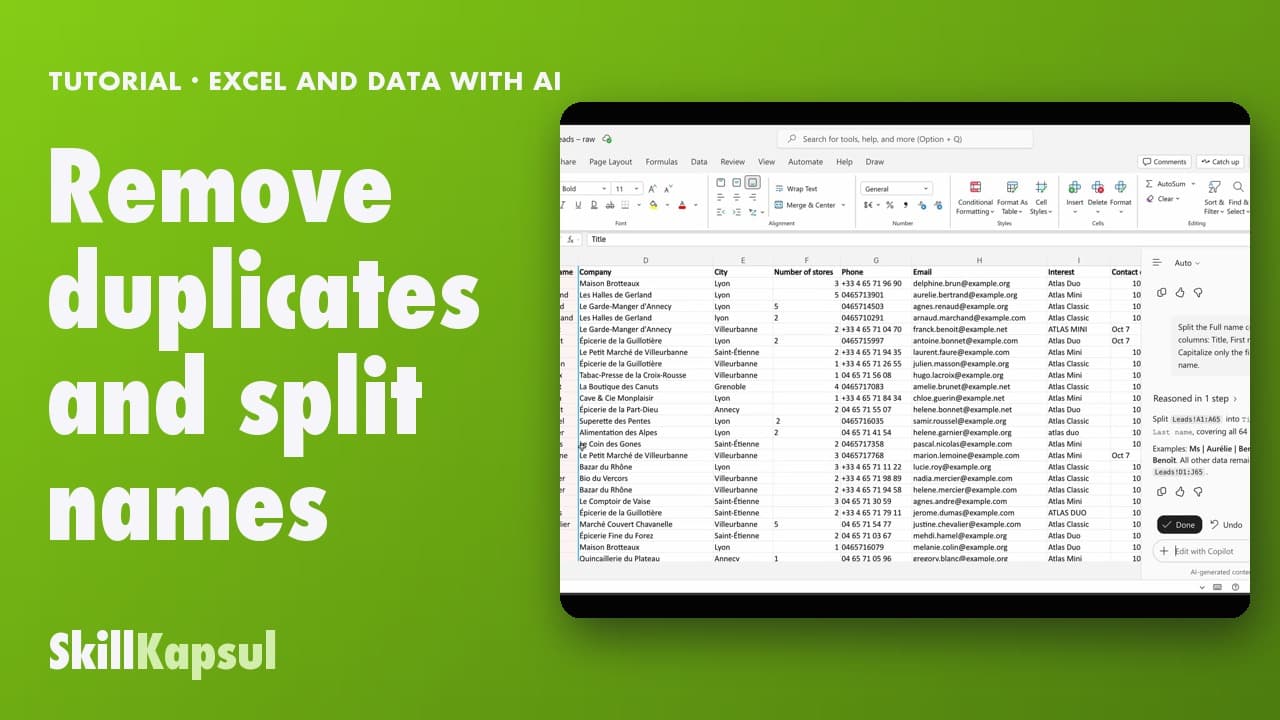
You remove duplicates from a list and split title, first name and last name in one request.
Excel and data with AI
 050:48
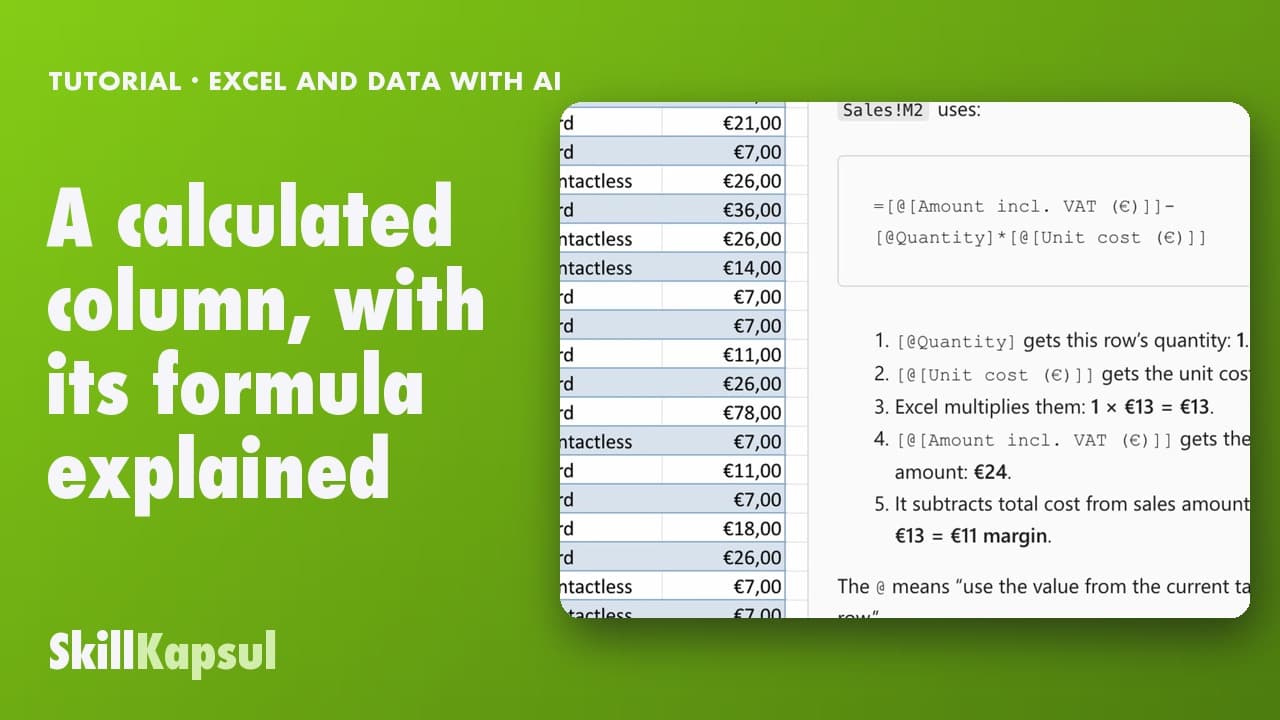
You add a calculated column in one sentence and understand the formula behind it.
Excel and data with AI
 061:08
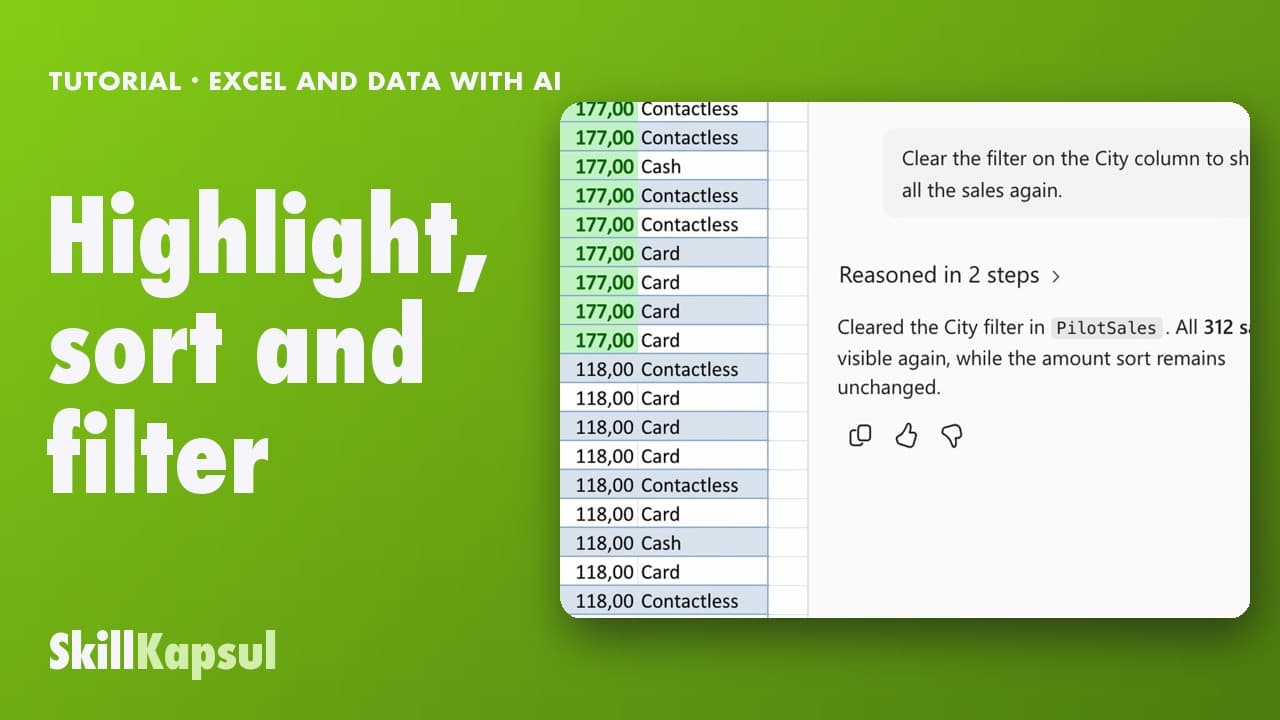
You make the biggest sales stand out, then sort and filter the table in a few sentences.
Excel and data with AI
 070:45
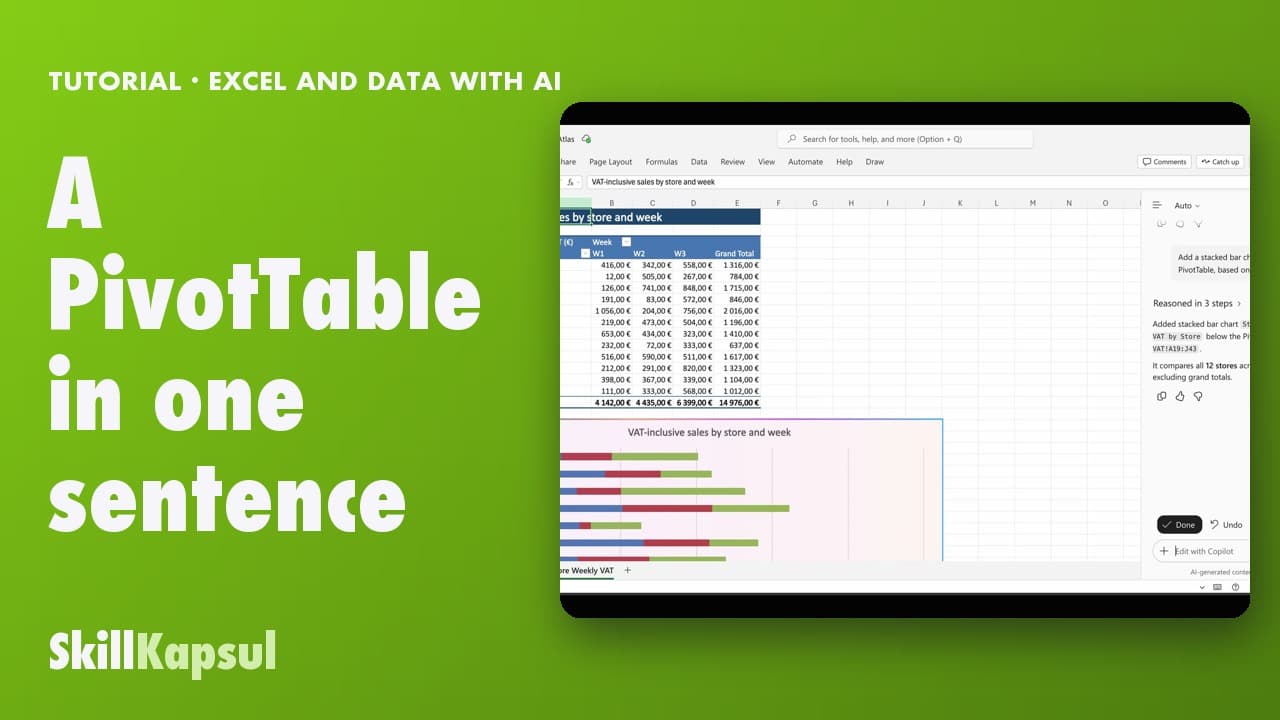
You create a PivotTable and its chart without going through the menus.
Excel and data with AI
 080:41
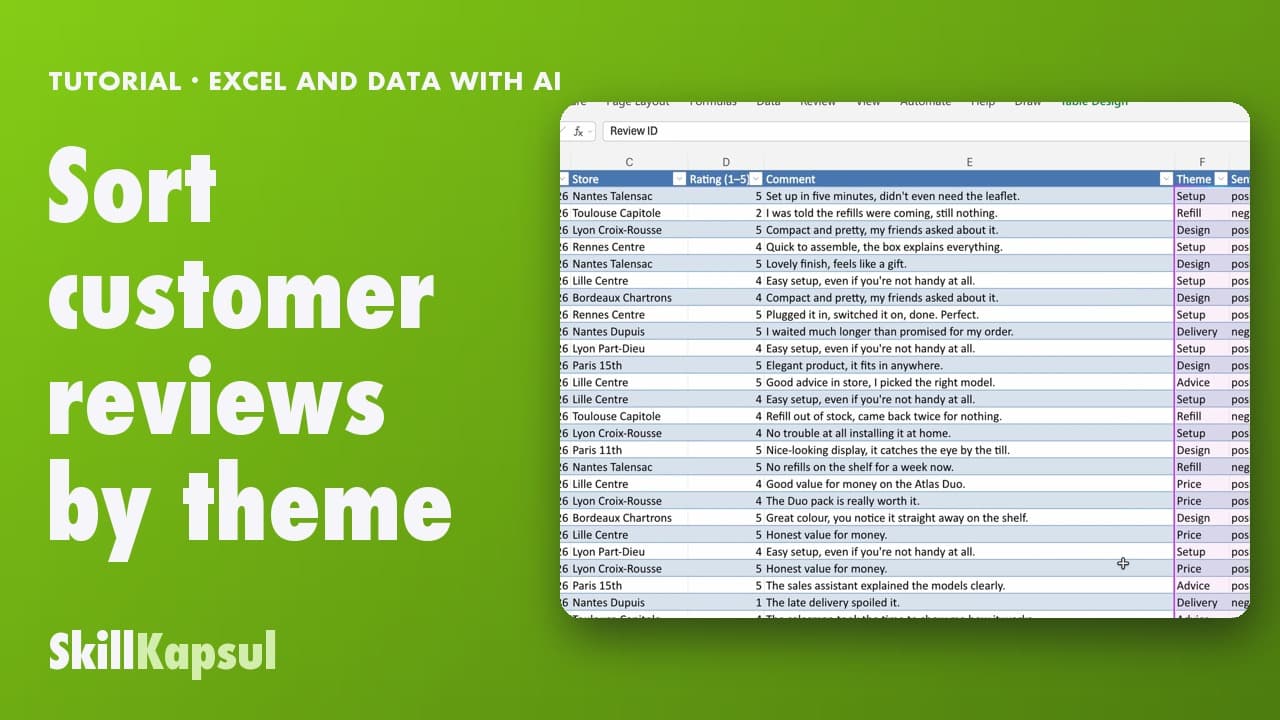
You summarize free-text reviews, then sort each one by theme and sentiment.
Excel and data with AI
 090:44
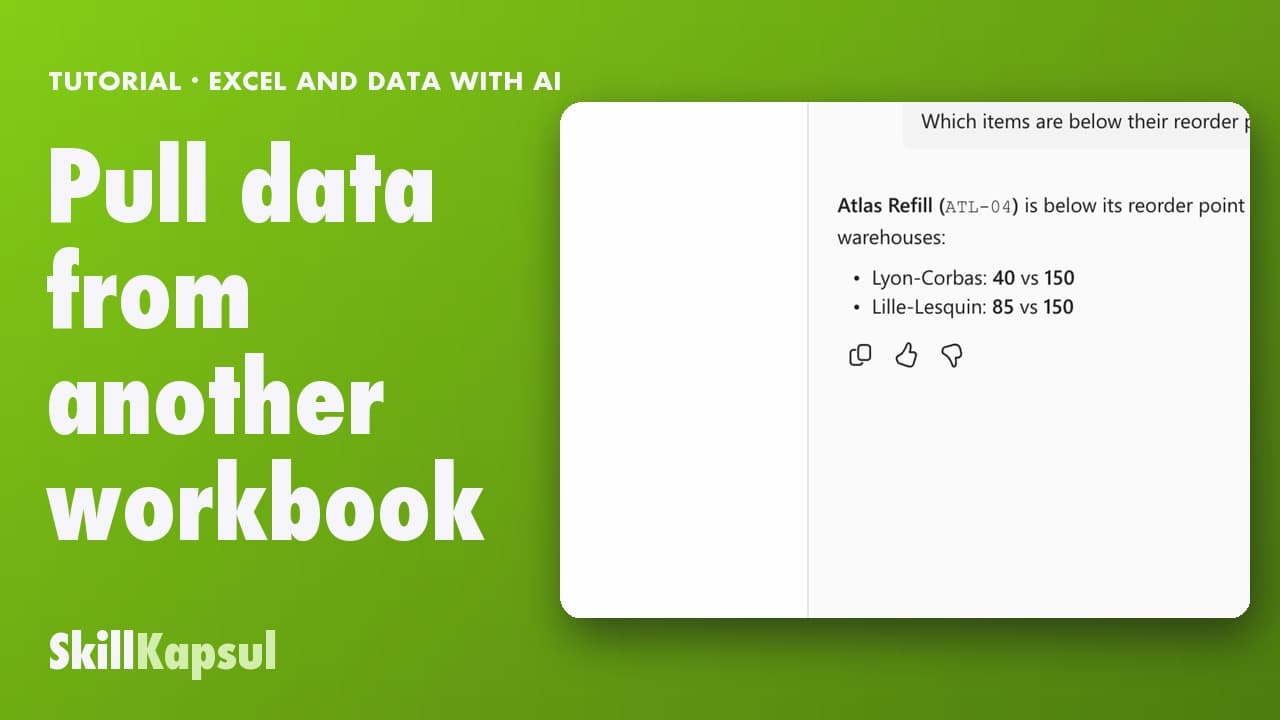
You import data from another OneDrive file and cross-check it with your table.
Excel and data with AI
 100:38
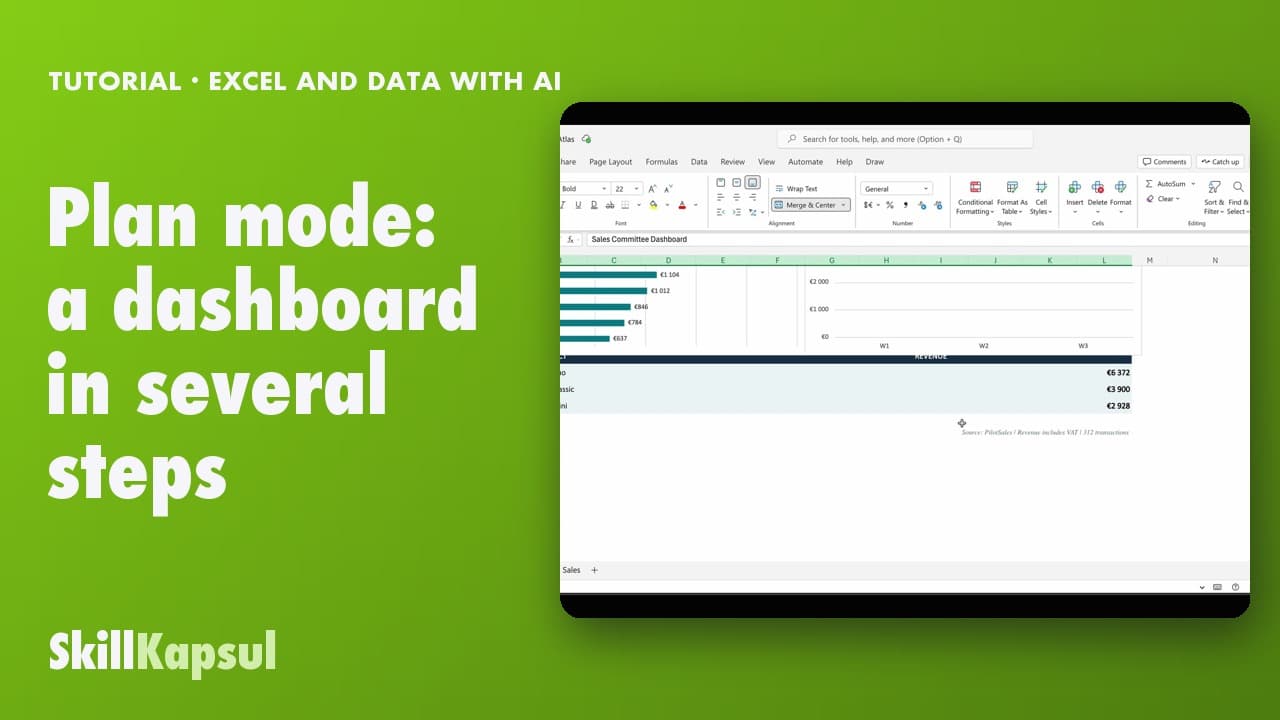
You get a complete dashboard built, after reading Copilot’s plan.
Excel and data with AI
 110:29
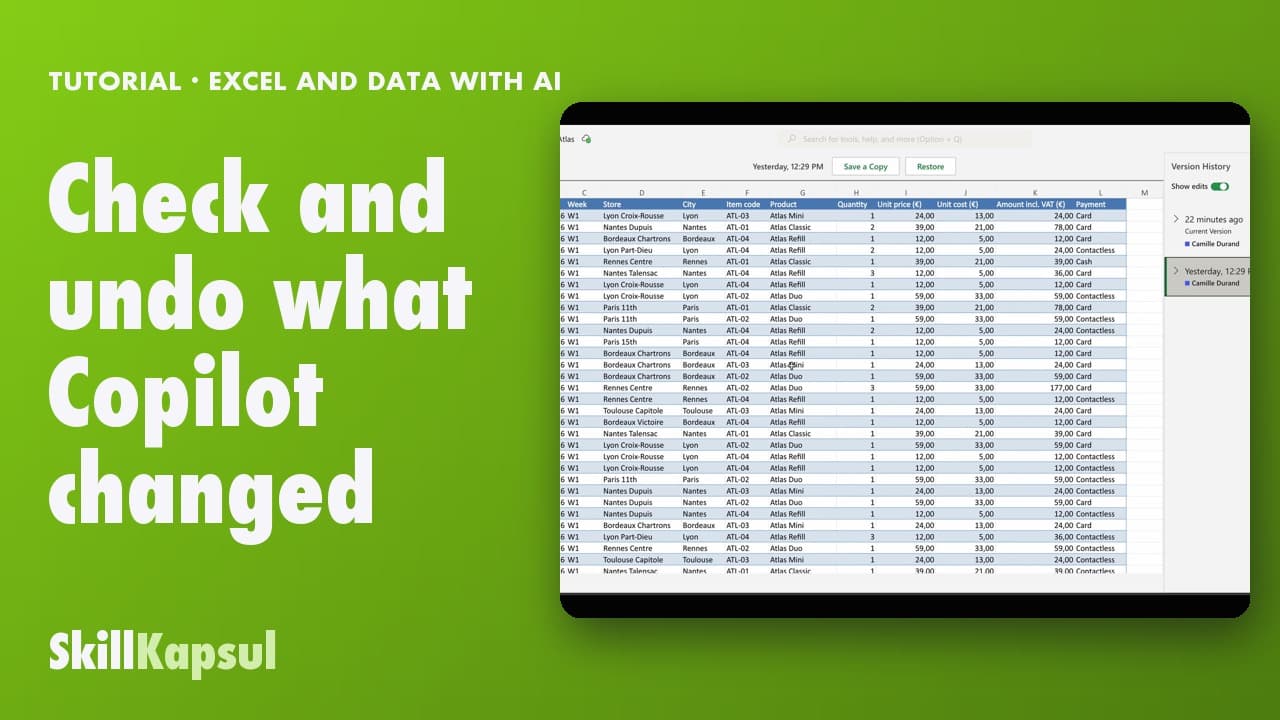
You see every change Copilot made and know how to go back to an earlier version.
Excel and data with AI
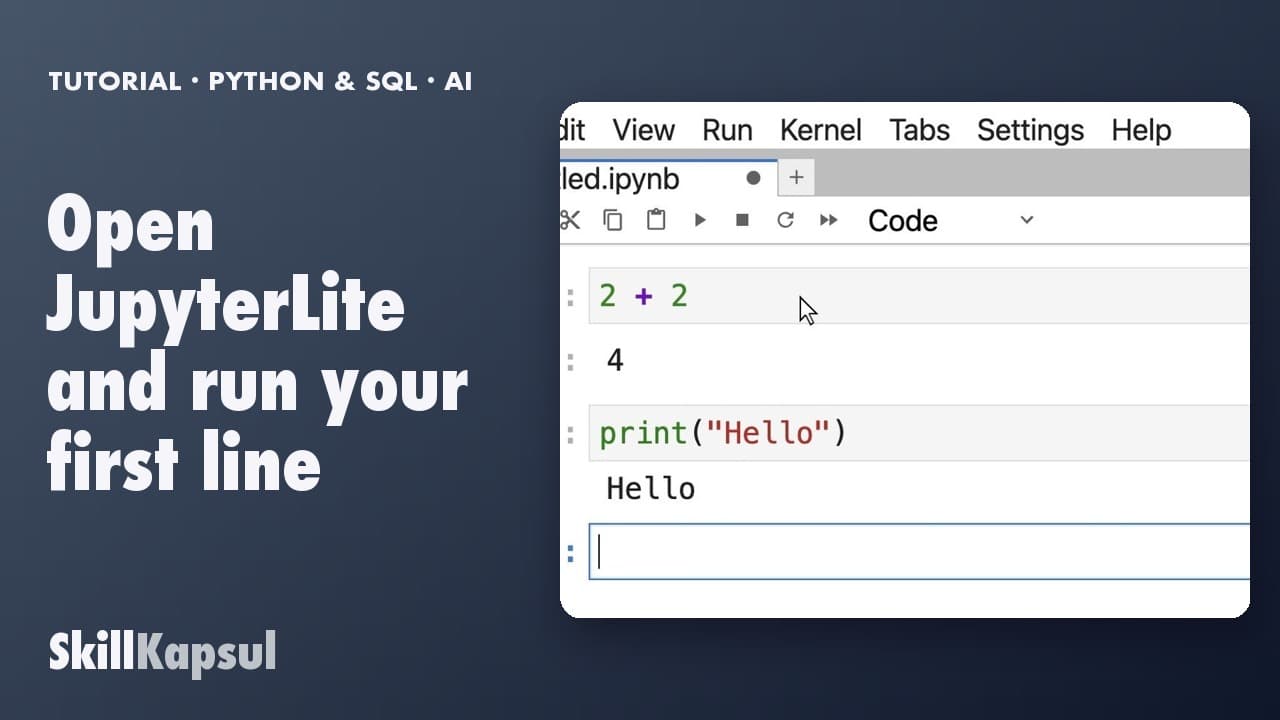 010:28
You open a Python notebook in your browser, with no account and nothing to install, and run your first cell.
First steps in Python and SQL, with AI
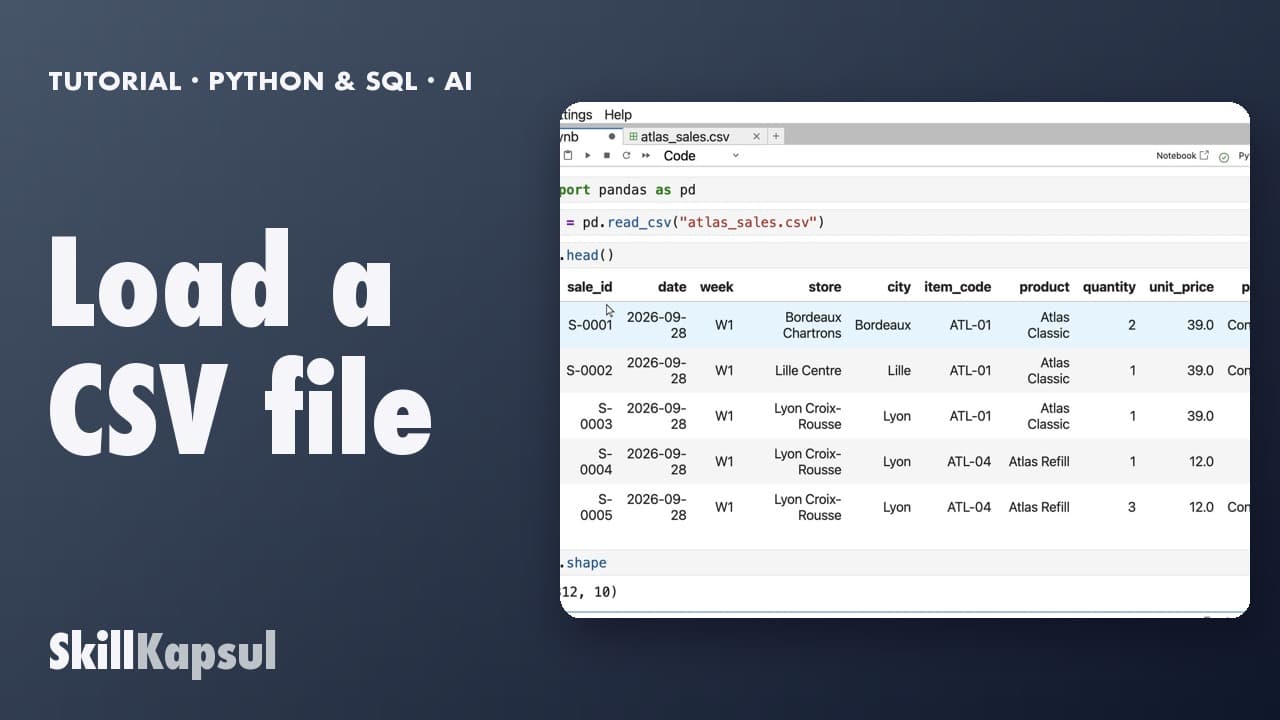 020:24
You load a sales export with pandas and see its first rows and its size.
First steps in Python and SQL, with AI
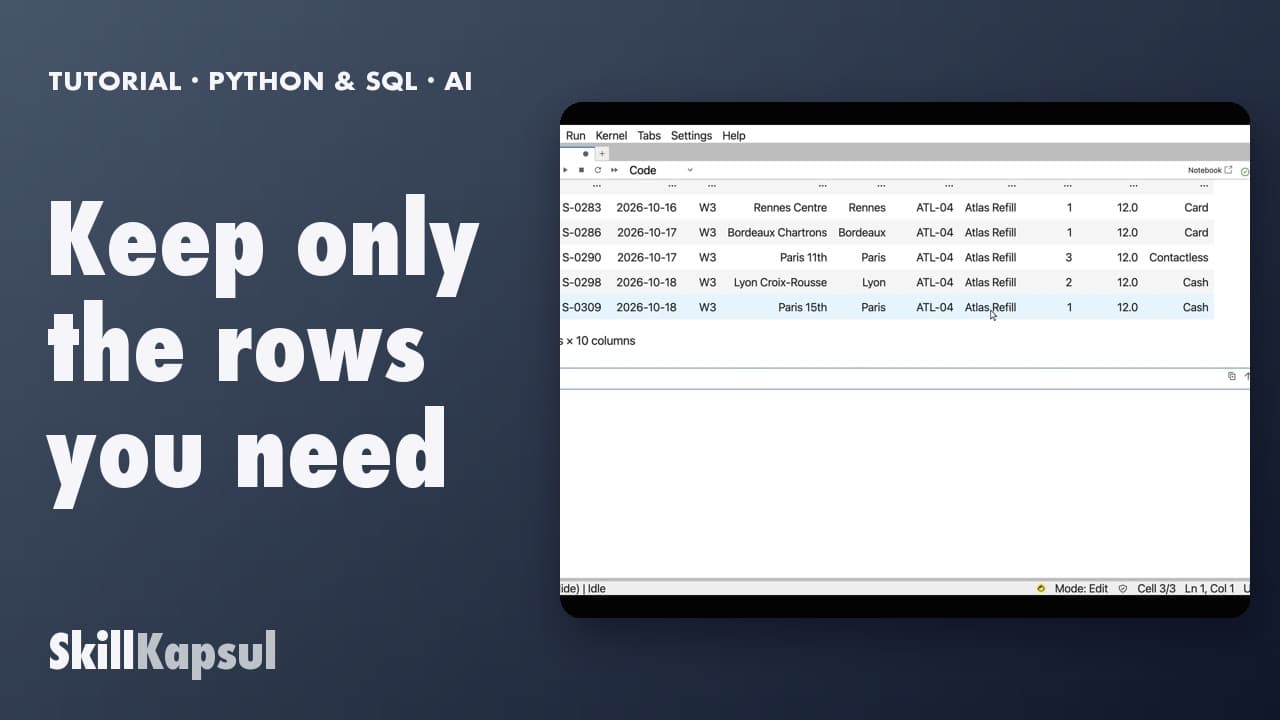 030:26
You filter a table on a value: a city, a product.
First steps in Python and SQL, with AI
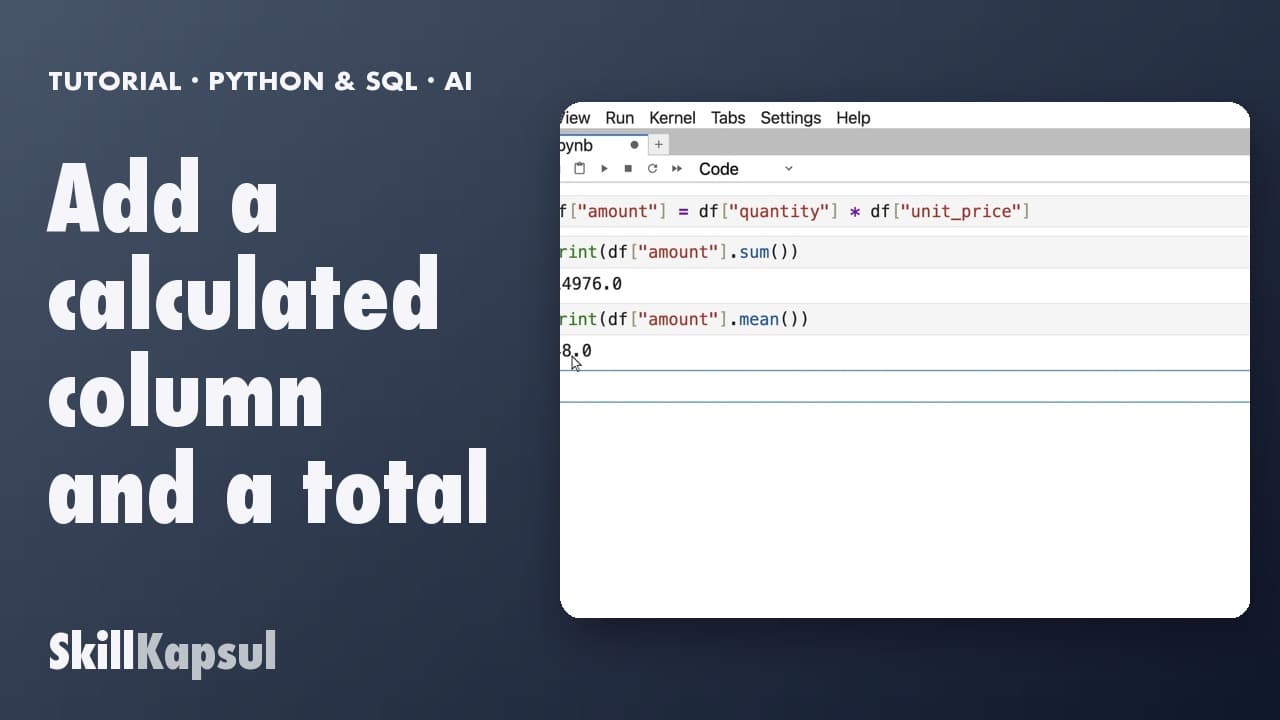 040:22
You add a calculated column, then get the total and the average.
First steps in Python and SQL, with AI
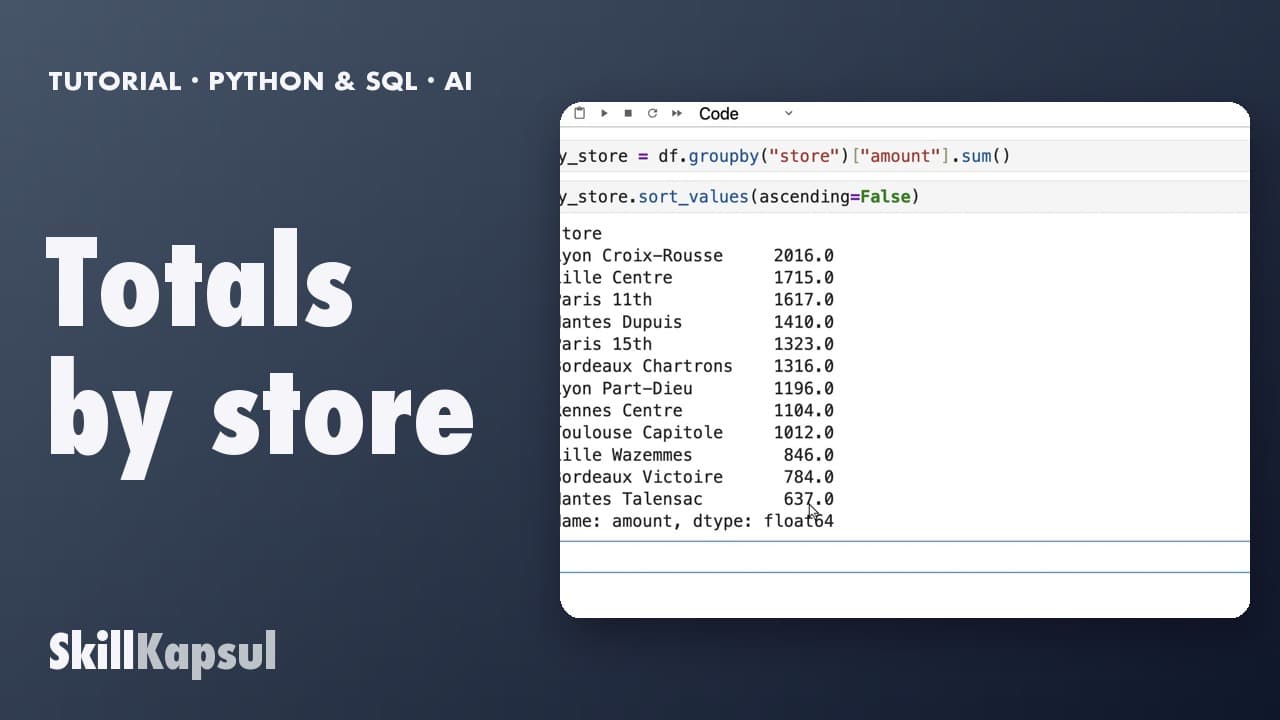 050:16
You total sales by store and rank them from largest to smallest.
First steps in Python and SQL, with AI
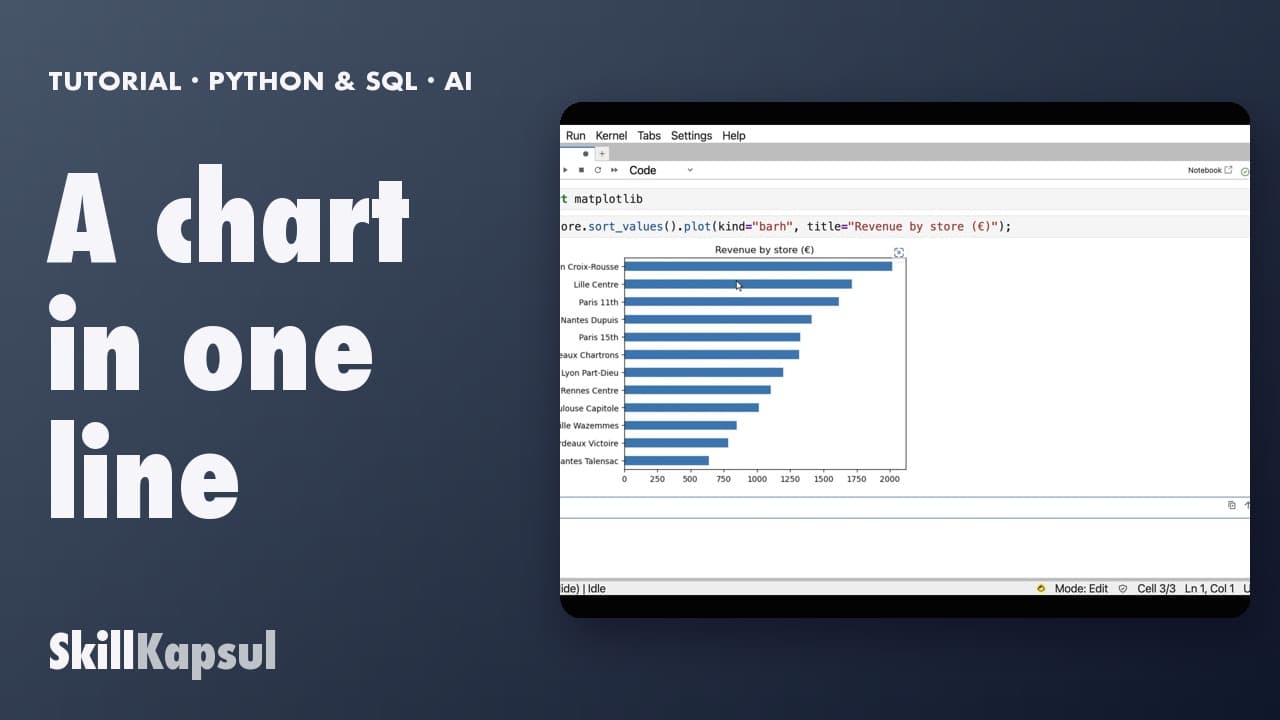 060:25
You turn a total by store into a bar chart, in a single line.
First steps in Python and SQL, with AI
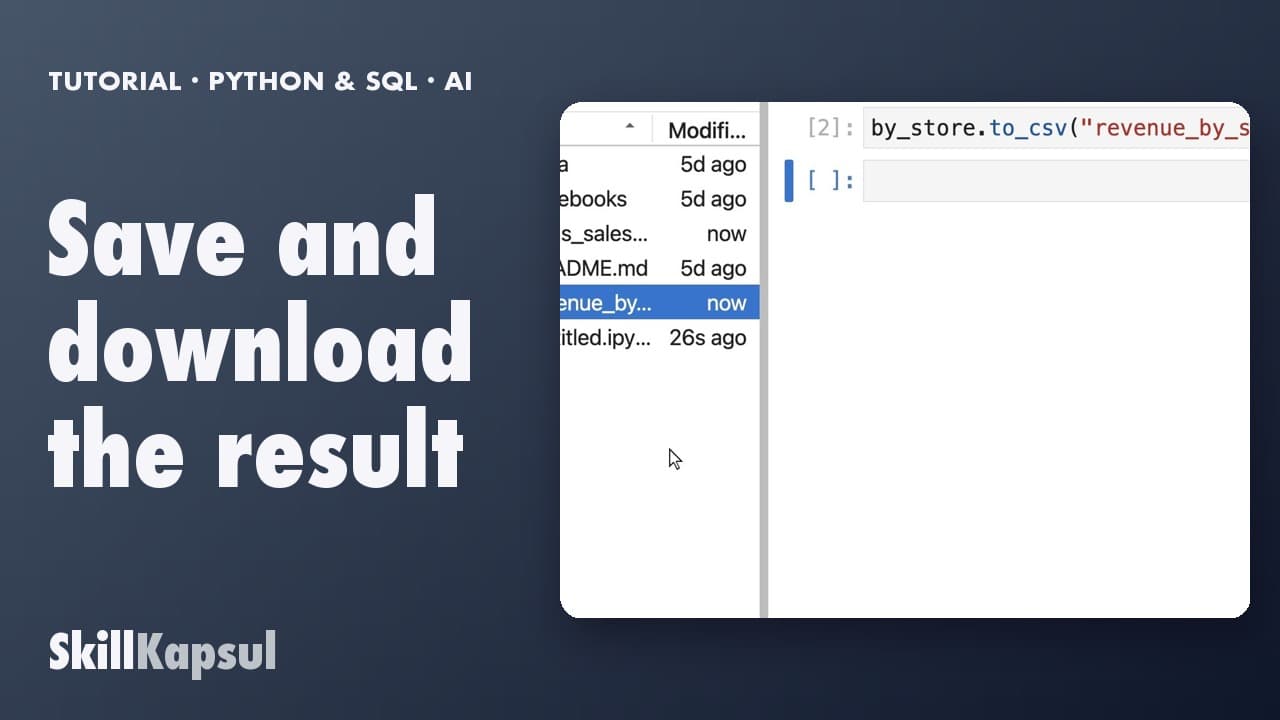 070:18
You save a result to a CSV file and download it to your computer.
First steps in Python and SQL, with AI
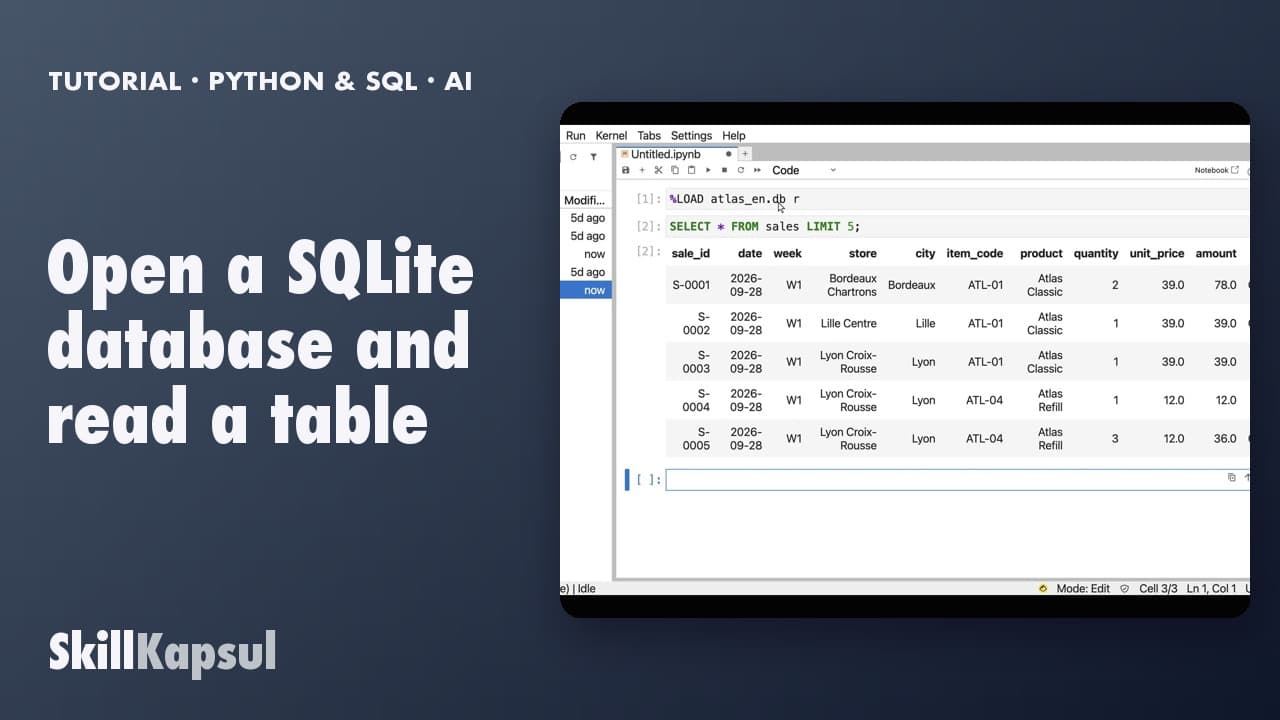 080:29
You open a database read-only and read the first rows of a table.
First steps in Python and SQL, with AI
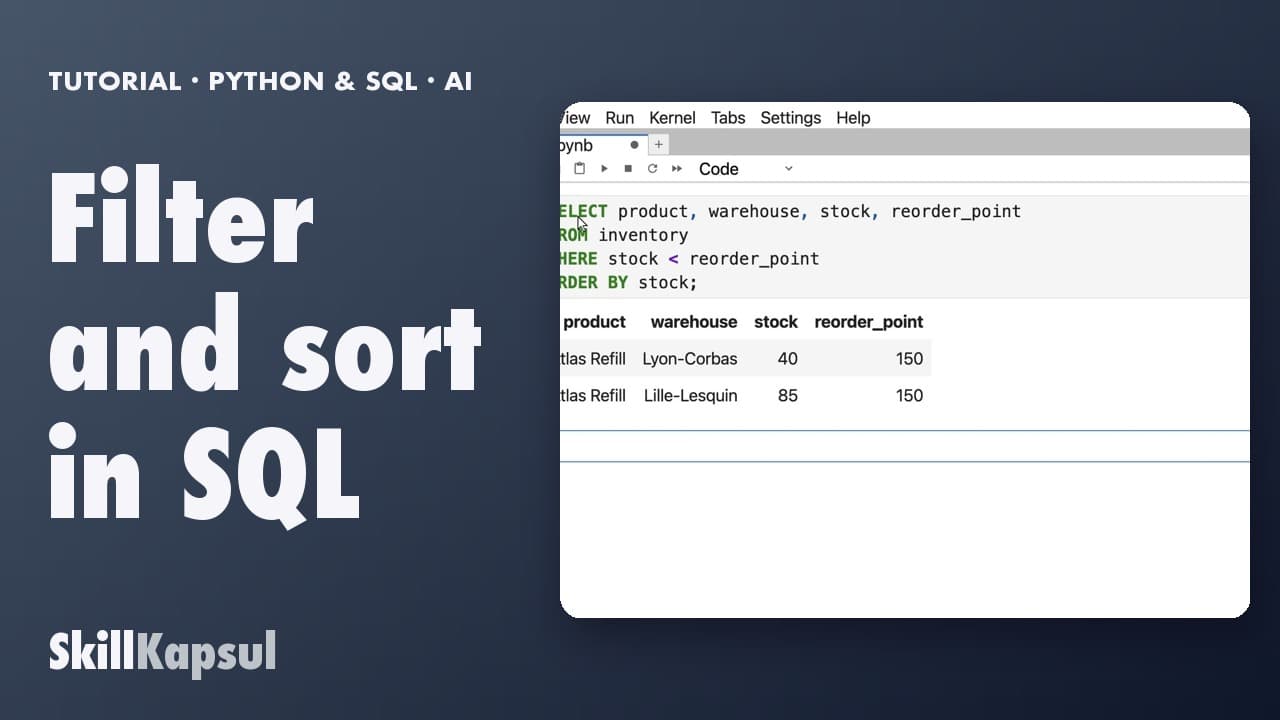 090:25
You find in SQL the products below their reorder point, sorted by stock.
First steps in Python and SQL, with AI
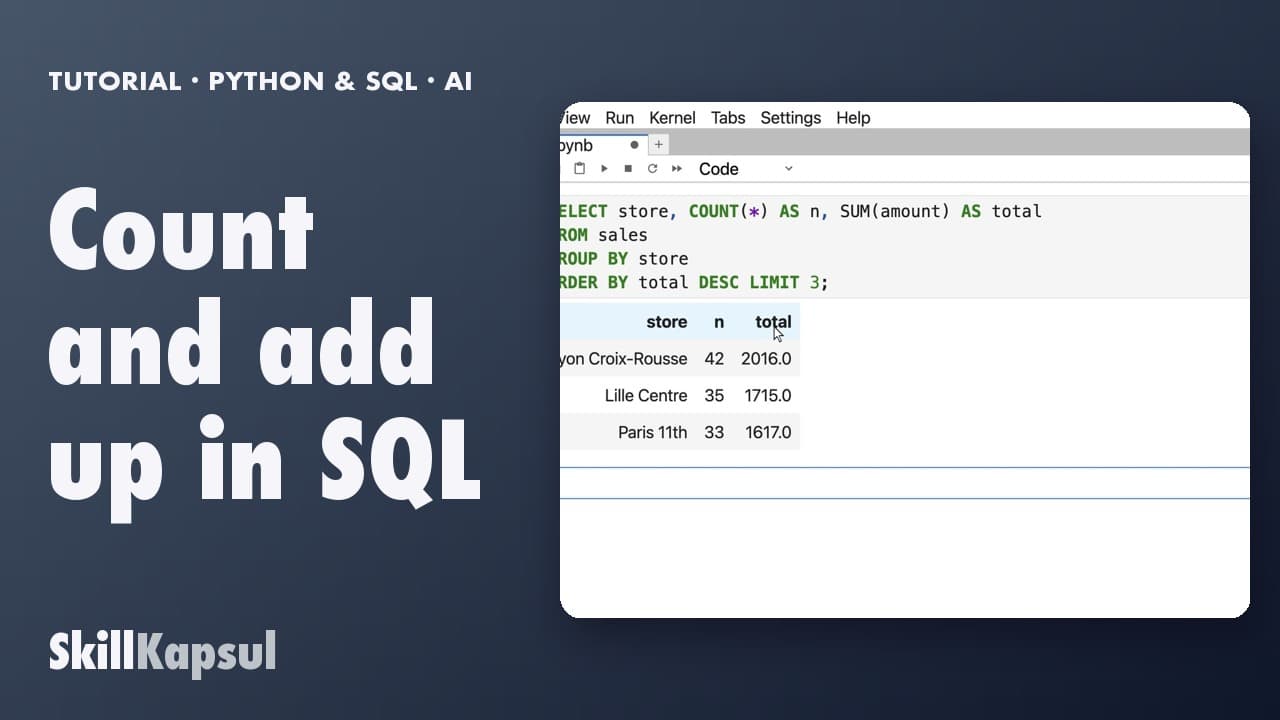 100:19
You count sales and total them by store, in SQL.
First steps in Python and SQL, with AI
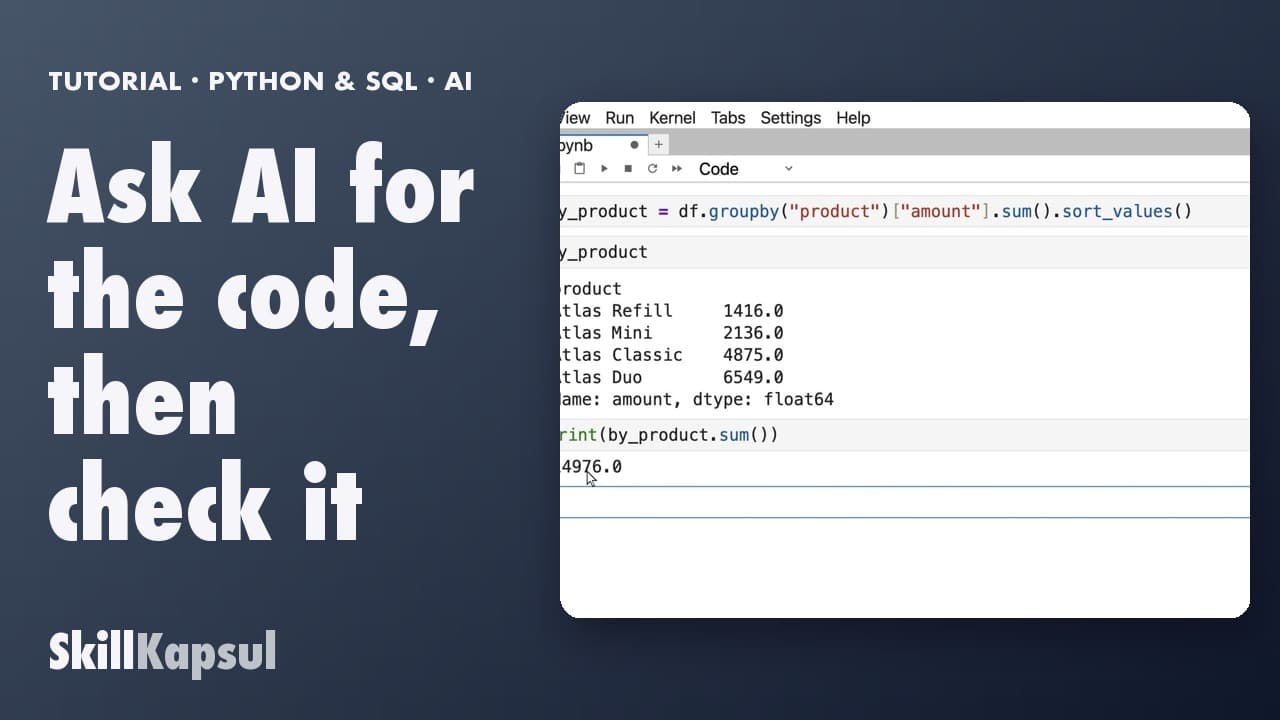 110:33
You get a line of code from Copilot Chat by giving only the columns, then check it against a number you know.
First steps in Python and SQL, with AI
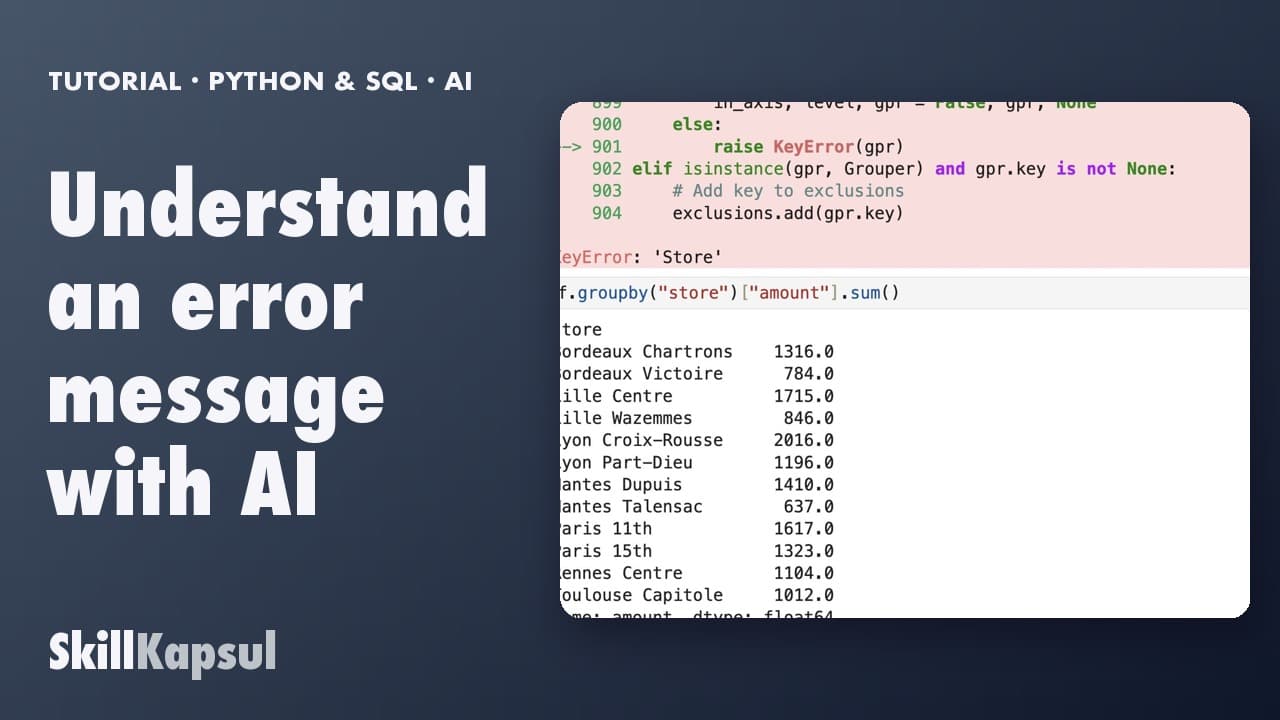 120:28
You read the last line of an error, have Copilot Chat explain it, and fix it.
First steps in Python and SQL, with AI
Newsletter
One skill a week, straight to your inbox. The easiest way to keep learning without thinking about it.
Your data stays in the EU. Never sold.