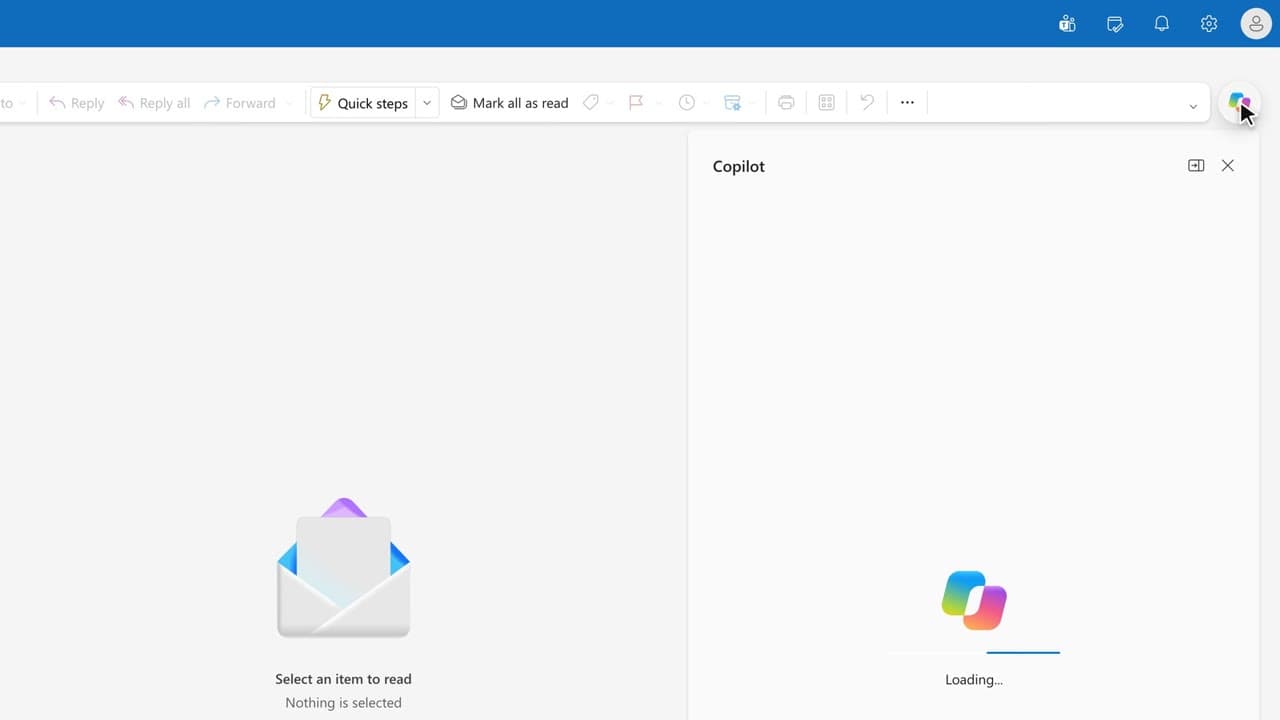
 010:23
OutlookBeginner
Catch up on the weekend in 30 seconds
You start Monday with the list of weekend emails that need an answer, without opening them one by one.
Catalogue · PA for EXEC — a typical week for the executive assistant
Before noon you know which meetings overlap and which need preparing, instead of finding out on the day.
Space: play · ← →: 5 seconds · M: sound · F: full screen
The exact sequence, in order.
Open the Calendar tab on the current week.
Ask Copilot Chat: “Find the calendar clashes this week.”
For each clash, ask which one can move and which one has to stay.
Move the least sensitive meeting and tell the people affected.
Word for word, exactly as shown in the video.
Find the calendar clashes this week and, for each one, tell me which meeting to move first and why.
The habit to keep
A clash gets handled on Monday, not the night before the meeting.
Worth knowing
What the video does not hide from you.
Copilot works from the times it can see: a booking made in another calendar, or travel time outside Outlook, does not always show up.
You might also like
010:23You start Monday with the list of weekend emails that need an answer, without opening them one by one.
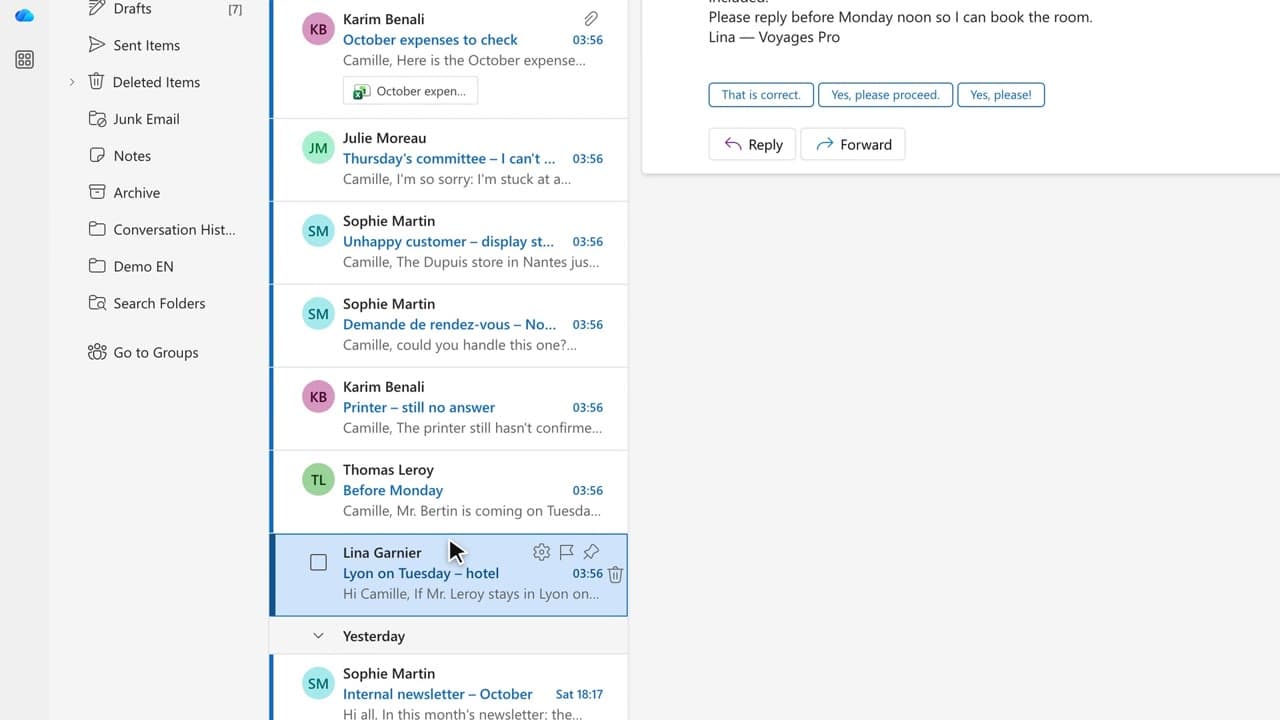 050:25
You compare routes and hotels, then put the departure, the arrival and the travel time in the calendar.
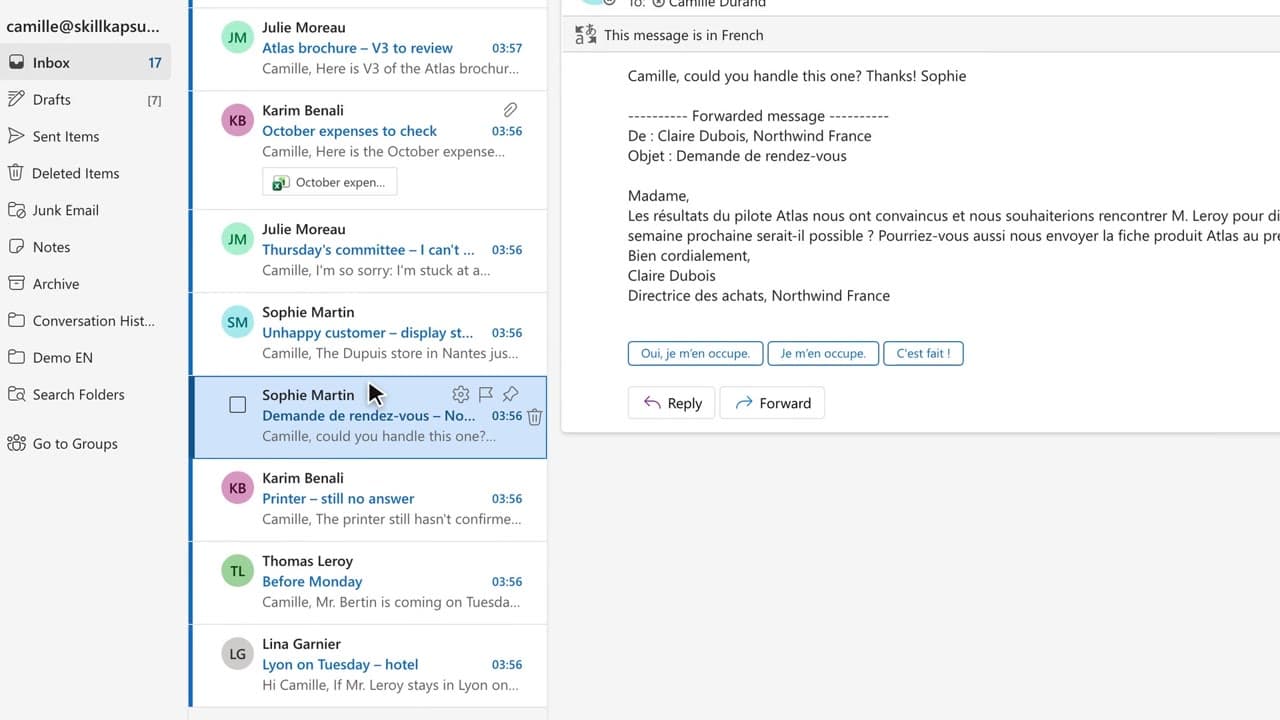 090:38
You understand the email that came in English and reply in the partner’s language, without translating from memory.
Newsletter
One skill a week, straight to your inbox. The easiest way to keep learning without thinking about it.
Your data stays in the EU. Never sold.