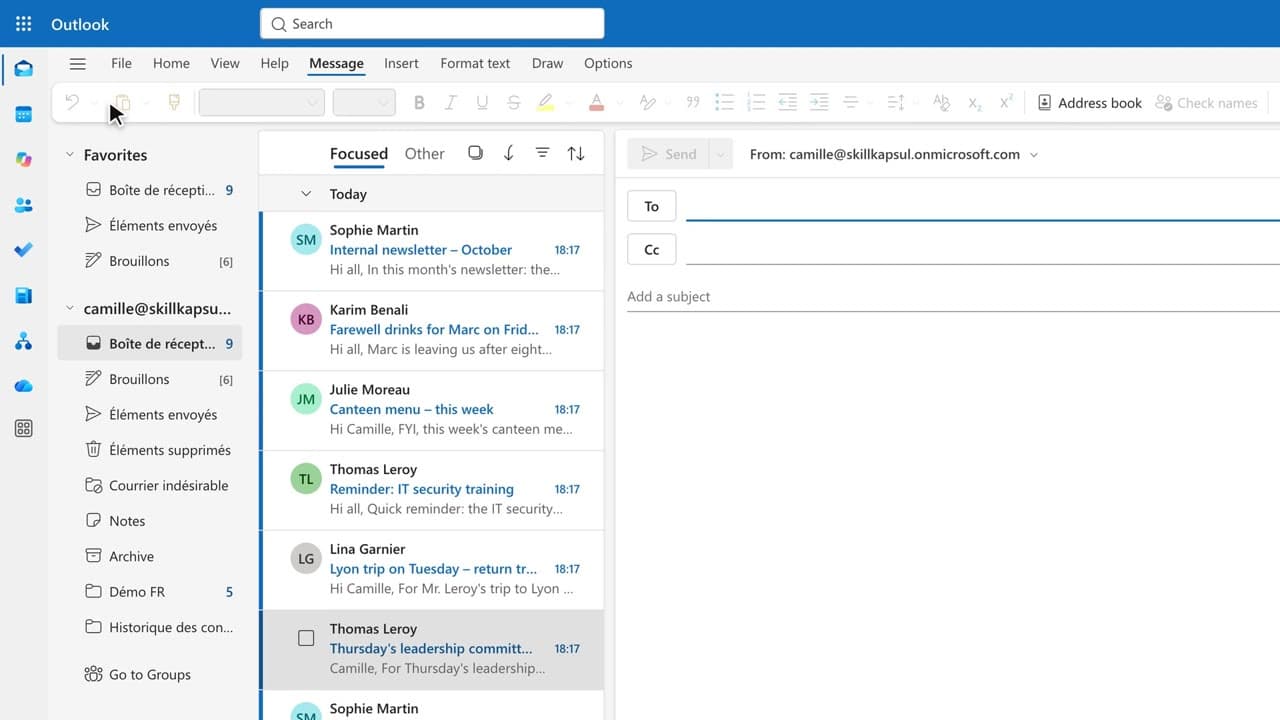
 020:45
OutlookIntermediate
Copilot in Outlook: write an email for your executive in seconds
You get a first draft in one click, ready to correct, sign and send yourself.
Catalogue · Copilot in Outlook
You walk away from a fifteen-message thread with the decisions, actions and deadlines written down, without reading every word.
Space: play · ← →: 5 seconds · M: sound · F: full screen
The exact sequence, in order.
Open the thread and click “Summarize by Copilot” at the top of the message.
Scan the three blocks of the summary: decisions, actions, open points.
Open the Copilot pane and ask for the actions that involve you.
Click the citation on a key fact to check it against the original message.
Word for word, exactly as shown in the video.
Which actions are mine, and by when?
The habit to keep
You summarize before replying to any thread longer than five messages.
Worth knowing
What the video does not hide from you.
Copilot only summarizes what it can see: a message forwarded outside the thread or an encrypted attachment may be skipped. It can also invent a deadline, so check it.
You might also like
020:45You get a first draft in one click, ready to correct, sign and send yourself.
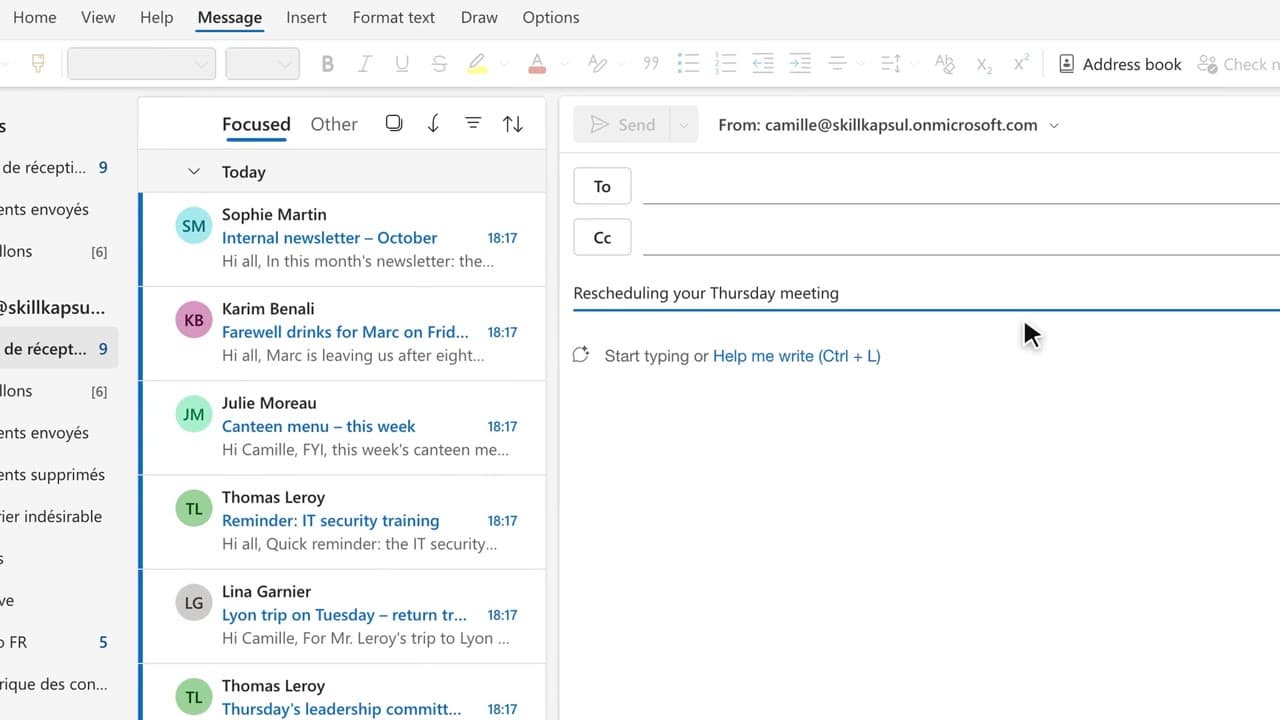 030:32
You have Copilot review your message before you send, spotting the tone, the reader’s reaction and the awkward phrasing.
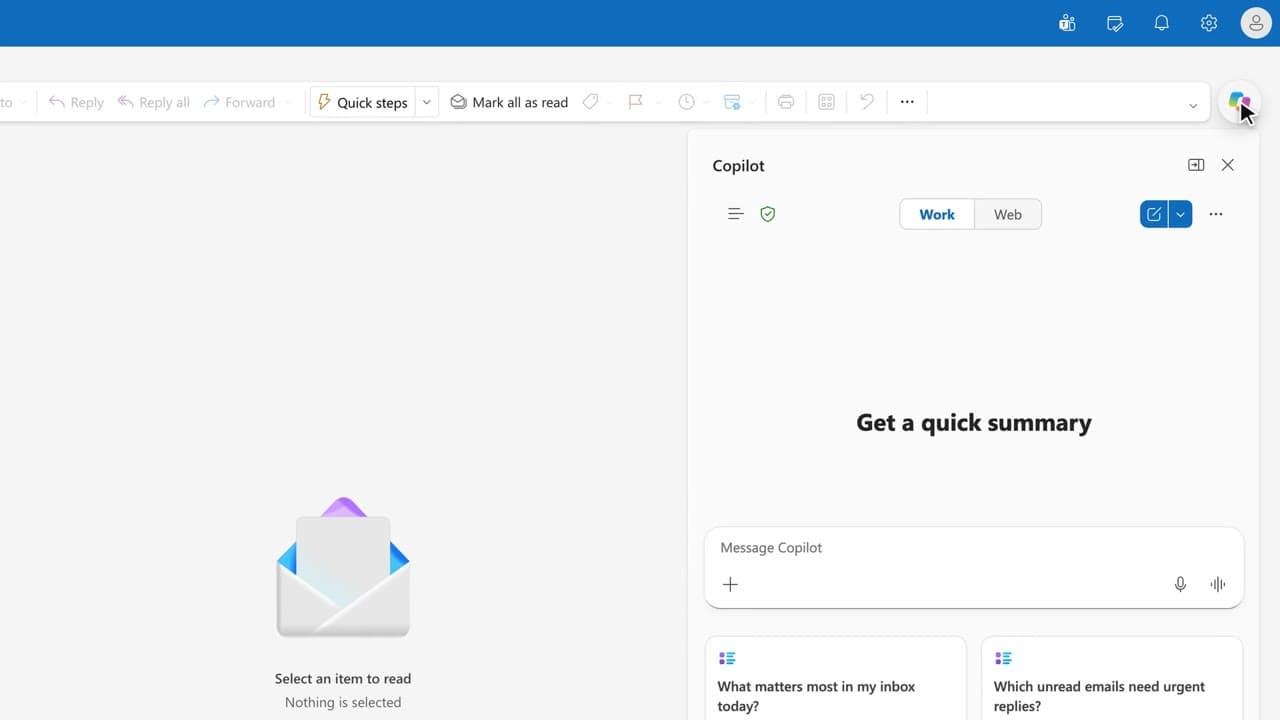 040:36
You get the answer to a question about your mailbox from a single question, with the source email cited.
Newsletter
One skill a week, straight to your inbox. The easiest way to keep learning without thinking about it.
Your data stays in the EU. Never sold.