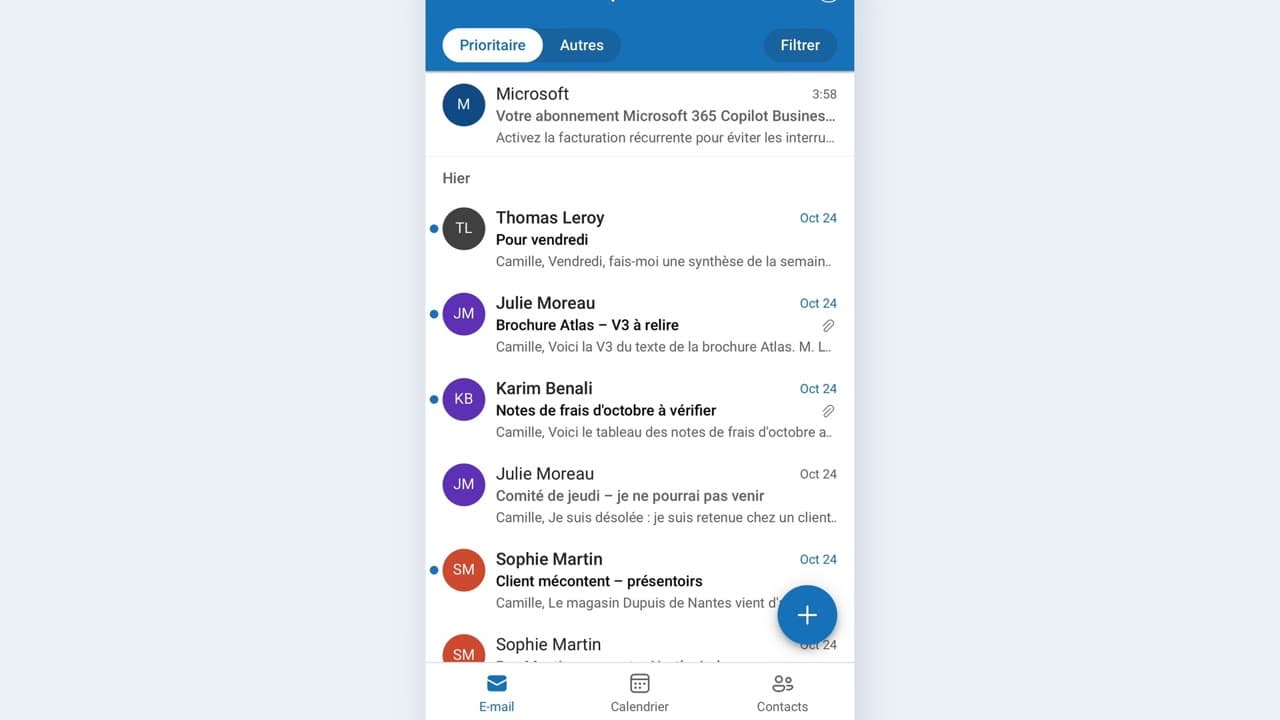
 010:22FR
OutlookBeginner
Summarize a long email between two meetings
You come out of a thirty-line email with the request and the deadline in three points.
Catalogue · PA for EXEC — a typical week for the executive assistant
You know exactly what Copilot can read in your data, and what it refuses, before you paste anything sensitive.
Space: play · ← →: 5 seconds · M: sound · F: full screen
The exact sequence, in order.
In Copilot Chat, ask: “Which sources can you reach in my account?”
Test the refusal on a colleague’s mailbox: Copilot does not answer, even with delegated access.
Check what is indexed: a document that is not shared, or a file outside OneDrive, is not visible.
Apply your company’s rule: sensitive data is handled outside Copilot.
Word for word, exactly as shown in the video.
Which sources can you reach in my account? Give me the exact list and tell me what you cannot see.
The habit to keep
A refusal is information: it tells you where the data does not travel.
Worth knowing
What the video does not hide from you.
In this capsule, Copilot refuses a colleague’s mailbox even though you have delegated access: that is the expected behaviour, not a fault. And a refusal in search is not a refusal everywhere: test before you conclude.
You might also like
010:22FRYou come out of a thirty-line email with the request and the deadline in three points.
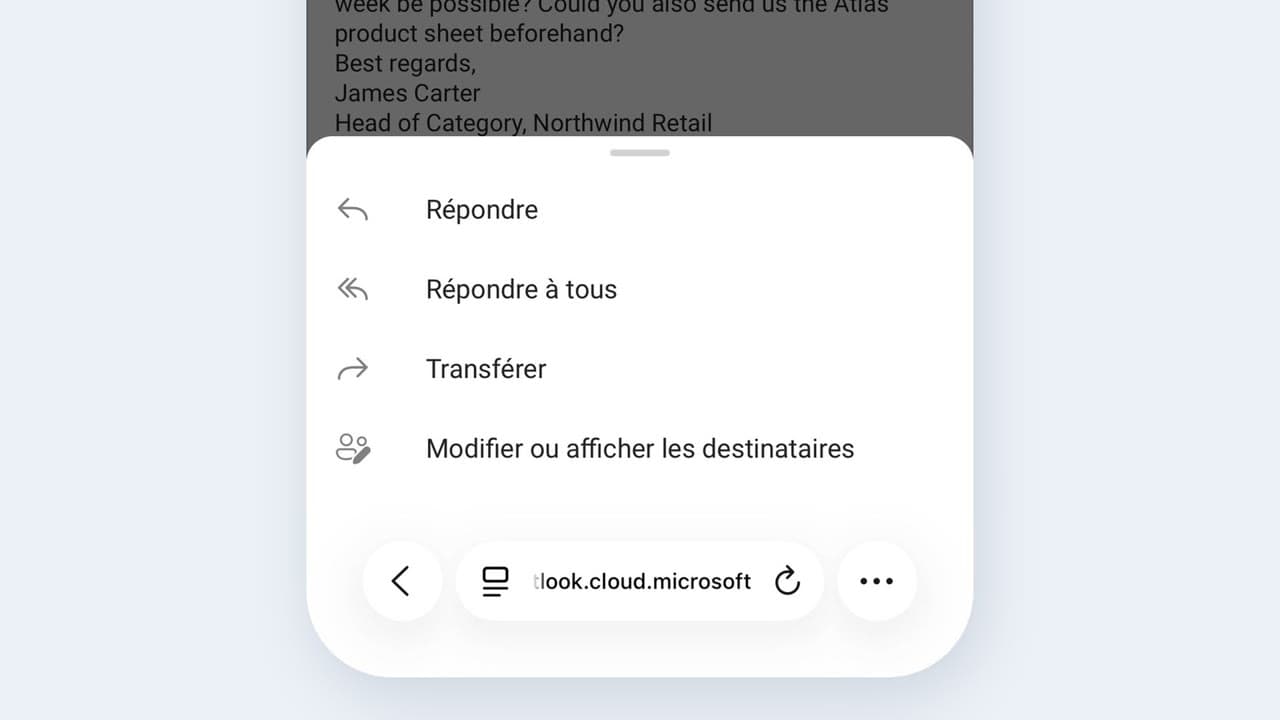 020:25FR
You send a complete, correct reply by reviewing a draft, instead of starting from a blank page.
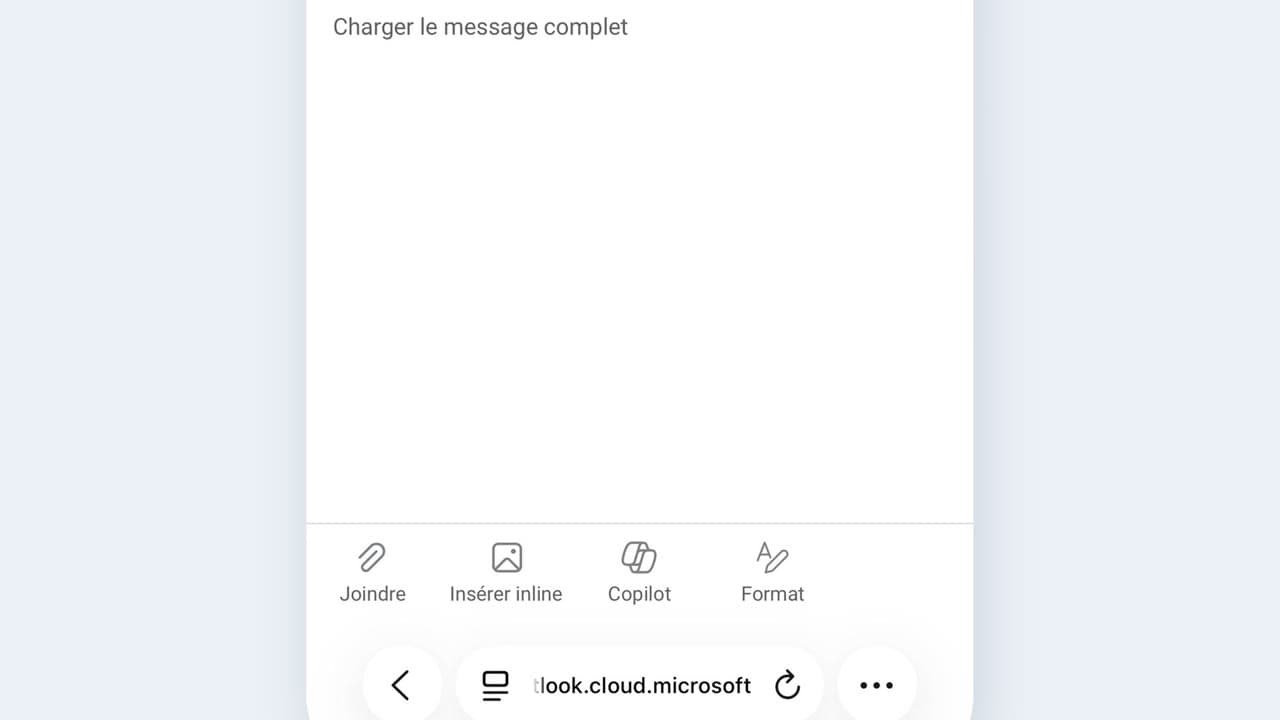 030:25FR
You check the recipient, the date and any commitments before every send, and you catch the most expensive mistake.
Newsletter
One skill a week, straight to your inbox. The easiest way to keep learning without thinking about it.
Your data stays in the EU. Never sold.