 010:31
ExcelBeginner
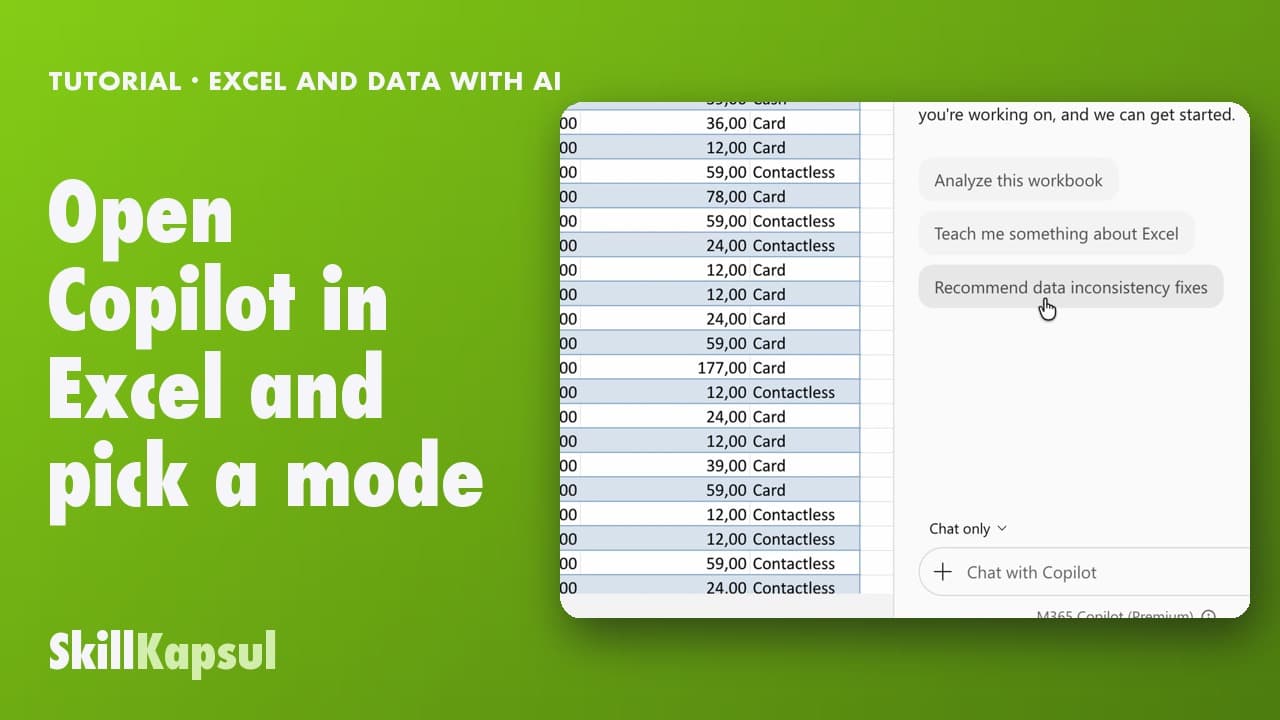
Open Copilot in Excel and pick a mode
You open Copilot in Excel and pick the right mode: edit, plan or just answer.
Catalogue · Excel and data with AI
You make the biggest sales stand out, then sort and filter the table in a few sentences.
Space: play · ← →: 5 seconds · M: sound · F: full screen
The exact sequence, in order.
Ask Copilot to color the highest amounts.
Ask it to sort the table, largest to smallest.
Ask it to filter on one city.
Clear the filter, naming the column, to see everything again.
Word for word, exactly as shown in the video.
Make the 10 highest amounts incl. VAT bold and highlight them in green.
The habit to keep
One request per move: color, sort, then filter.
You might also like
010:31You open Copilot in Excel and pick the right mode: edit, plan or just answer.
 020:40
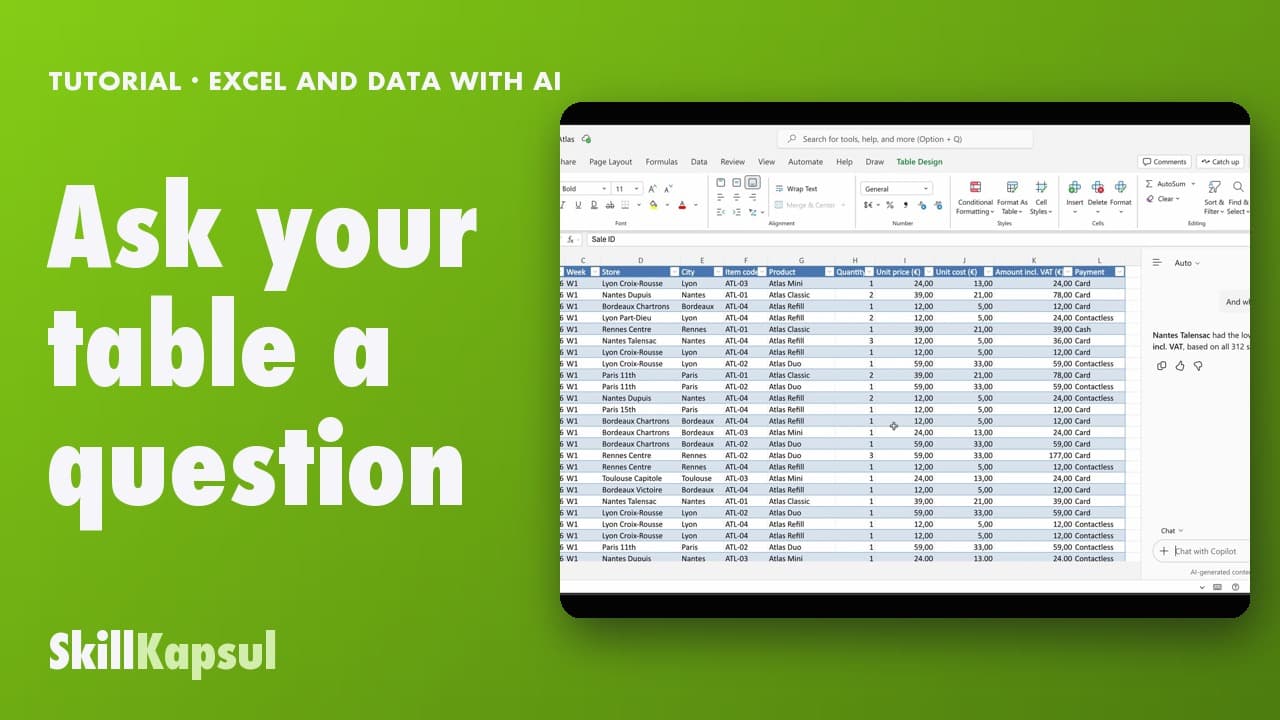
You ask your table a question in your own words and get the answer, without changing anything.
 030:46
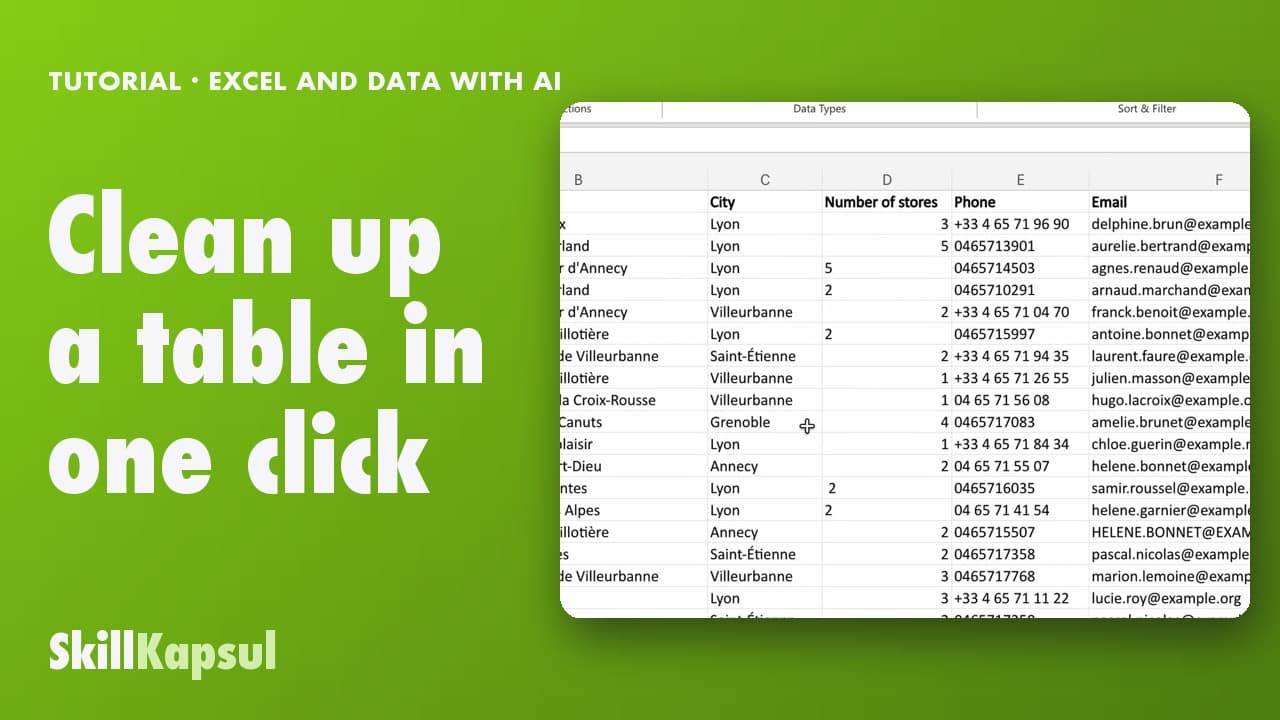
You fix inconsistent text and extra spaces in a list typed by hand.
Newsletter
One skill a week, straight to your inbox. The easiest way to keep learning without thinking about it.
Your data stays in the EU. Never sold.