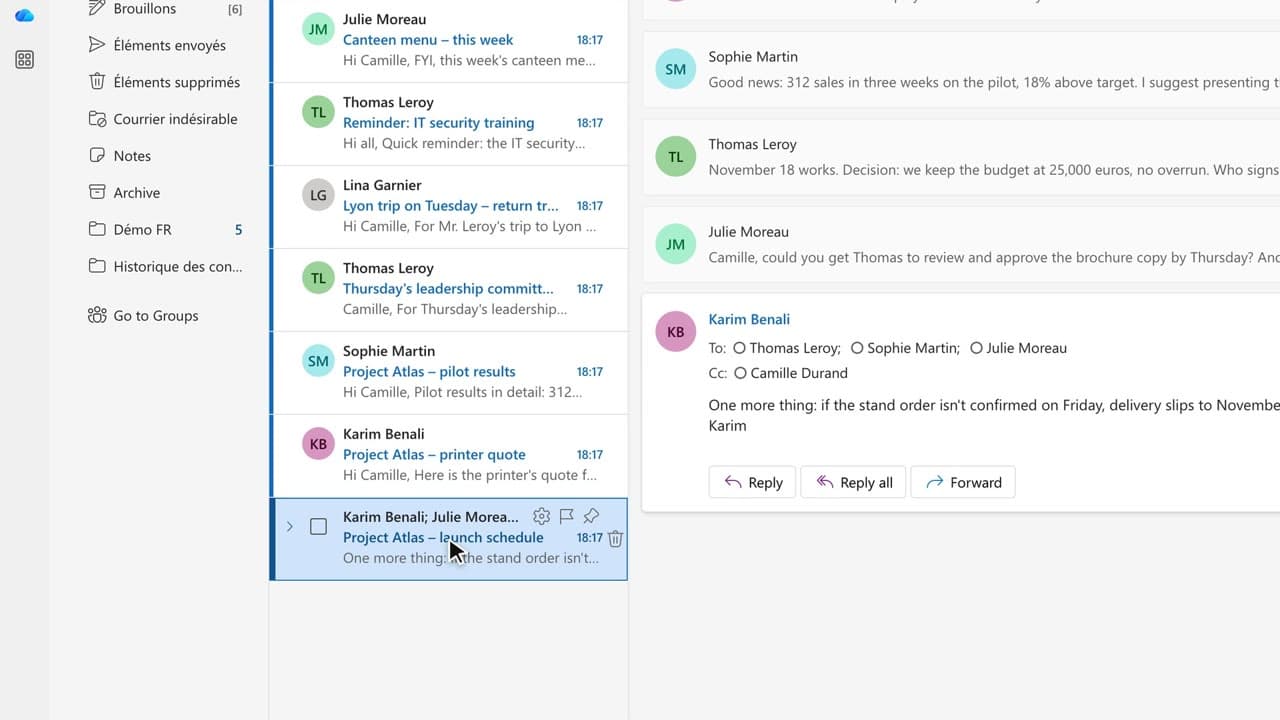
 010:45
OutlookBeginner
Copilot in Outlook: summarize a long email thread in 10 seconds
You walk away from a fifteen-message thread with the decisions, actions and deadlines written down, without reading every word.
Catalogue · Copilot in Outlook
You get the answer to a question about your mailbox from a single question, with the source email cited.
Space: play · ← →: 5 seconds · M: sound · F: full screen
The exact sequence, in order.
Open the Copilot pane from the ribbon icon.
Ask your question in plain language, no search keywords needed.
Read the answer, then click the cited source to open the original email.
On anything sensitive, cross-check with Outlook’s regular search.
Word for word, exactly as shown in the video.
What’s the printer’s quote, and how long is it valid?
The habit to keep
You ask in plain language, then open the cited source before you act on the answer.
Worth knowing
What the video does not hide from you.
Copilot searches, it does not guarantee completeness: it only sees mail you already have access to, and a message in a shared or protected folder may be missed.
You might also like
010:45You walk away from a fifteen-message thread with the decisions, actions and deadlines written down, without reading every word.
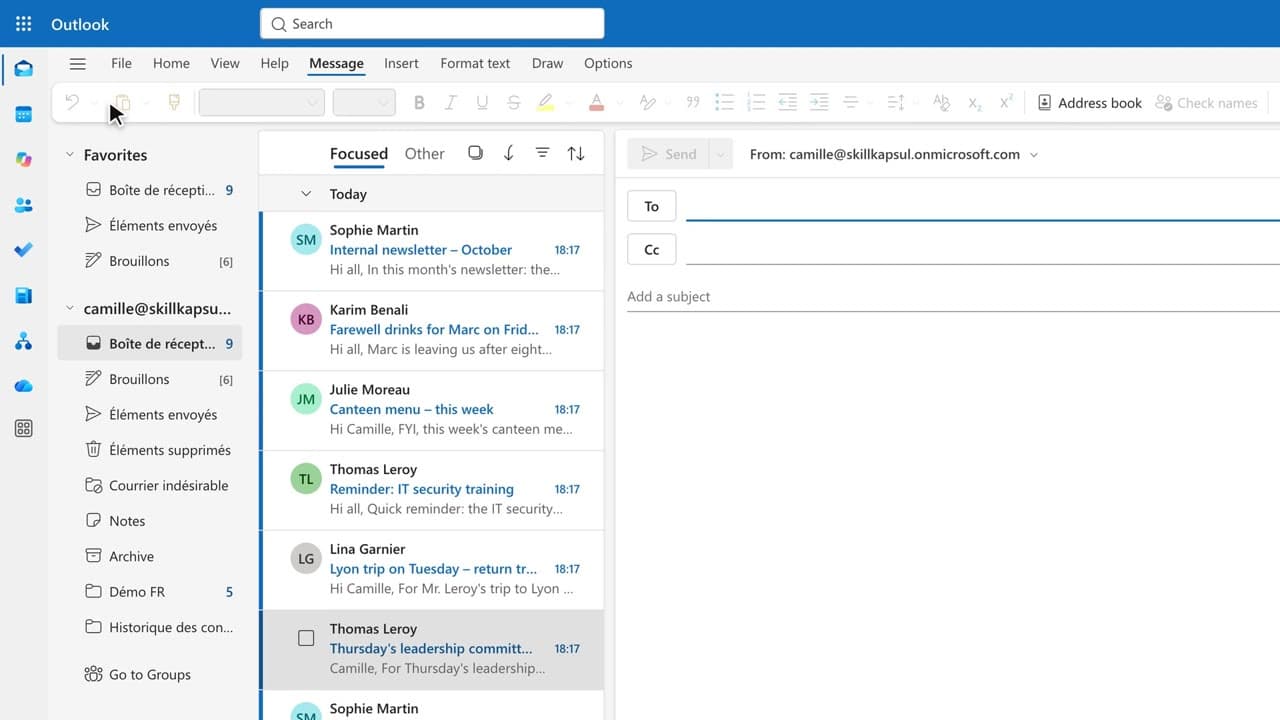 020:45
You get a first draft in one click, ready to correct, sign and send yourself.
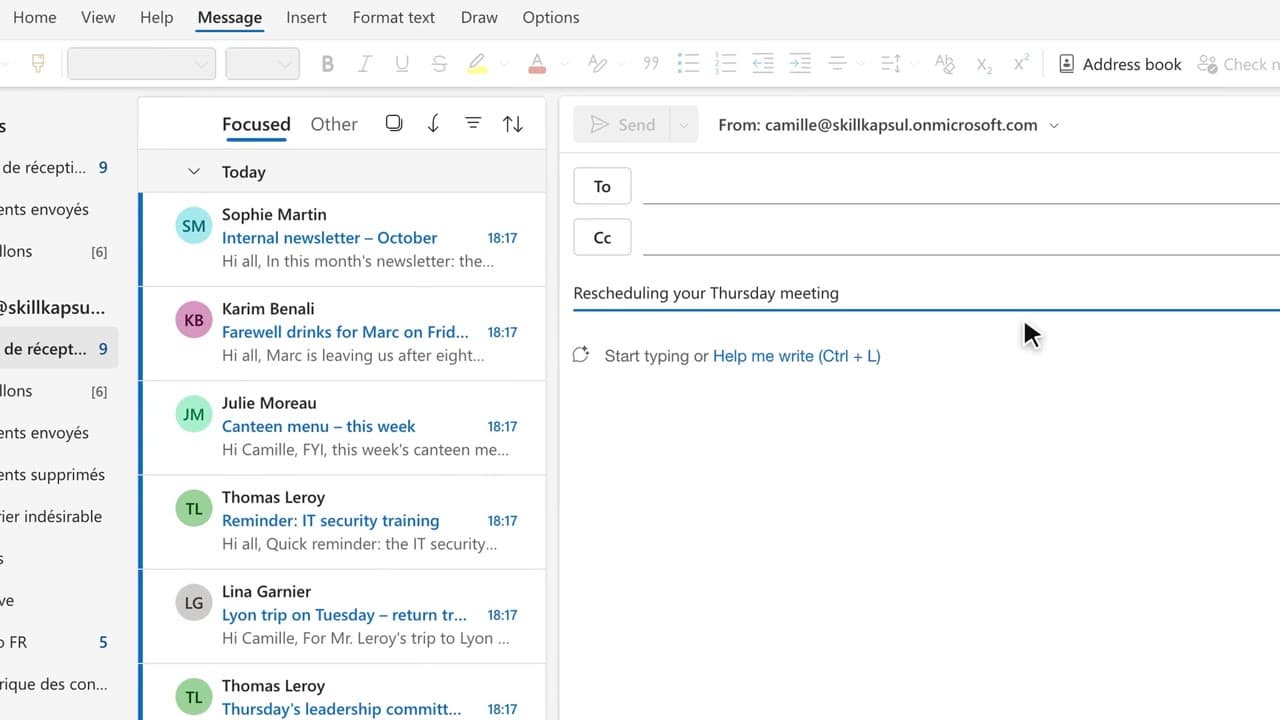 030:32
You have Copilot review your message before you send, spotting the tone, the reader’s reaction and the awkward phrasing.
Newsletter
One skill a week, straight to your inbox. The easiest way to keep learning without thinking about it.
Your data stays in the EU. Never sold.