 010:45
OutlookBeginner
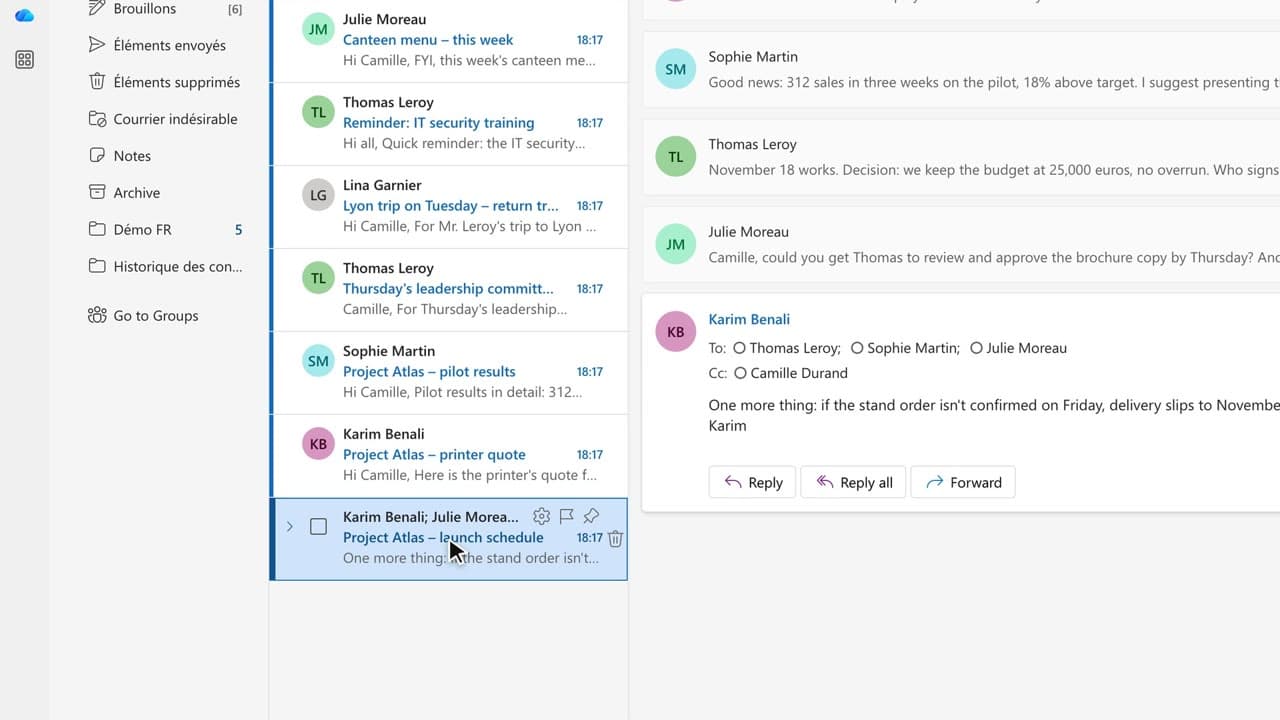
Copilot in Outlook: summarize a long email thread in 10 seconds
You walk away from a fifteen-message thread with the decisions, actions and deadlines written down, without reading every word.
Catalogue · Copilot in Outlook
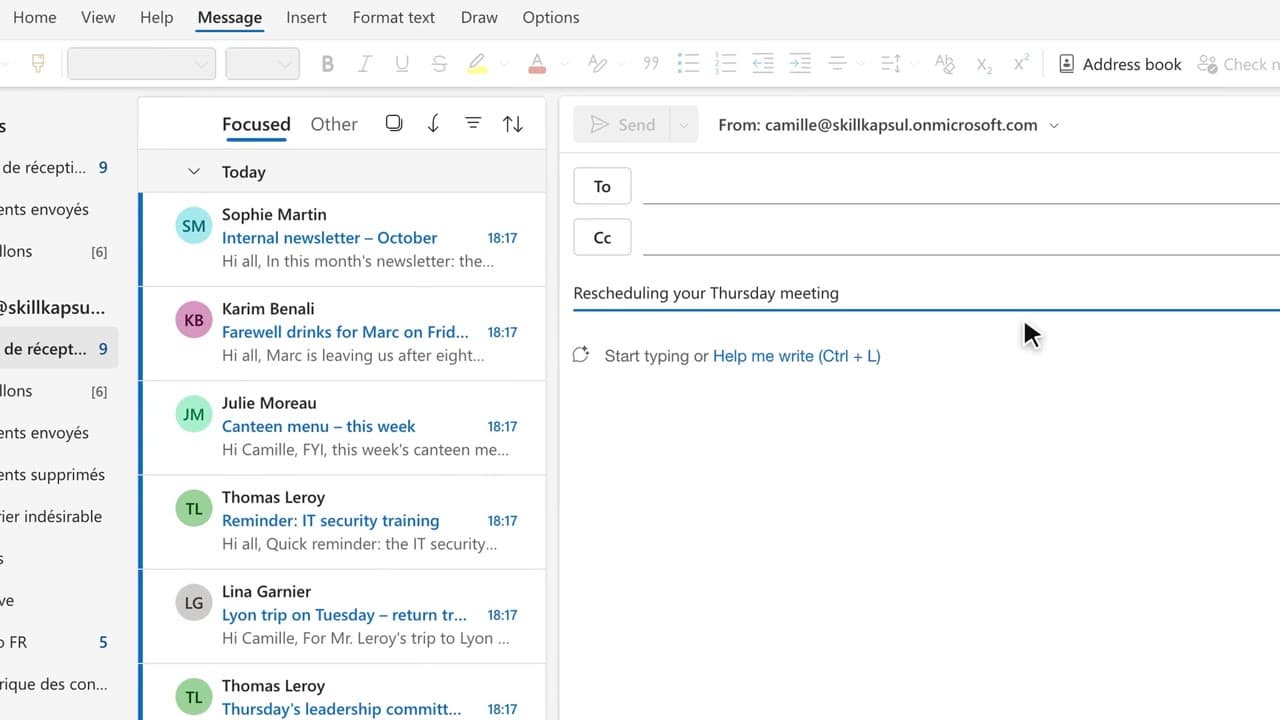
You get a first draft in one click, ready to correct, sign and send yourself.
Space: play · ← →: 5 seconds · M: sound · F: full screen
The exact sequence, in order.
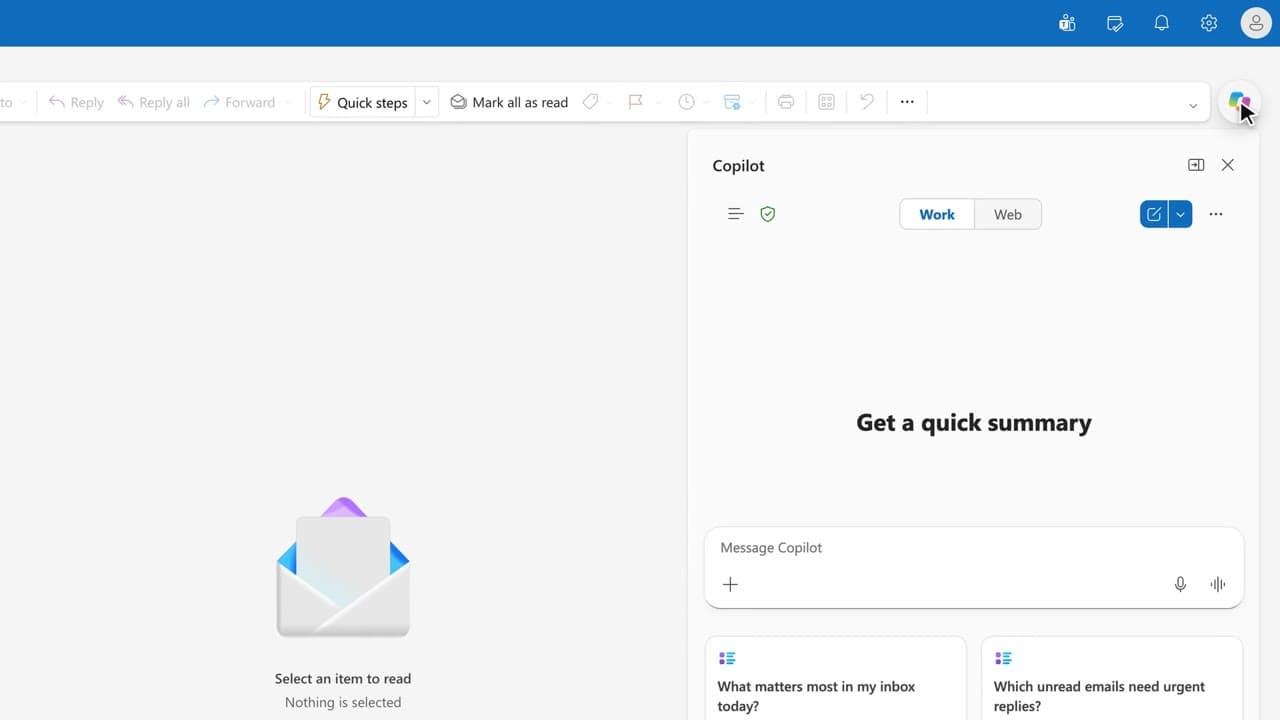
Create a new message and click the Copilot icon in the message body.
Describe the goal, the context and the shape you want for the message.
Generate the draft, then adjust the tone and length from the follow-up chat.
Re-read every date, name and location, then send it yourself.
Word for word, exactly as shown in the video.
Let the leadership committee know Thursday's meeting is confirmed at 2 PM in the Atlas room, with lunch. Agenda: brochure, logistics, pilot results. Professional, short.
The habit to keep
Copilot writes the first draft, you sign it.
Worth knowing
What the video does not hide from you.
Copilot can invent a date, an amount or a name in a draft: every precise detail has to come from you or from a cited source.
You might also like
010:45You walk away from a fifteen-message thread with the decisions, actions and deadlines written down, without reading every word.
 030:32
You have Copilot review your message before you send, spotting the tone, the reader’s reaction and the awkward phrasing.
 040:36
You get the answer to a question about your mailbox from a single question, with the source email cited.
Newsletter
One skill a week, straight to your inbox. The easiest way to keep learning without thinking about it.
Your data stays in the EU. Never sold.