 010:45
OutlookBeginner
Copilot in Outlook: summarize a long email thread in 10 seconds
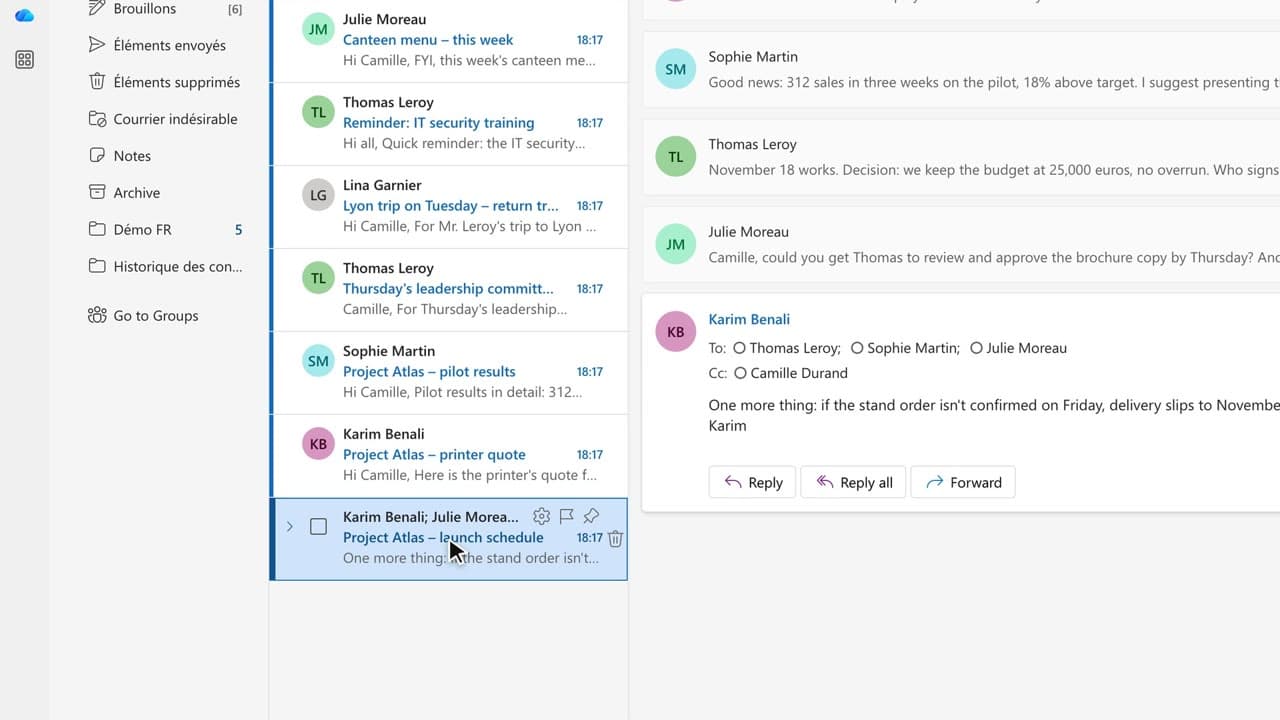
You walk away from a fifteen-message thread with the decisions, actions and deadlines written down, without reading every word.
Catalogue · Copilot in Outlook
You have Copilot review your message before you send, spotting the tone, the reader’s reaction and the awkward phrasing.
Space: play · ← →: 5 seconds · M: sound · F: full screen
The exact sequence, in order.
Write the message yourself, without Copilot.
Click the Copilot icon in the compose window, then choose “Get coaching”.
Read the three feedback points: tone, likely reader reaction, clarity.
Apply one rewrite at a time, then compare both versions.
The habit to keep
On a sensitive message, you write it yourself and ask for coaching before sending.
Worth knowing
What the video does not hide from you.
Coaching offers variants, not certainties: it can soften a message more than you want, and a suggested rewrite can flatten what you meant to say.
You might also like
010:45You walk away from a fifteen-message thread with the decisions, actions and deadlines written down, without reading every word.
 020:45
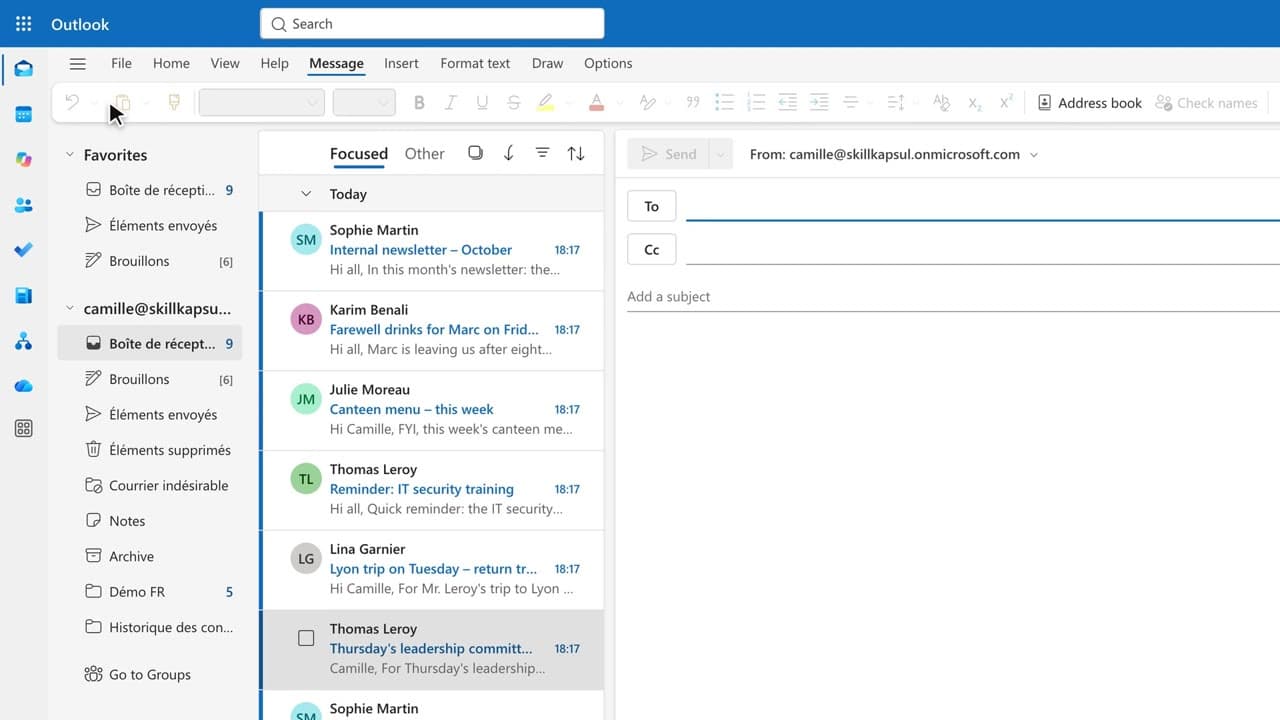
You get a first draft in one click, ready to correct, sign and send yourself.
 040:36
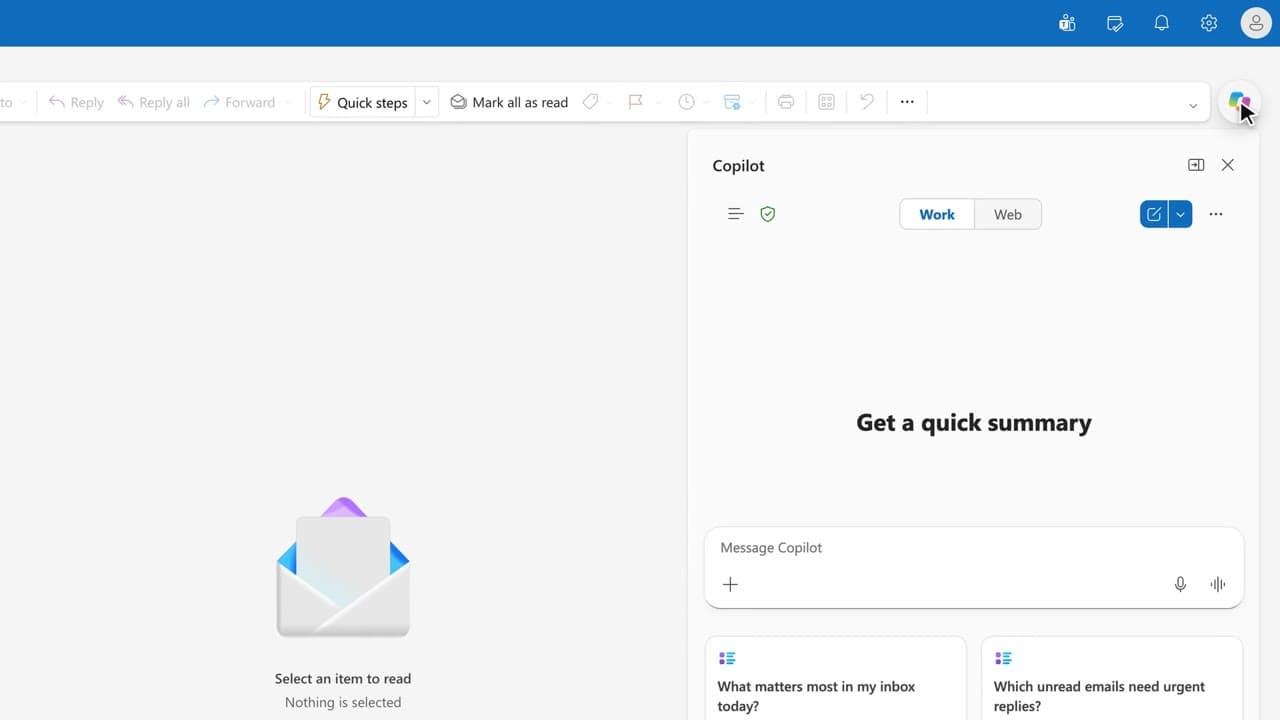
You get the answer to a question about your mailbox from a single question, with the source email cited.
Newsletter
One skill a week, straight to your inbox. The easiest way to keep learning without thinking about it.
Your data stays in the EU. Never sold.