 010:31
ExcelBeginner
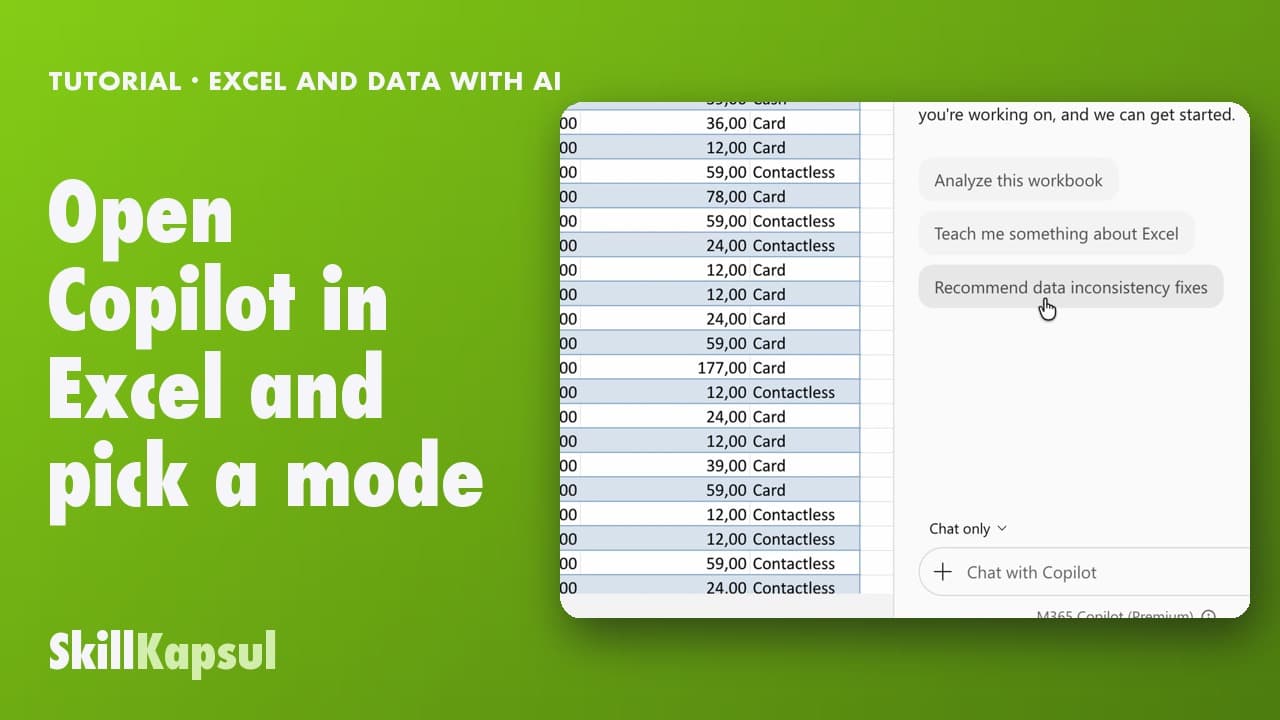
Open Copilot in Excel and pick a mode
You open Copilot in Excel and pick the right mode: edit, plan or just answer.
Catalogue · Excel and data with AI
You get a complete dashboard built, after reading Copilot’s plan.
Space: play · ← →: 5 seconds · M: sound · F: full screen
The exact sequence, in order.
Switch the mode picker to Plan.
Describe the dashboard you want, item by item.
Read the suggested plan: nothing has changed yet.
Click Continue, then check the new sheet.
Word for word, exactly as shown in the video.
Create a Dashboard sheet for the committee: total revenue, number of sales, a bar chart of sales by store, a line chart of sales by week and the top 3 products. Answer in English.
The habit to keep
Read the plan before you run it, that’s where you fix things.
Worth knowing
What the video does not hide from you.
Building the sheet takes two to three minutes: the video is sped up.
You might also like
010:31You open Copilot in Excel and pick the right mode: edit, plan or just answer.
 020:40
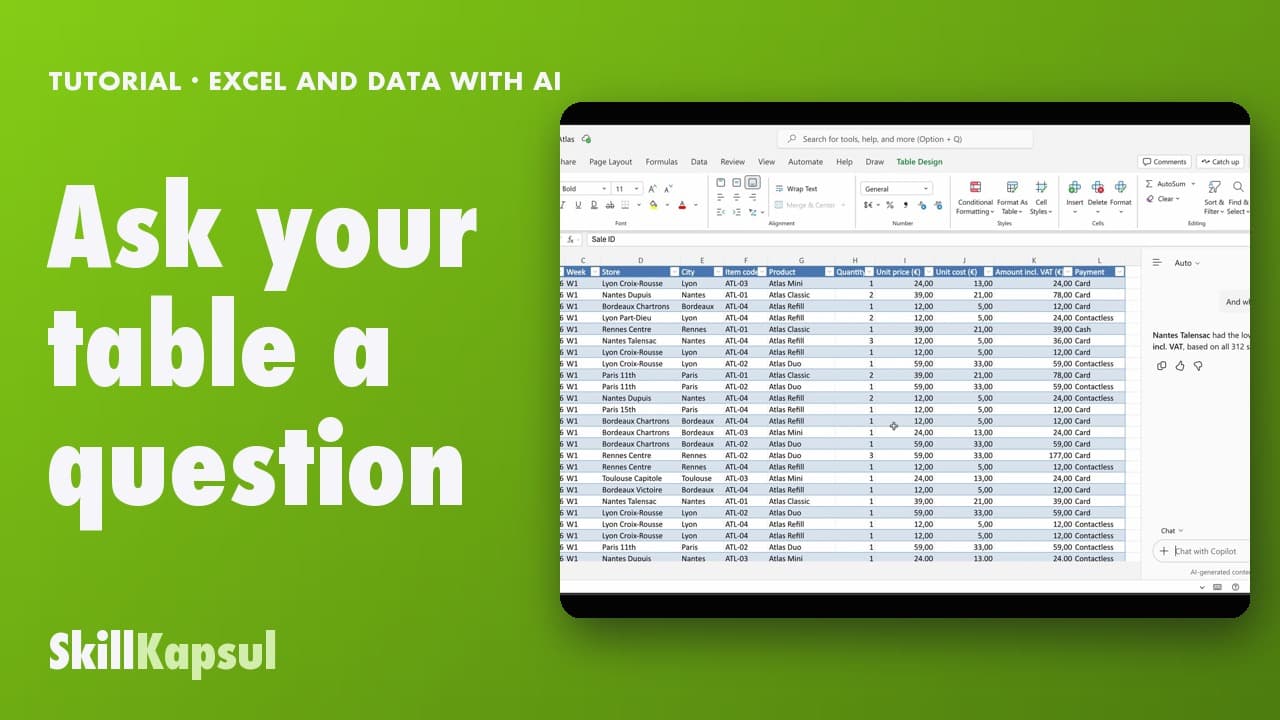
You ask your table a question in your own words and get the answer, without changing anything.
 030:46
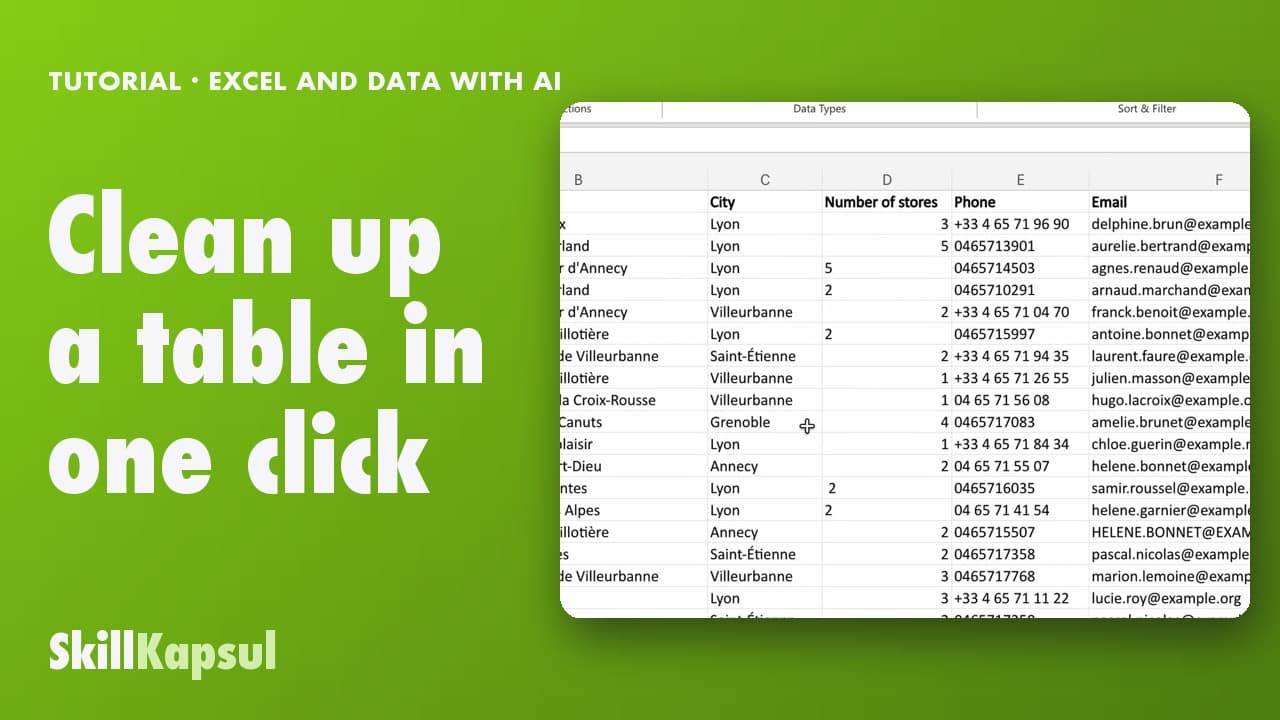
You fix inconsistent text and extra spaces in a list typed by hand.
Newsletter
One skill a week, straight to your inbox. The easiest way to keep learning without thinking about it.
Your data stays in the EU. Never sold.