 010:23
Suno StudioBeginner
Open Suno Studio and pick a starting point
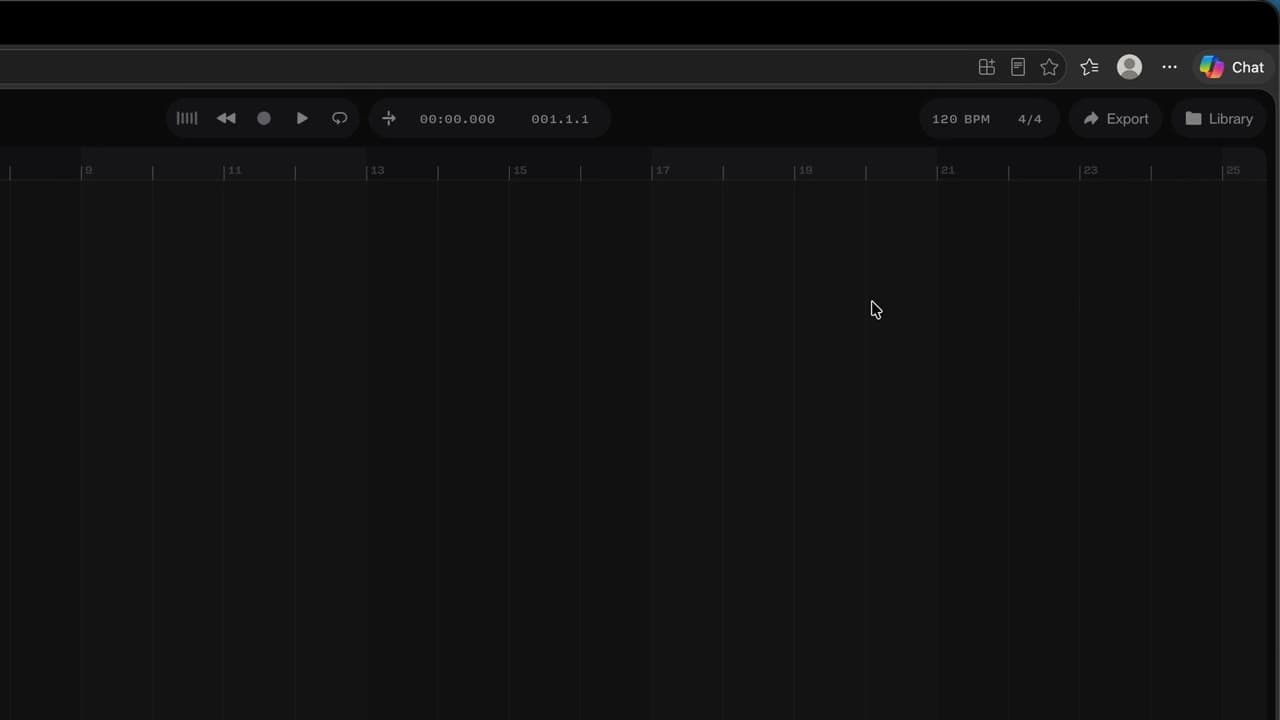
You open Studio and know where to start: one of your songs, a file, the demo or a blank page.
Catalogue · How to use Suno Studio
You describe an effect that doesn't exist and Studio builds it, with its own knobs.
Space: play · ← →: 5 seconds · M: sound · F: full screen
The exact sequence, in order.
Select the track and describe the effect in the Chat Bar.
Approve the plan Studio suggests.
The “Old Radio” effect appears, with its Crackle knob.
To change a setting, ask again in the Chat Bar.
Word for word, exactly as shown in the video.
Create an old radio effect, with a knob to set the crackle.
The habit to keep
A setting to change? Ask for it in one sentence.
Worth knowing
What the video does not hide from you.
Studio takes a few dozen seconds to build the effect and may ask questions first: answer them so it carries on.
You might also like
010:23You open Studio and know where to start: one of your songs, a file, the demo or a blank page.
 020:26
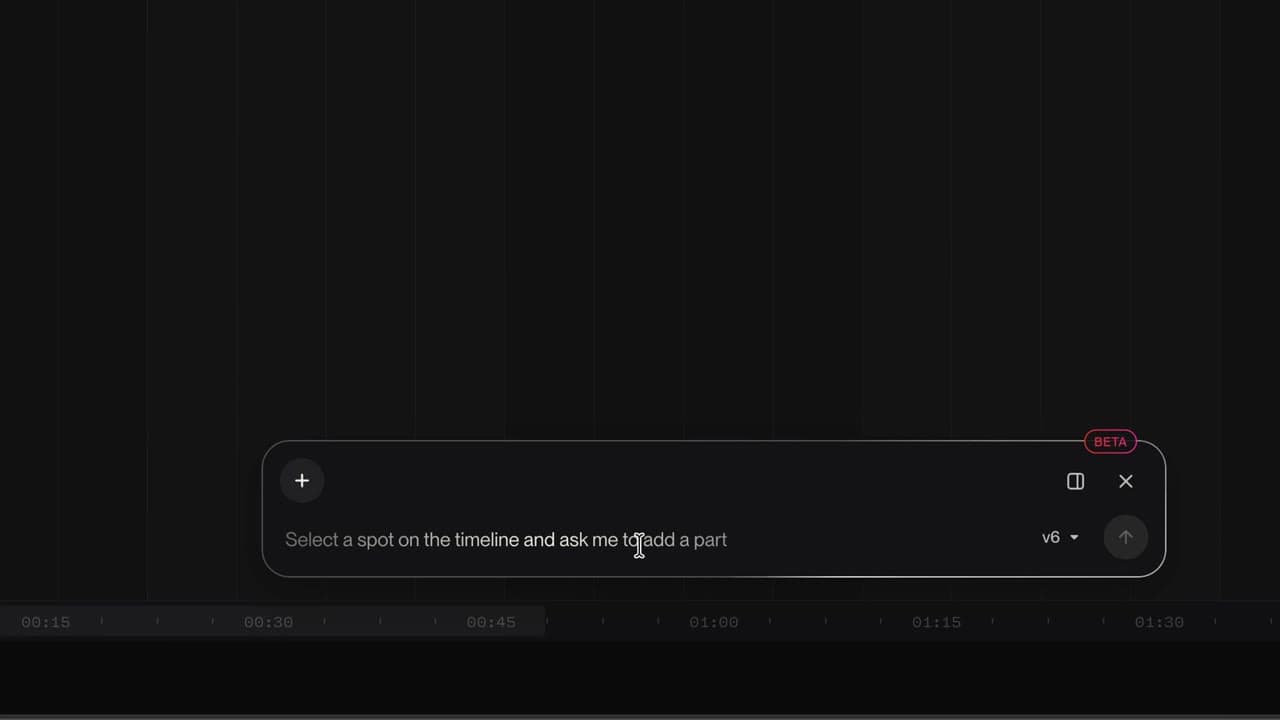
You know where the tracks, the timeline, the transport, the tempo and the Chat Bar are.
 030:26
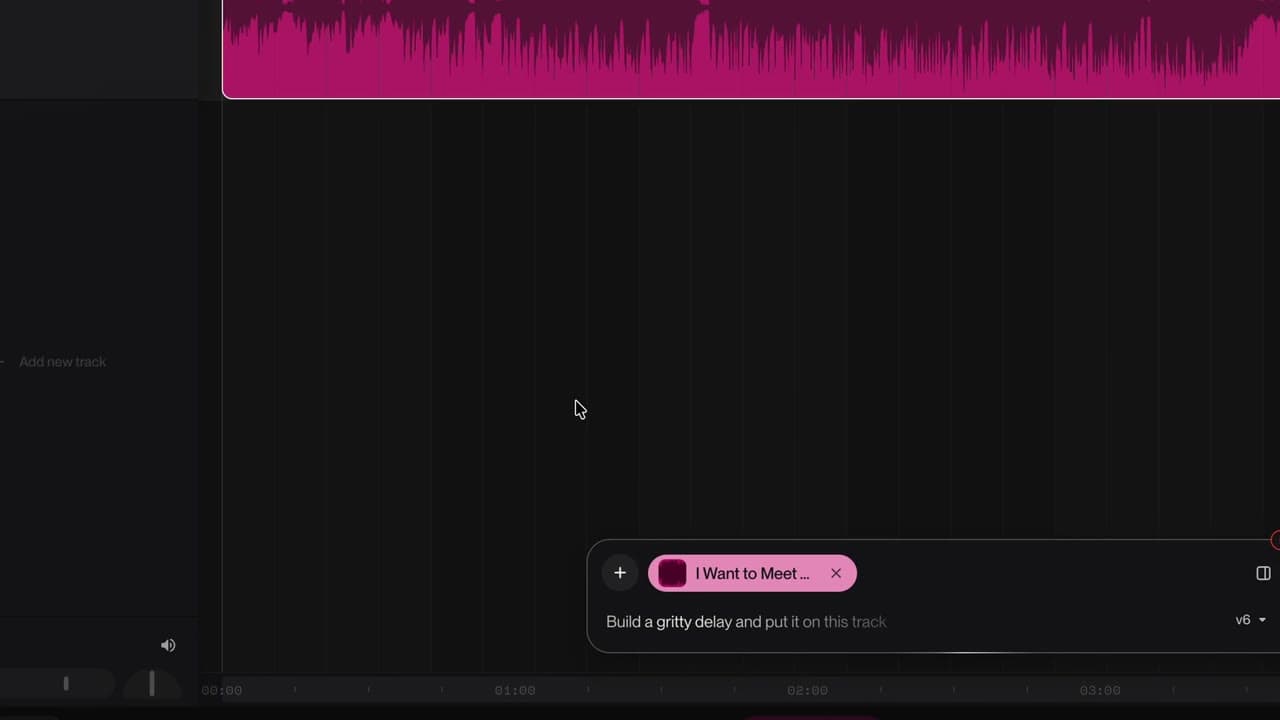
Your song lands on the timeline, ready to be reworked.
Newsletter
One skill a week, straight to your inbox. The easiest way to keep learning without thinking about it.
Your data stays in the EU. Never sold.