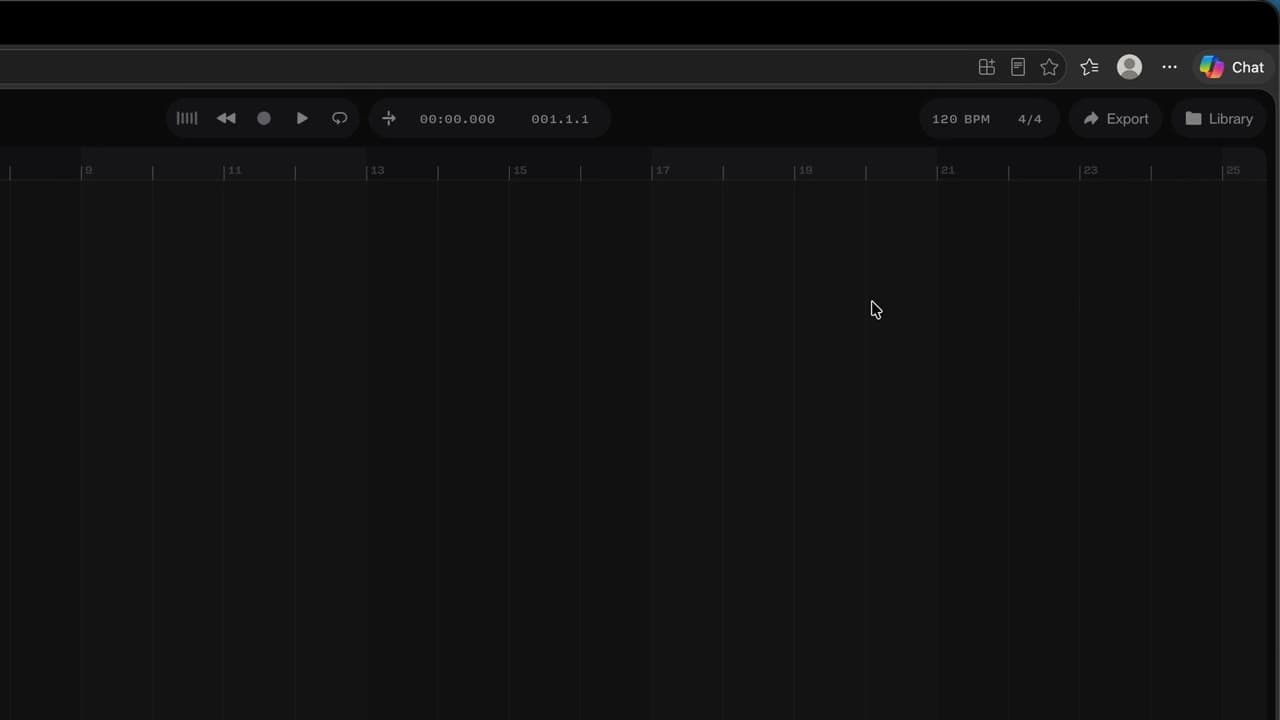
 010:23
Suno StudioBeginner
Open Suno Studio and pick a starting point
You open Studio and know where to start: one of your songs, a file, the demo or a blank page.
Catalogue · How to use Suno Studio
You cut a clip, move a piece along the timeline and loop a passage.
Space: play · ← →: 5 seconds · M: sound · F: full screen
The exact sequence, in order.
Select the clip by its top strip.
Click inside the clip where you want the cut, then Cmd + E.
Drag the cut piece further along the timeline.
Select a few bars and press Cmd + L to loop them.
The habit to keep
The top strip moves the clip; a click inside the clip sets the cut.
You might also like
010:23You open Studio and know where to start: one of your songs, a file, the demo or a blank page.
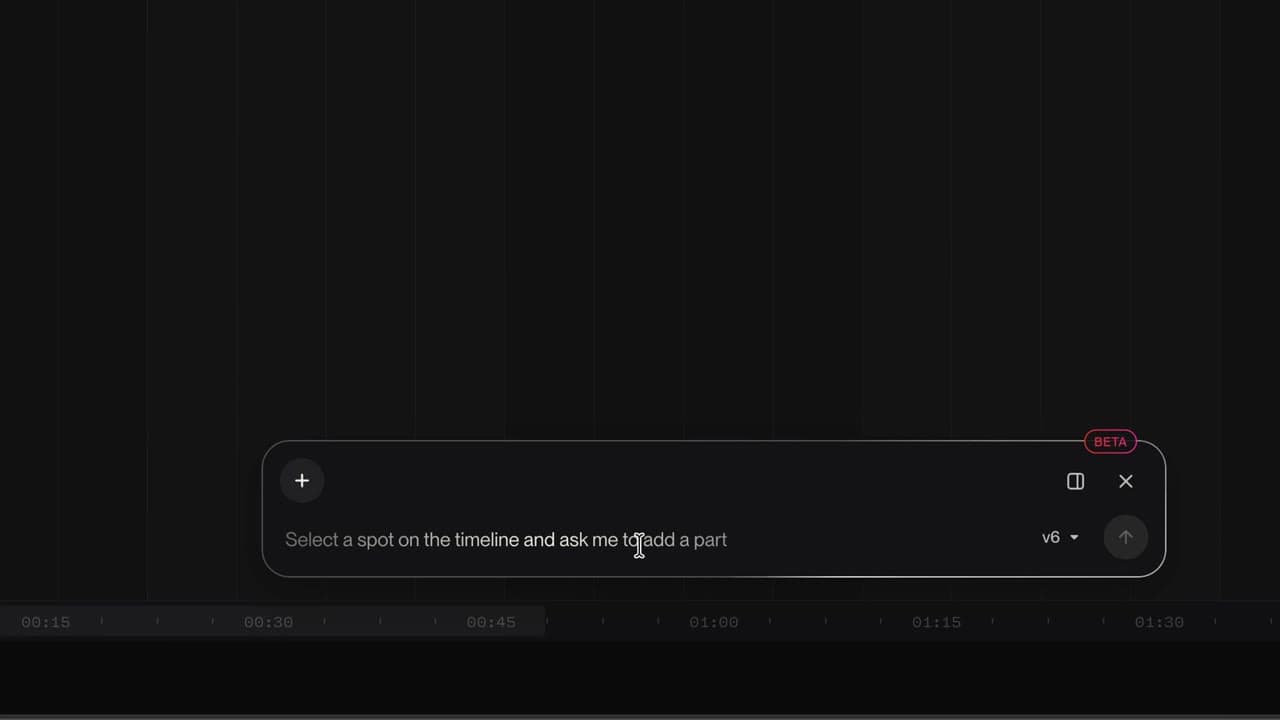 020:26
You know where the tracks, the timeline, the transport, the tempo and the Chat Bar are.
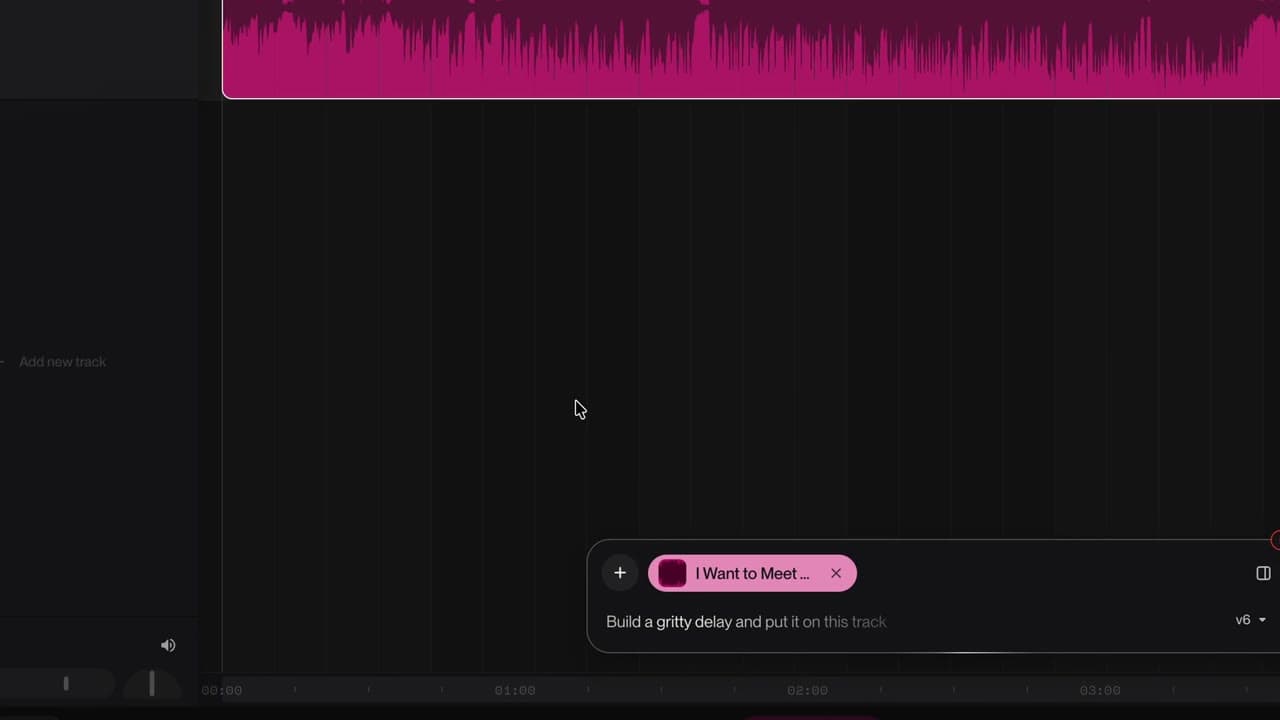 030:26
Your song lands on the timeline, ready to be reworked.
Newsletter
One skill a week, straight to your inbox. The easiest way to keep learning without thinking about it.
Your data stays in the EU. Never sold.