 020:22
Copilot ChatBeginner
What actually needs you this morning
One question gives you the list of what matters today, sorted by deadline.
Catalogue · Copilot in Outlook
You arrive at the meeting with a structured note: agenda, key figures, documents to review, open questions.
Space: play · ← →: 5 seconds · M: sound · F: full screen
The exact sequence, in order.
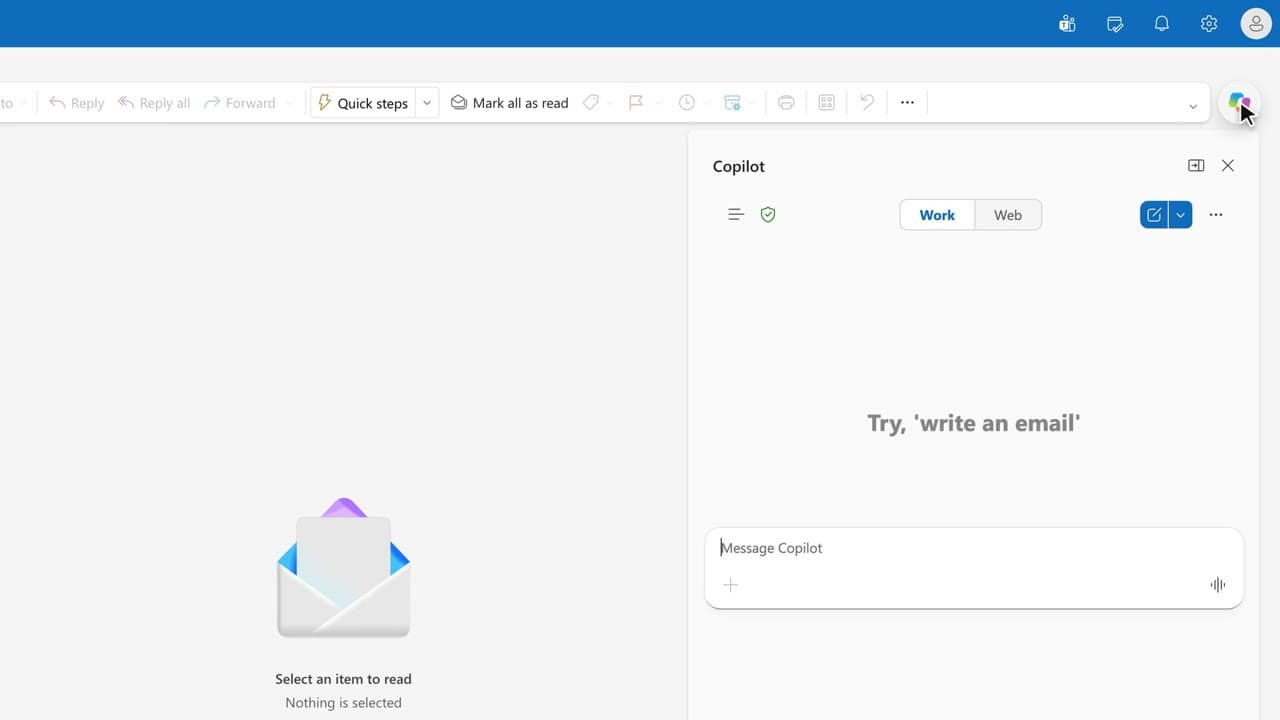
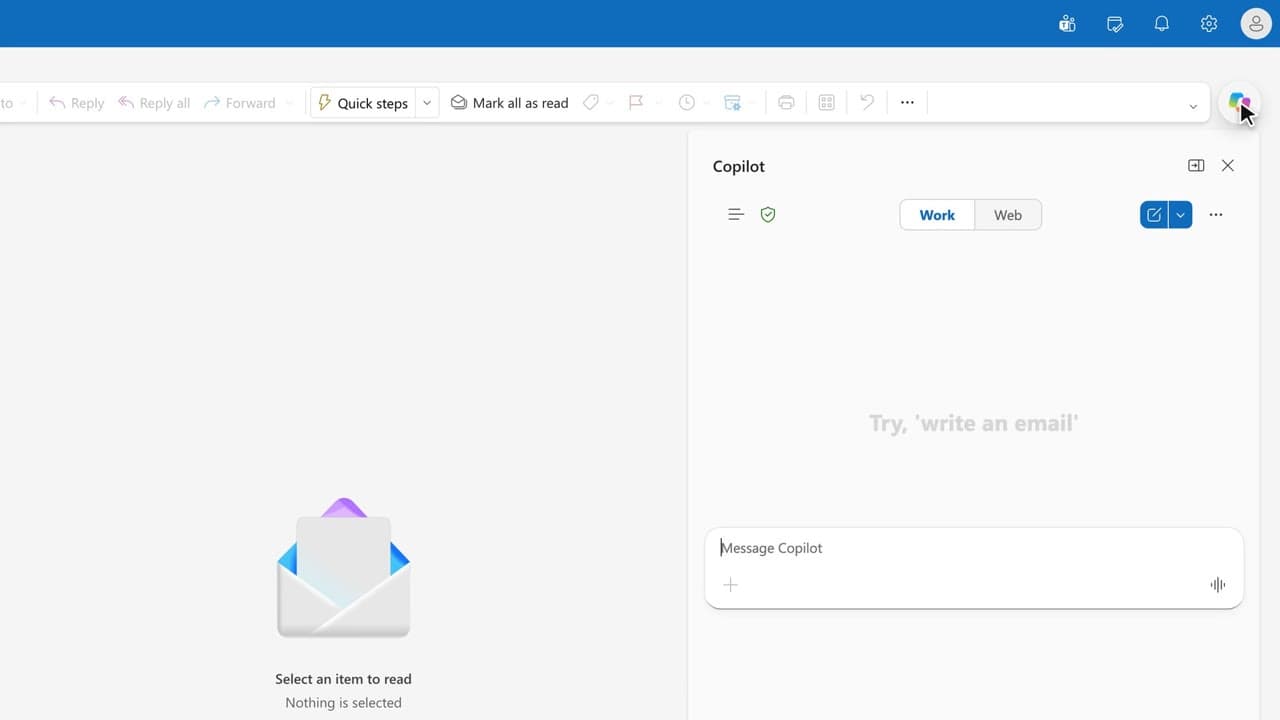
In the Copilot pane, ask for a preparation note for the upcoming meeting.
Read the four parts: agenda, key figures, documents to review, open questions.
Click the cited sources to get back to the original emails.
Complete the note, fix the figures and the dates, then bring it to your executive.
Word for word, exactly as shown in the video.
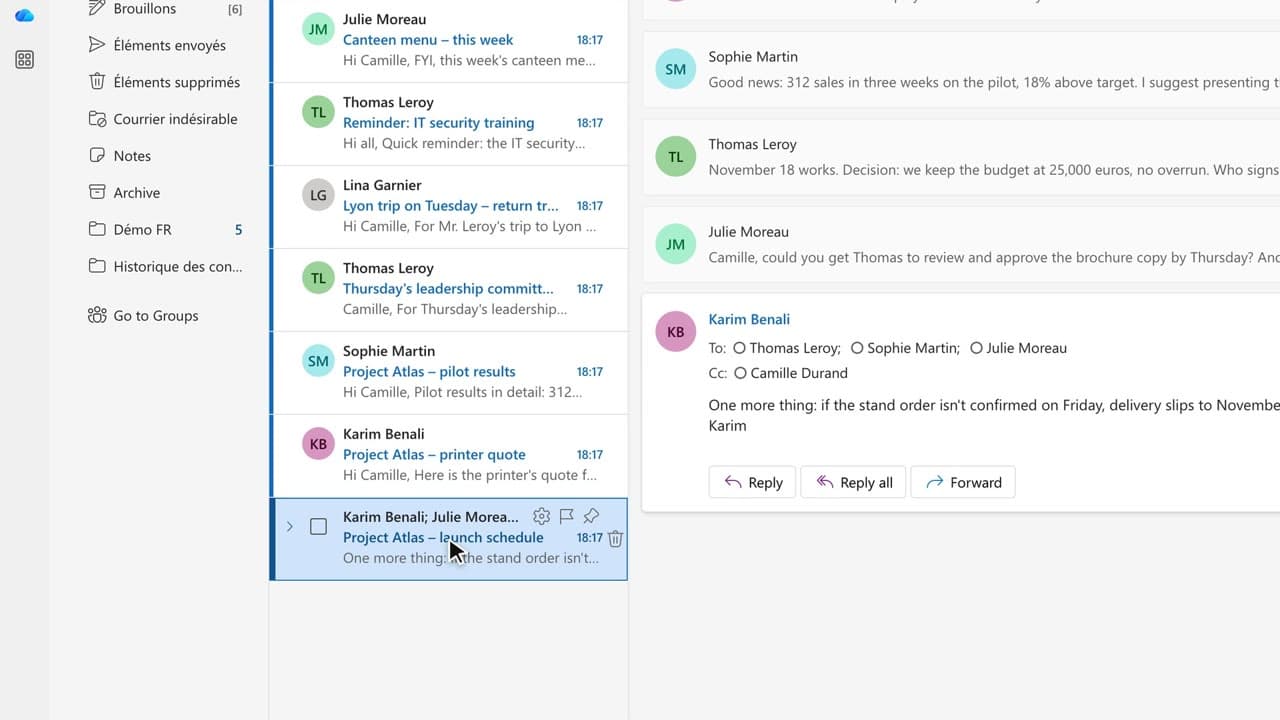
Prepare a briefing note for Thursday’s committee: agenda, key figures, documents to review, and any open questions.
The habit to keep
Copilot proposes, you decide: the note goes out under your name.
Worth knowing
What the video does not hide from you.
The three golden rules: re-read dates, amounts and names, because Copilot can invent them; and it only sees what you are already allowed to see.
You might also like
020:22One question gives you the list of what matters today, sorted by deadline.
 030:24
In one page, you prepare what your boss needs to know on arrival: meetings, pending decisions, watch-outs.
 010:45
You walk away from a fifteen-message thread with the decisions, actions and deadlines written down, without reading every word.
Newsletter
One skill a week, straight to your inbox. The easiest way to keep learning without thinking about it.
Your data stays in the EU. Never sold.