 010:31
ExcelBeginner
Open Copilot in Excel and pick a mode
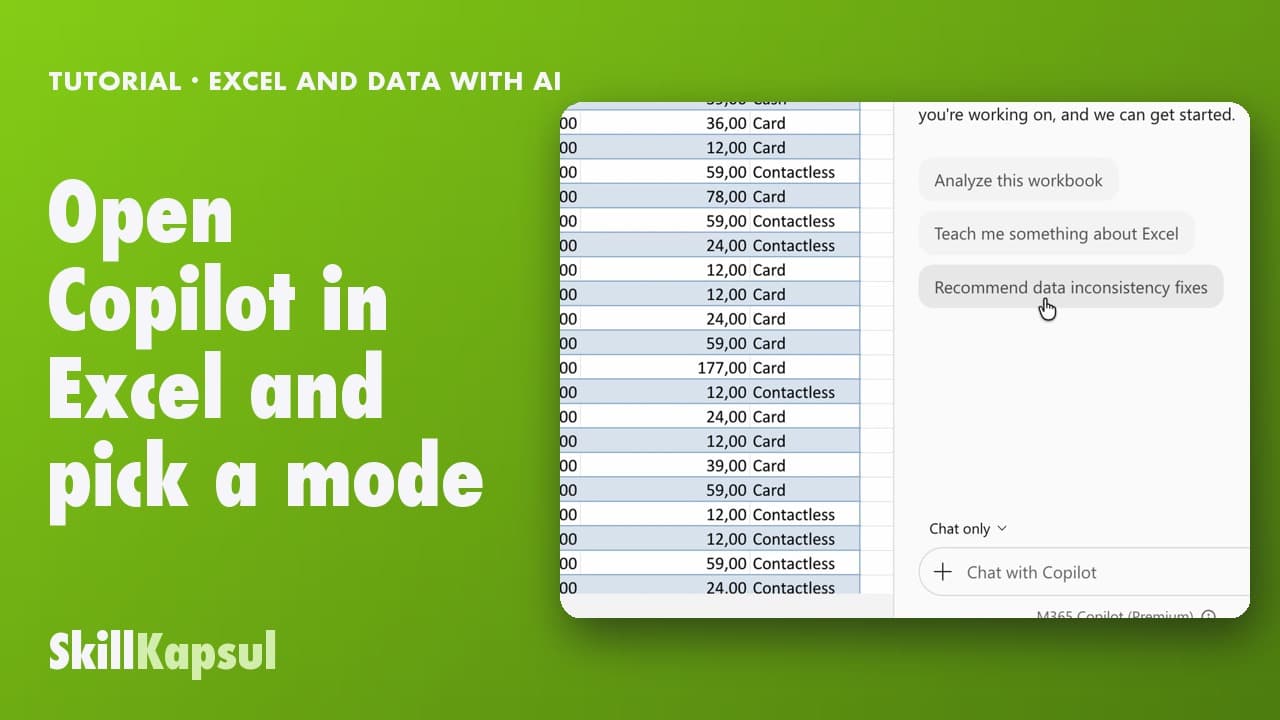
You open Copilot in Excel and pick the right mode: edit, plan or just answer.
Catalogue · Excel and data with AI
You see every change Copilot made and know how to go back to an earlier version.
Space: play · ← →: 5 seconds · M: sound · F: full screen
The exact sequence, in order.
Review tab, Show Changes.
Go through the list: each change shows who made it, and when.
Open Review, Version History.
Open a version as a preview, then Restore if needed.
The habit to keep
Check what Copilot changed before you share the file.
You might also like
010:31You open Copilot in Excel and pick the right mode: edit, plan or just answer.
 020:40
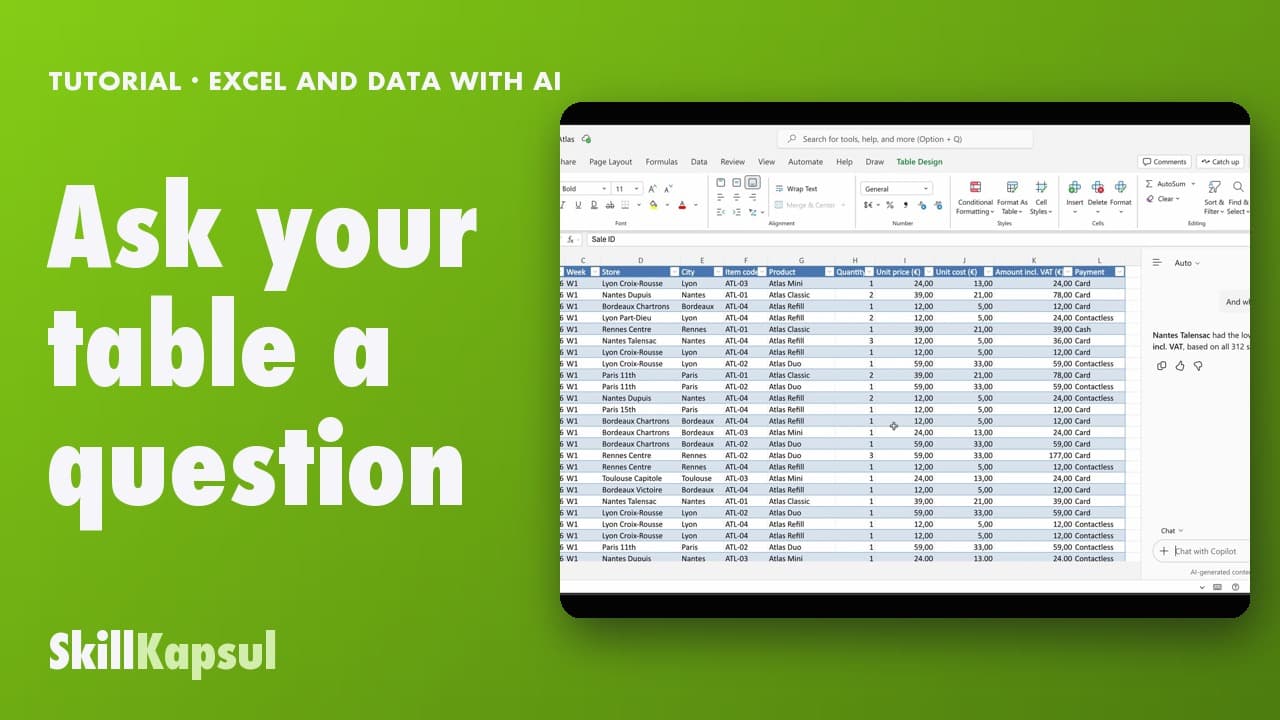
You ask your table a question in your own words and get the answer, without changing anything.
 030:46
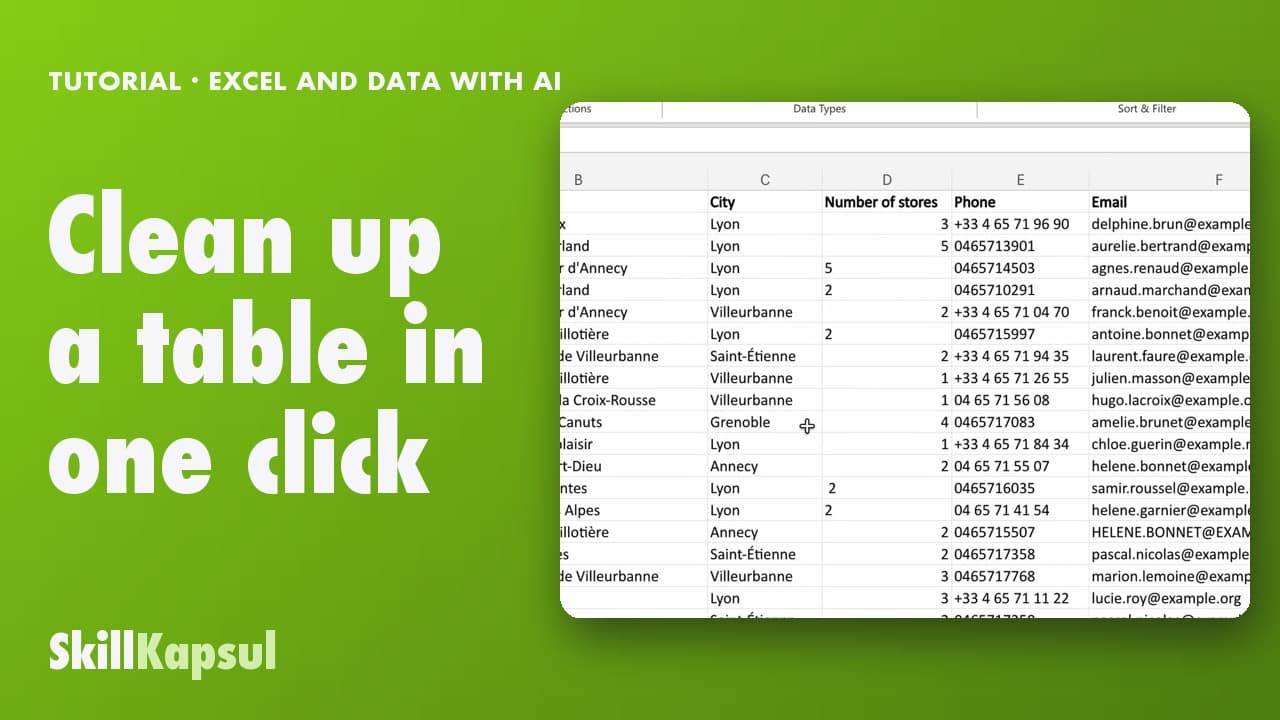
You fix inconsistent text and extra spaces in a list typed by hand.
Newsletter
One skill a week, straight to your inbox. The easiest way to keep learning without thinking about it.
Your data stays in the EU. Never sold.