 030:53
Copilot ChatAdvanced
Catch Copilot out on a figure
You find where an amount comes from, spot the outdated version and know which one is current.
Catalogue · Advanced Copilot
You get a note ready for the committee: the question to decide, two options, a recommendation, every figure linked to its document.
Space: play · ← →: 5 seconds · M: sound · F: full screen
The exact sequence, in order.
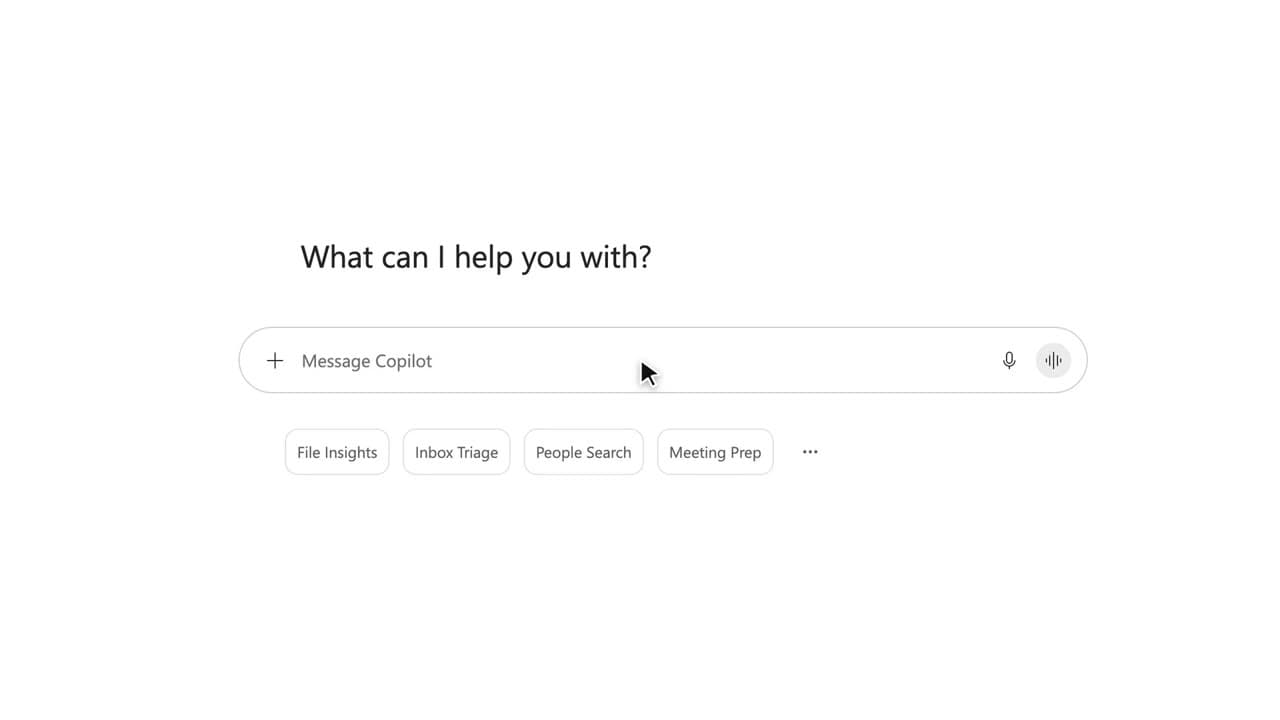
Open Copilot Chat and keep it in Work mode: it reads your documents and your emails.
Type “/” to attach the risk register, then the October 22 meeting notes.
Ask for the decision note: the question, two options, a recommendation, with sources.
Before you pass it on, open the list of sources and check every figure.
Word for word, exactly as shown in the video.
Write a decision note for the October 29 committee based on /Risk register, /Project review and my emails about Project Atlas: the question to decide, two options with their pros and risks, and your recommendation. Cite your sources.
The habit to keep
A decision note gets checked, citation by citation.
Worth knowing
What the video does not hide from you.
Copilot cross-checks several sources and can mix two versions of the same figure. Open the cited documents before you send the note.
You might also like
030:53You find where an amount comes from, spot the outdated version and know which one is current.
 020:51
You get the right note in four short instructions, without ever rewriting everything.
 050:49
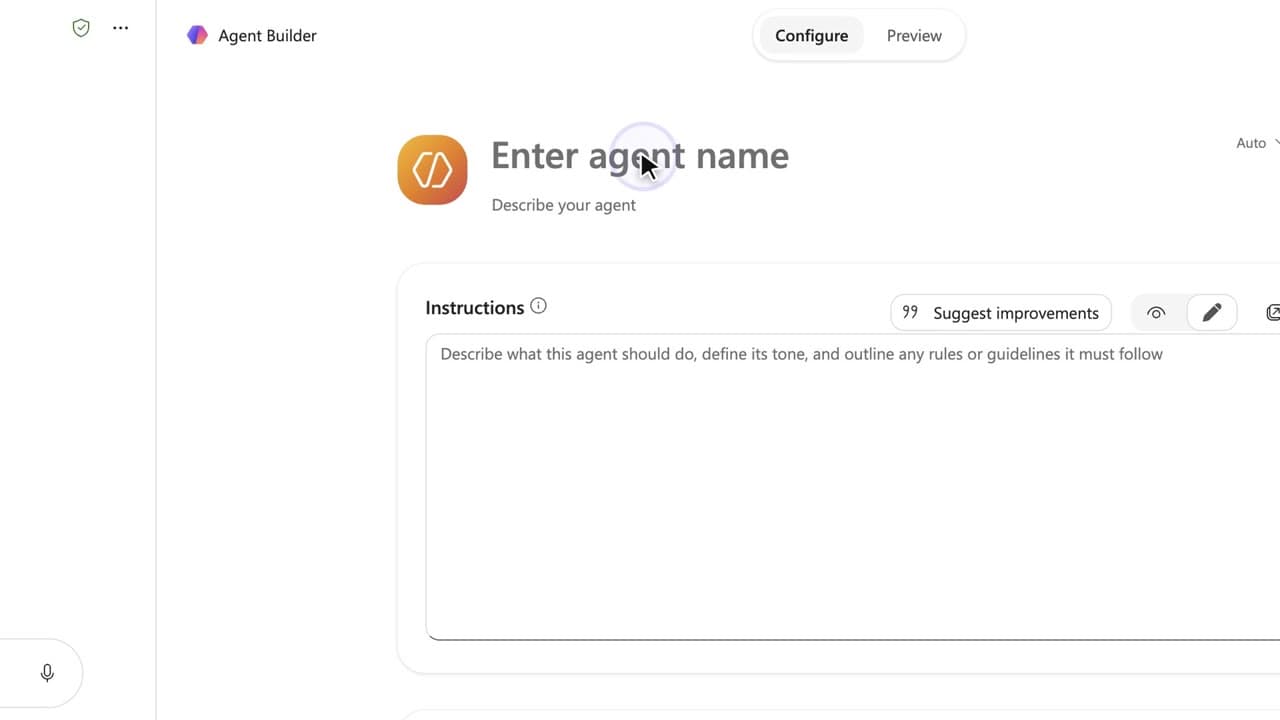
You build an assistant that answers the team’s questions about a project, from a single source, with the documents cited.
Newsletter
One skill a week, straight to your inbox. The easiest way to keep learning without thinking about it.
Your data stays in the EU. Never sold.