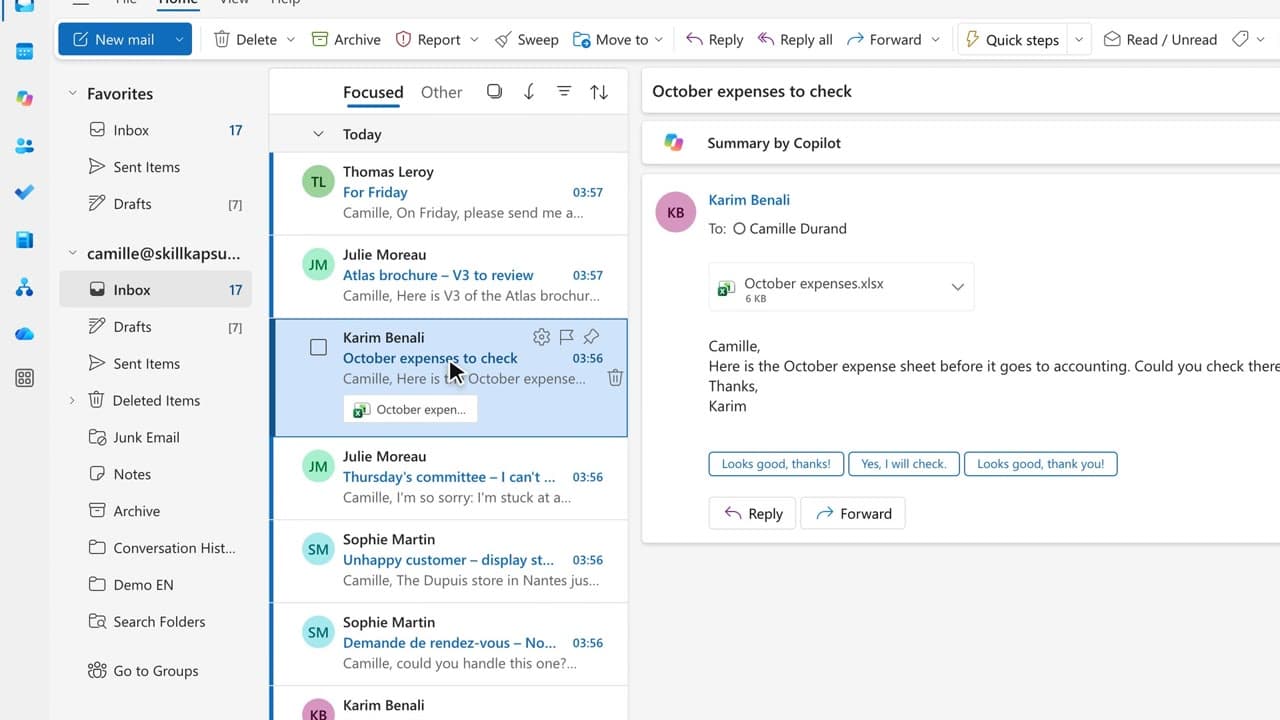
 070:30
ExcelIntermediate
Expense claims: check the spreadsheet
You have Copilot check the sheet and spot the duplicates, the over-limit amounts and the incomplete rows.
Catalogue · Advanced Copilot
In three questions you spot the out-of-policy expenses and get the chart by category.
Space: play · ← →: 5 seconds · M: sound · F: full screen
The exact sequence, in order.
Open the expense workbook and click “Chat with Copilot”.
Ask for the three highest expense categories.
Have it add an “Out of policy” column with the limits from the expense policy.
Ask for a chart by category, then check the flagged rows.
Word for word, exactly as shown in the video.
Add an “Out of policy” column that flags: meals over €60, hotels over €140 (€180 in Paris), first-class train, missing receipt.
The habit to keep
You are the one who signs off: review every flagged row before you pass it on.
Worth knowing
What the video does not hide from you.
Copilot edits the workbook. Work on a copy, and the data must be an Excel table for Copilot to read it.
You might also like
070:30You have Copilot check the sheet and spot the duplicates, the over-limit amounts and the incomplete rows.
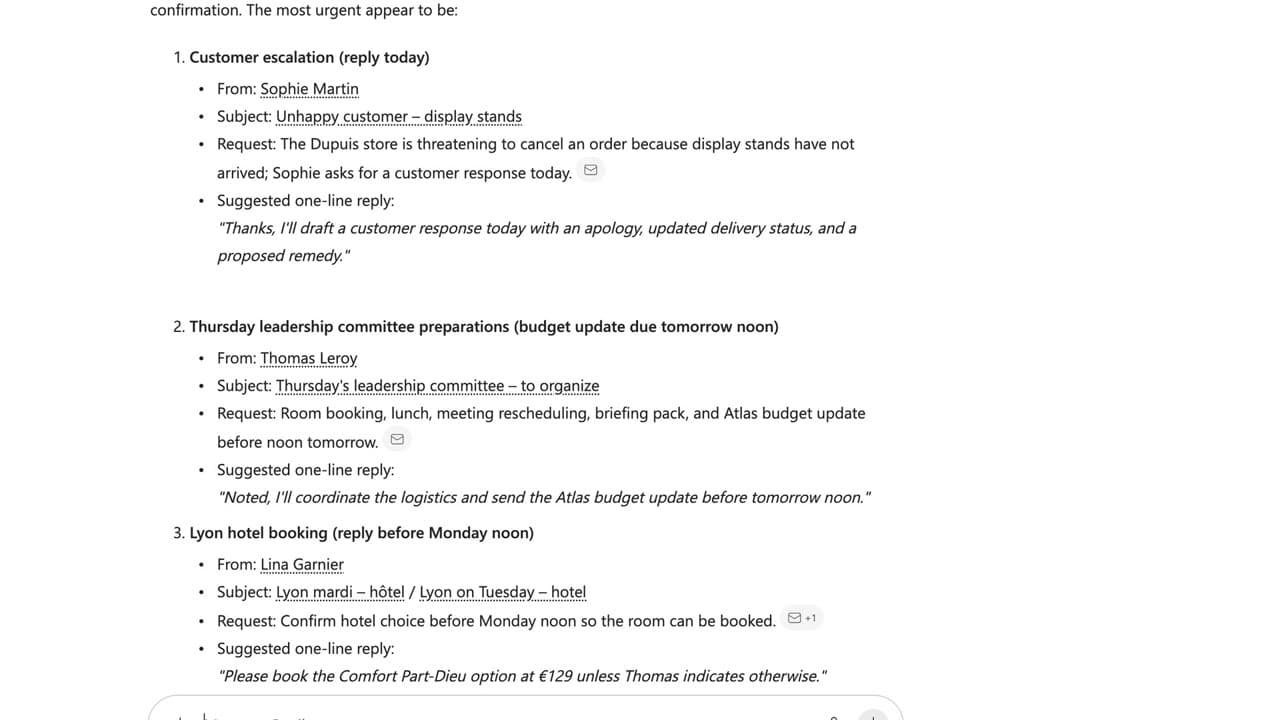 060:49
A prompt that works is saved in one click and reopened the next week, ready to go.
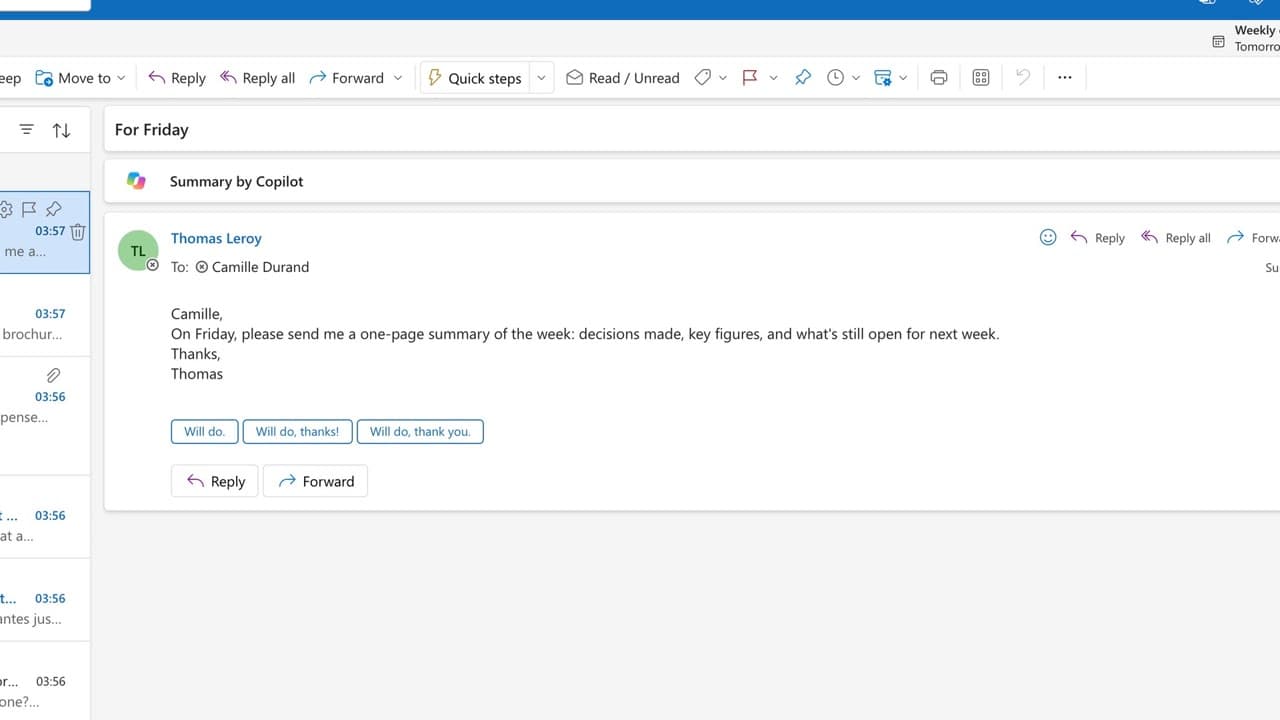 150:22
On Friday you hand over a one-page summary: decisions, figures, points still open.
Newsletter
One skill a week, straight to your inbox. The easiest way to keep learning without thinking about it.
Your data stays in the EU. Never sold.