 110:29
WordIntermediate
Build the steering committee agenda
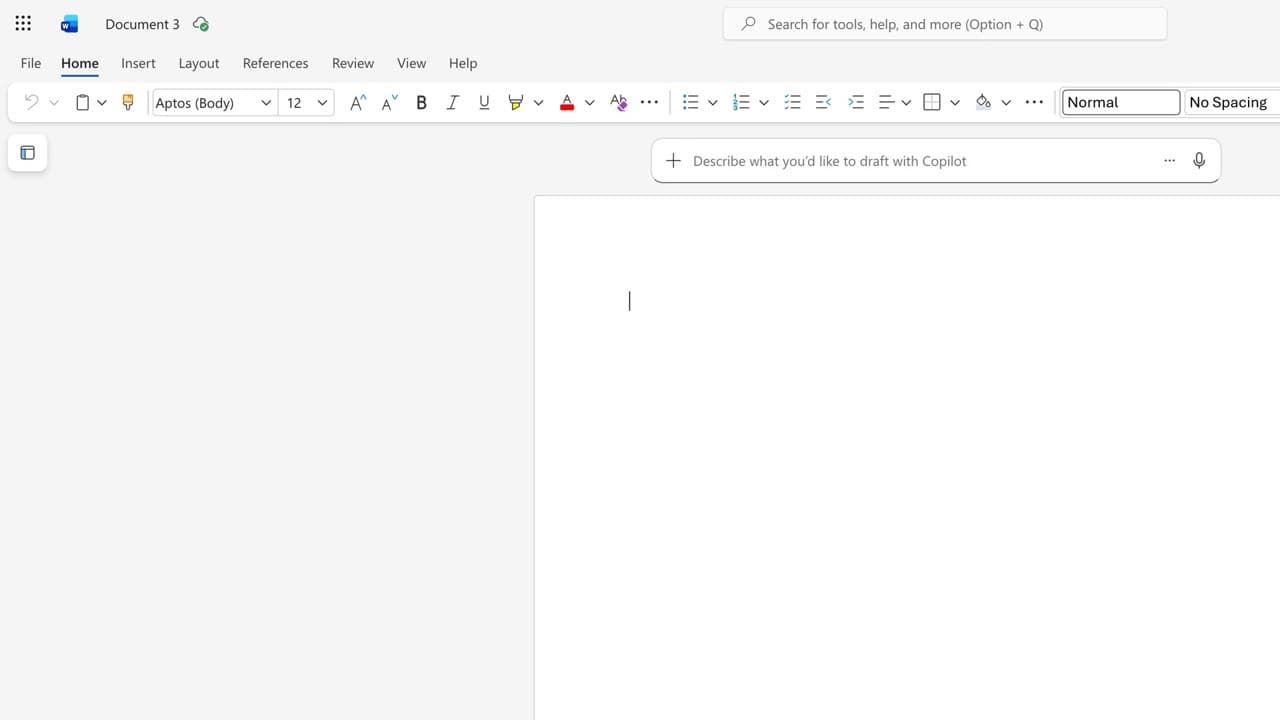
You produce an agenda with a time per point, built from the documents in the pack.
Catalogue · PA for EXEC — a typical week for the executive assistant
You get a structured deck out of the document, and you stay in control of what goes on each slide.
Space: play · ← →: 5 seconds · M: sound · F: full screen
The exact sequence, in order.
Open the committee Word file in Word.
Ask Copilot for a six-slide presentation plan.
Paste the plan into PowerPoint and generate the slides from Copilot.
Read through slide by slide: the figures come from the document, not from the deck.
Word for word, exactly as shown in the video.
Turn this Word document into a six-slide PowerPoint, one idea per slide, clean and readable, keeping the figures from the document.
The habit to keep
The plan first, the slides second: six slides get re-read, twenty do not.
Worth knowing
What the video does not hide from you.
A generated deck rewords the figures: compare every amount with the source document before you present.
You might also like
110:29You produce an agenda with a time per point, built from the documents in the pack.
 010:23
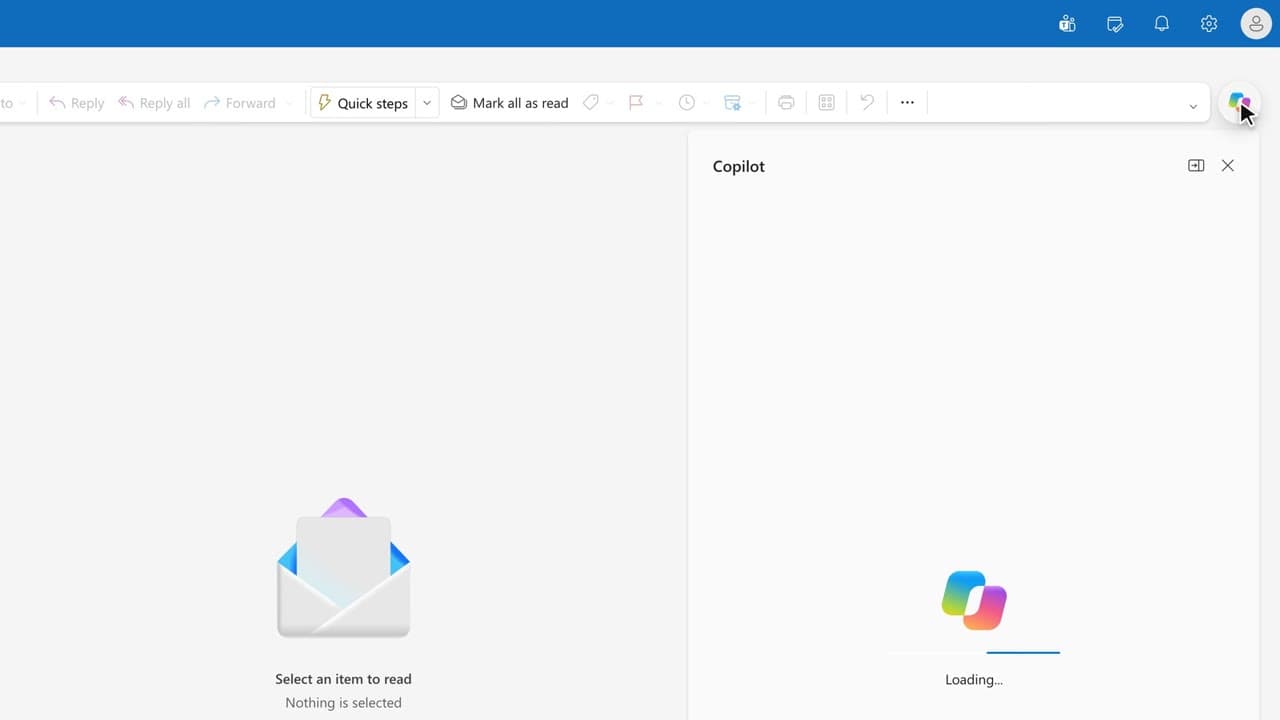
You start Monday with the list of weekend emails that need an answer, without opening them one by one.
 020:22
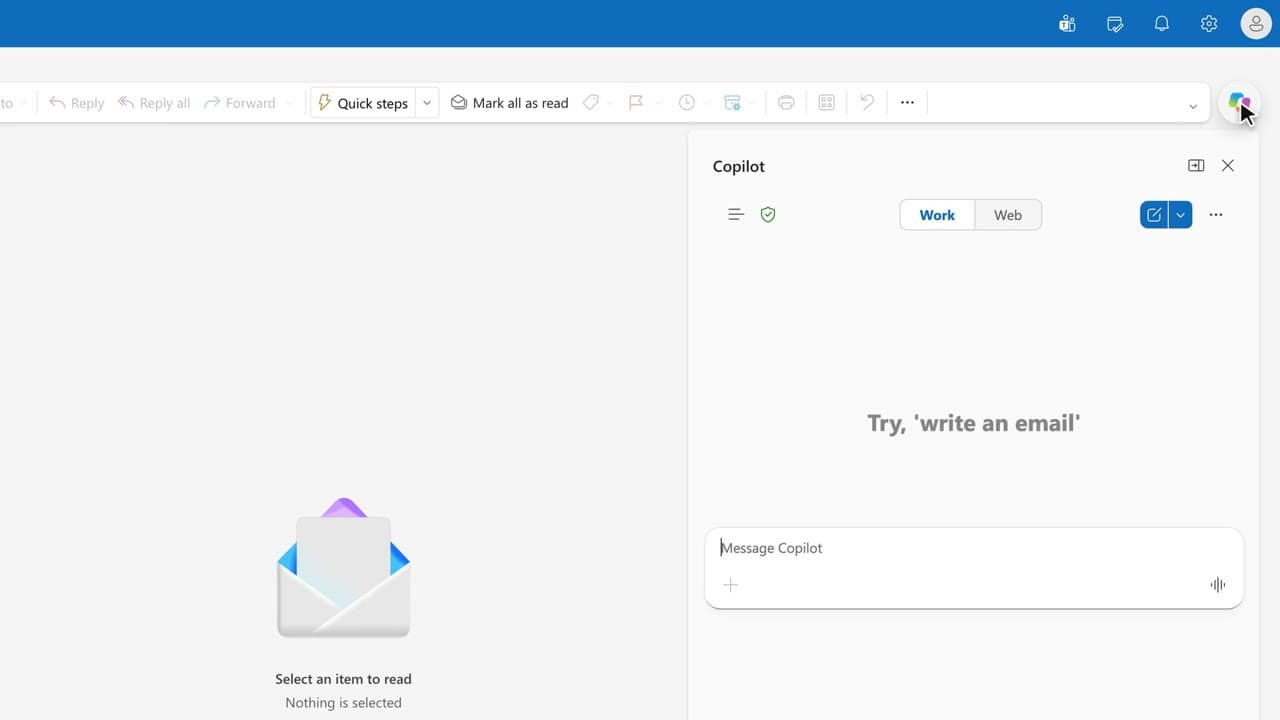
One question gives you the list of what matters today, sorted by deadline.
Newsletter
One skill a week, straight to your inbox. The easiest way to keep learning without thinking about it.
Your data stays in the EU. Never sold.