 020:24
JupyterLiteBeginner
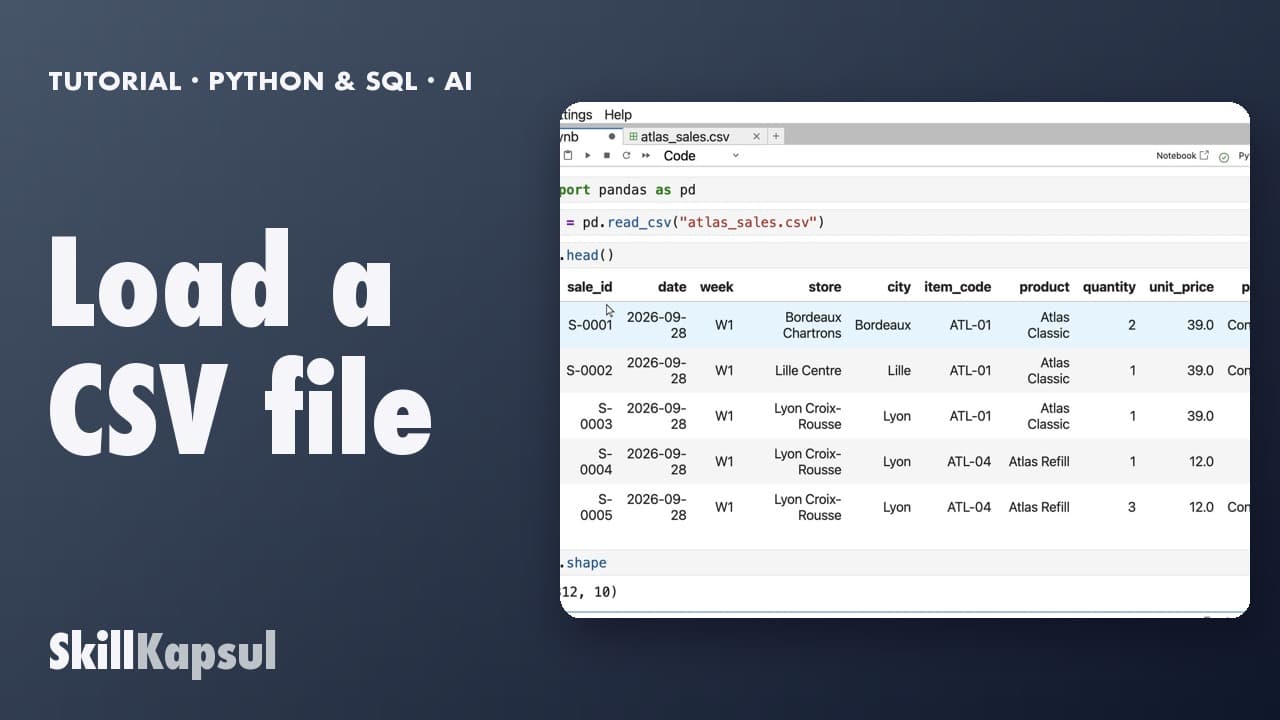
Load a CSV file
You load a sales export with pandas and see its first rows and its size.
Catalogue · First steps in Python and SQL, with AI
You open a Python notebook in your browser, with no account and nothing to install, and run your first cell.
Space: play · ← →: 5 seconds · M: sound · F: full screen
The exact sequence, in order.
Open jupyter.org/try-jupyter/lab in your browser.
Under Notebook, click Python (Pyodide).
Type 2 + 2 in the cell, then Shift + Enter: 4 shows.
Type print("Hello"), then Shift + Enter.
The habit to keep
Everything runs in this browser: nothing to install.
You might also like
020:24You load a sales export with pandas and see its first rows and its size.
 030:26
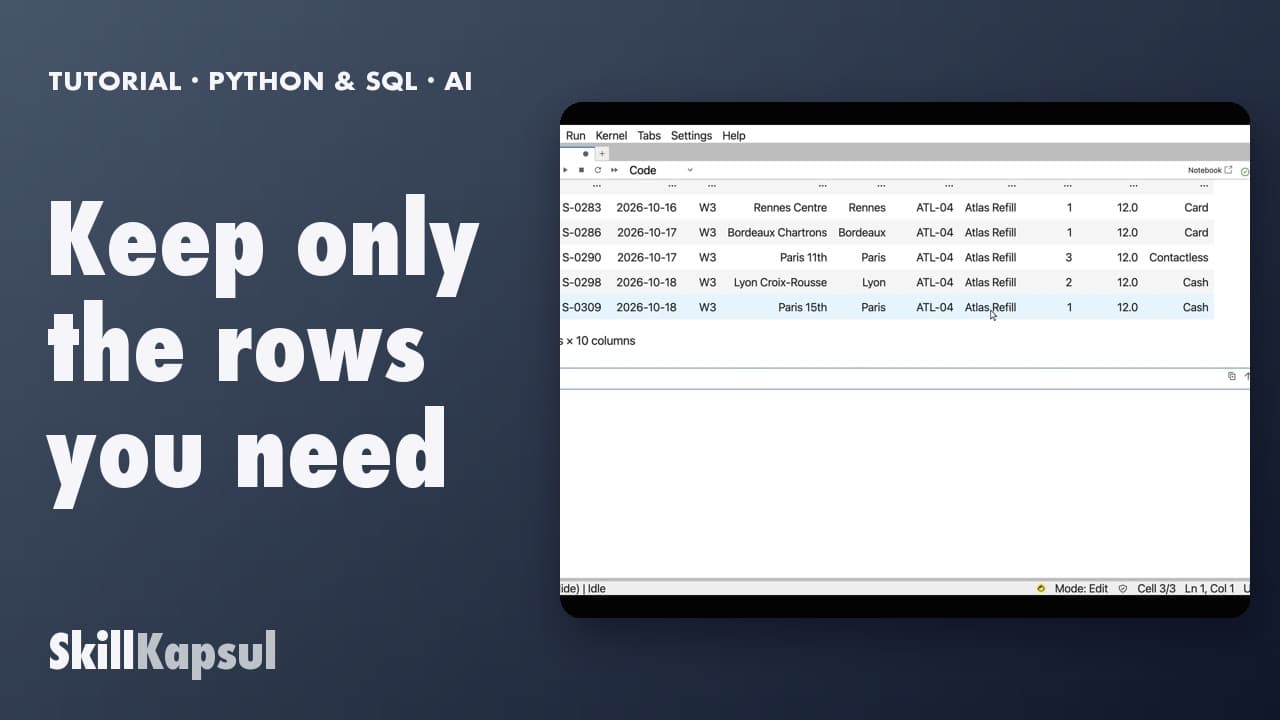
You filter a table on a value: a city, a product.
 040:22
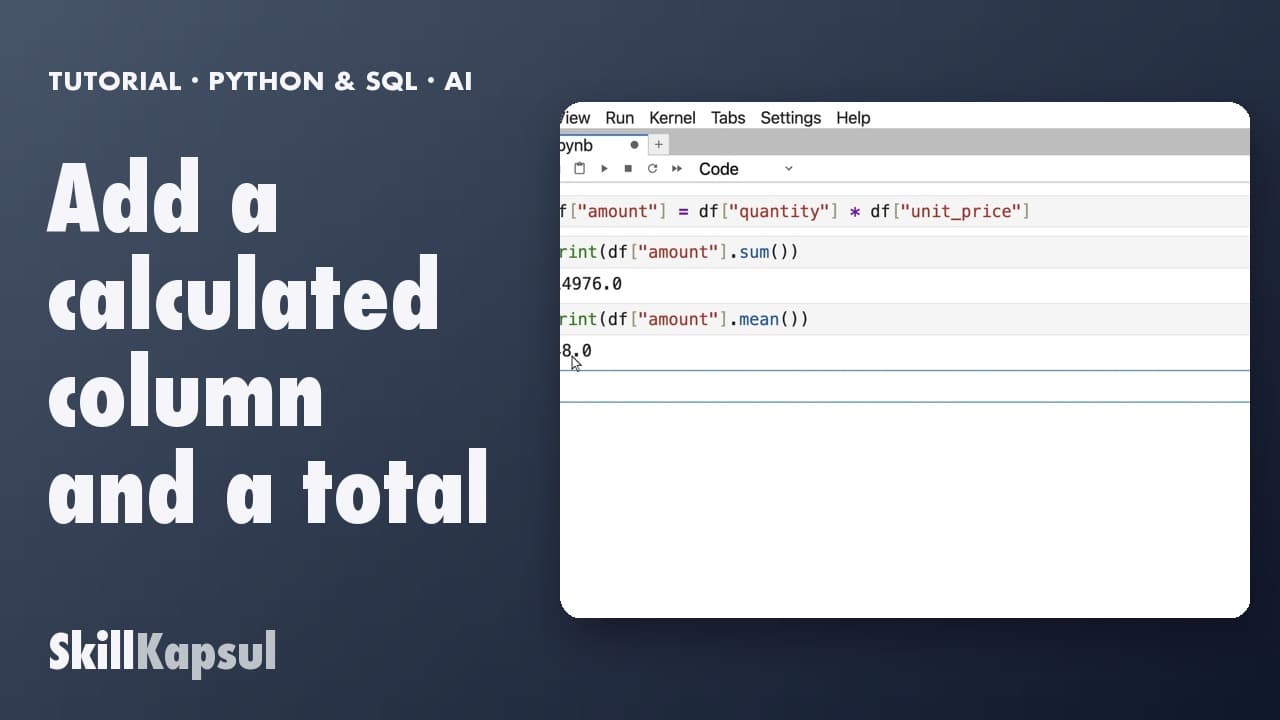
You add a calculated column, then get the total and the average.
Newsletter
One skill a week, straight to your inbox. The easiest way to keep learning without thinking about it.
Your data stays in the EU. Never sold.