 010:23
Suno StudioBeginner
Open Suno Studio and pick a starting point
You open Studio and know where to start: one of your songs, a file, the demo or a blank page.
Catalogue · How to use Suno Studio
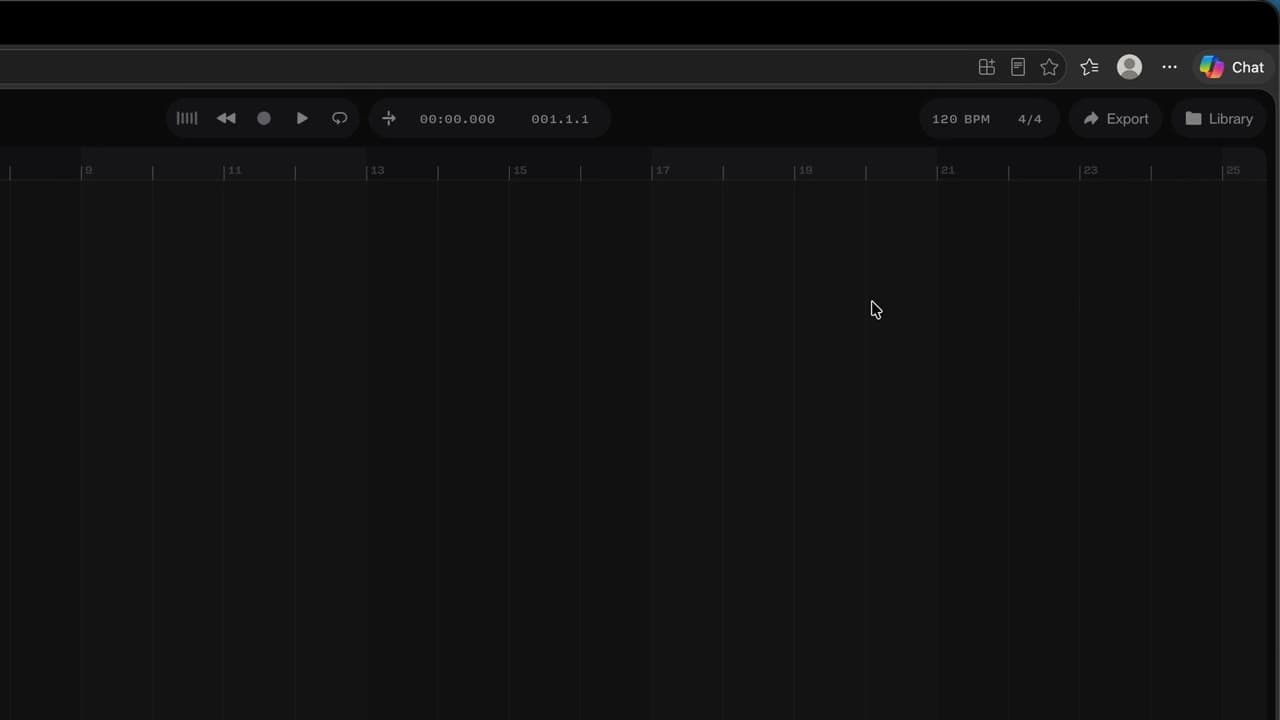
You know where the tracks, the timeline, the transport, the tempo and the Chat Bar are.
Space: play · ← →: 5 seconds · M: sound · F: full screen
The exact sequence, in order.
On the left, the tracks; in the middle, the timeline and its ruler.
At the top, the transport: play, back to start, record.
Next to it, the tempo (BPM) and the time signature (4/4).
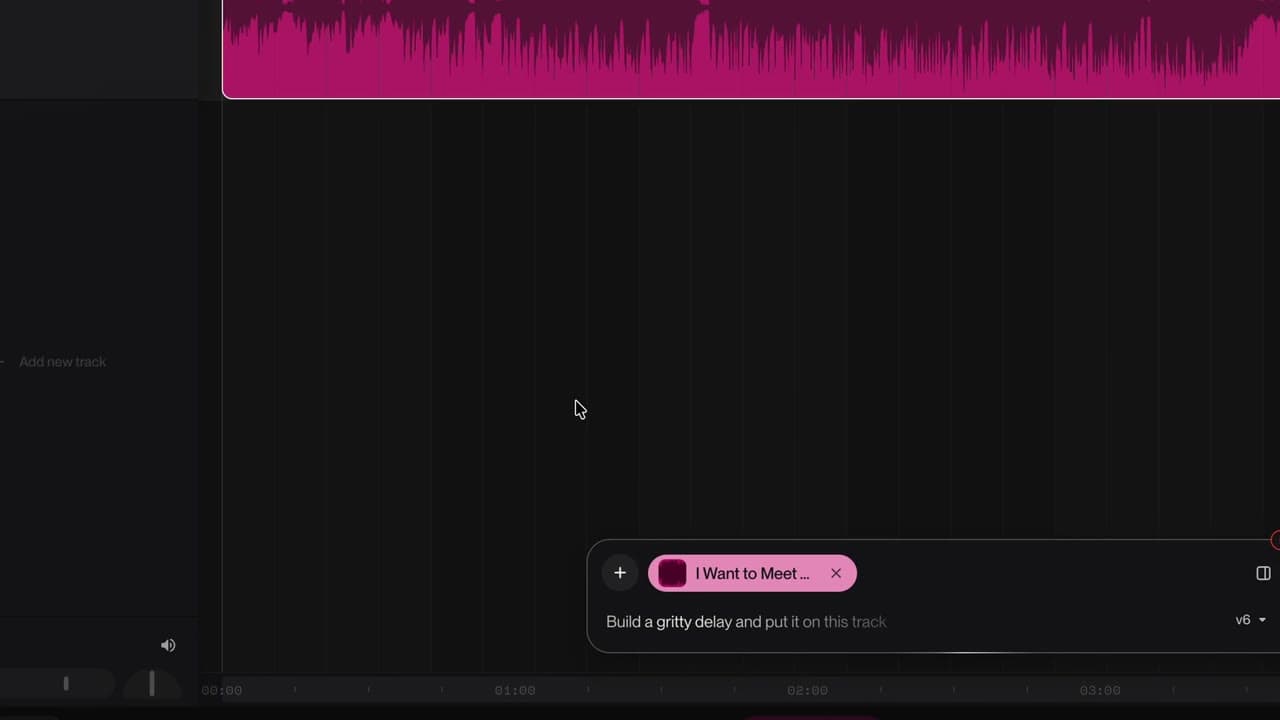
At the bottom, the Chat Bar, to ask Studio for a part.
Space to listen, Shift + C for the metronome.
The habit to keep
The space bar starts and stops playback, anywhere in Studio.
You might also like
010:23You open Studio and know where to start: one of your songs, a file, the demo or a blank page.
 030:26
Your song lands on the timeline, ready to be reworked.
 040:37
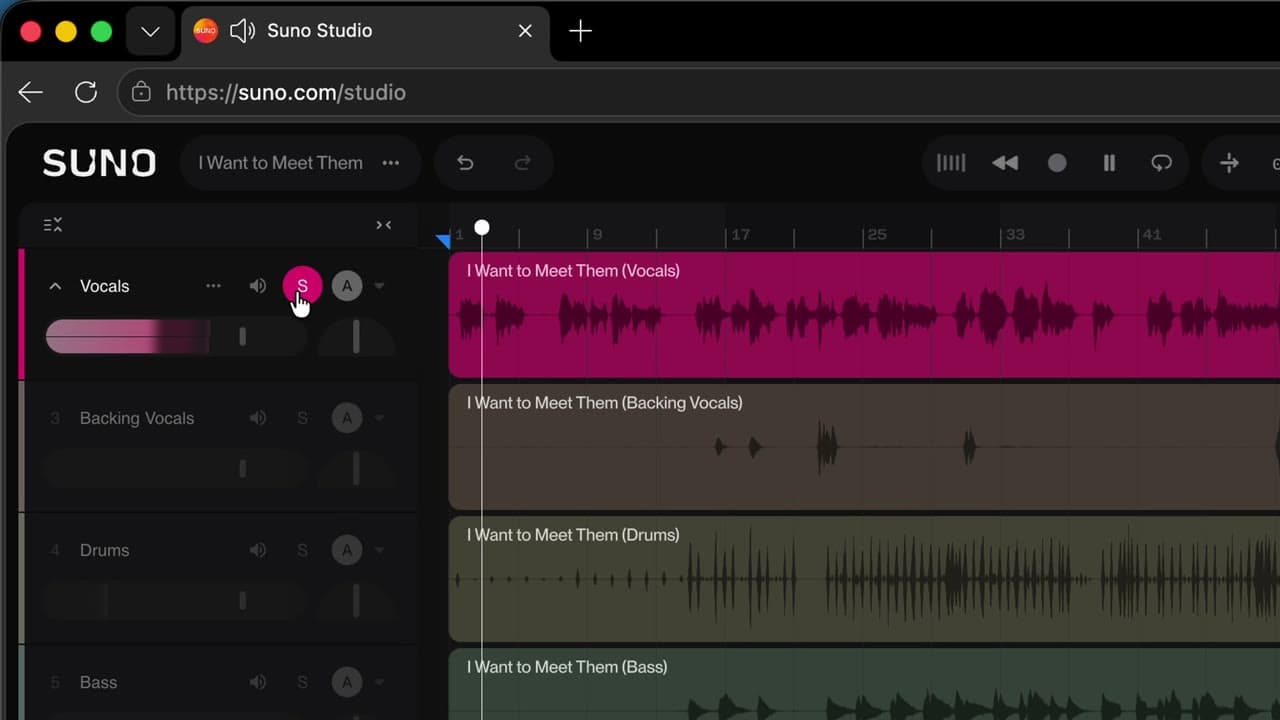
Vocals, drums, bass… each instrument lands on its own track, and you can listen to it alone.
Newsletter
One skill a week, straight to your inbox. The easiest way to keep learning without thinking about it.
Your data stays in the EU. Never sold.