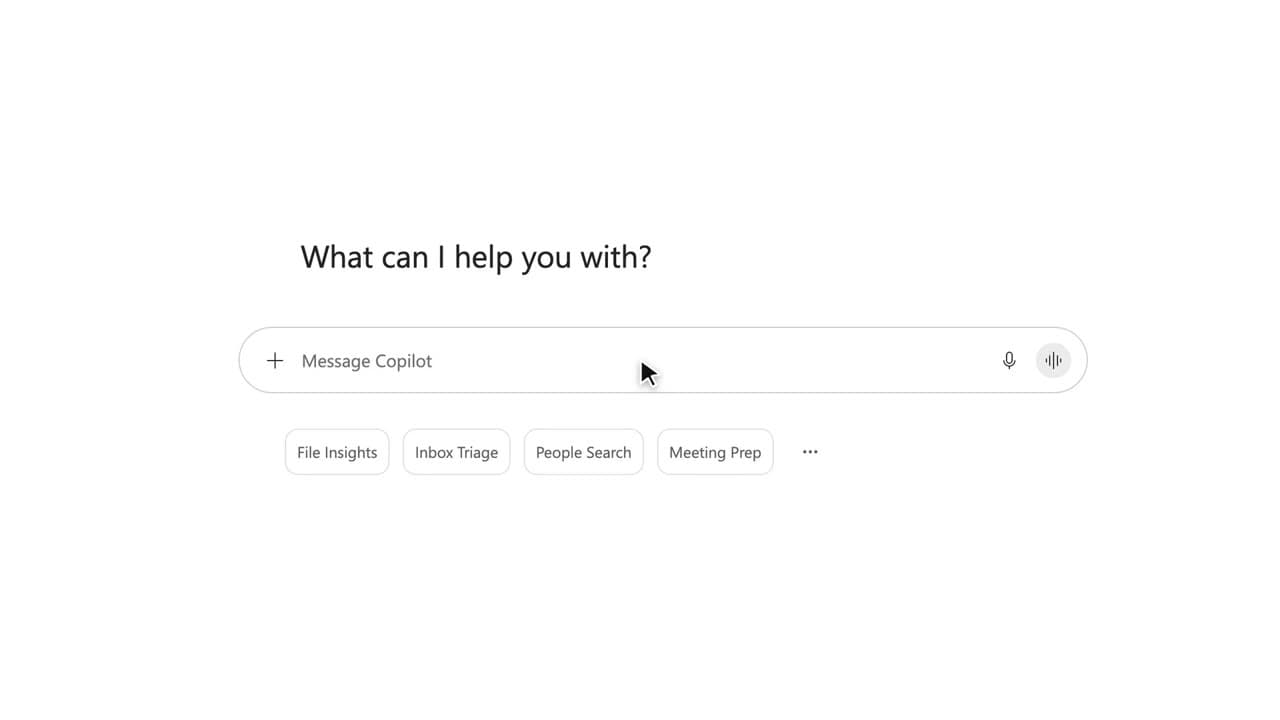
 020:51
Copilot ChatAdvanced
Steer Copilot turn by turn
You get the right note in four short instructions, without ever rewriting everything.
Catalogue · Advanced Copilot
You build an assistant that answers the team’s questions about a project, from a single source, with the documents cited.
Space: play · ← →: 5 seconds · M: sound · F: full screen
The exact sequence, in order.
Open Agent Builder from Copilot Chat.
Give it a name and a one-sentence description.
Write its instructions: its job, its limits, the rule to cite its sources.
Add a single source, the project site, and turn off Outlook, Teams and the web.
Test it in Preview, then click “Create”.
Word for word, exactly as shown in the video.
You answer questions about Project Atlas using only the Project Atlas site. Answer in five lines at most, always cite the source document, and say clearly when the information is not there.
The habit to keep
One agent = one job, one source, written limits.
Worth knowing
What the video does not hide from you.
The agent is private when created. It only sees what each user is allowed to open: share it only with the team that has access to the site.
You might also like
020:51You get the right note in four short instructions, without ever rewriting everything.
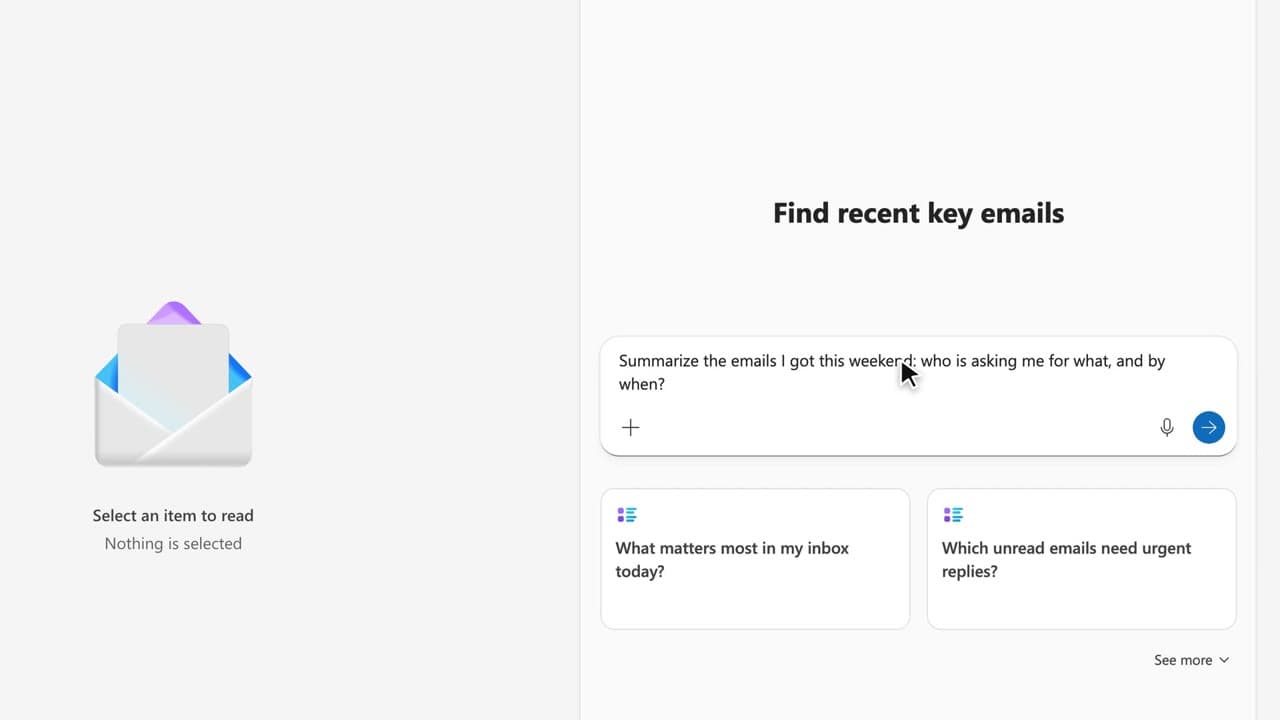 200:49
You leave with ten reusable prompts, sorted by moment of the week, that you paste into your own working file.
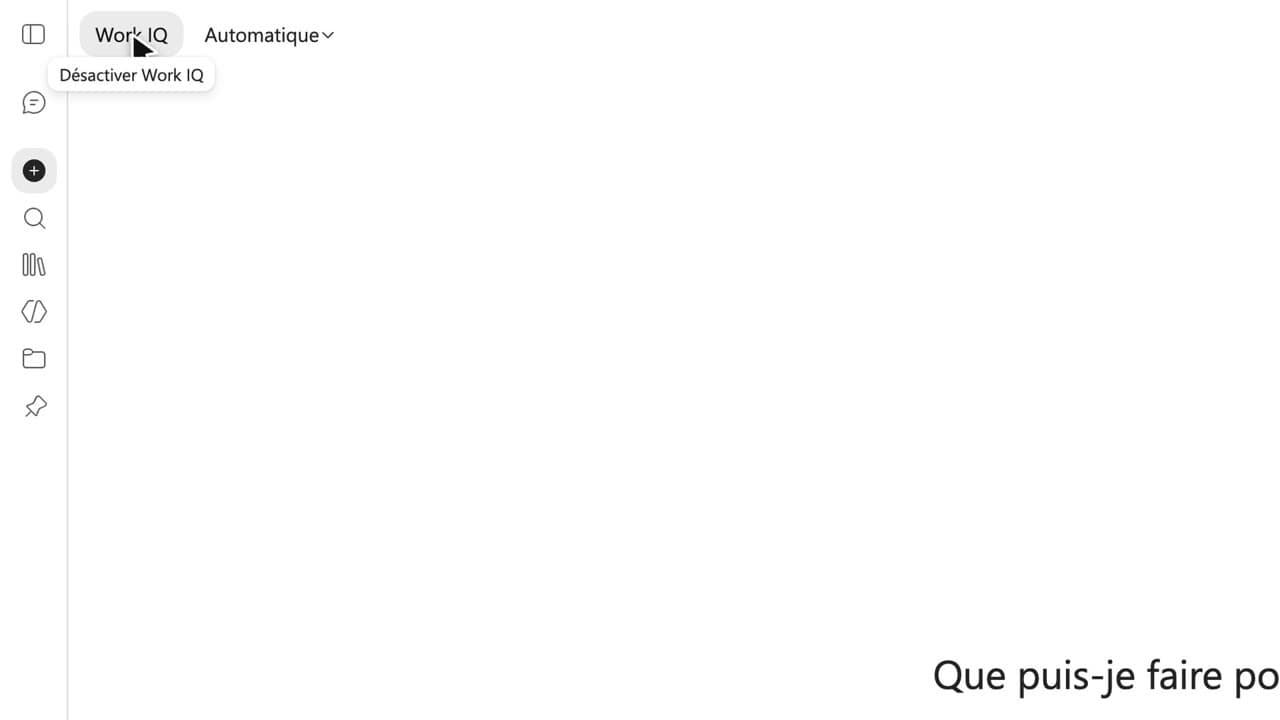 220:39FR
You decide whether Copilot answers from your emails, files and calendar or from the web, and you know where each source comes from.
Newsletter
One skill a week, straight to your inbox. The easiest way to keep learning without thinking about it.
Your data stays in the EU. Never sold.