 010:31
ExcelBeginner
Open Copilot in Excel and pick a mode
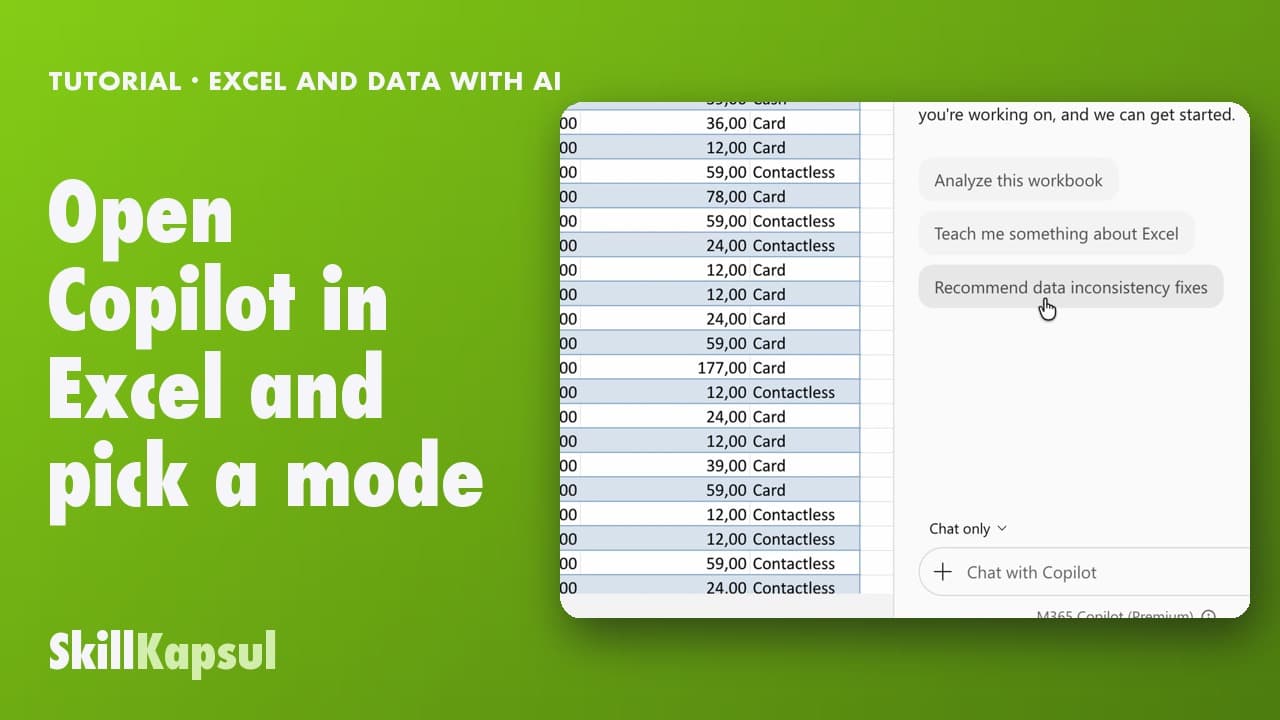
You open Copilot in Excel and pick the right mode: edit, plan or just answer.
Catalogue · Excel and data with AI
You add a calculated column in one sentence and understand the formula behind it.
Space: play · ← →: 5 seconds · M: sound · F: full screen
The exact sequence, in order.
In Allow editing mode, ask for the column with the calculation you want.
Check the new column, then click Done.
Select a cell in the column.
Ask Copilot to explain the formula, step by step.
Word for word, exactly as shown in the video.
Add a Margin column that calculates Amount incl. VAT minus Quantity times Unit cost.
The habit to keep
If you don’t understand a formula, don’t keep it.
You might also like
010:31You open Copilot in Excel and pick the right mode: edit, plan or just answer.
 020:40
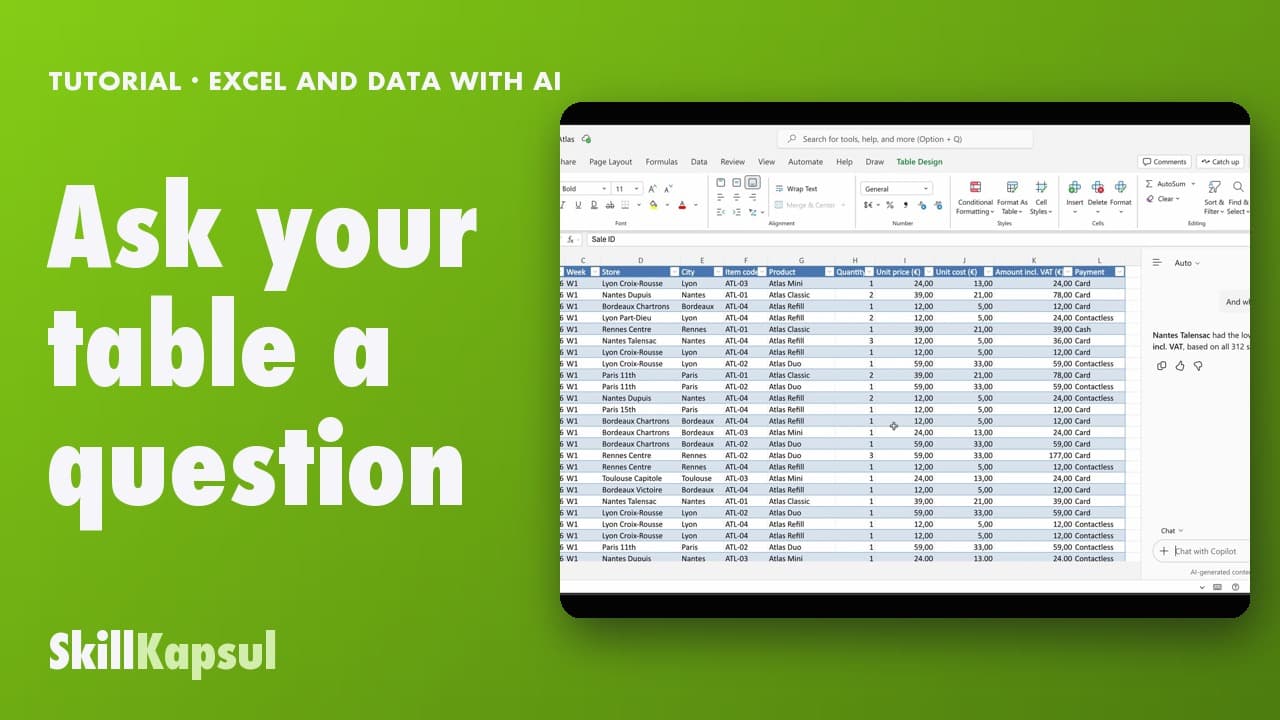
You ask your table a question in your own words and get the answer, without changing anything.
 030:46
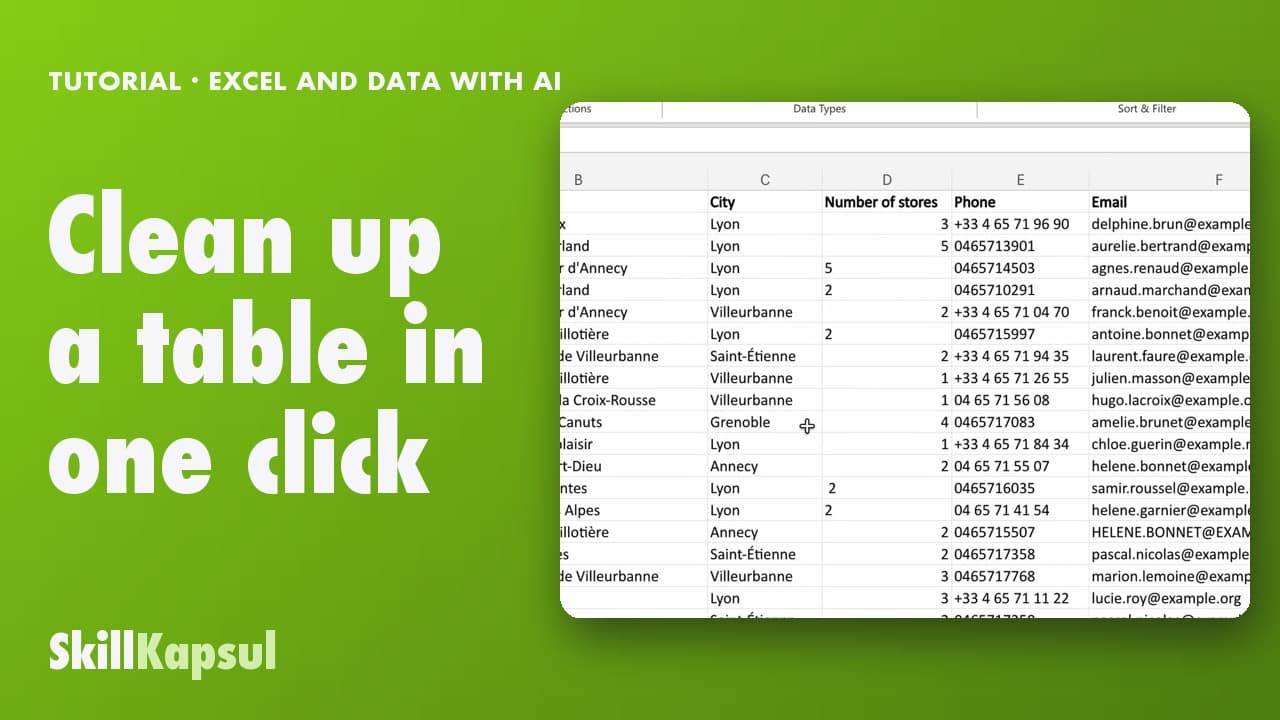
You fix inconsistent text and extra spaces in a list typed by hand.
Newsletter
One skill a week, straight to your inbox. The easiest way to keep learning without thinking about it.
Your data stays in the EU. Never sold.