 020:26
Suno StudioBeginner
Find your way around Studio in 60 seconds
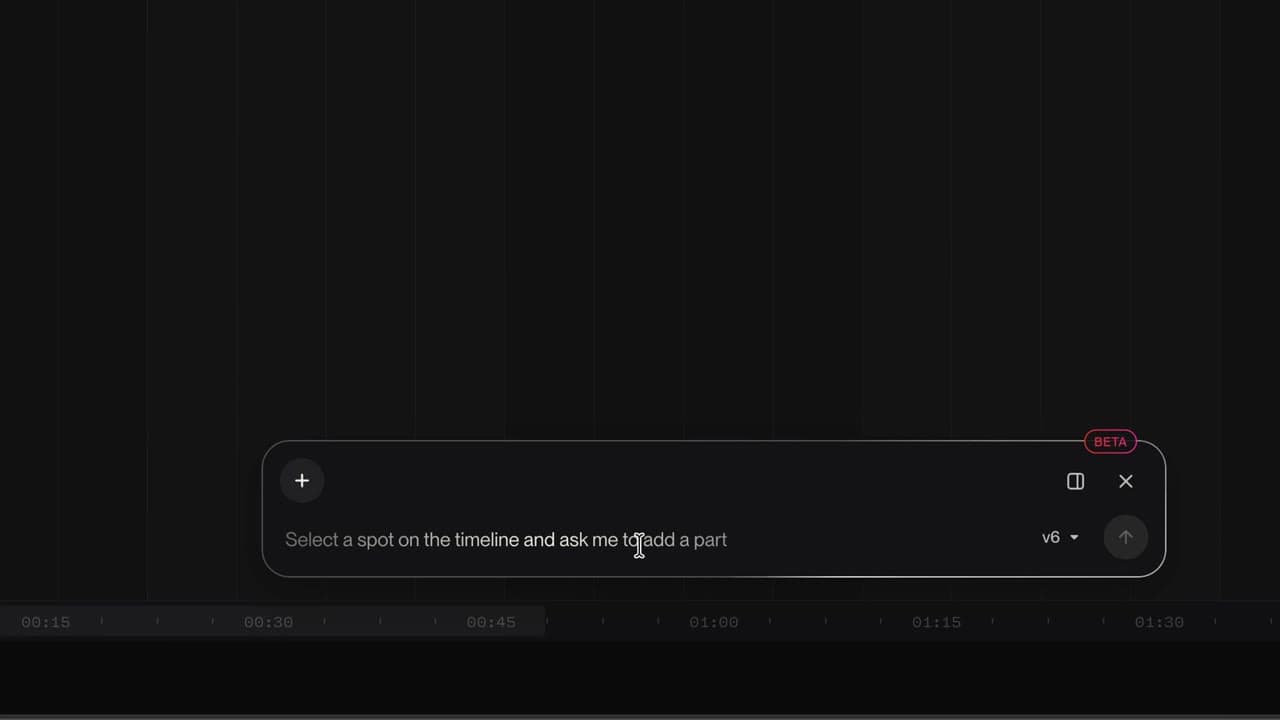
You know where the tracks, the timeline, the transport, the tempo and the Chat Bar are.
Catalogue · How to use Suno Studio
You open Studio and know where to start: one of your songs, a file, the demo or a blank page.
Space: play · ← →: 5 seconds · M: sound · F: full screen
The exact sequence, in order.
On a computer, open suno.com/studio in your browser.
Studio shows “How do you want to start?”.
Pick Edit Your Song, Upload Audio or the Drum & Bass demo.
Or click Empty Project to start from an empty timeline.
The habit to keep
Studio needs the Premier plan and works best in Chrome.
Worth knowing
What the video does not hide from you.
Studio does not open on phones: you need a computer or a tablet at least 768 pixels wide.
You might also like
020:26You know where the tracks, the timeline, the transport, the tempo and the Chat Bar are.
 030:26
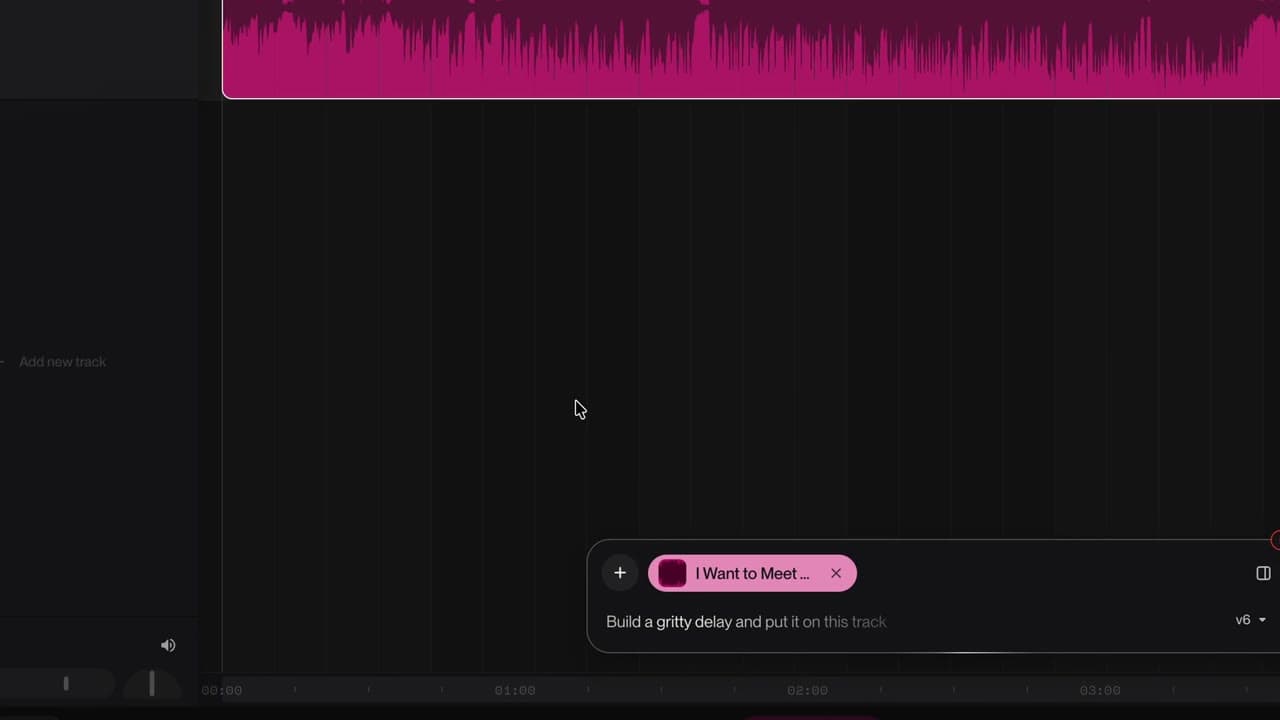
Your song lands on the timeline, ready to be reworked.
 040:37
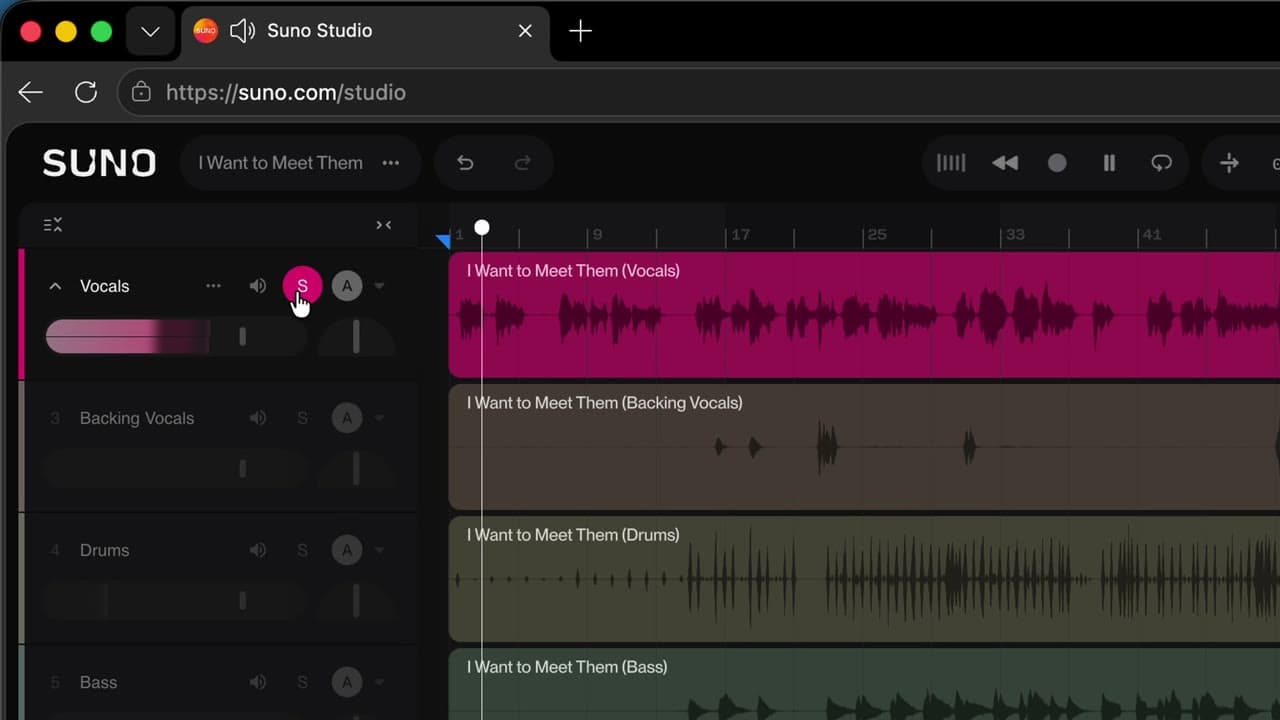
Vocals, drums, bass… each instrument lands on its own track, and you can listen to it alone.
Newsletter
One skill a week, straight to your inbox. The easiest way to keep learning without thinking about it.
Your data stays in the EU. Never sold.