 010:45
OutlookBeginner
Copilot in Outlook: summarize a long email thread in 10 seconds
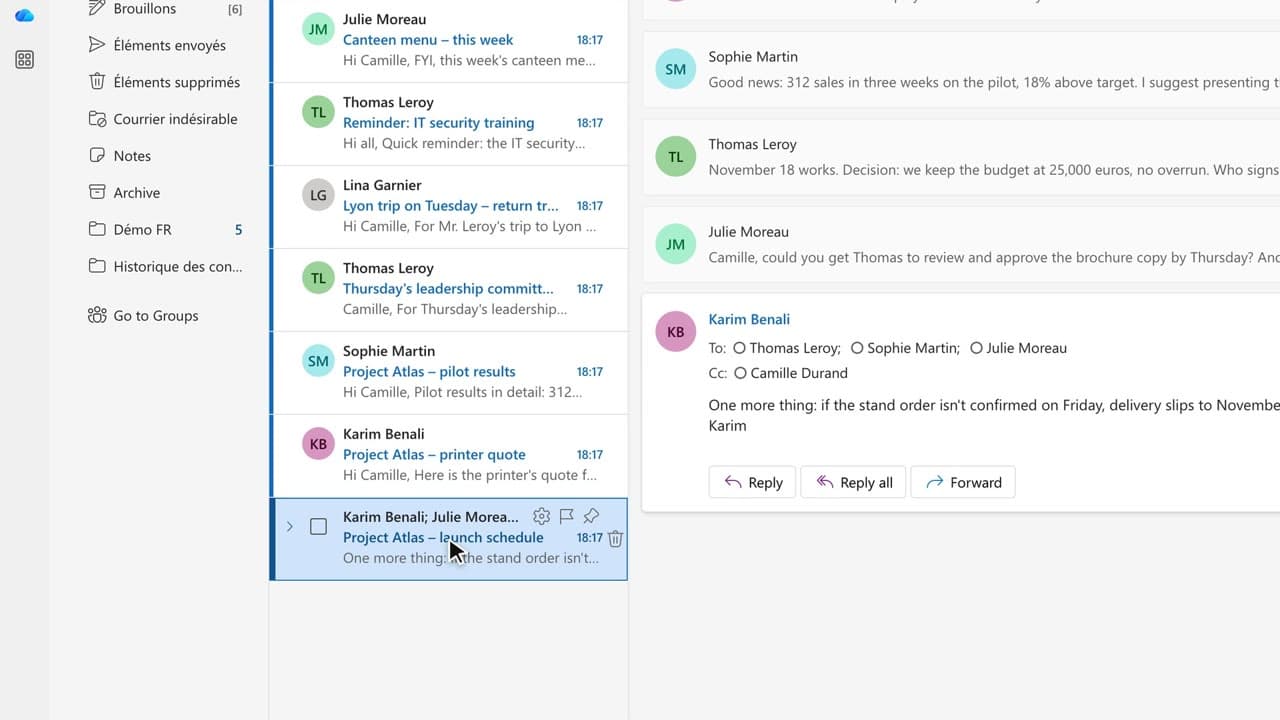
You walk away from a fifteen-message thread with the decisions, actions and deadlines written down, without reading every word.
Catalogue · PA for EXEC — a typical week for the executive assistant
You start Monday with the list of weekend emails that need an answer, without opening them one by one.
Space: play · ← →: 5 seconds · M: sound · F: full screen
The exact sequence, in order.
Open the Copilot pane in Outlook.
Ask: “Summarize the emails I haven’t read in the last 24 hours, starting with the ones that need an action.”
Read the first three points, then open the source message to check them.
Handle first whatever carries a deadline today.
Word for word, exactly as shown in the video.
Summarize the emails I haven’t read in the last 24 hours, starting with the ones that need an action.
The habit to keep
You read the summary, but the first line of the list is what decides your morning.
Worth knowing
What the video does not hide from you.
The summary does not replace reading: a message ranked too low can hide something urgent. Open the source before you reply.
You might also like
010:45You walk away from a fifteen-message thread with the decisions, actions and deadlines written down, without reading every word.
 020:45
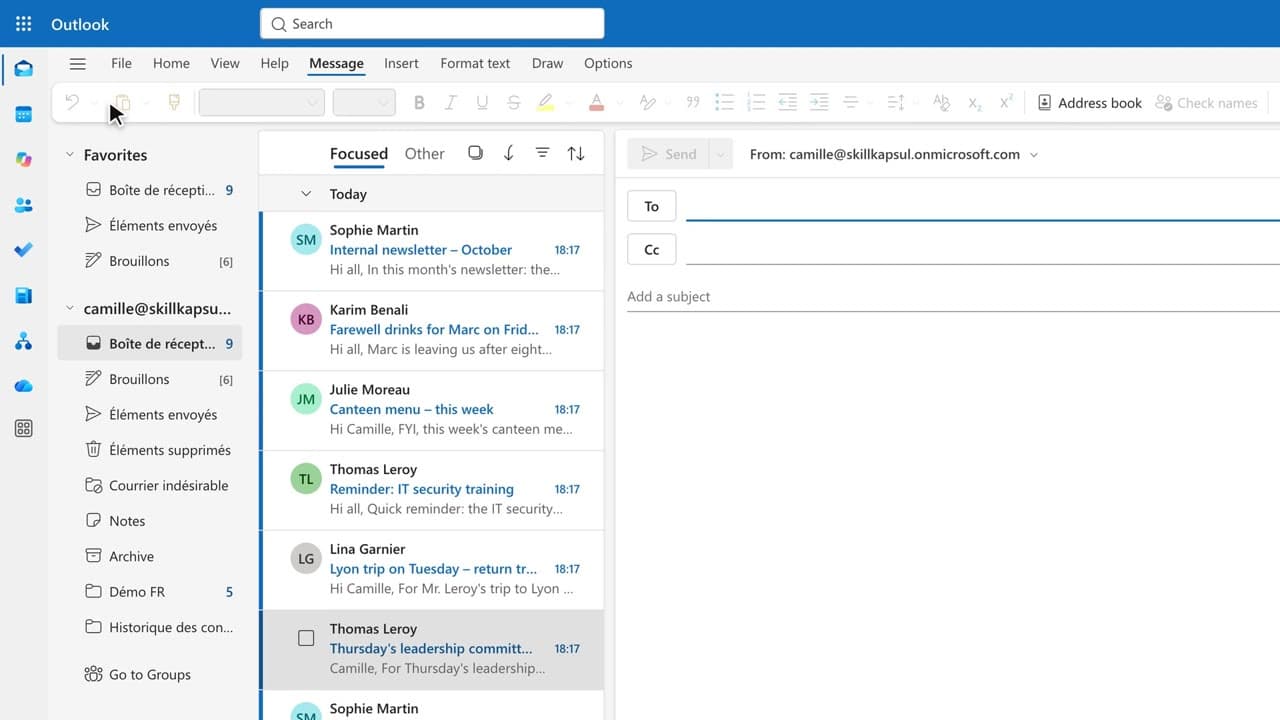
You get a first draft in one click, ready to correct, sign and send yourself.
 030:32
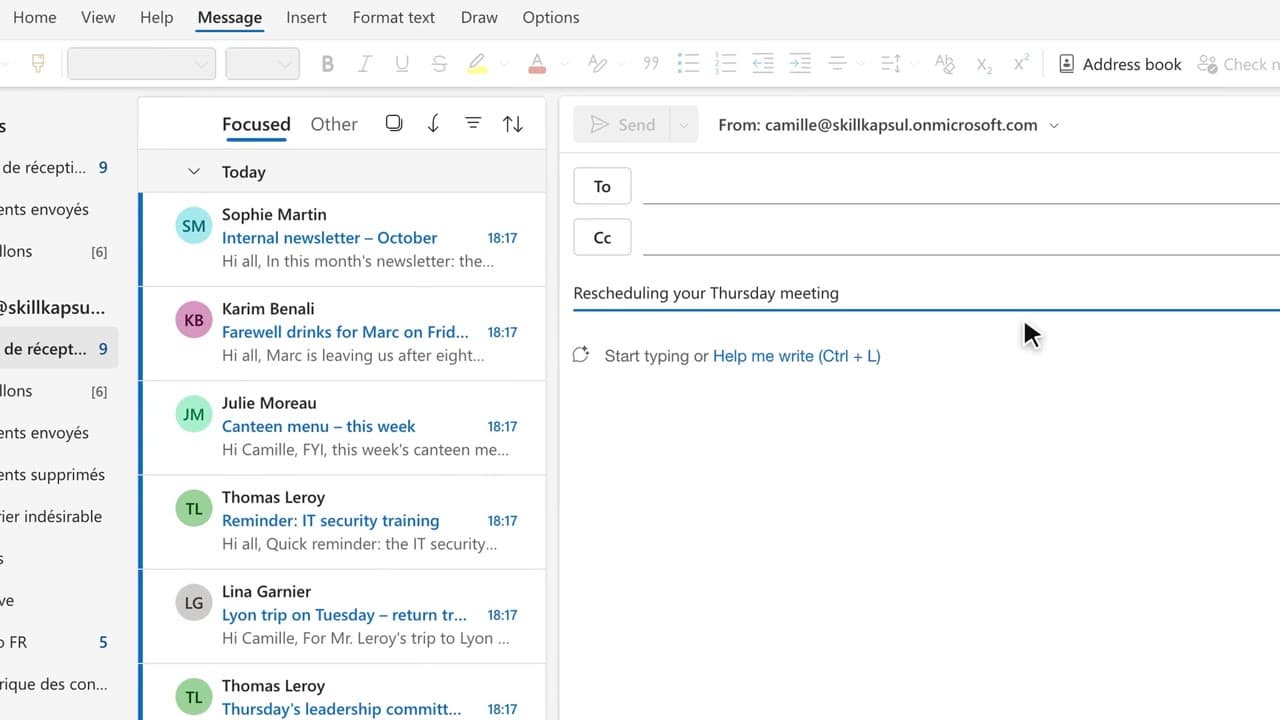
You have Copilot review your message before you send, spotting the tone, the reader’s reaction and the awkward phrasing.
Newsletter
One skill a week, straight to your inbox. The easiest way to keep learning without thinking about it.
Your data stays in the EU. Never sold.