 110:29
WordIntermediate
Build the steering committee agenda
You produce an agenda with a time per point, built from the documents in the pack.
Catalogue · Advanced Copilot
From the email thread to the invitation, you prepare the whole committee with Copilot in Outlook, Word and PowerPoint.
Space: play · ← →: 5 seconds · M: sound · F: full screen
The exact sequence, in order.
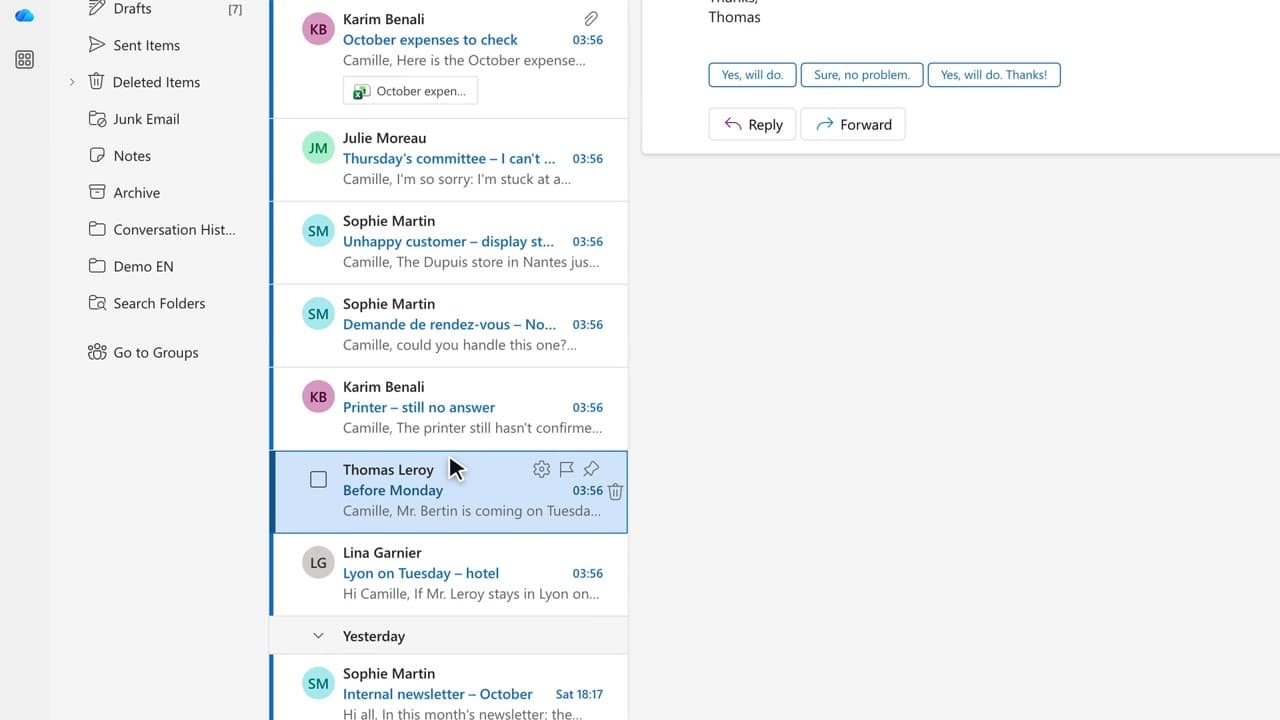
Outlook: open the project thread and click “Summary by Copilot”.
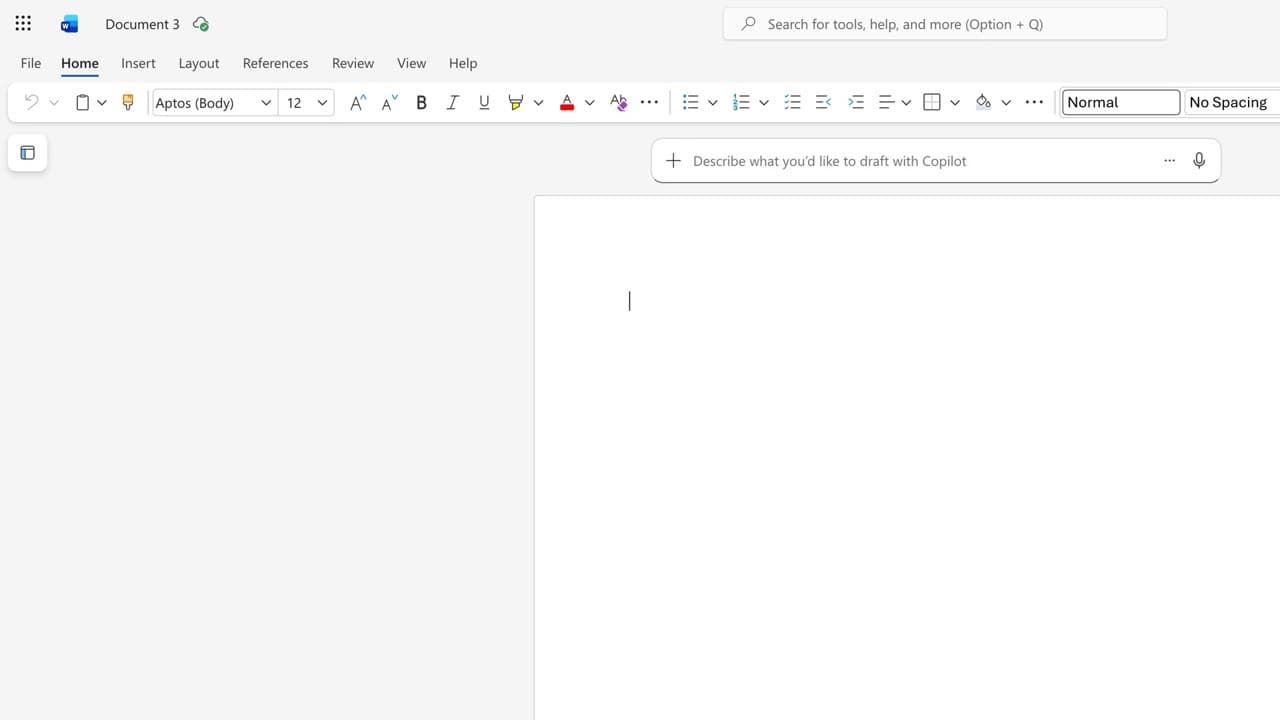
Word: blank document, a prompt that cites the email thread and the risk register with “/”.
PowerPoint: “Create with Copilot” from the committee pack.
Outlook: new invitation, title and attendee, then “Ask Copilot to create an agenda”.
Review each step before moving on to the next.
Word for word, exactly as shown in the video.
Write the leadership committee pack for October 29 on Project Atlas, based on /Project Atlas – launch schedule and /Risk register: background, progress, risks and decisions needed.
The habit to keep
Four apps, one story: you stay in control at every step.
Worth knowing
What the video does not hide from you.
Each app creates a new file. Store them in the project folder, and only send the invitation once you have read the agenda through.
You might also like
110:29You produce an agenda with a time per point, built from the documents in the pack.
 060:26
You turn the invitation email into a complete checklist: parking, badge, room, coffee, documents.
 080:29
You start from rough notes and get a structured letter in your house style, ready to review.
Newsletter
One skill a week, straight to your inbox. The easiest way to keep learning without thinking about it.
Your data stays in the EU. Never sold.