 020:40
ExcelBeginner
Ask your table a question
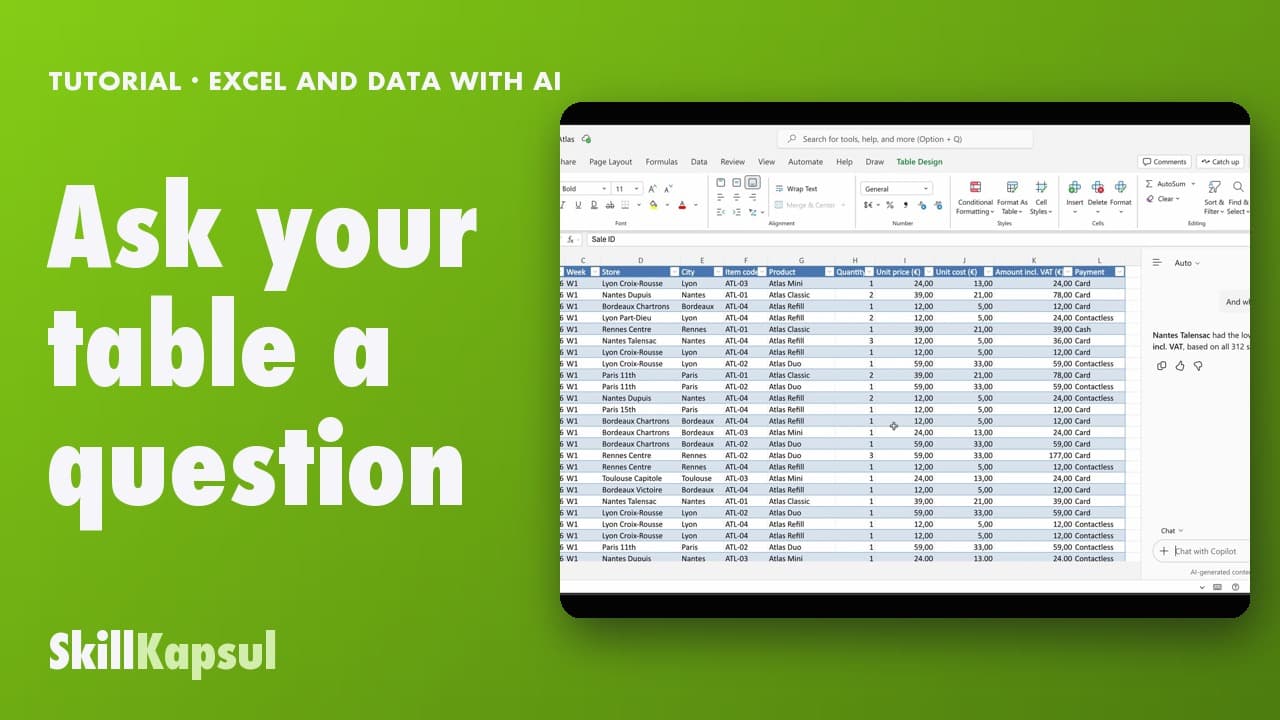
You ask your table a question in your own words and get the answer, without changing anything.
Catalogue · Excel and data with AI
You open Copilot in Excel and pick the right mode: edit, plan or just answer.
Space: play · ← →: 5 seconds · M: sound · F: full screen
The exact sequence, in order.
Open your workbook in Excel for the web.
Click the Copilot icon, bottom right: the pane opens.
Open the mode picker, below the prompt box.
Pick Allow editing, Plan or Chat only.
The habit to keep
For a simple question, pick the mode that changes nothing.
Worth knowing
What the video does not hide from you.
In Allow editing mode, Copilot changes your workbook directly.
You might also like
020:40You ask your table a question in your own words and get the answer, without changing anything.
 030:46
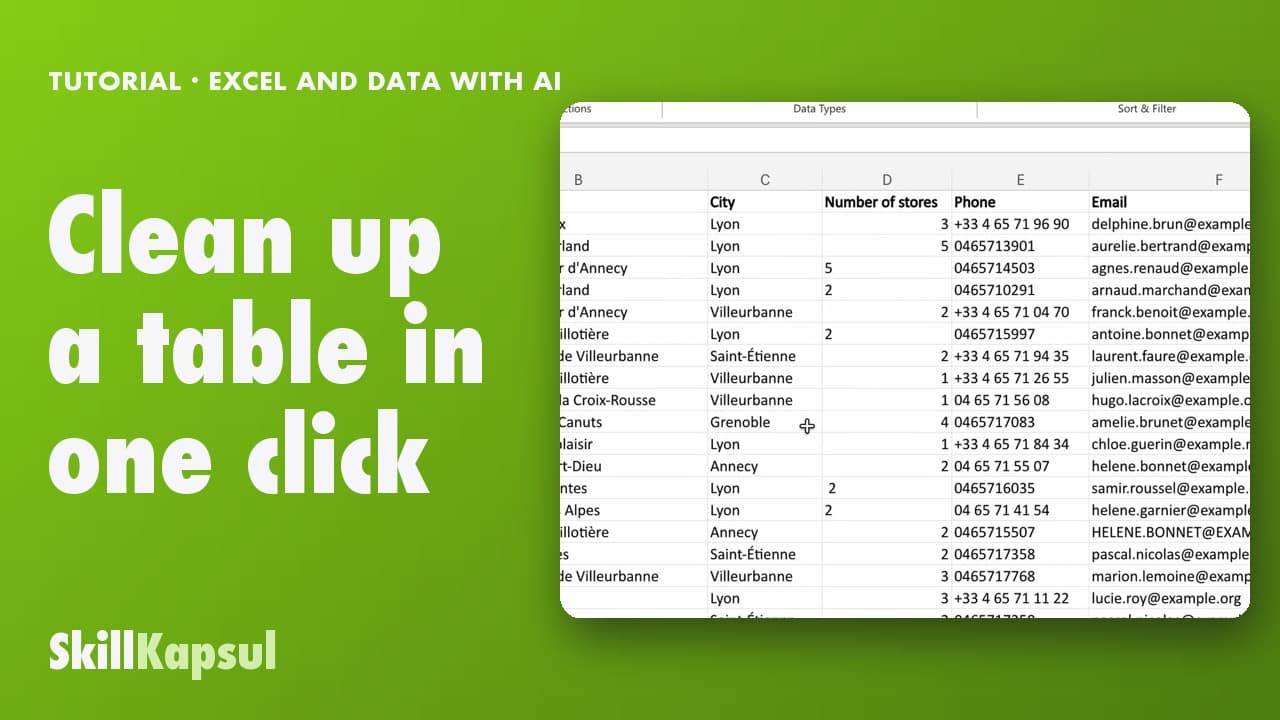
You fix inconsistent text and extra spaces in a list typed by hand.
 040:48
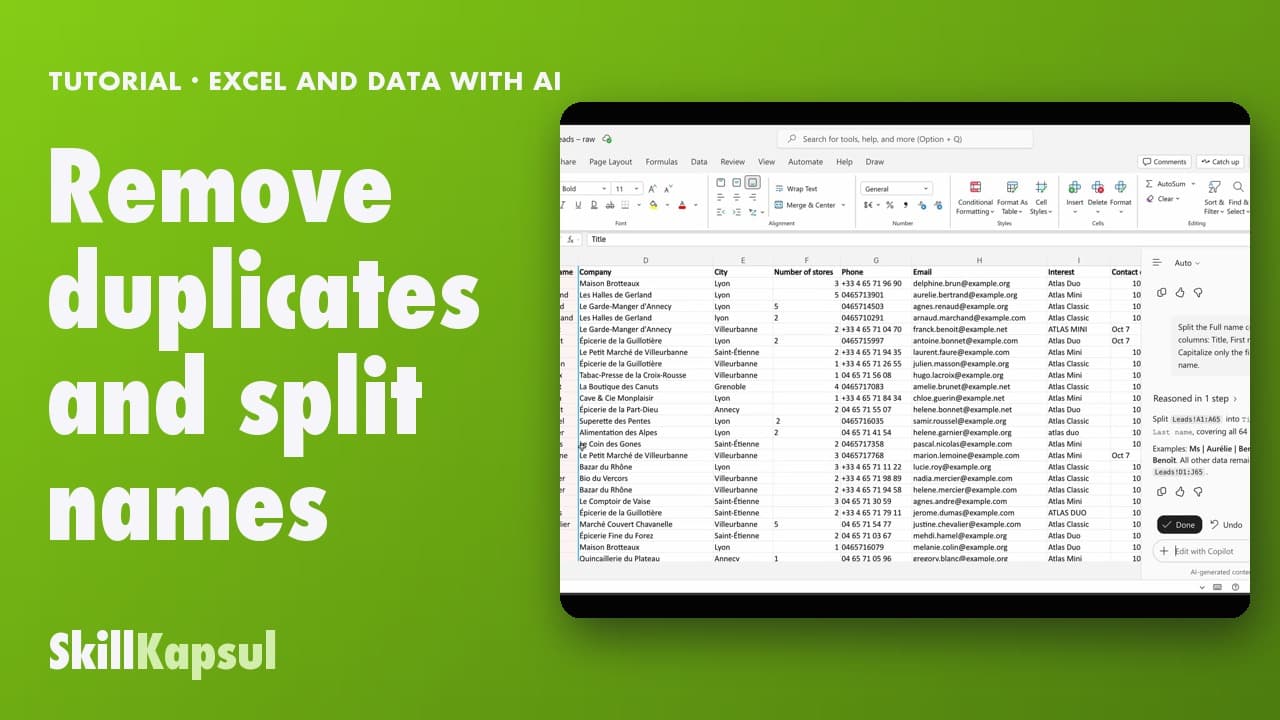
You remove duplicates from a list and split title, first name and last name in one request.
Newsletter
One skill a week, straight to your inbox. The easiest way to keep learning without thinking about it.
Your data stays in the EU. Never sold.