 050:25
OutlookIntermediate
Plan a trip: trains, hotel, calendar
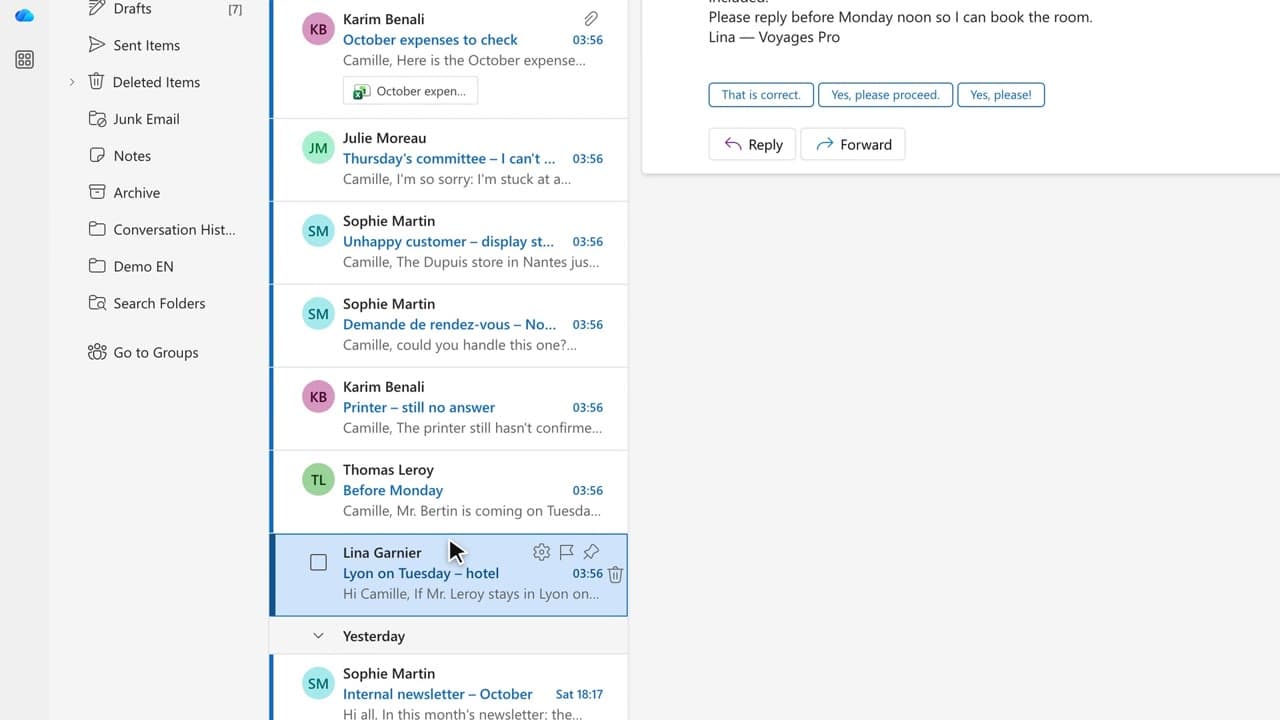
You compare routes and hotels, then put the departure, the arrival and the travel time in the calendar.
Catalogue · PA for EXEC — a typical week for the executive assistant
You have Copilot check the sheet and spot the duplicates, the over-limit amounts and the incomplete rows.
Space: play · ← →: 5 seconds · M: sound · F: full screen
The exact sequence, in order.
Open the expense sheet in Excel.
Ask Copilot to check the rows and list the anomalies.
Compare the anomaly list with the receipts, one by one.
Fix the rows in Excel and note the rule you applied for next month.
Word for word, exactly as shown in the video.
Check these expense claims: flag the duplicates, the amounts over the limit and the incomplete rows, with the row number.
The habit to keep
Copilot reads the sheet, you check the invoice: the receipt is what counts.
Worth knowing
What the video does not hide from you.
A typing error stays a typing error: Copilot reads the amounts, it cannot know whether the trip happened. A human decides on the rows it flags.
You might also like
050:25You compare routes and hotels, then put the departure, the arrival and the travel time in the calendar.
 060:26
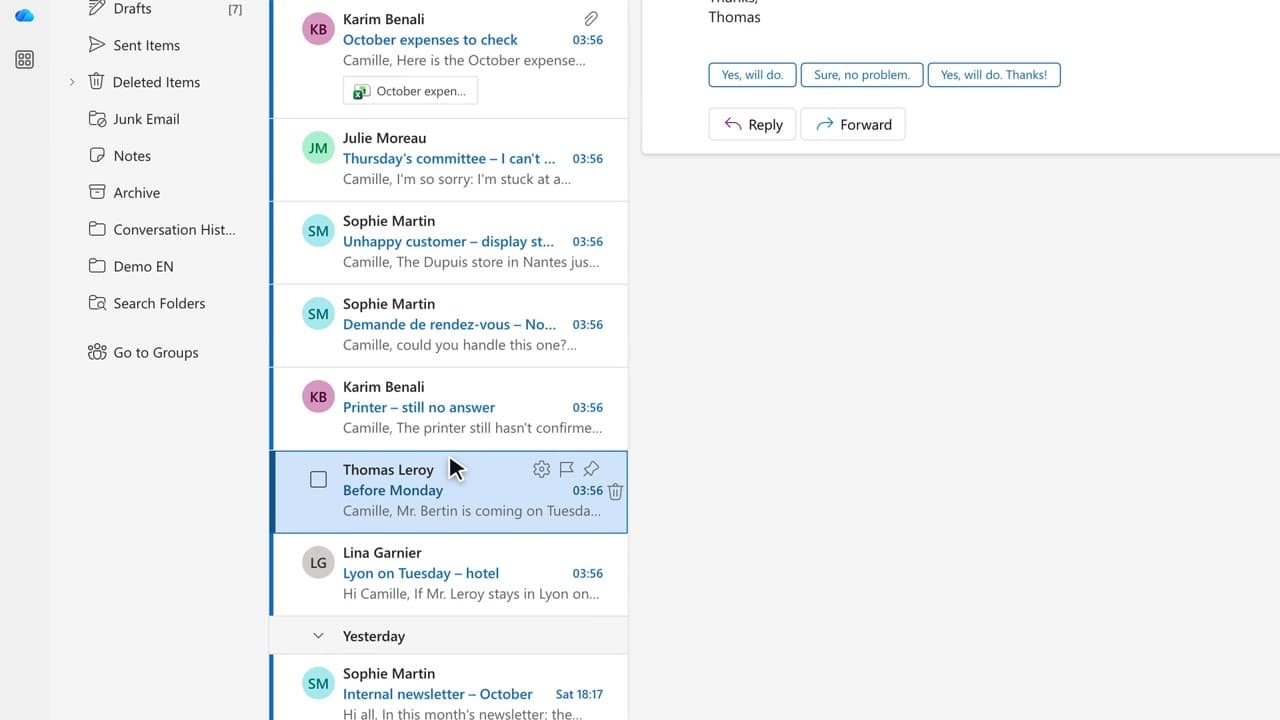
You turn the invitation email into a complete checklist: parking, badge, room, coffee, documents.
 080:29
You start from rough notes and get a structured letter in your house style, ready to review.
Newsletter
One skill a week, straight to your inbox. The easiest way to keep learning without thinking about it.
Your data stays in the EU. Never sold.