 010:23
Suno StudioBeginner
Open Suno Studio and pick a starting point
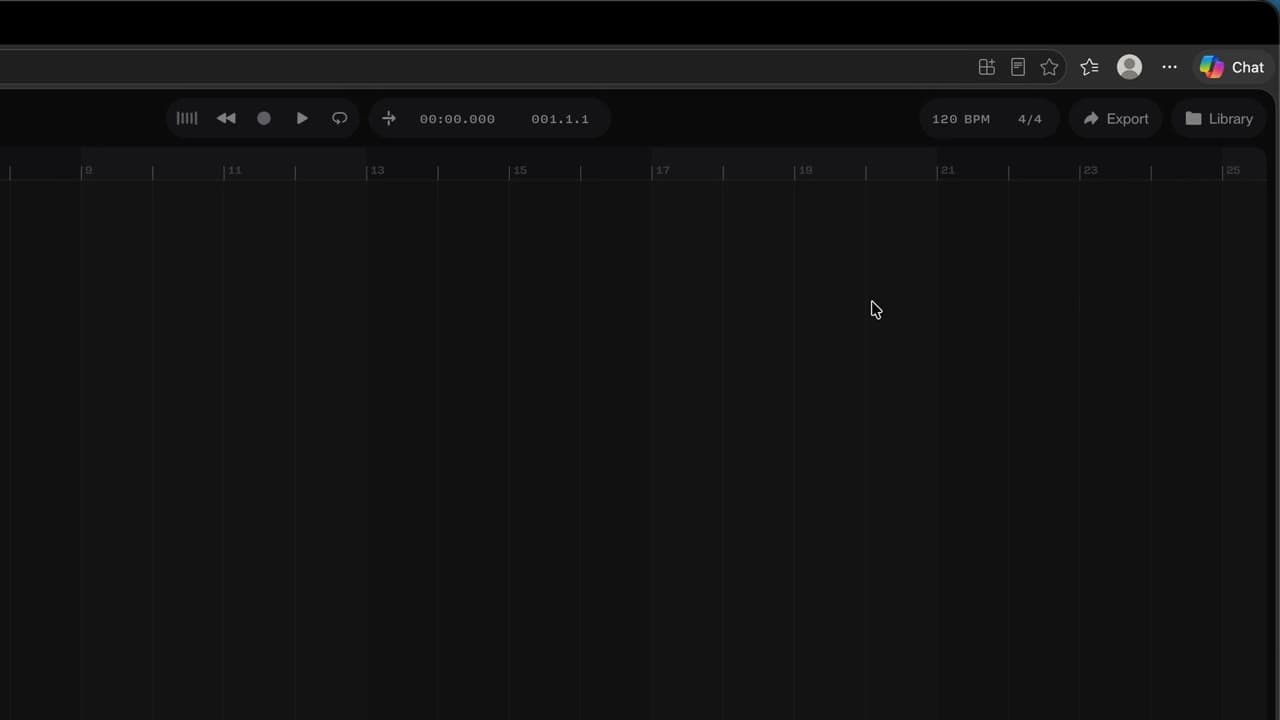
You open Studio and know where to start: one of your songs, a file, the demo or a blank page.
Catalogue · How to use Suno Studio
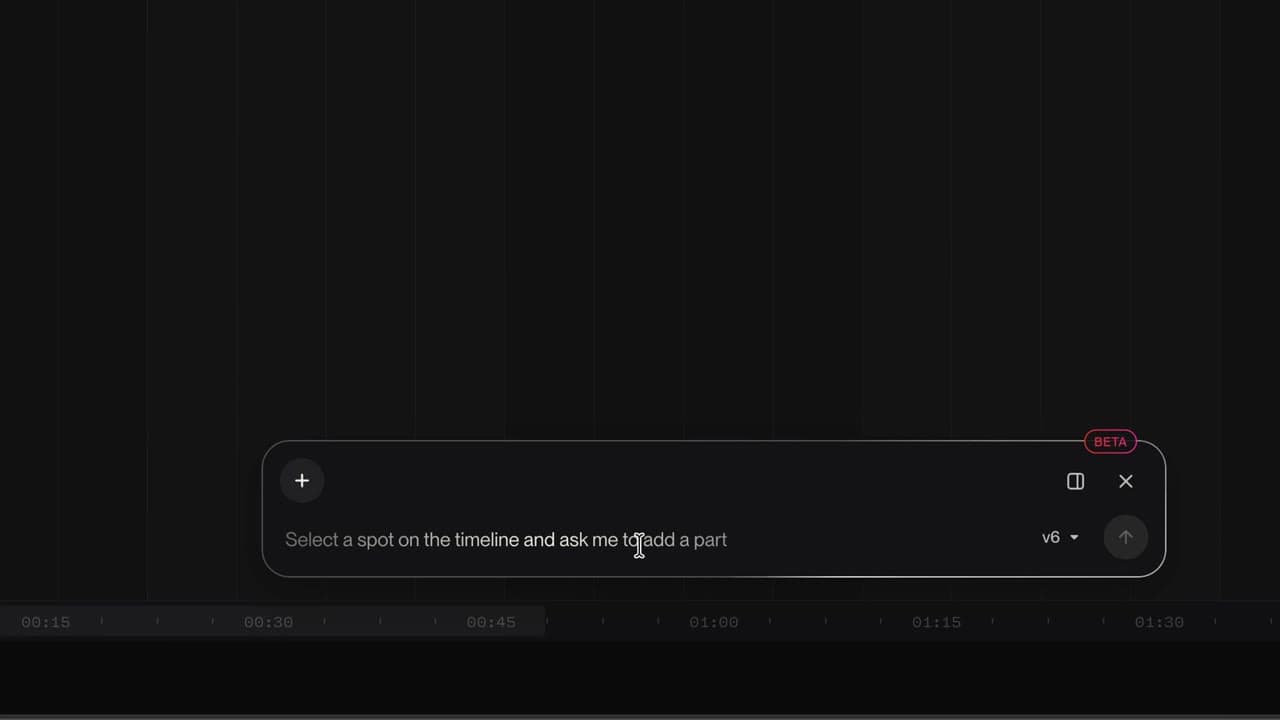
You describe a part in one sentence and Studio plays it on a new track, in time with the song.
Space: play · ← →: 5 seconds · M: sound · F: full screen
The exact sequence, in order.
Click the timeline where you want the part, here the start of the chorus.
In the Chat Bar, describe the part.
If Studio asks a question, pick the answer that fits.
Listen to the new track with the rest of the song.
Word for word, exactly as shown in the video.
Add a groovy bass line that follows the chorus chords.
The habit to keep
One request, one part: name the instrument and the style.
Worth knowing
What the video does not hide from you.
Each generation uses credits (10 for this bass). A vague request gives you a random part.
You might also like
010:23You open Studio and know where to start: one of your songs, a file, the demo or a blank page.
 020:26
You know where the tracks, the timeline, the transport, the tempo and the Chat Bar are.
 030:26
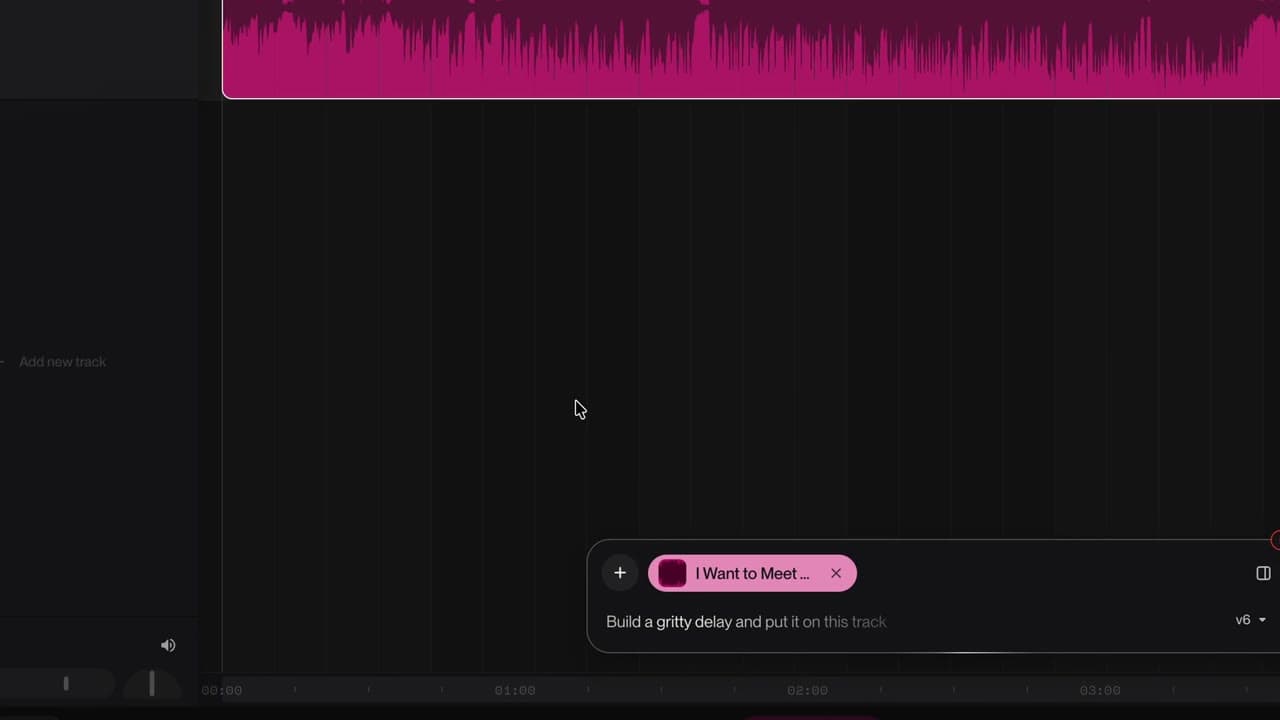
Your song lands on the timeline, ready to be reworked.
Newsletter
One skill a week, straight to your inbox. The easiest way to keep learning without thinking about it.
Your data stays in the EU. Never sold.