 210:34FR
SharePointAdvanced
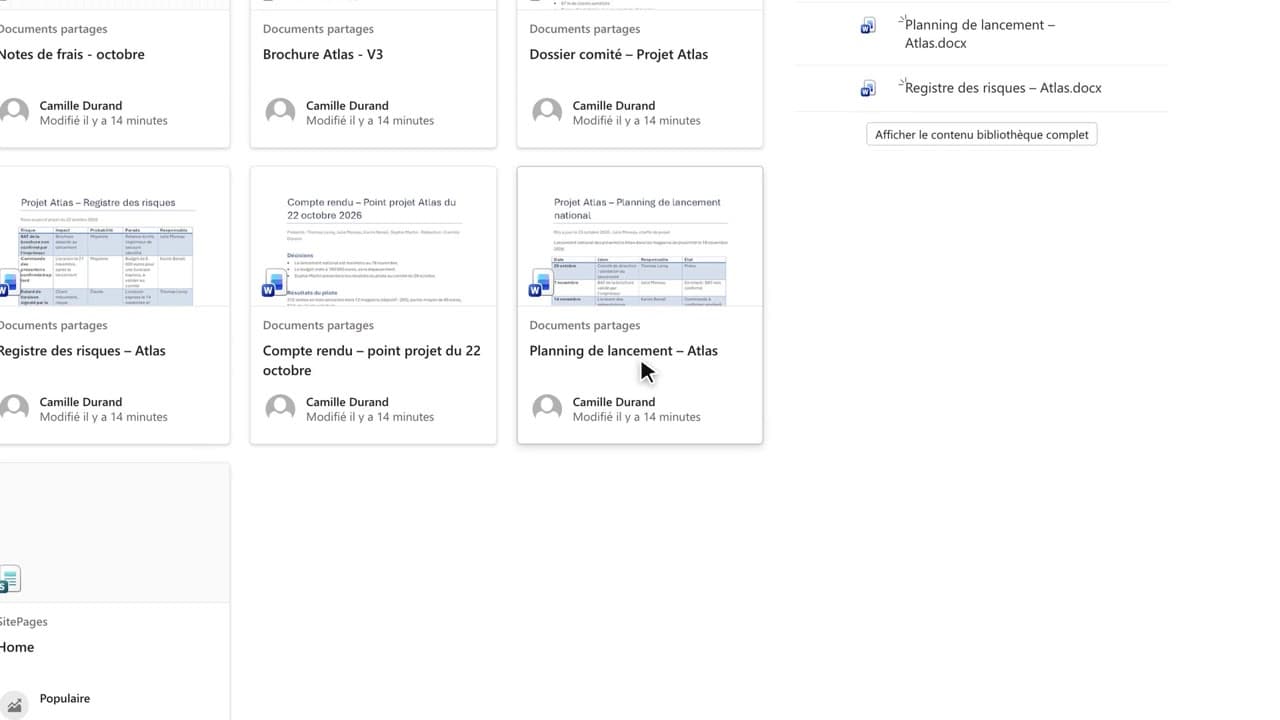
Ask the “Projet Atlas” SharePoint site a question and get the source back
You query the team documents published on the SharePoint site, and you get back to the original document behind every citation.
Catalogue · Advanced Copilot
Before quoting a document outside the company, you check who has access and have a version written without internal information.
Space: play · ← →: 5 seconds · M: sound · F: full screen
The exact sequence, in order.
Ask Copilot for the summary and open its sources.
In SharePoint, open “More actions” on the cited document, then “Manage access”.
Look at the groups and links: here, limited to the project team, with no sharing link.
Go back to the chat and ask for an external version, without amounts or names.
Word for word, exactly as shown in the video.
Write a version of this summary for an external partner, without the amounts or people's names.
The habit to keep
Copilot shows you what you’re allowed to see, not what you’re allowed to share.
Worth knowing
What the video does not hide from you.
“Manage access” can be checked without changing anything: don’t change a document’s permissions to be able to send it, ask for a public version instead.
You might also like
210:34FRYou query the team documents published on the SharePoint site, and you get back to the original document behind every citation.
 130:28
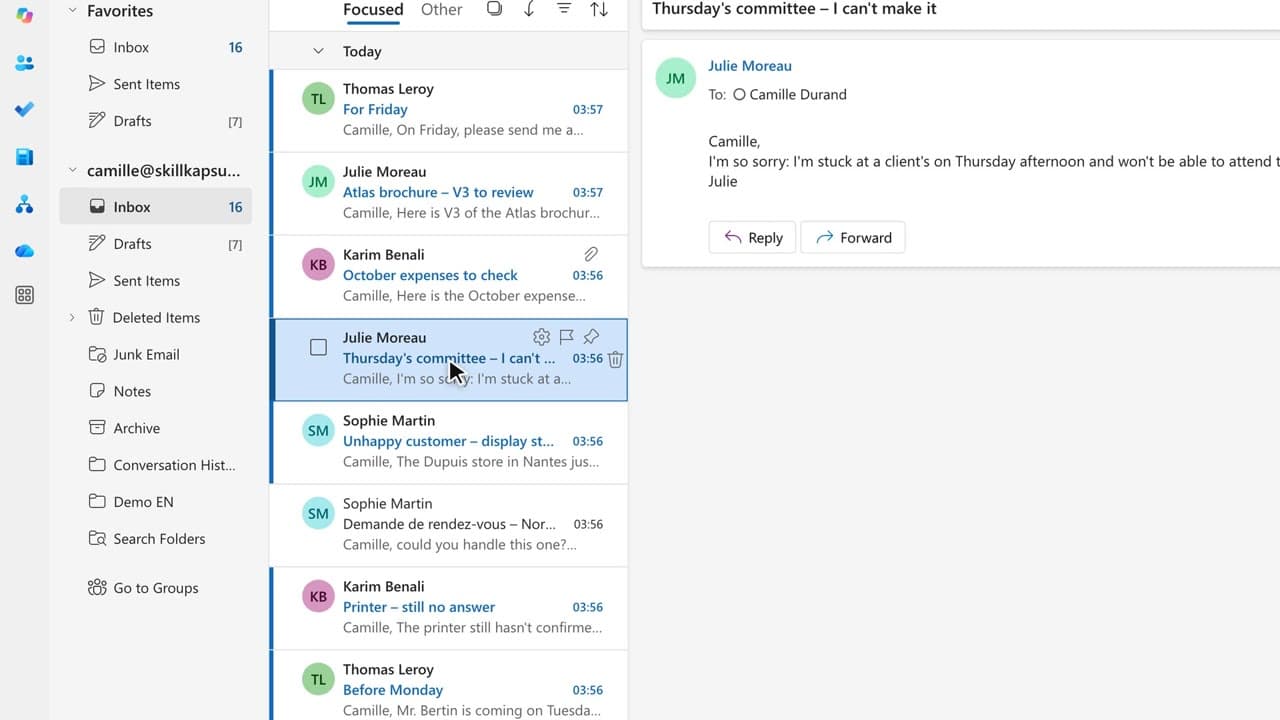
You cancel or replace a meeting, tell the right people in the right order, and don’t wake the whole team up.
 140:34
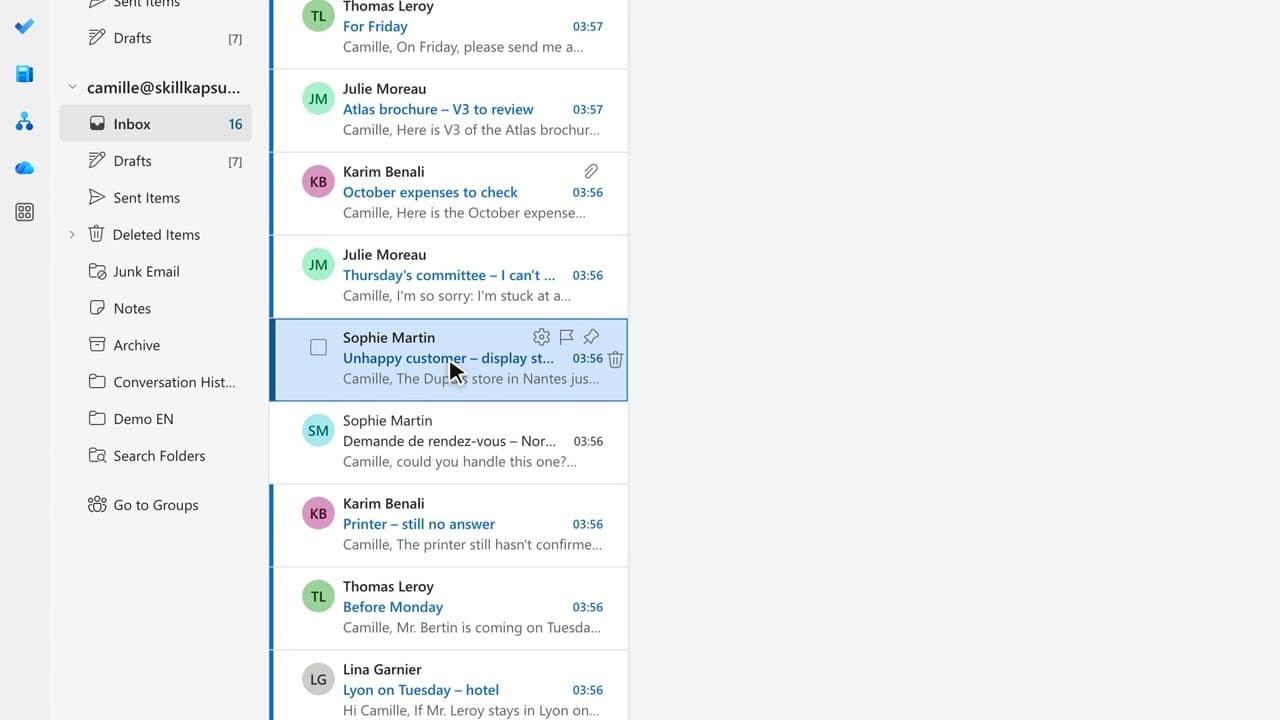
You answer a complaint by acknowledging the problem, giving one concrete step, and making no promise you cannot keep.
Newsletter
One skill a week, straight to your inbox. The easiest way to keep learning without thinking about it.
Your data stays in the EU. Never sold.