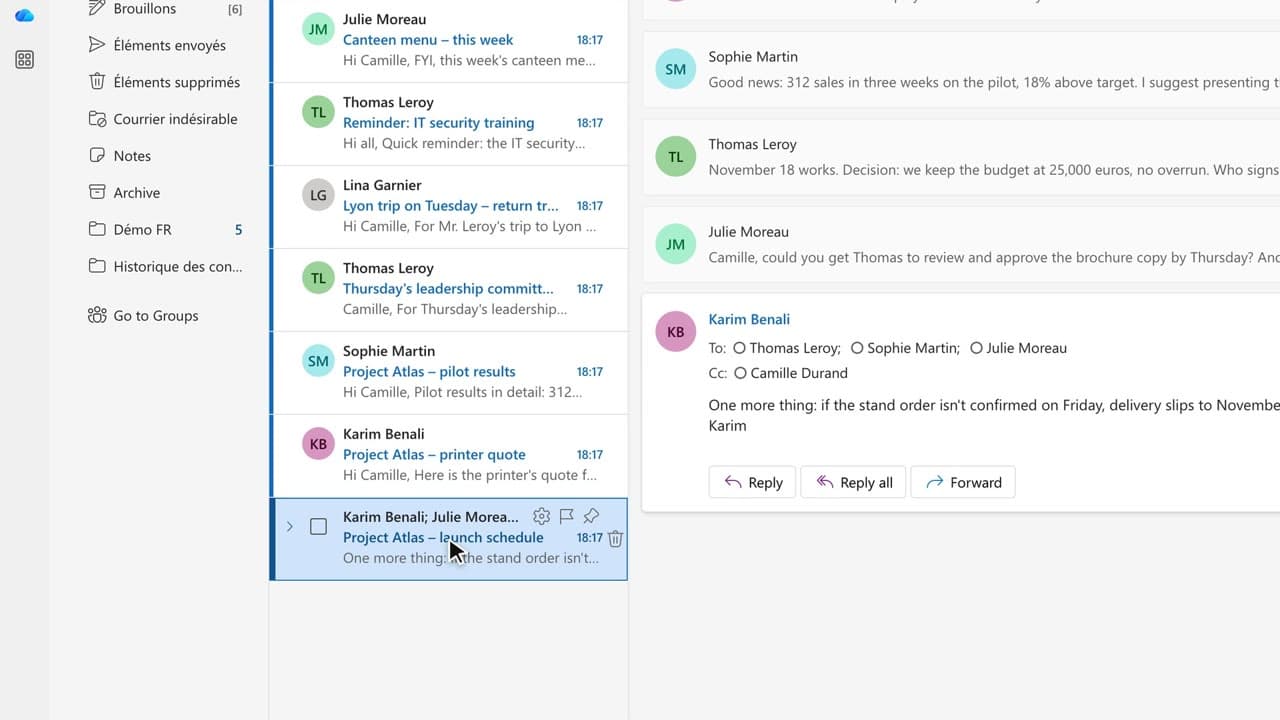
 010:45
OutlookBeginner
Copilot in Outlook: summarize a long email thread in 10 seconds
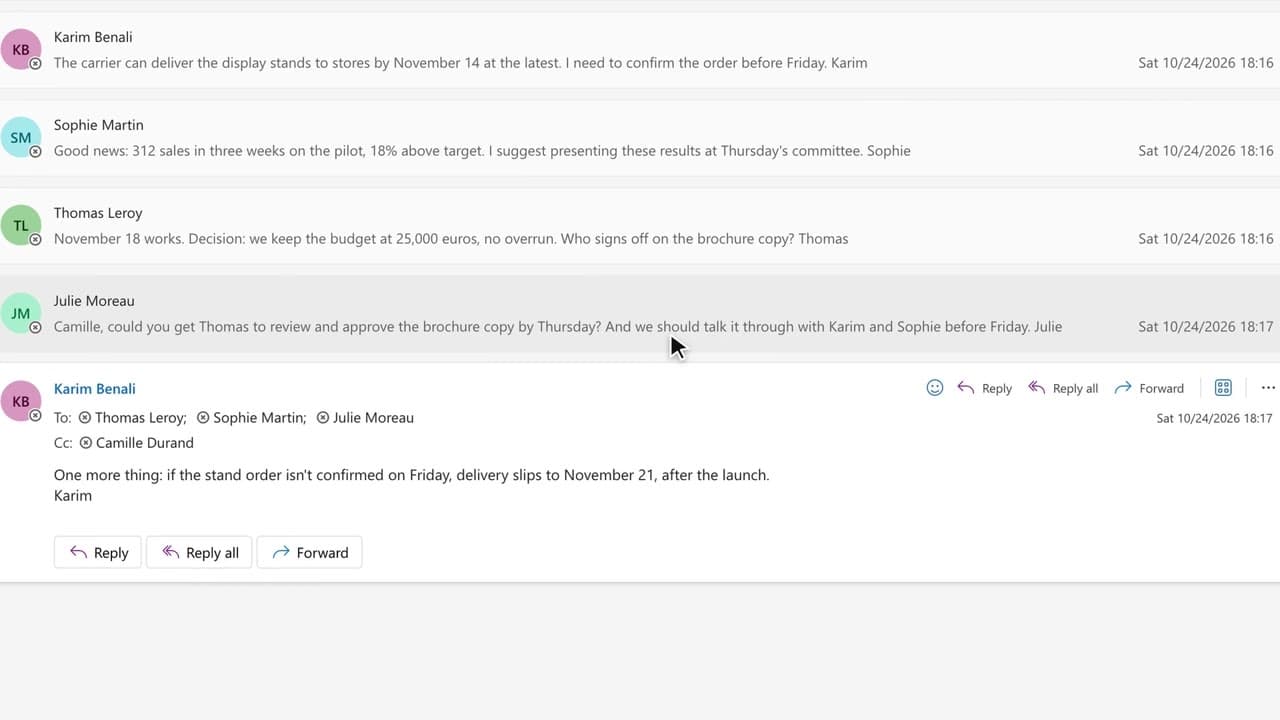
You walk away from a fifteen-message thread with the decisions, actions and deadlines written down, without reading every word.
Capsules
Six capsules to summarize, draft, retrieve and prepare faster, without leaving Outlook.
The method
One request = one objective, one context, one source, clear expectations: the O·C·S·A method, refined afterwards through the conversation.
Sequence by sequence, timed.
Capsules
Six capsules to summarize, draft, retrieve and prepare faster, without leaving Outlook.
010:45You walk away from a fifteen-message thread with the decisions, actions and deadlines written down, without reading every word.
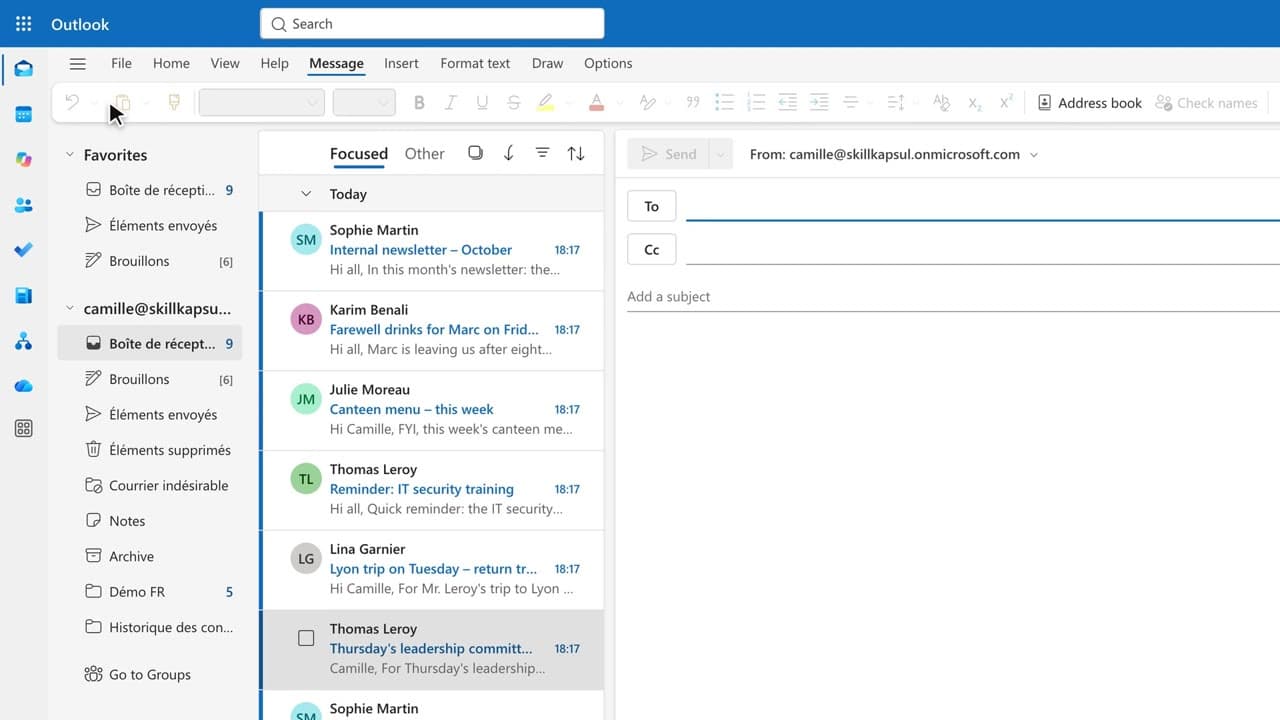 020:45
You get a first draft in one click, ready to correct, sign and send yourself.
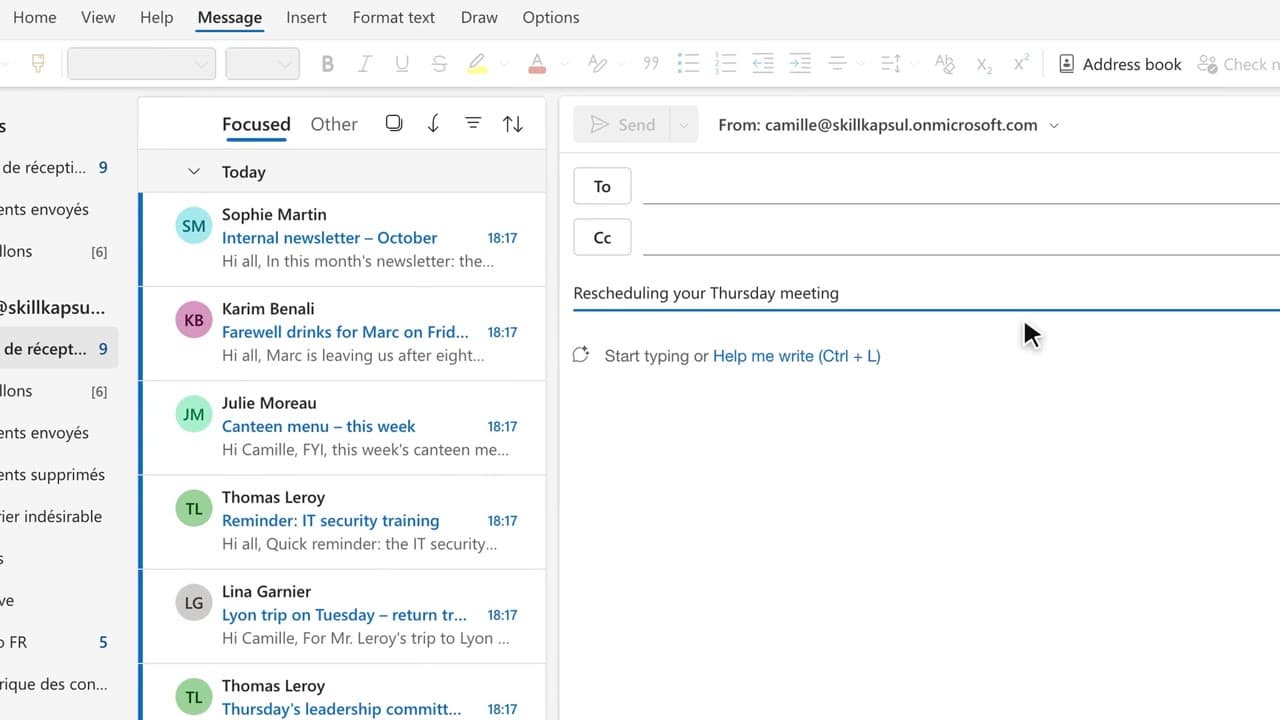 030:32
You have Copilot review your message before you send, spotting the tone, the reader’s reaction and the awkward phrasing.
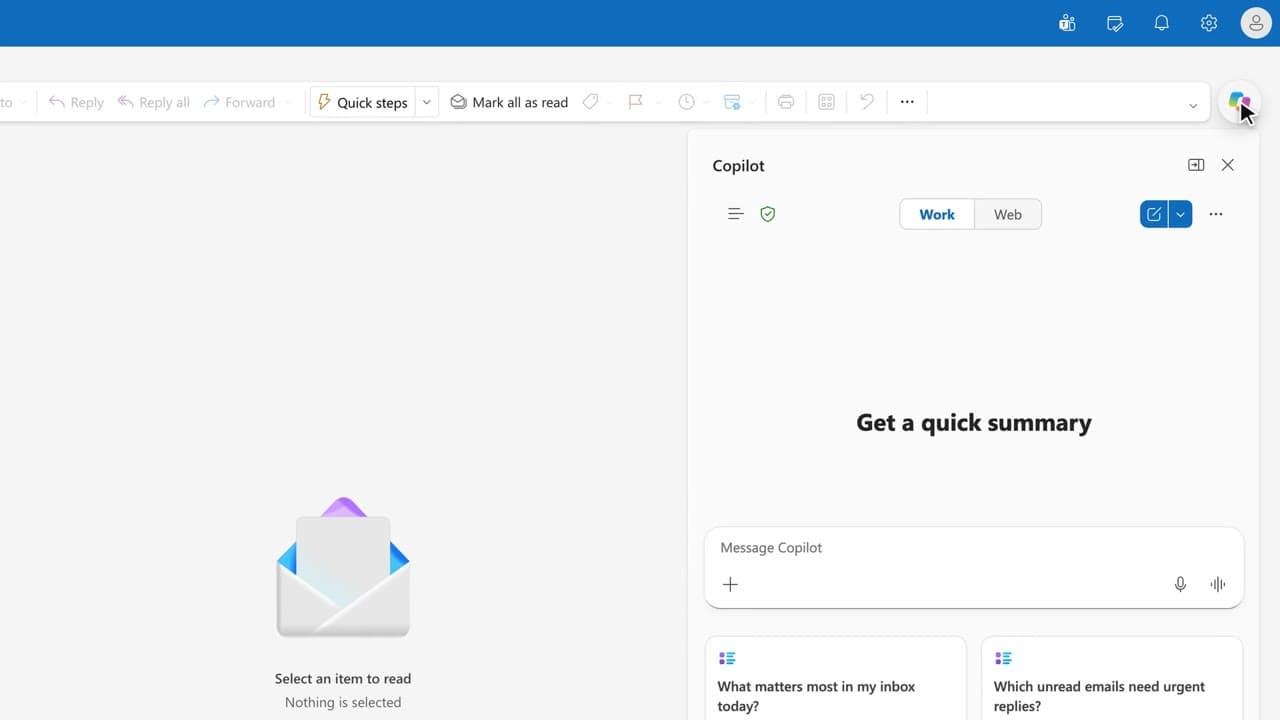 040:36
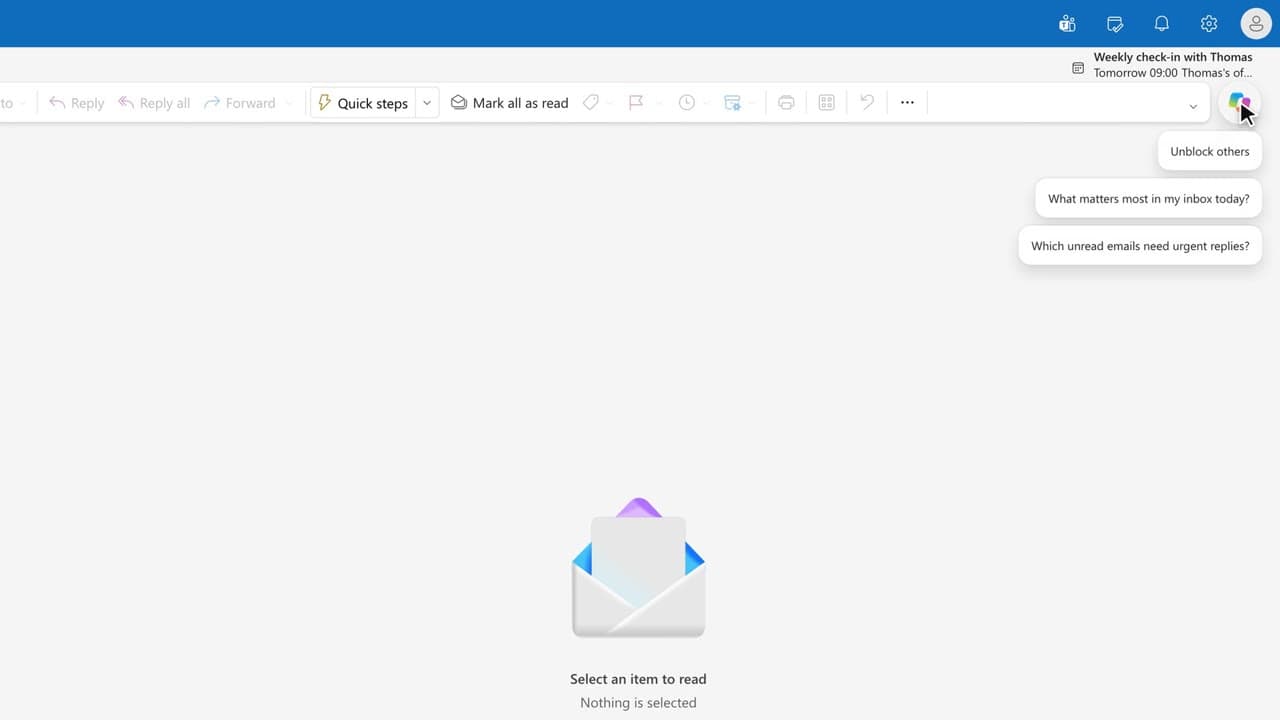
You get the answer to a question about your mailbox from a single question, with the source email cited.
 050:35
You start from an invitation with a title and an agenda already drafted from the conversation.
 060:33
You arrive at the meeting with a structured note: agenda, key figures, documents to review, open questions.
Summarize before replying to any thread longer than five messages.
Ask with O·C·S·A, then refine through the conversation.
Re-read and verify: dates, amounts, names, citations.
Keep your voice: Copilot writes the first draft, you sign it.
Follow the company rules on sensitive data.
The resources
Sheets and materials to download or print.
Newsletter
One skill a week, straight to your inbox. The easiest way to keep learning without thinking about it.
Your data stays in the EU. Never sold.