 010:23
Suno StudioBeginner
Open Suno Studio and pick a starting point
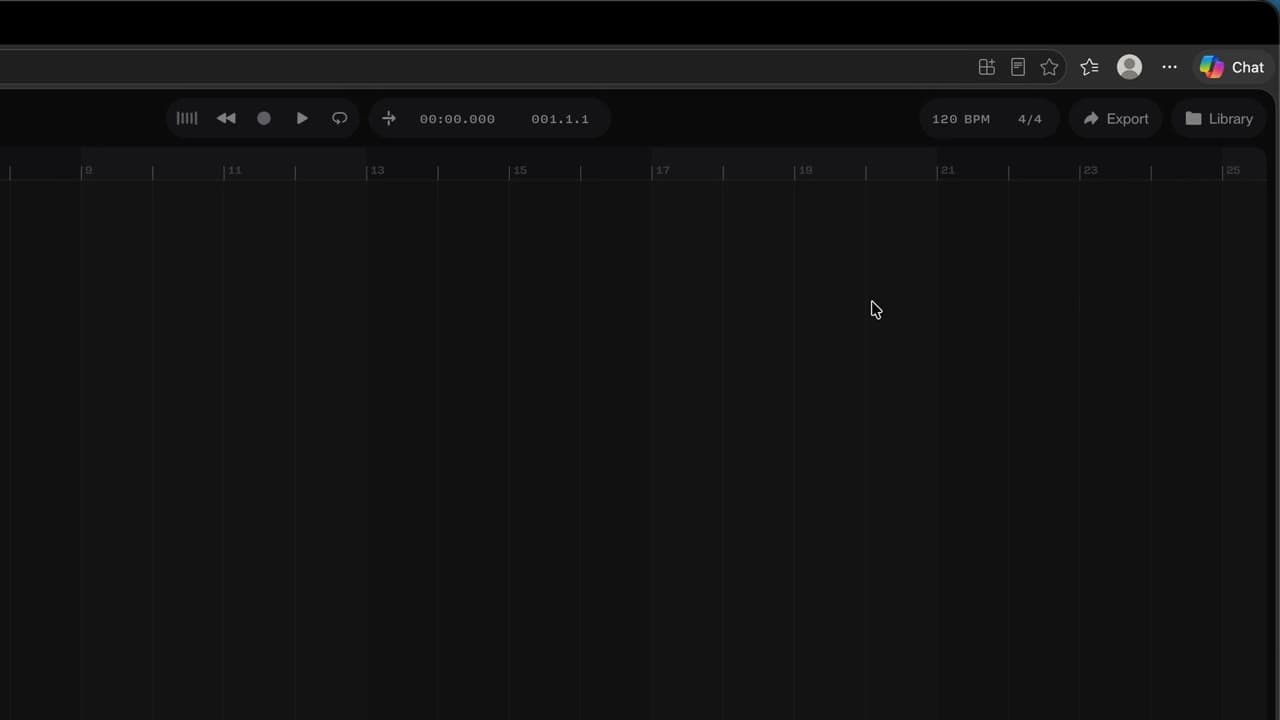
You open Studio and know where to start: one of your songs, a file, the demo or a blank page.
Capsules
Eleven moves to rework a track in Suno Studio: split stems, add a part, mix, export
The method
One song, one common thread: open it, split it, add a part, mix it, export it. Studio needs Suno's Premier plan and runs on a computer (Chrome recommended), not on phones.
Sequence by sequence, timed.
Capsules
Eleven moves to rework a track in Suno Studio: split stems, add a part, mix, export
010:23You open Studio and know where to start: one of your songs, a file, the demo or a blank page.
 020:26
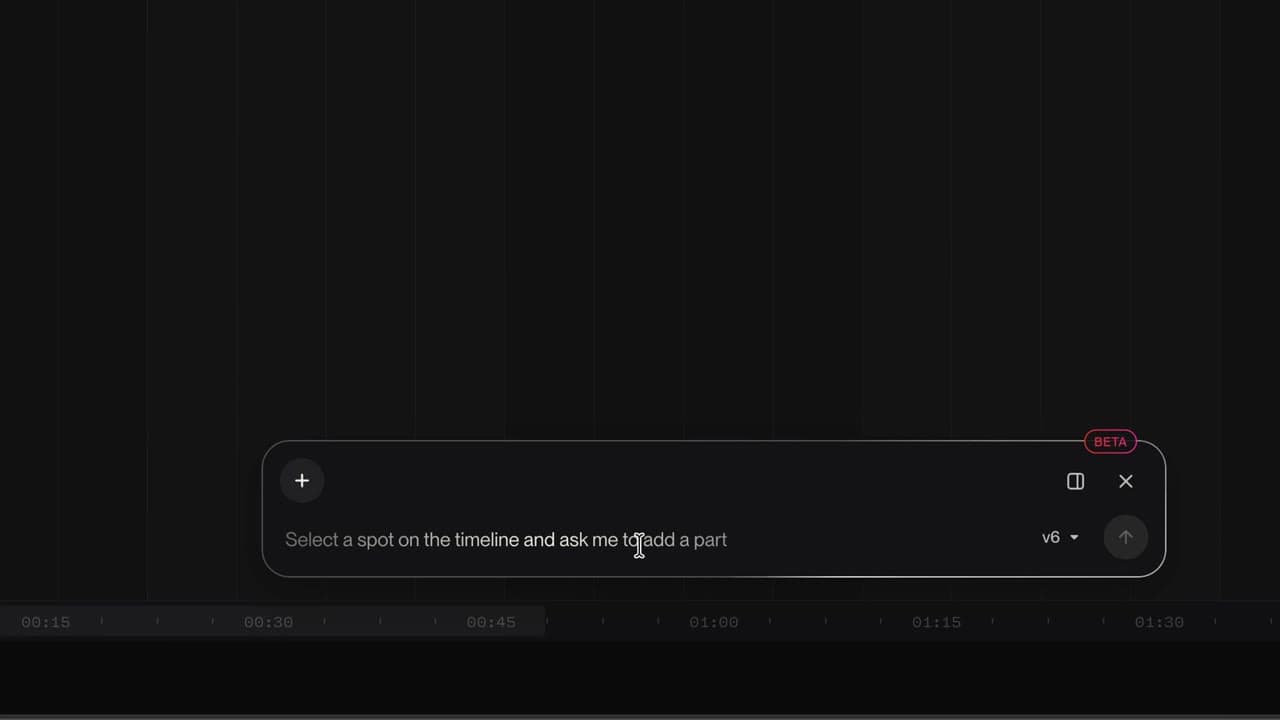
You know where the tracks, the timeline, the transport, the tempo and the Chat Bar are.
 030:26
Your song lands on the timeline, ready to be reworked.
 040:37
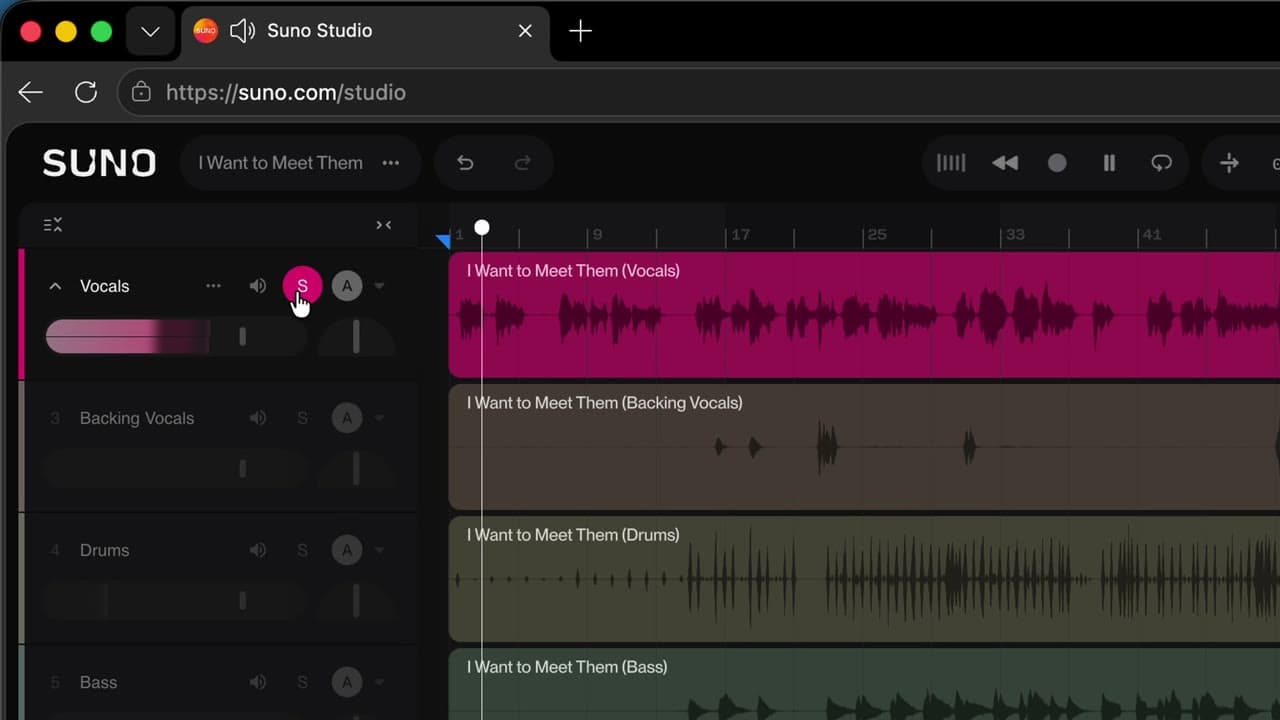
Vocals, drums, bass… each instrument lands on its own track, and you can listen to it alone.
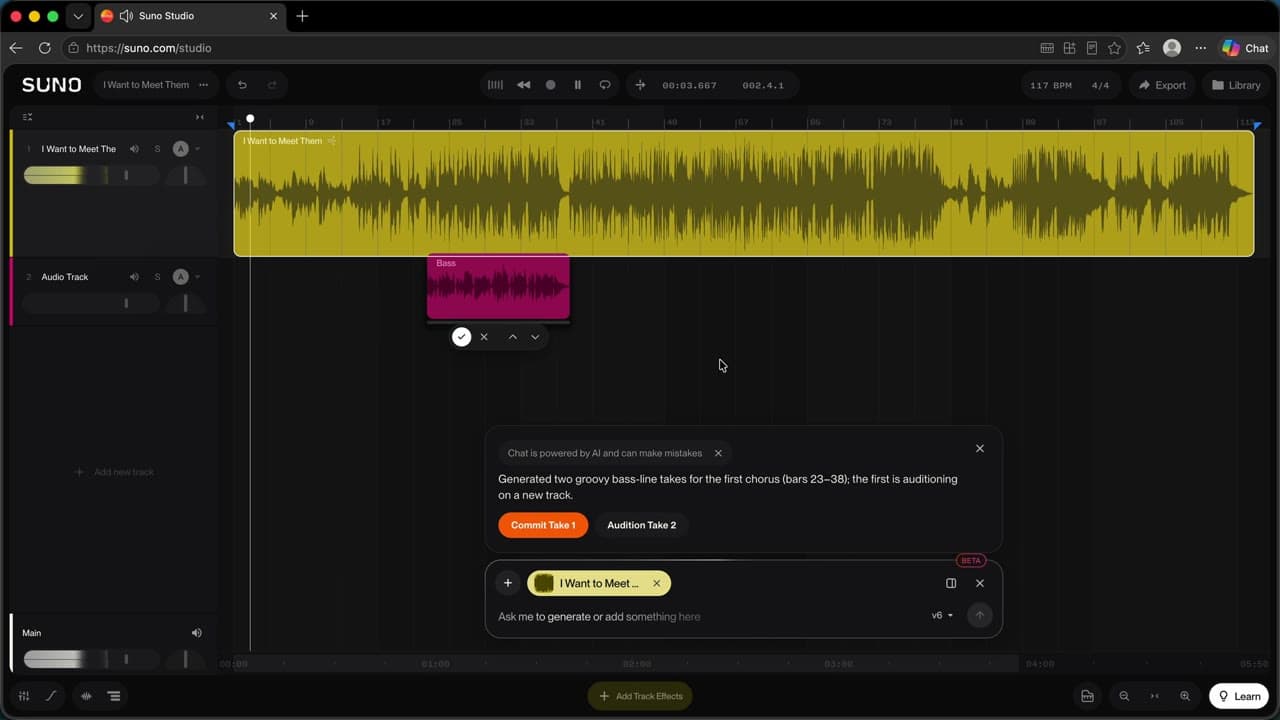 050:34
You describe a part in one sentence and Studio plays it on a new track, in time with the song.
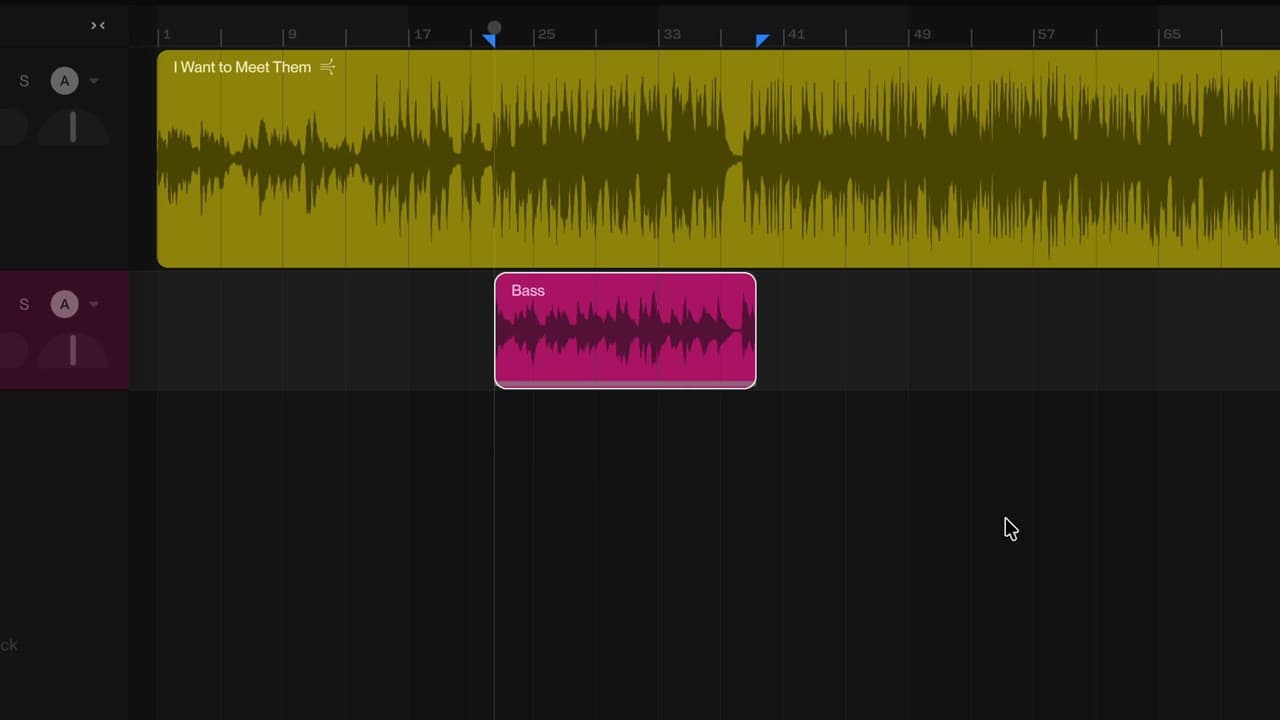 060:19
You compare the two versions Studio offers and keep only the better one on the timeline.
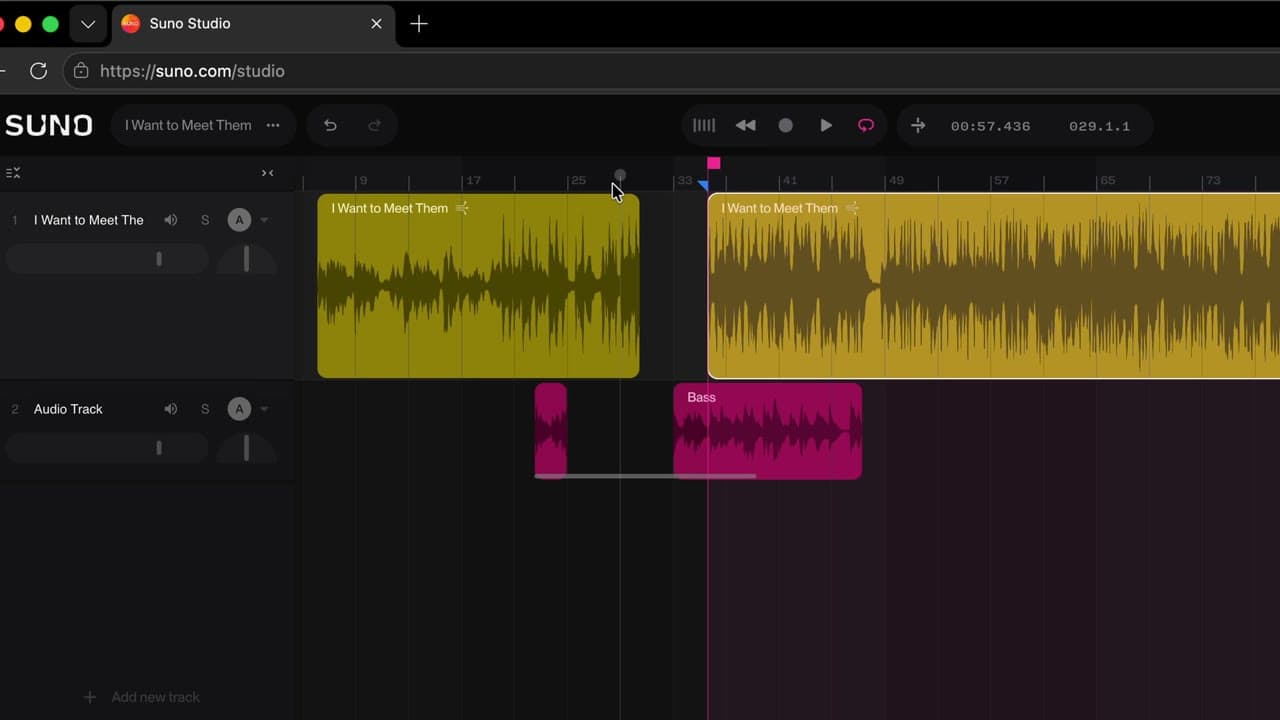 070:19
You cut a clip, move a piece along the timeline and loop a passage.
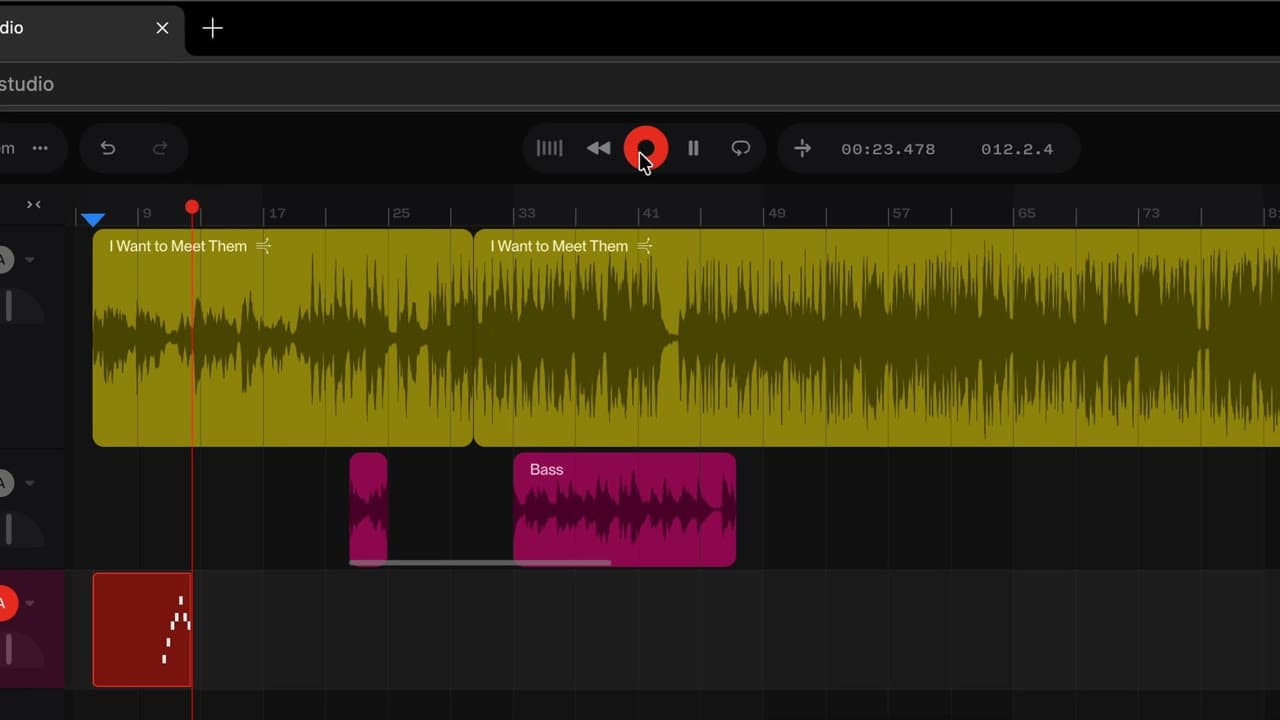 080:31
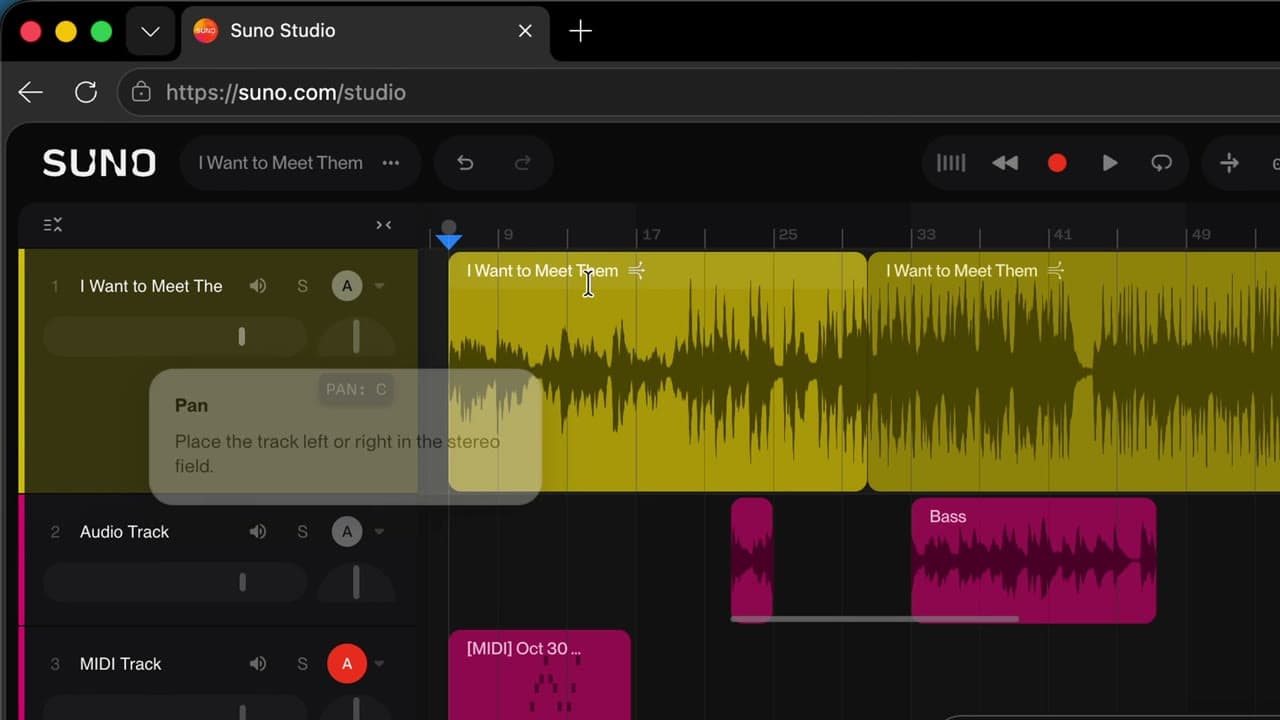
You play and record a melody without a MIDI keyboard: your computer keys become notes.
 090:24
You add an EQ and a reverb to a track, then set its volume.
 100:57
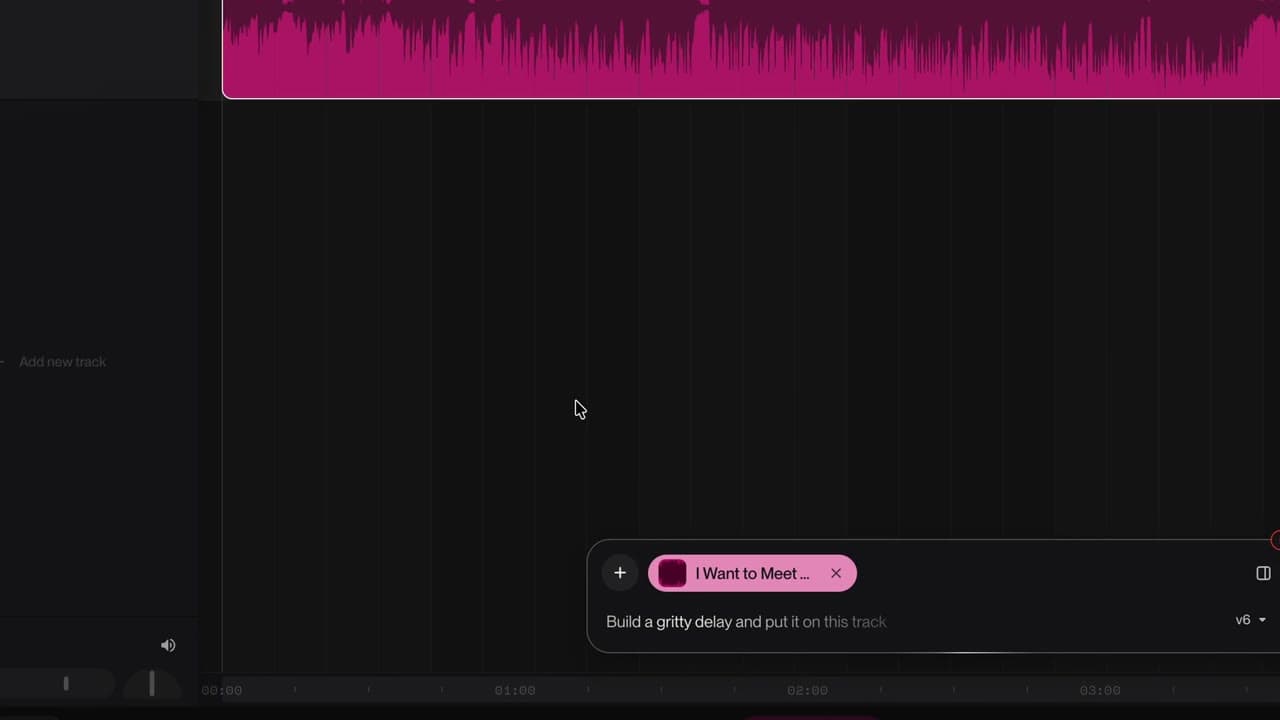
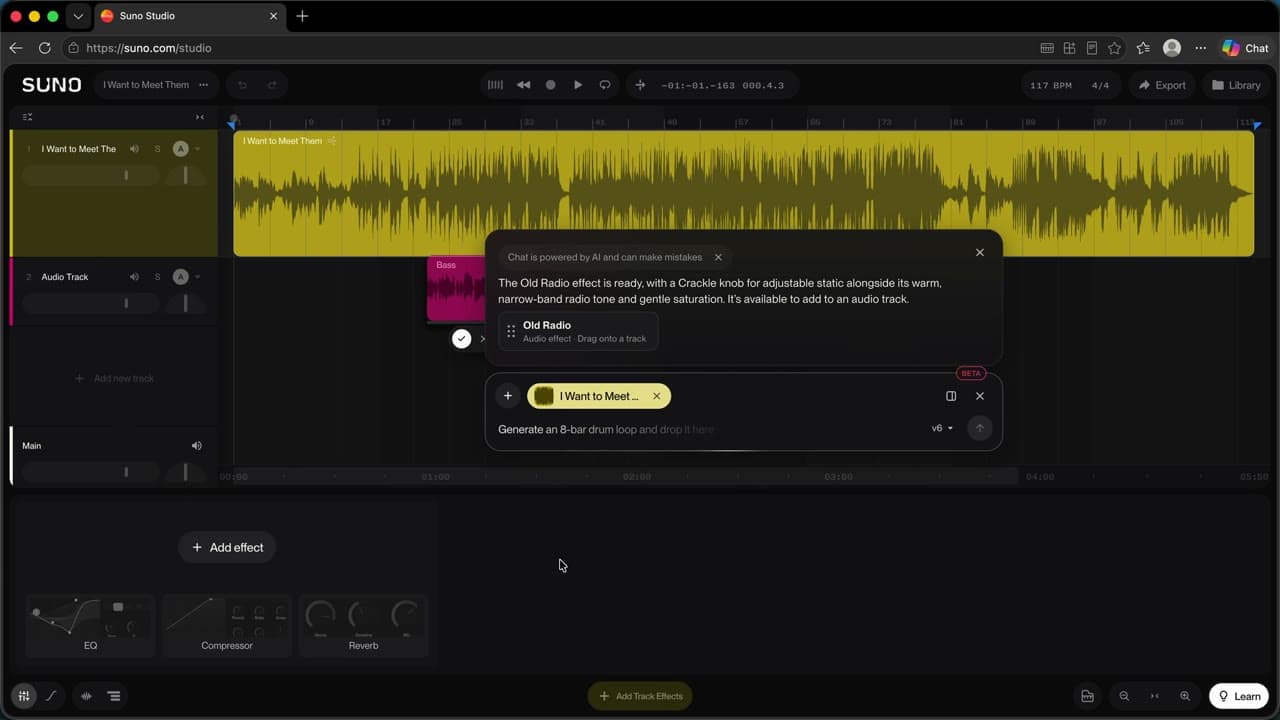
You describe an effect that doesn't exist and Studio builds it, with its own knobs.
 110:21
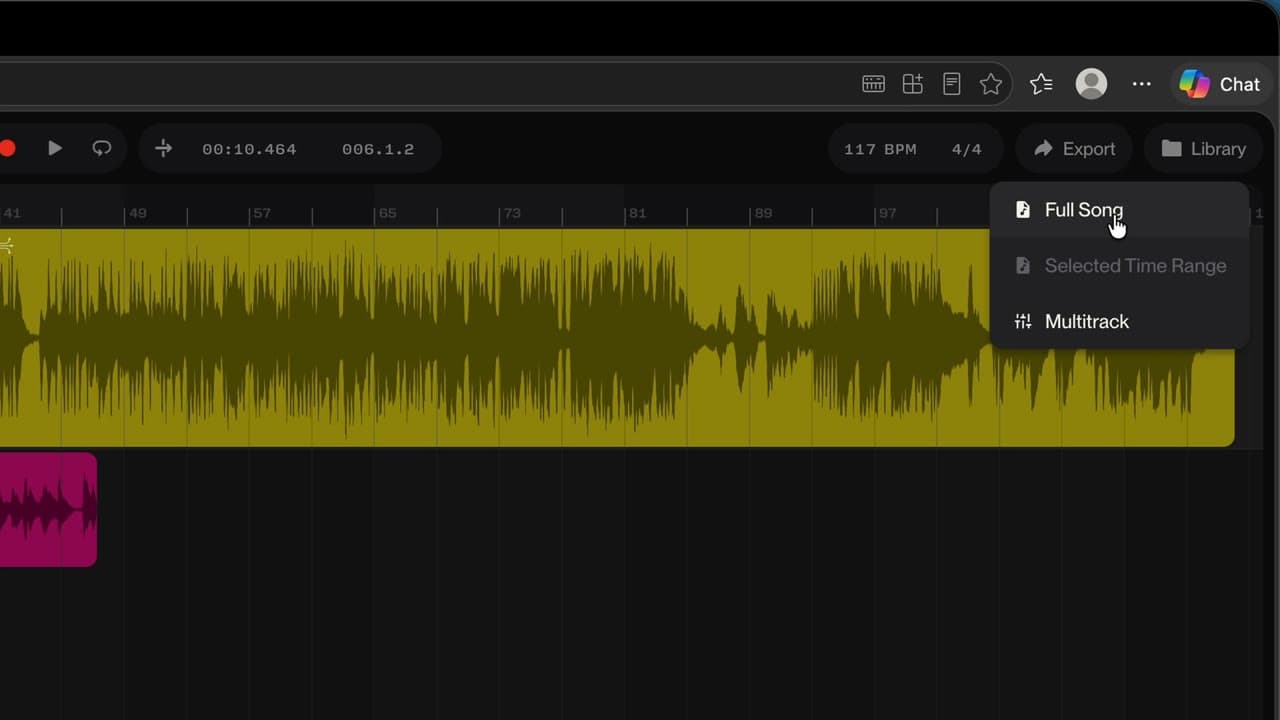
You save your mix as a new song, or export a passage or each track on its own.
Listen before you touch anything.
One request, one part: name the instrument and the style.
Each generation gives two takes: keep the better one.
Check the credit cost before splitting stems.
Check tempo and key before you export.
The resources
Sheets and materials to download or print.
How to use Suno Studio
Musicians, content creators and curious minds who already have songs in Suno and want to go further
Newsletter
One skill a week, straight to your inbox. The easiest way to keep learning without thinking about it.
Your data stays in the EU. Never sold.