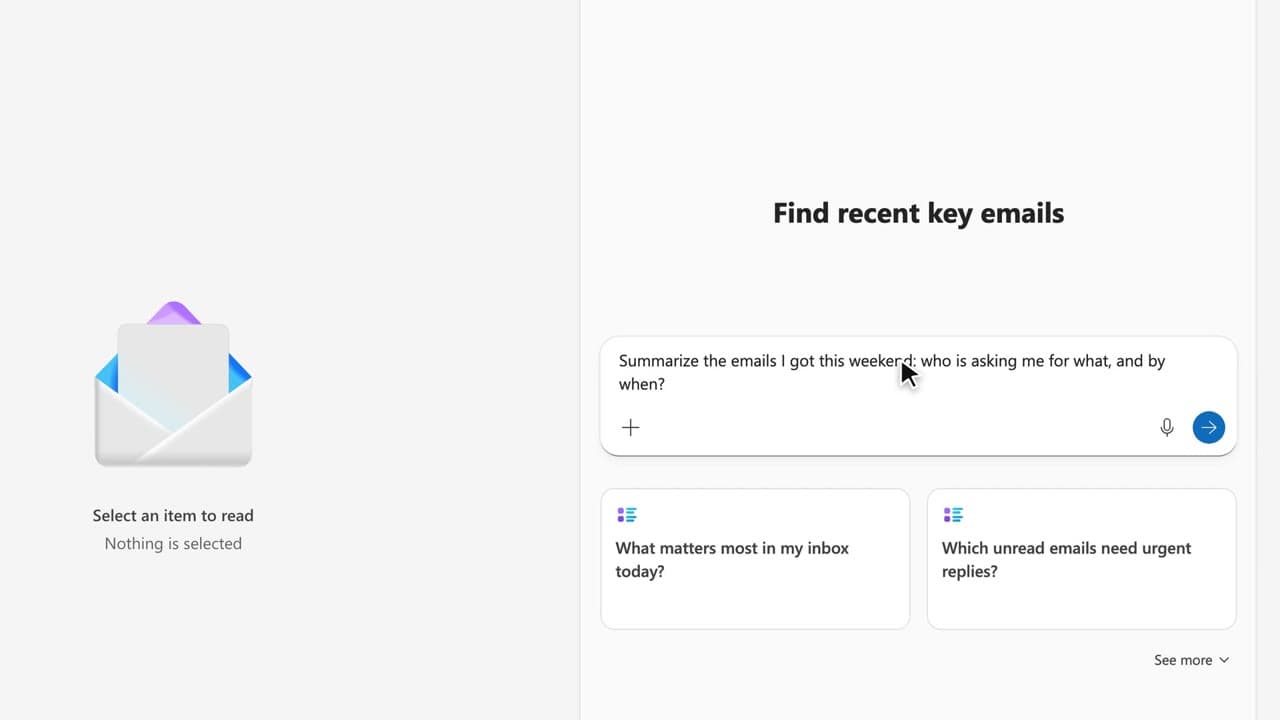
 200:49
Copilot ChatBeginner
Ten golden prompts for an executive assistant
You leave with ten reusable prompts, sorted by moment of the week, that you paste into your own working file.
Catalogue · PA for EXEC — a typical week for the executive assistant
You decide whether Copilot answers from your emails, files and calendar or from the web, and you know where each source comes from.
Space: play · ← →: 5 seconds · M: sound · F: full screen
The exact sequence, in order.
Open Copilot Chat and find the “Work / Web” switch next to the prompt box.
Switch to “Work” and ask about an internal document: the cited source comes from your organisation.
Switch to “Web” and ask the same question: the cited source now comes from a public page.
Pick the mode before you ask, and say in your email which basis you got the answer from.
Word for word, exactly as shown in the video.
Compare what Copilot says about the Atlas project depending on the source: first my work documents, then the web. Give both answers and the cited sources.
The habit to keep
The switch does not change the question: it changes what Copilot is allowed to read.
Worth knowing
What the video does not hide from you.
In “Web” mode Copilot no longer sees your mailbox or your files: it answers from the public web, and nothing flags it when it is wrong. In “Work” mode it is the other way round: the answer comes out of your internal data, while the question itself stays in the thread. This capsule exists in French only: the English documents on the SharePoint site are still missing, so the English version has not been shot.
You might also like
200:49You leave with ten reusable prompts, sorted by moment of the week, that you paste into your own working file.
 020:22
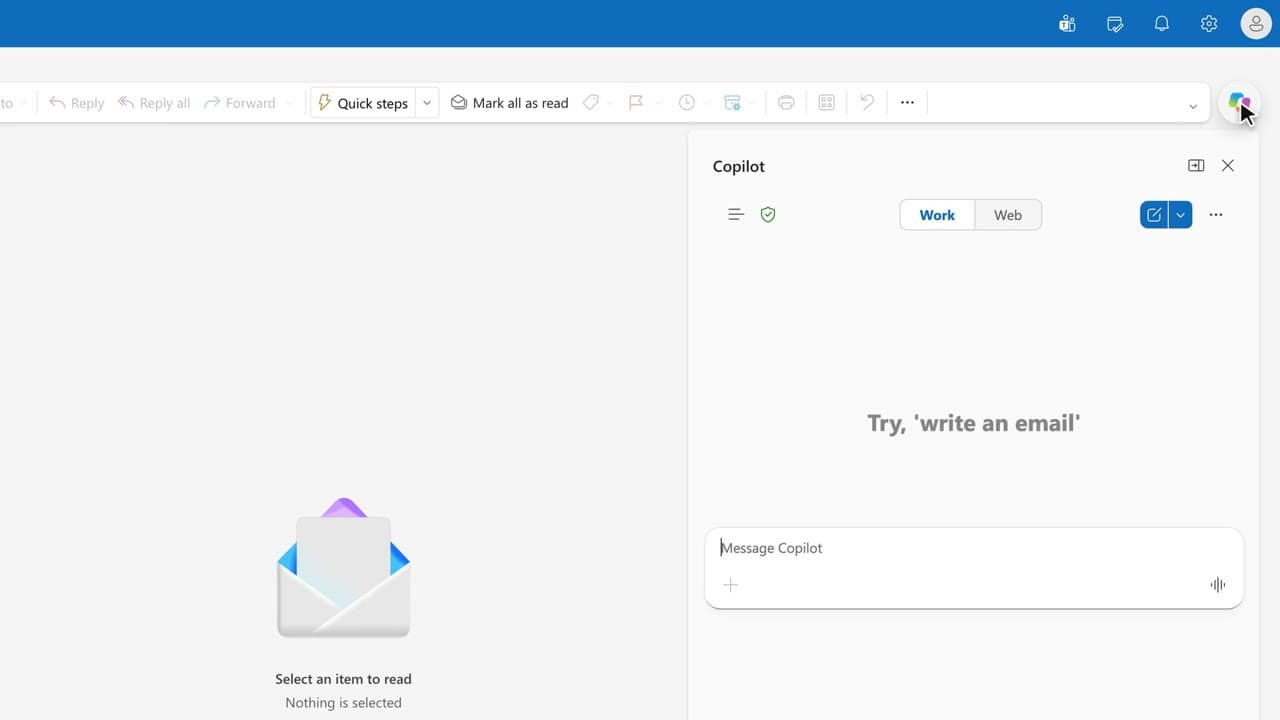
One question gives you the list of what matters today, sorted by deadline.
 030:24
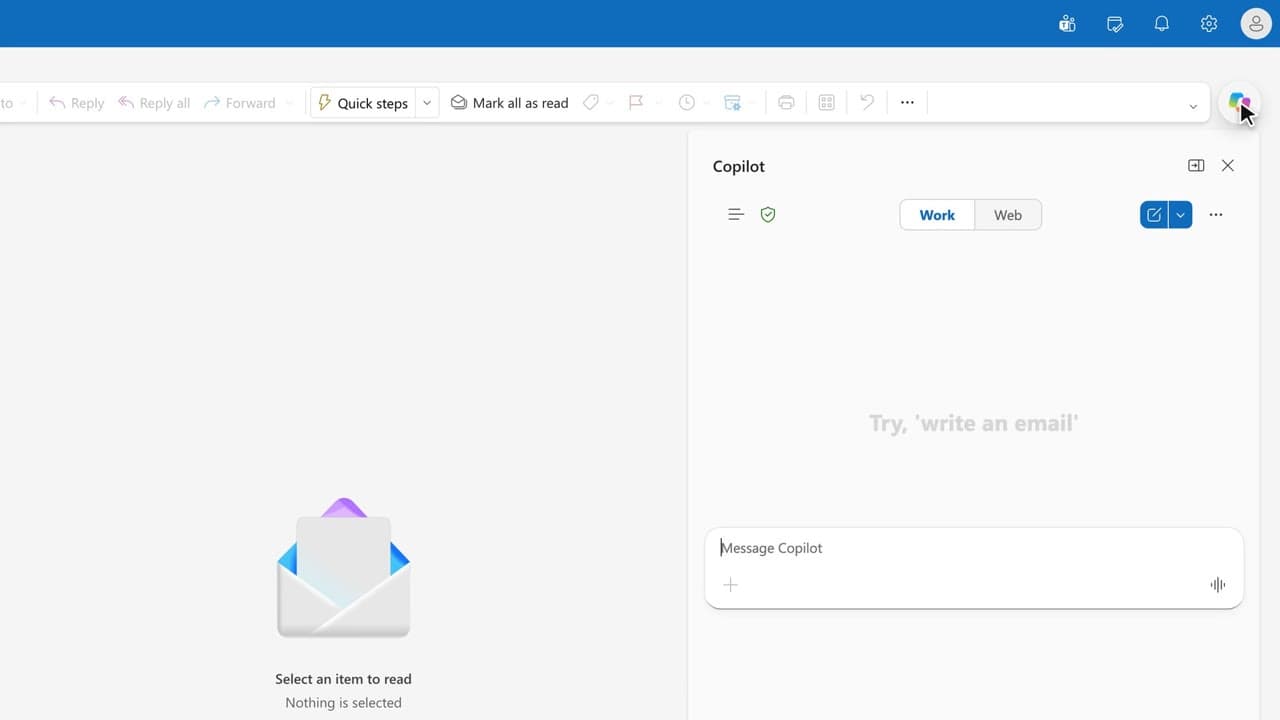
In one page, you prepare what your boss needs to know on arrival: meetings, pending decisions, watch-outs.
Newsletter
One skill a week, straight to your inbox. The easiest way to keep learning without thinking about it.
Your data stays in the EU. Never sold.