 190:25
OutlookBeginner
Confidentiality: what Copilot can and cannot see
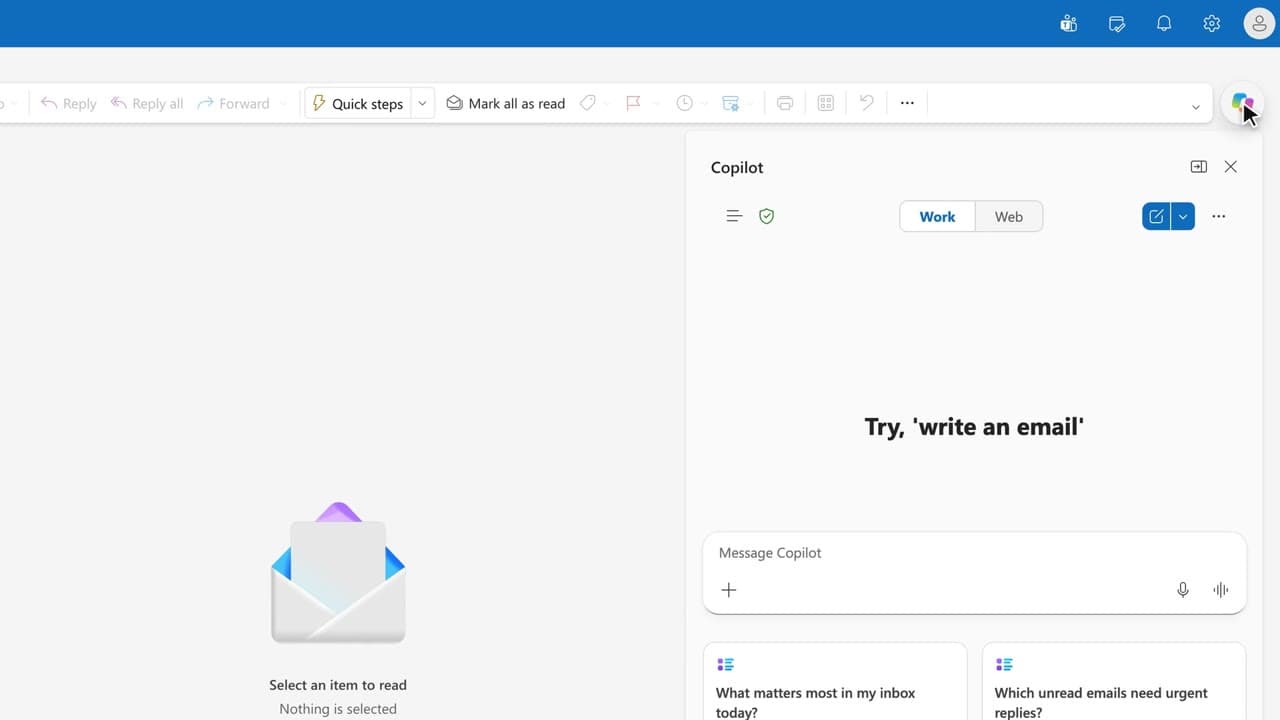
You know exactly what Copilot can read in your data, and what it refuses, before you paste anything sensitive.
Catalogue · PA for EXEC — a typical week for the executive assistant
You summarize the article you are reading without leaving the tab, and you check the source before quoting it.
Space: play · ← →: 5 seconds · M: sound · F: full screen
The exact sequence, in order.
Open the web page in Edge and click the Copilot icon in the sidebar.
Allow Copilot to use the browser content when the prompt appears.
Ask for a summary, then open the citation to re-read the passage in the page.
Close the tab before you share the page: the sidebar only reads the open tab.
Word for word, exactly as shown in the video.
Summarize this page in 5 points, then give the exact quotes of the important passages.
The habit to keep
The sidebar reads one tab: switch tabs, and it switches pages.
Worth knowing
What the video does not hide from you.
The sidebar only sees the open tab and what you allow it to read: not your other tabs, not your mailbox, not a page behind a sign-in the Edge profile does not carry. And Copilot does not click for you: it answers, you act. This capsule exists in French only: the English version has not been shot.
You might also like
190:25You know exactly what Copilot can read in your data, and what it refuses, before you paste anything sensitive.
 200:49
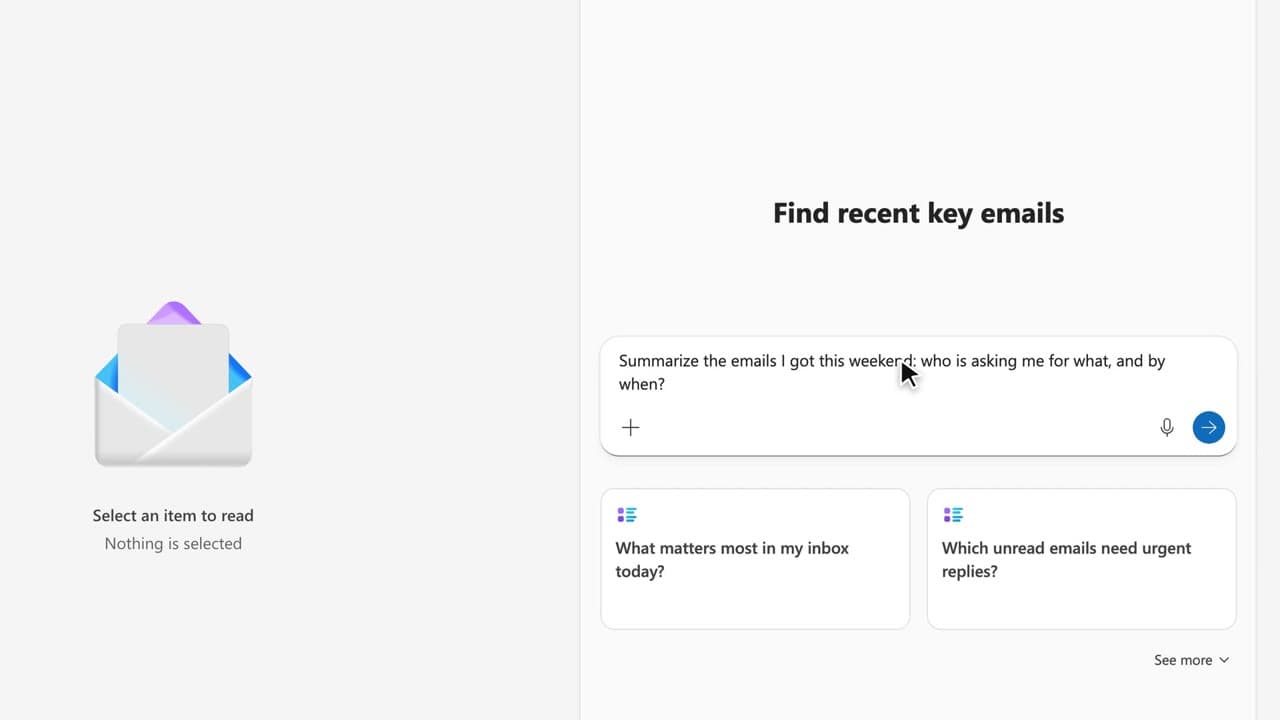
You leave with ten reusable prompts, sorted by moment of the week, that you paste into your own working file.
 210:34FR
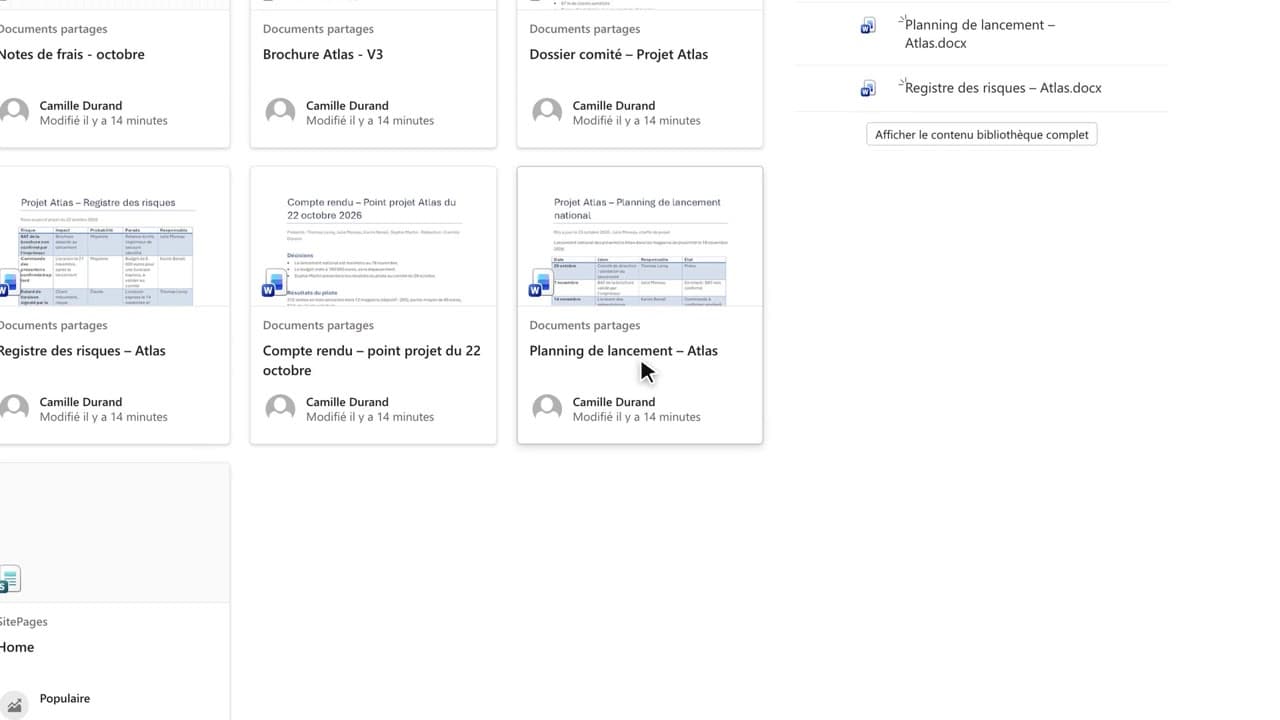
You query the team documents published on the SharePoint site, and you get back to the original document behind every citation.
Newsletter
One skill a week, straight to your inbox. The easiest way to keep learning without thinking about it.
Your data stays in the EU. Never sold.