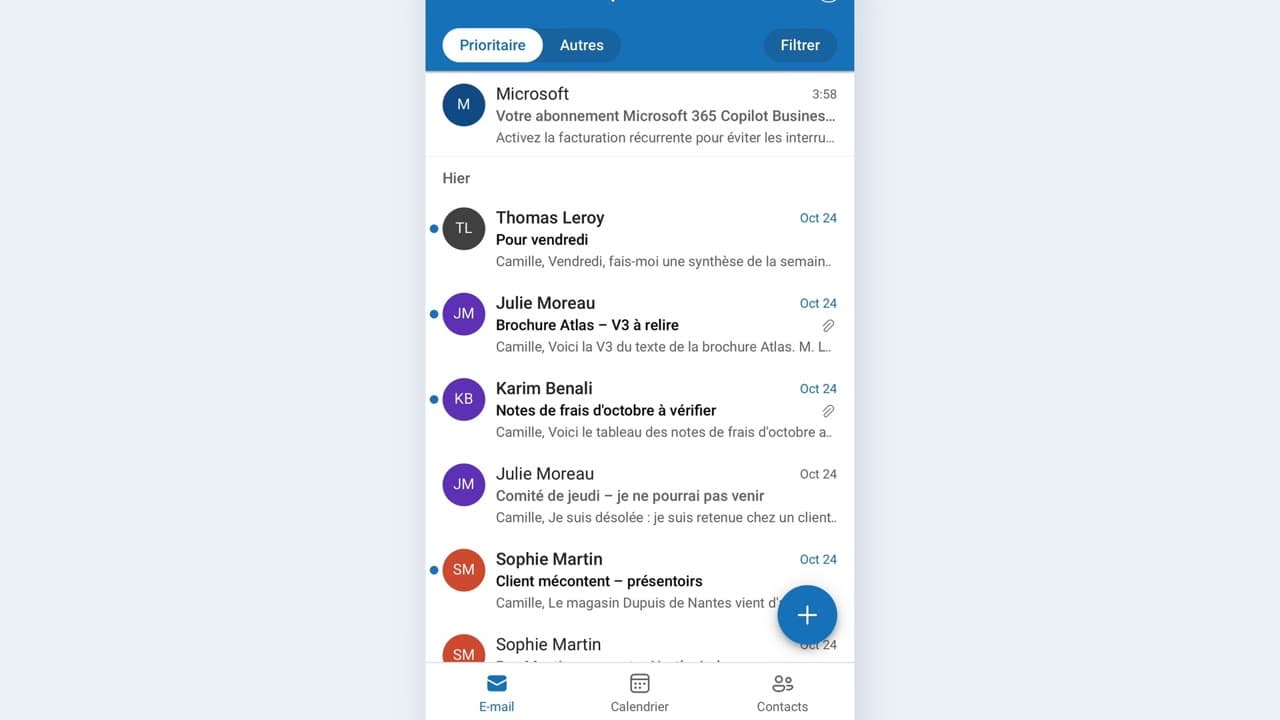
 010:22FR
OutlookBeginner
Summarize a long email between two meetings
You come out of a thirty-line email with the request and the deadline in three points.
Catalogue · Copilot on the move
You create a complete meeting — title, day, time, place — from your phone in about twenty seconds.
Space: play · ← →: 5 seconds · M: sound · F: full screen
The exact sequence, in order.
Open the mobile calendar and click the create button.
Type a title you will recognize in six months: the subject, not “meeting”.
Pick the day and the time, then the place or the room.
Add the required attendee, check the notification, then save.
Word for word, exactly as shown in the video.
Create a meeting called “Atlas budget review” on Thursday from 10 a.m. to 11 a.m. in the Atlas room, and let Thomas know.
The habit to keep
A vague meeting title loses you, a meeting does not: name the subject.
Worth knowing
What the video does not hide from you.
On mobile the displayed time zone follows the phone’s: check the time once saved if you are travelling.
You might also like
010:22FRYou come out of a thirty-line email with the request and the deadline in three points.
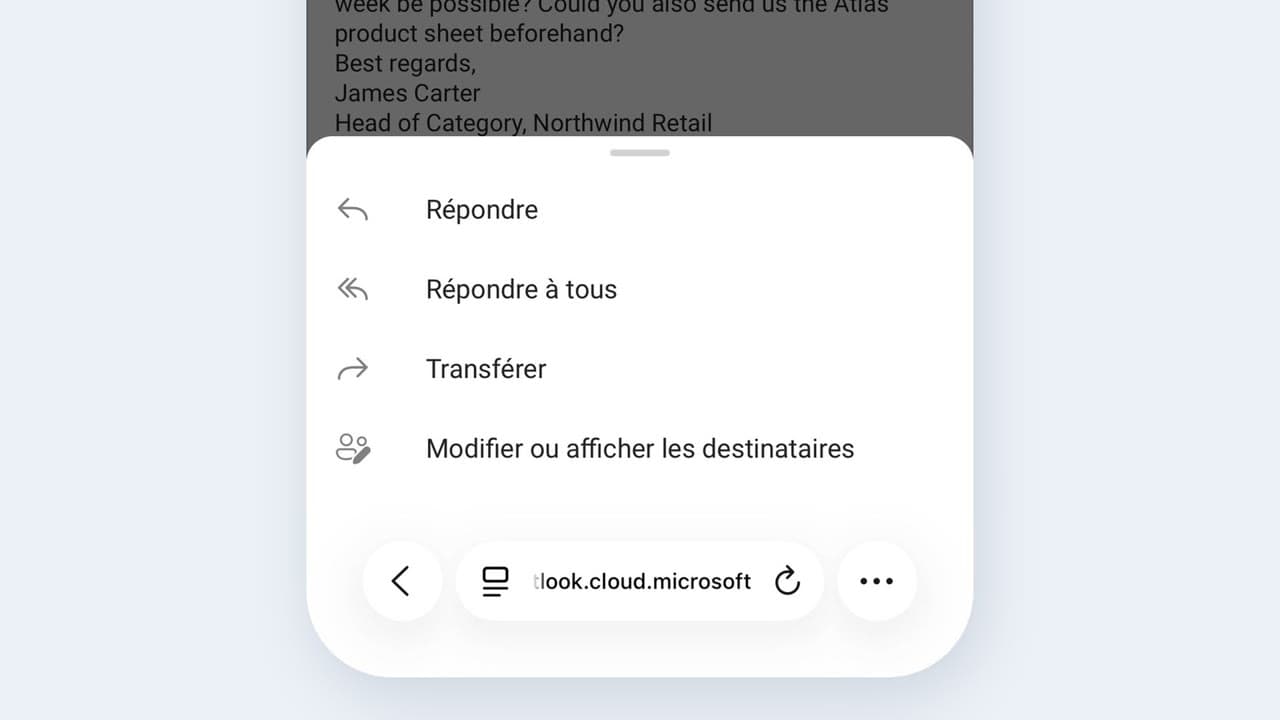 020:25FR
You send a complete, correct reply by reviewing a draft, instead of starting from a blank page.
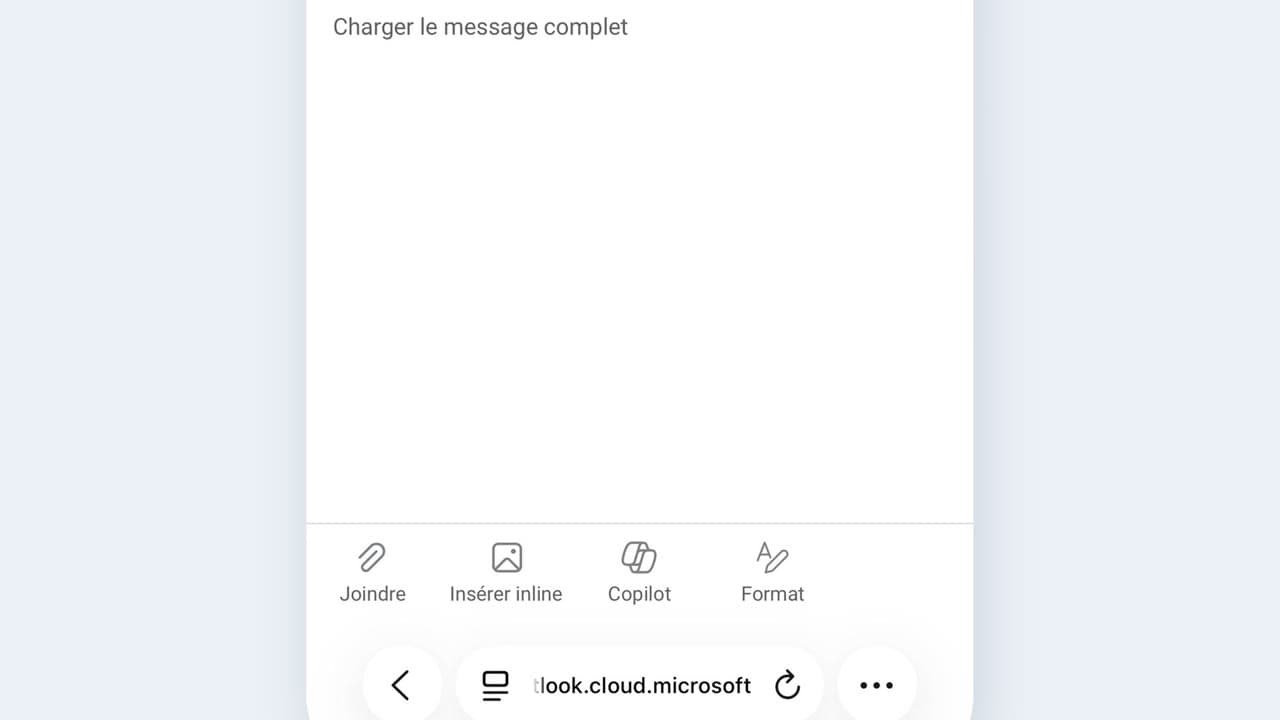 030:25FR
You check the recipient, the date and any commitments before every send, and you catch the most expensive mistake.
Newsletter
One skill a week, straight to your inbox. The easiest way to keep learning without thinking about it.
Your data stays in the EU. Never sold.