 060:24
Copilot ChatAdvanced
Copilot in Outlook: prepare a leadership committee briefing
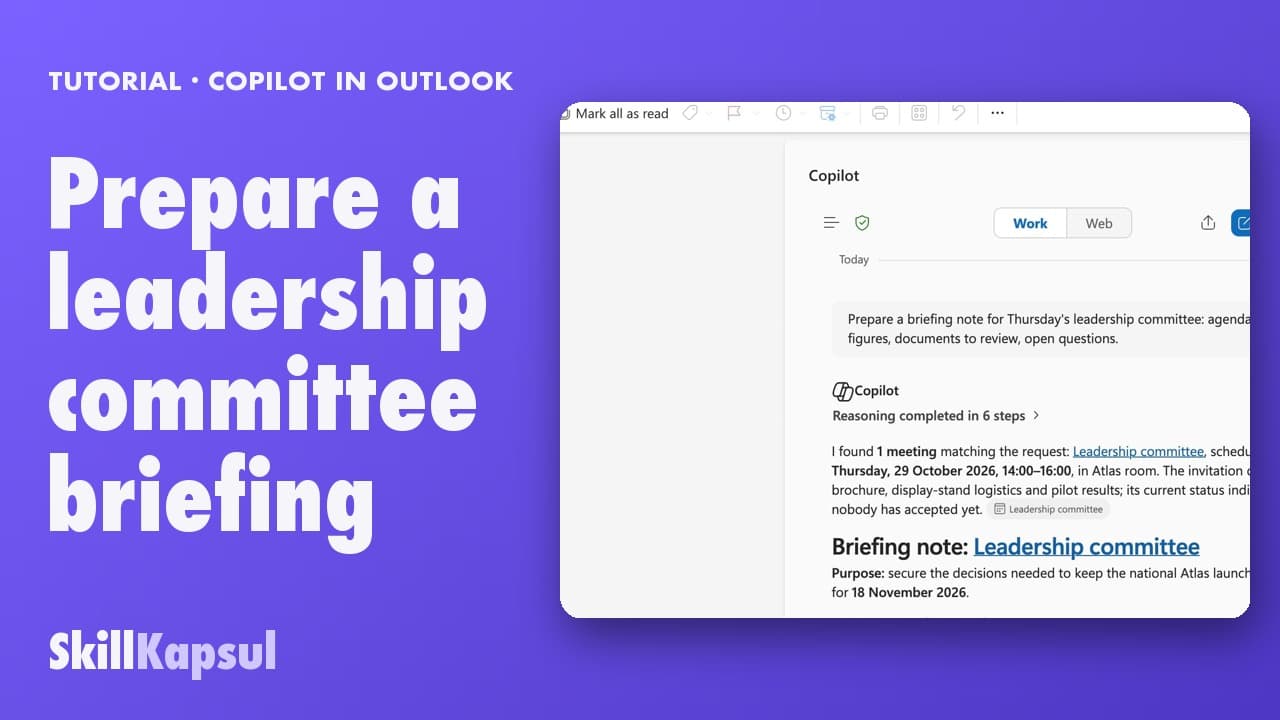
You arrive at the meeting with a structured note: agenda, key figures, documents to review, open questions.
Catalogue · Cybersecurity habits at work
You know where your AI chats go, where to manage the history, and what never to paste in.
Space: play · ← →: 5 seconds · M: sound · F: full screen
The exact sequence, in order.
With a work account, Copilot Chat applies enterprise data protection.
History is managed in myaccount.microsoft.com, Privacy tab.
Copilot activity history: the Delete history button is there.
Every AI has its own rules: where the data lives, and the setting to opt out of training.
Word for word, exactly as shown in the video.
Give me three title ideas for the Atlas project launch brochure.
The habit to keep
Never paste passwords, bank details, health data, customer or colleague data, or confidential documents into a consumer AI.
You might also like
060:24You arrive at the meeting with a structured note: agenda, key figures, documents to review, open questions.
 020:18
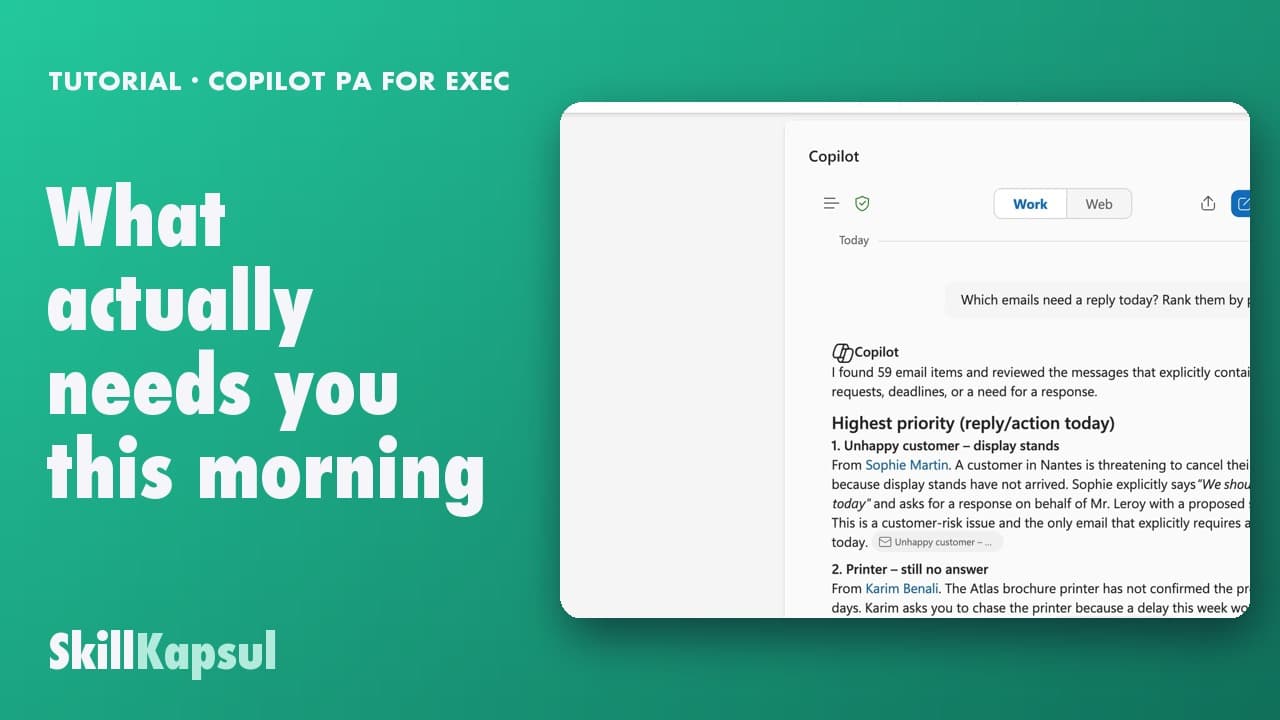
One question gives you the list of what matters today, sorted by deadline.
 030:18
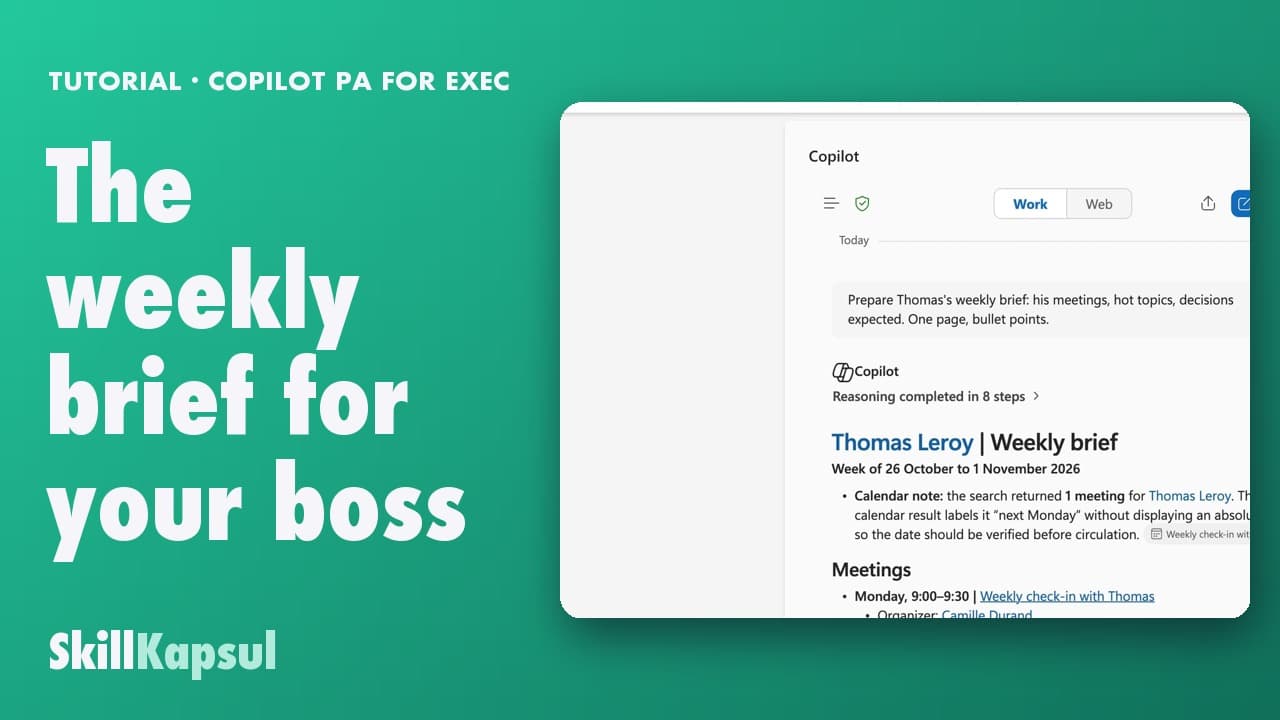
In one page, you prepare what your boss needs to know on arrival: meetings, pending decisions, watch-outs.
Newsletter
One skill a week, straight to your inbox. The easiest way to keep learning without thinking about it.
Your data stays in the EU. Never sold.