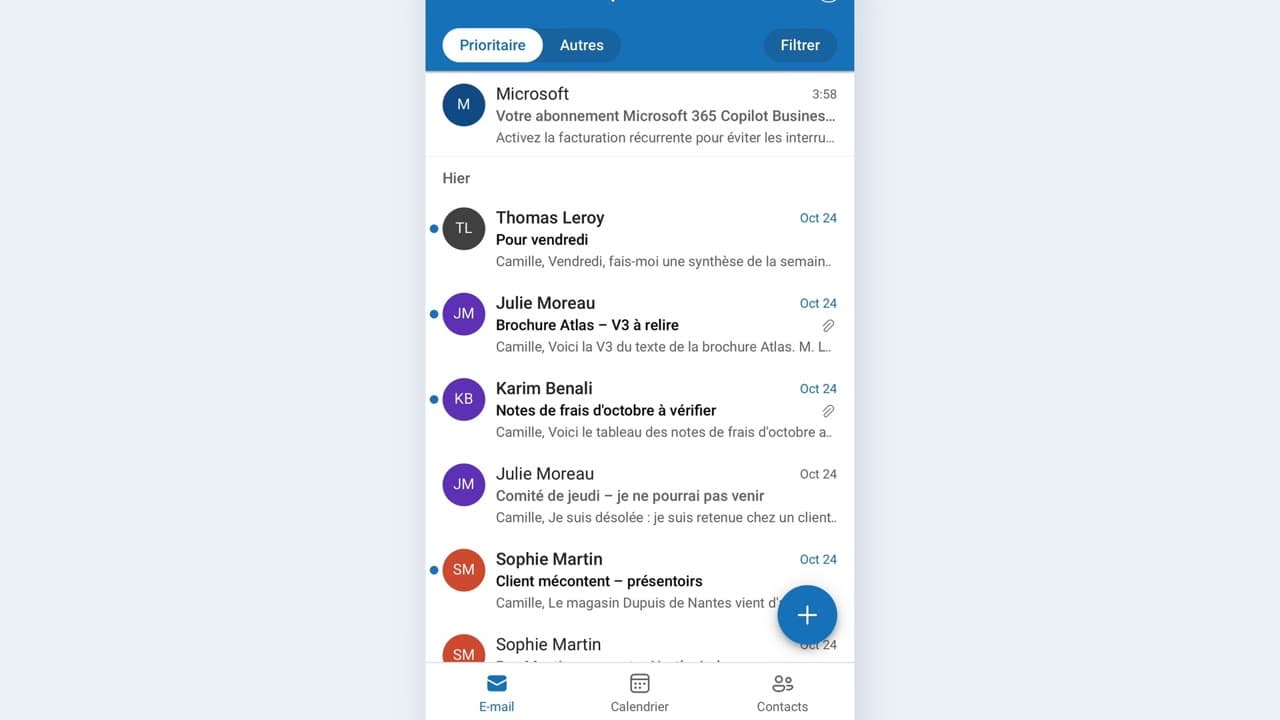
 010:22FR
OutlookBeginner
Summarize a long email between two meetings
You come out of a thirty-line email with the request and the deadline in three points.
Catalogue · Copilot on the move
You set the reminder that leaves you just enough time to prepare the room, the documents and the welcome.
Space: play · ← →: 5 seconds · M: sound · F: full screen
The exact sequence, in order.
Open the important meeting and click the reminder bell.
Choose “1 hour before” rather than a fixed time.
Add a shorter reminder, 15 minutes before, to head to the room.
Check the reminder actually shows on your phone that day.
Word for word, exactly as shown in the video.
Set a reminder one hour before my next important meeting, and another one 15 minutes before.
The habit to keep
A reminder set on the start time never arrives in time: shift it back by an hour.
Worth knowing
What the video does not hide from you.
A reminder prepares nothing: it warns you when it is already too late to act. Set it an hour ahead, not ten minutes.
You might also like
010:22FRYou come out of a thirty-line email with the request and the deadline in three points.
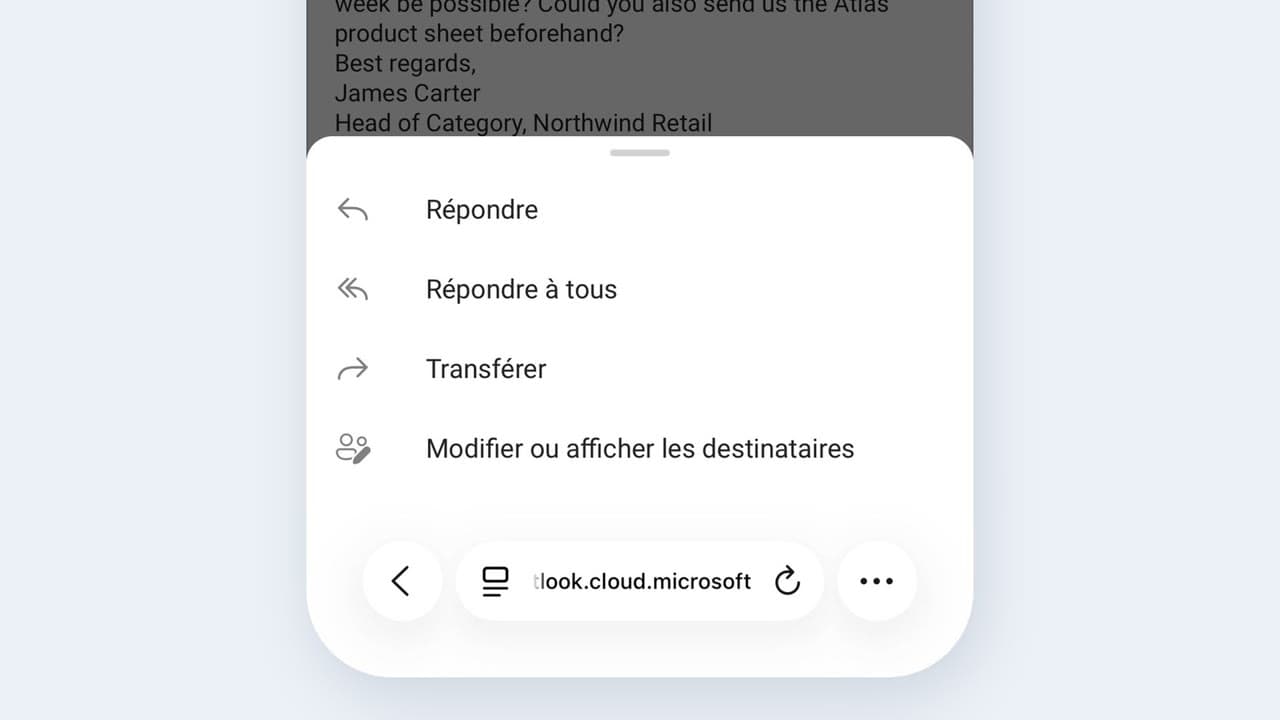 020:25FR
You send a complete, correct reply by reviewing a draft, instead of starting from a blank page.
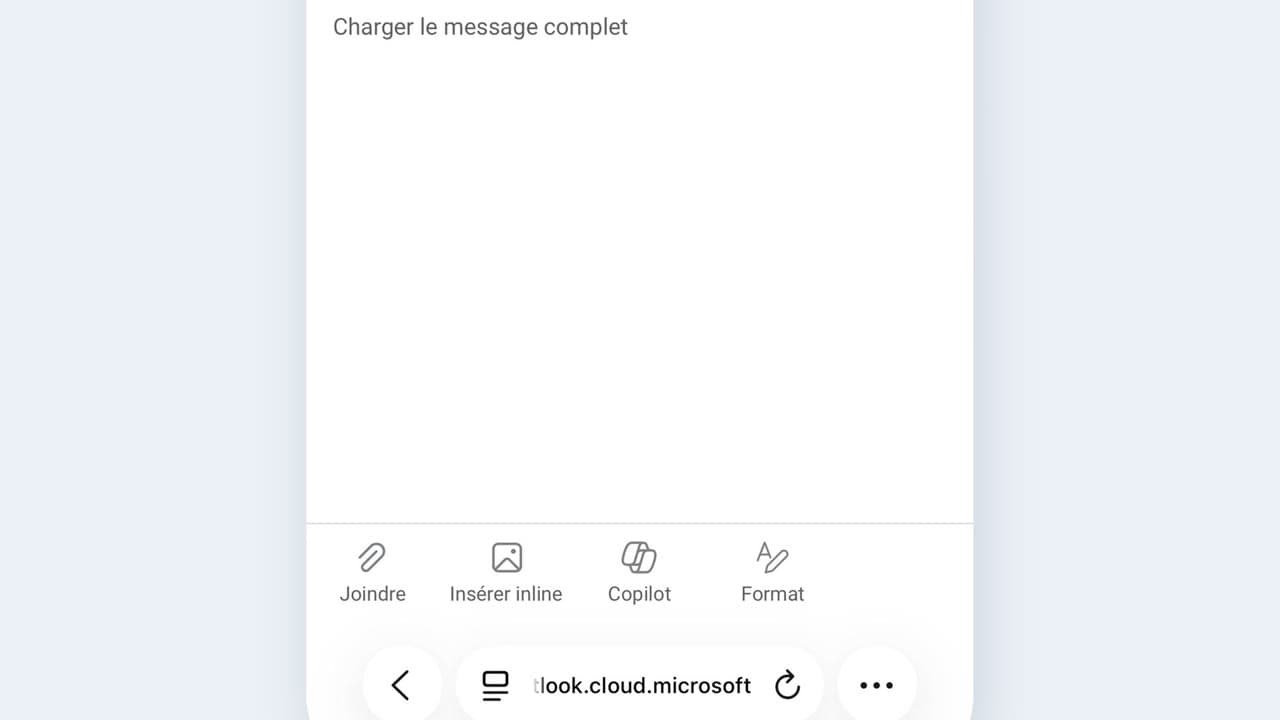 030:25FR
You check the recipient, the date and any commitments before every send, and you catch the most expensive mistake.
Newsletter
One skill a week, straight to your inbox. The easiest way to keep learning without thinking about it.
Your data stays in the EU. Never sold.