 010:22FR
OutlookBeginner
Summarize a long email between two meetings
You come out of a thirty-line email with the request and the deadline in three points.
Catalogue · Copilot on the move
You chase a supplier between two meetings, with a short message that says what you expect and by when.
Space: play · ← →: 5 seconds · M: sound · F: full screen
The exact sequence, in order.
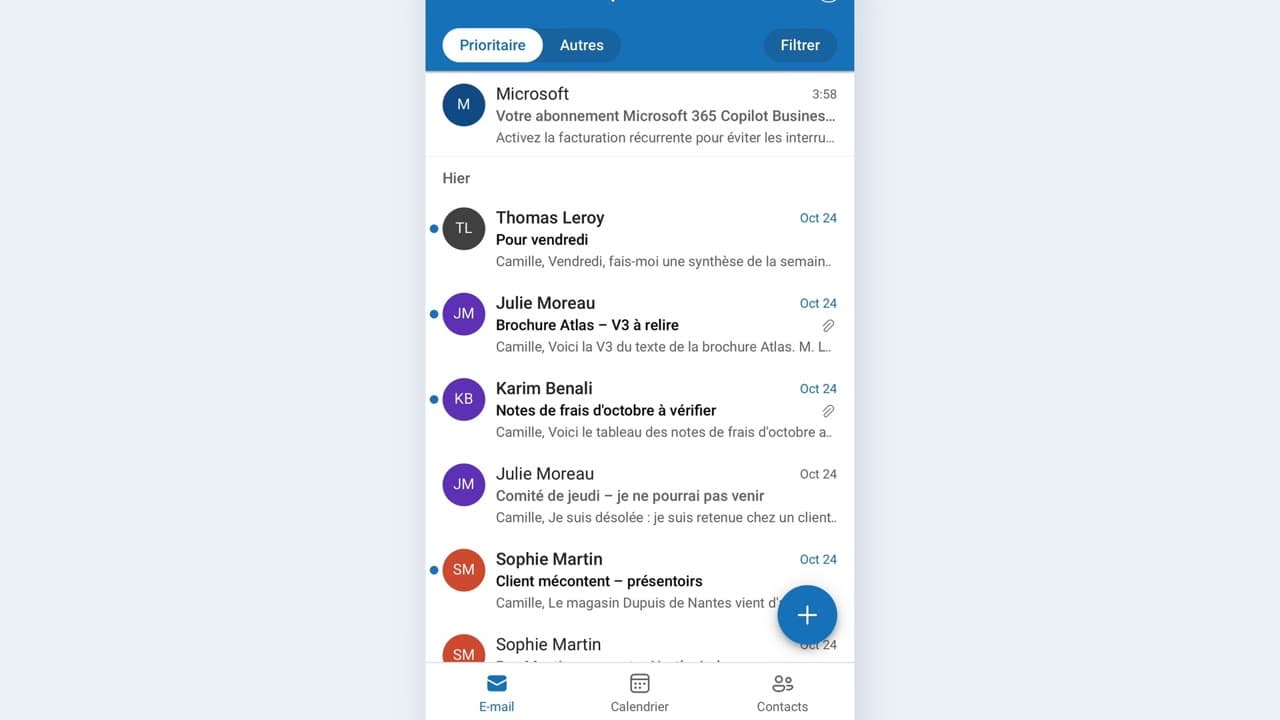
Find the supplier’s conversation in Outlook on your phone.
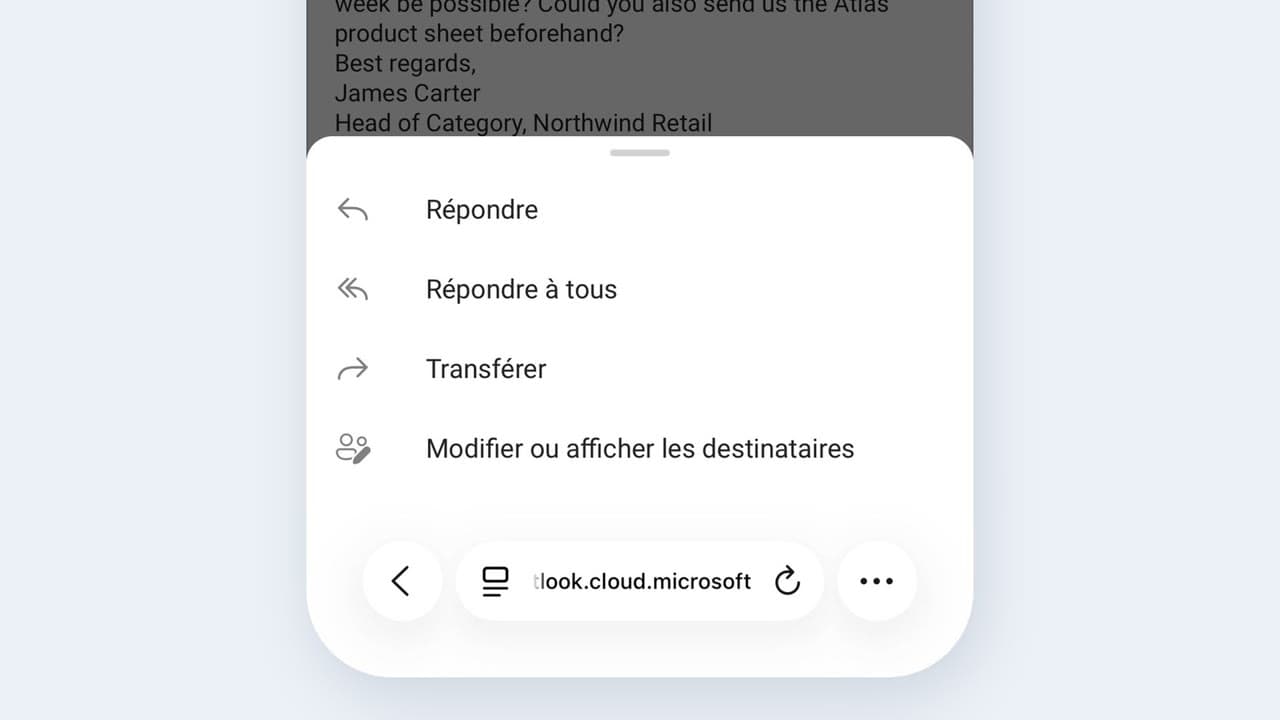
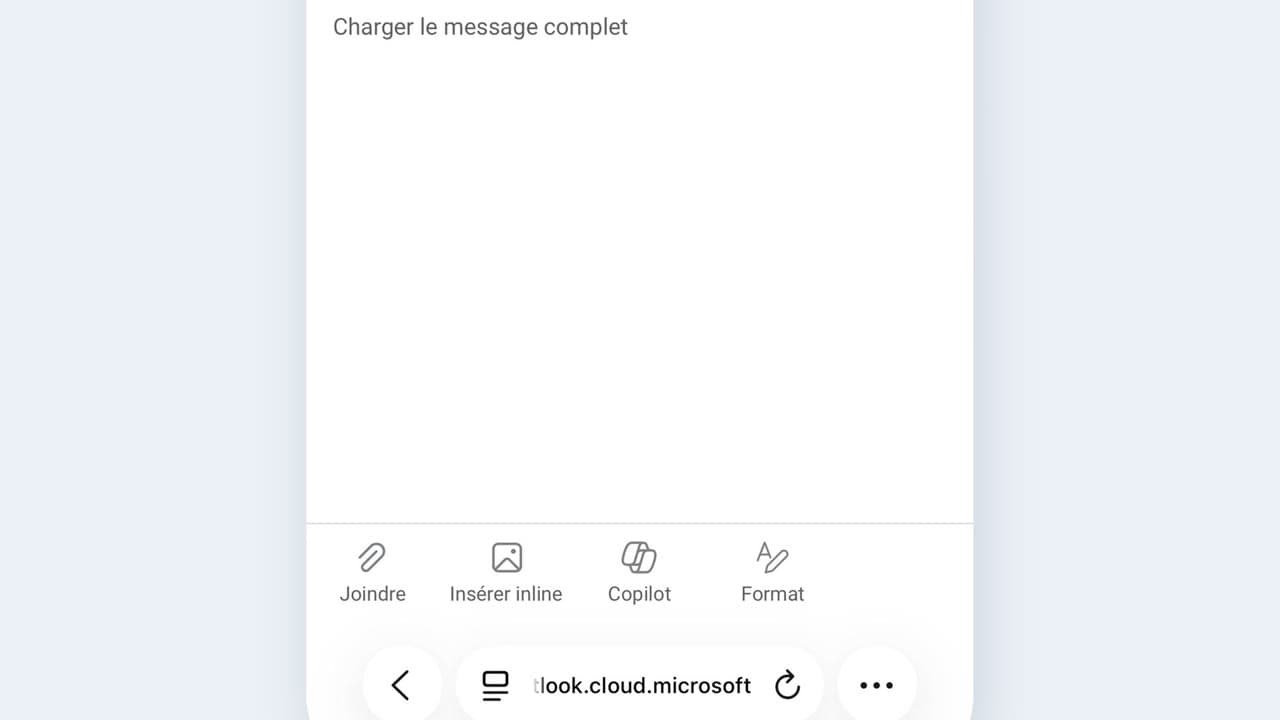
Click the Copilot icon and ask for a new message, not a reply.
Give the deadline you want and the tone you expect.
Read it over, then send it yourself.
Word for word, exactly as shown in the video.
Draft a polite follow-up to the supplier: no confirmation for ten days, I need a firm date, cordial tone, no reproach.
The habit to keep
On mobile, a chase stays short: three lines are enough, the date matters more than the wording.
Worth knowing
What the video does not hide from you.
On a phone the conversation history is truncated: if the last agreement is not visible, do not start from a draft that ignores it.
You might also like
010:22FRYou come out of a thirty-line email with the request and the deadline in three points.
 020:25FR
You send a complete, correct reply by reviewing a draft, instead of starting from a blank page.
 030:25FR
You check the recipient, the date and any commitments before every send, and you catch the most expensive mistake.
Newsletter
One skill a week, straight to your inbox. The easiest way to keep learning without thinking about it.
Your data stays in the EU. Never sold.