 010:42
OutlookBeginner
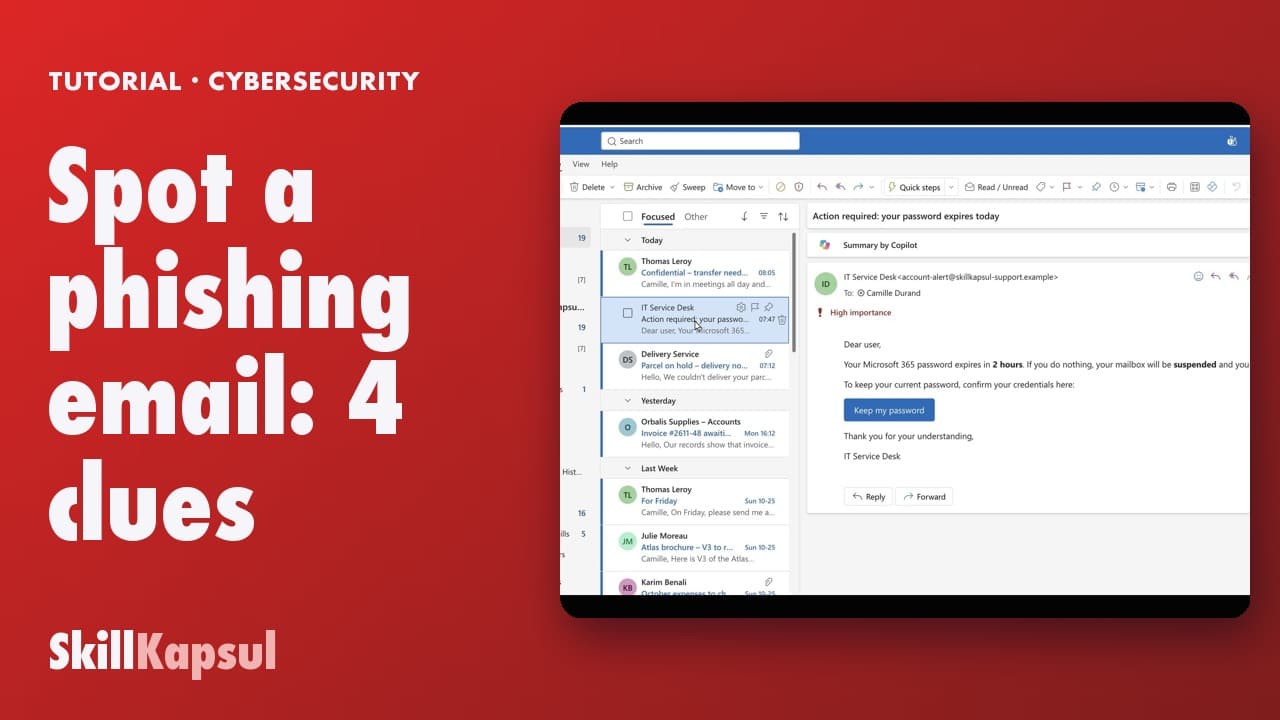
Spot a phishing email: 4 clues
You recognize a phishing email by four clues, before you click anything.
Catalogue · Cybersecurity habits at work
You spot a trap attachment by its real extension, and report it without opening it.
Space: play · ← →: 5 seconds · M: sound · F: full screen
The exact sequence, in order.
Were you expecting a parcel from this carrier? No: first warning sign.
Look at the end of the file name: .pdf, then .html.
It isn’t a PDF: don’t open it, don’t download it.
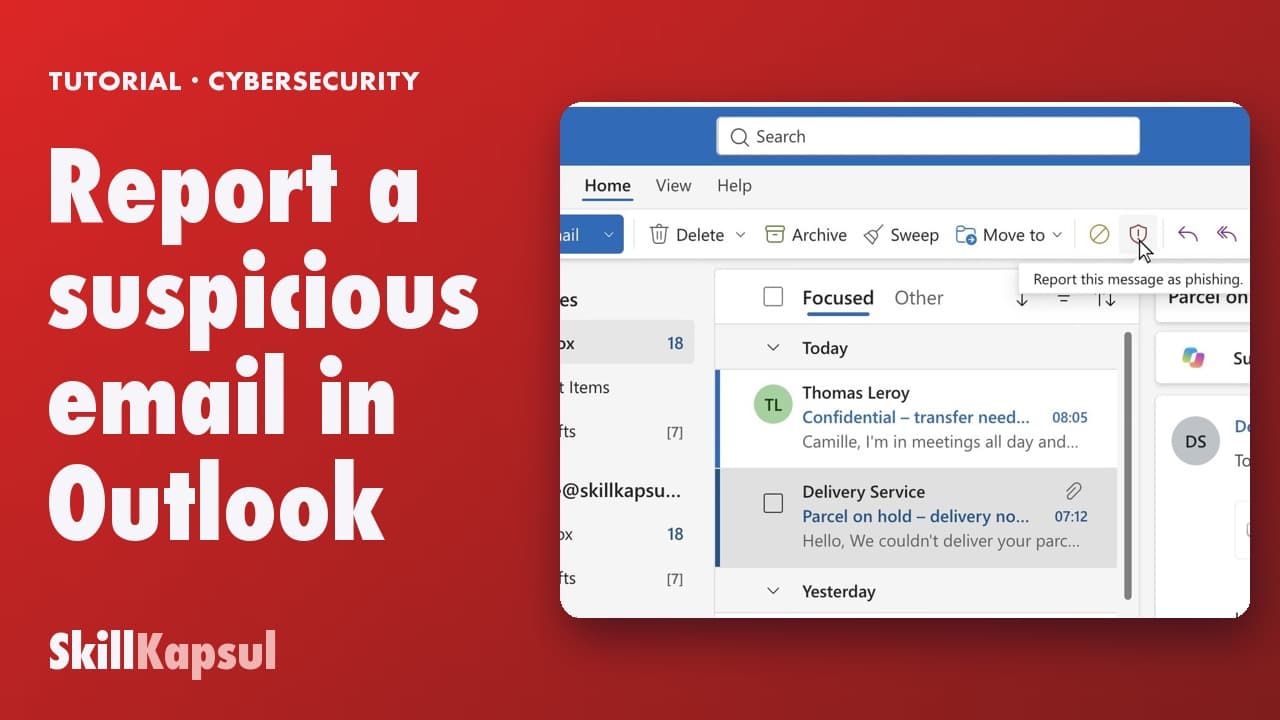
Report the message as phishing.
The habit to keep
No order expected, no opening: check on the seller’s website yourself.
You might also like
010:42You recognize a phishing email by four clues, before you click anything.
 020:28
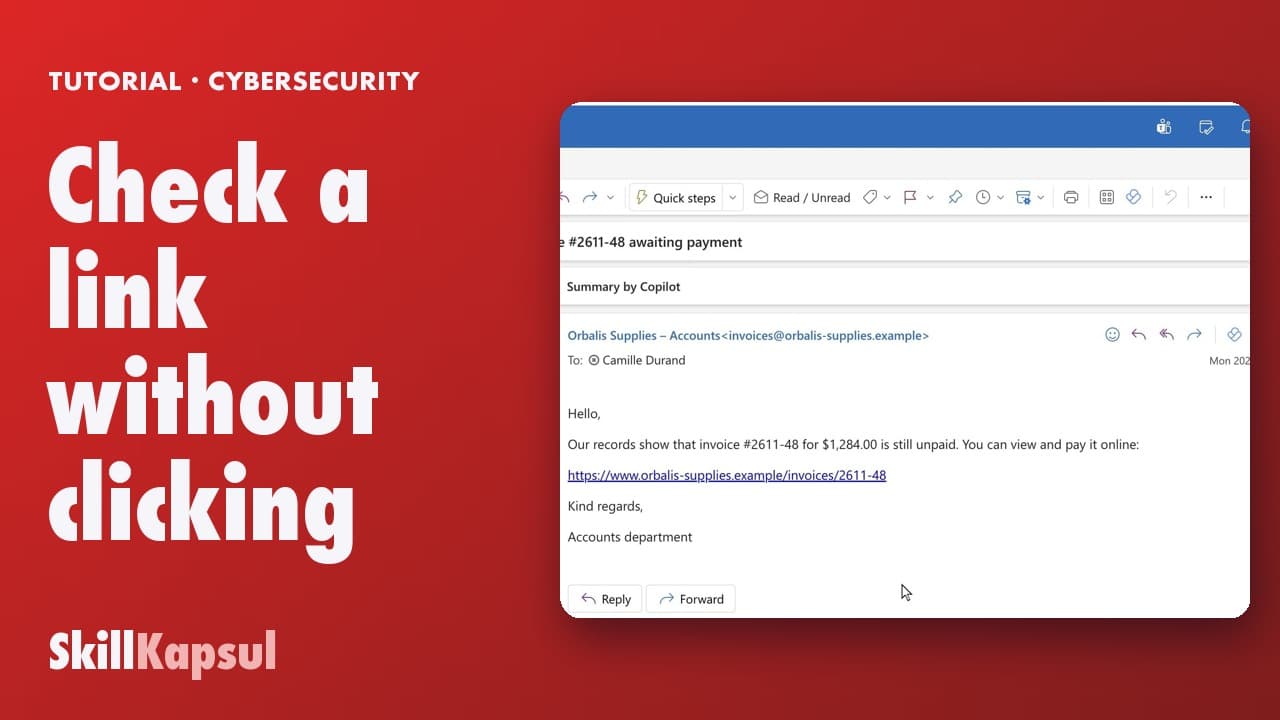
You read a link’s real address before clicking, and spot the fake domain.
 030:31
You report phishing in three clicks: the message goes away and your colleagues are protected.
Newsletter
One skill a week, straight to your inbox. The easiest way to keep learning without thinking about it.
Your data stays in the EU. Never sold.