 010:42
OutlookBeginner
Spot a phishing email: 4 clues
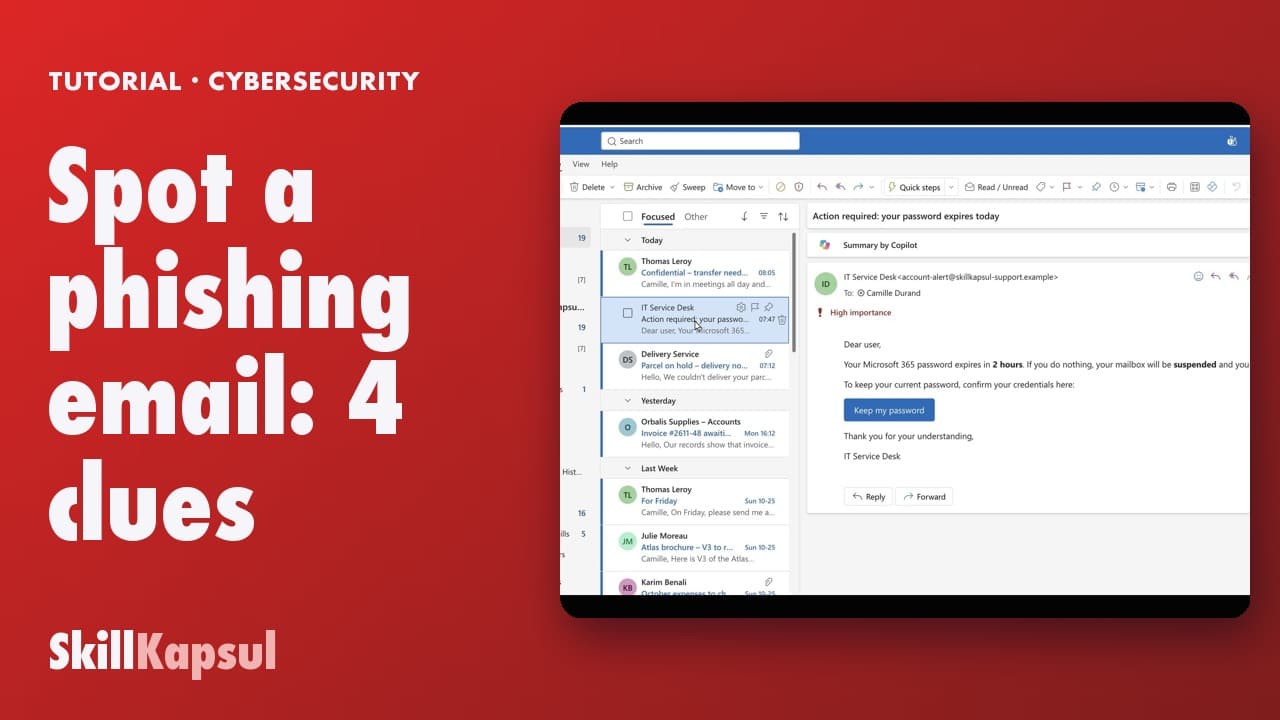
You recognize a phishing email by four clues, before you click anything.
Catalogue · Cybersecurity habits at work
You report phishing in three clicks: the message goes away and your colleagues are protected.
Space: play · ← →: 5 seconds · M: sound · F: full screen
The exact sequence, in order.
Select the suspicious message, without deleting it.
Home tab, Report button.
Pick Report phishing, then confirm.
The message leaves your inbox.
The habit to keep
Plain marketing spam: Report junk. A trap: Report phishing.
You might also like
010:42You recognize a phishing email by four clues, before you click anything.
 020:28
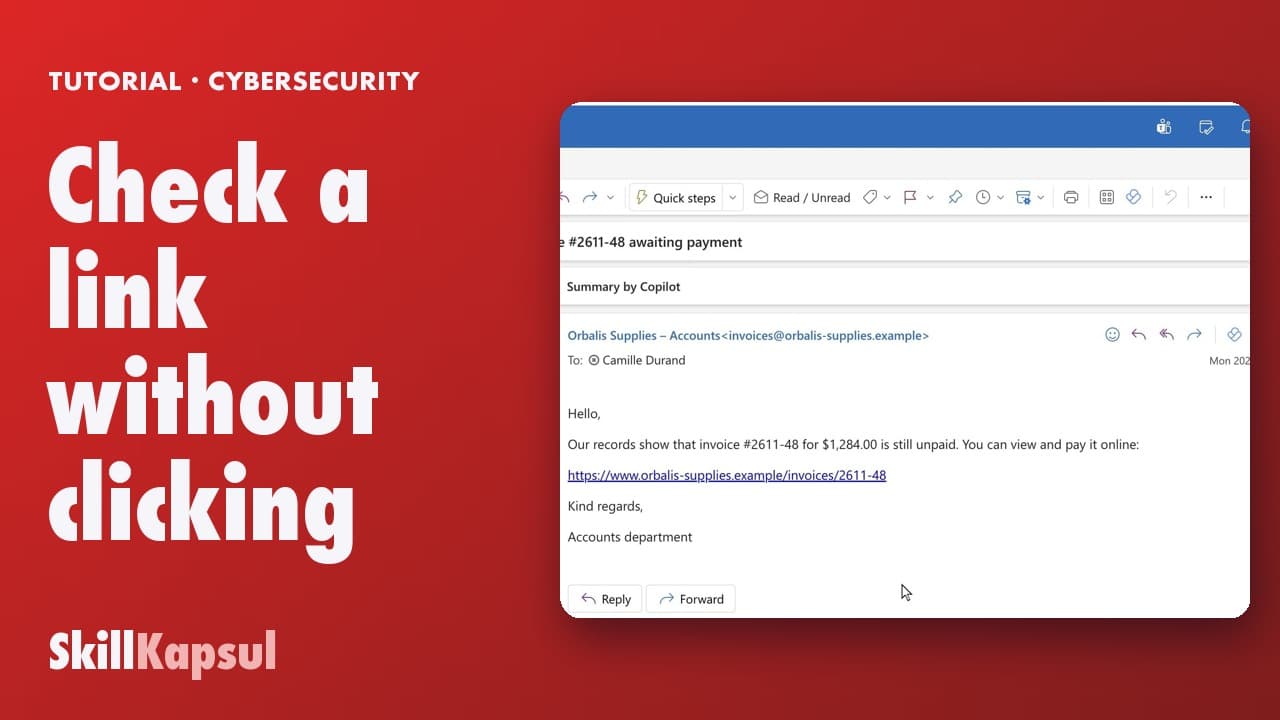
You read a link’s real address before clicking, and spot the fake domain.
 040:35
You beat the fake boss scam: compare the address, then check another way.
Newsletter
One skill a week, straight to your inbox. The easiest way to keep learning without thinking about it.
Your data stays in the EU. Never sold.