 090:31
OneDriveIntermediate
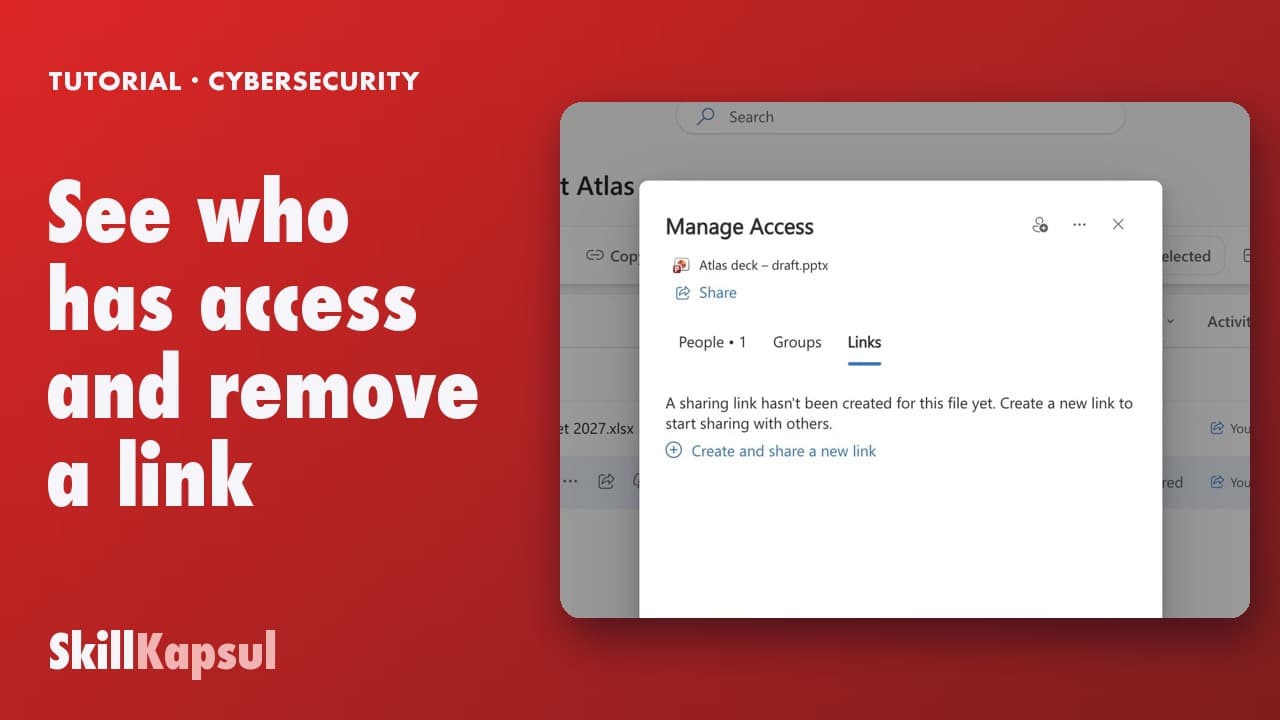
See who has access and remove a link
You see who still has access to a file and remove the link you no longer need.
Catalogue · Cybersecurity habits at work
You share a OneDrive file with one person only, view-only and with an end date.
Space: play · ← →: 5 seconds · M: sound · F: full screen
The exact sequence, in order.
Share, then Link settings: avoid Anyone.
Pick People you choose.
Role Can view, and an expiration date.
Apply, add the person’s name, then Copy link.
The habit to keep
Anyone means anyone with the link, even outside the company.
You might also like
090:31You see who still has access to a file and remove the link you no longer need.
 010:42
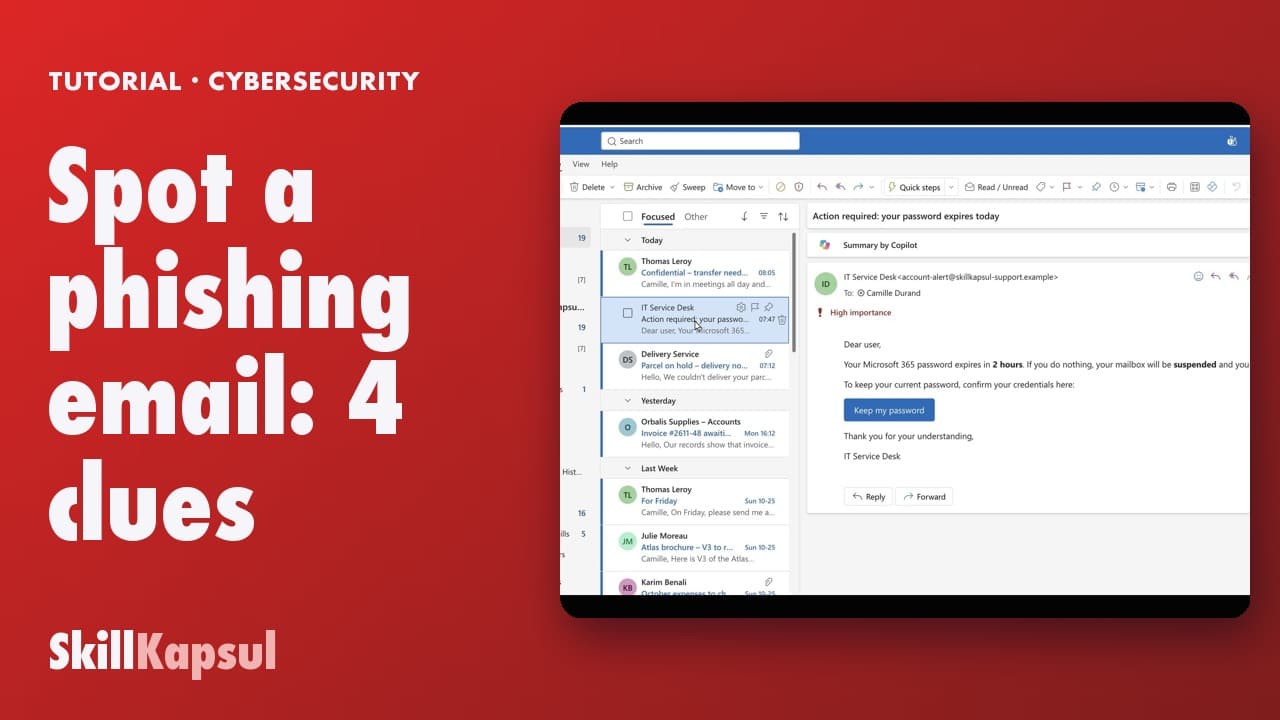
You recognize a phishing email by four clues, before you click anything.
 020:28
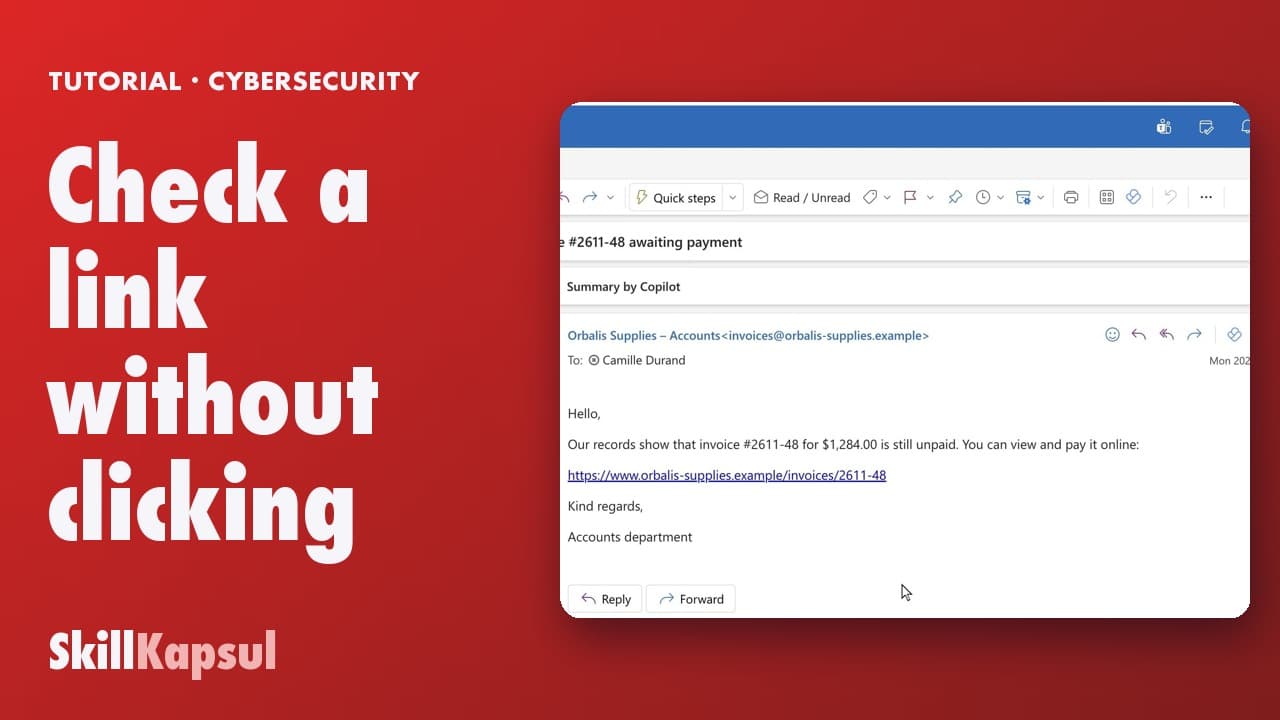
You read a link’s real address before clicking, and spot the fake domain.
Newsletter
One skill a week, straight to your inbox. The easiest way to keep learning without thinking about it.
Your data stays in the EU. Never sold.